
For people who need to make content
You need reels. You don't have time to film. We solve that.
The problem: content works, but camera + editor + consistency is a second job. The fix: type five lines → your laptop renders a 9:16 reel with your cloned voice and captions — ready to post. No camera. No CapCut. ₹0 per video. Scale with the Video Factory when one reel isn't enough.
Guides for Mac and Windows
Full setup in the PDF and library — pick your OS and follow the path.
Why you're stuck → how this fixes it
Drafts · 0
last post · 12 days ago
Should post. Don't.
Type → reel
HeyGen / Pro
$89
/ month · forever
→ laptop · ₹0 / video
Camera or $89/mo
Laptop · ₹0
200+ / day · walk away
Can't keep up
Factory queue
Five lines in → reel out
- I make these videos on my laptop for zero dollars.
- My laptop renders the video and clones my voice — offline.
- I type five lines. Voice, captions, render — in ~20 seconds.
- No HeyGen. No subscriptions. Nothing uploaded to the cloud.
- Comment LINK and I'll send you the full guide.
That voice is cloned and rendered on the laptop — turn the sound on.
The dream this unlocks
Imagine your AI researches the keywords — then ships hundreds of videos.
Not one reel when you feel motivated. A machine: Ahrefs demand → angles → queue → 9:16 for Shorts/Reels and 16:9 for YouTube — same idea, both formats, while you sleep.
Vertical
Reels · Shorts · TikTok
Horizontal
YouTube · LinkedIn · ads
01
AI researches
You point Claude at Ahrefs / keywords. Real search demand — not “what should I post?” vibes.
02
Hundreds of angles
Each keyword → vertical + horizontal job in the factory. One idea becomes two assets.
03
You forget it
Queue fills. Renders finish. ready-to-post/ stocks up. You open the folder and schedule.
That's not a content calendar. That's a content plant — and the factory is the floor.
The Video Factory · ₹699 tier
Without a factory, you lose the plot.
Ten ideas in chat, half finished folders, no idea what's rendering — you stop shipping. The factory is one queue you can trust: give it work, walk away, come back to done. That's how you churn content without babysitting every file.
Setup guide covers Mac and Windows — start steps in the library after you buy.
I tell Claude (Chrome) to pull keywords in Ahrefs — real search demand, not vibes.
Claude turns that into video angles and drops each one into the factory as Building.
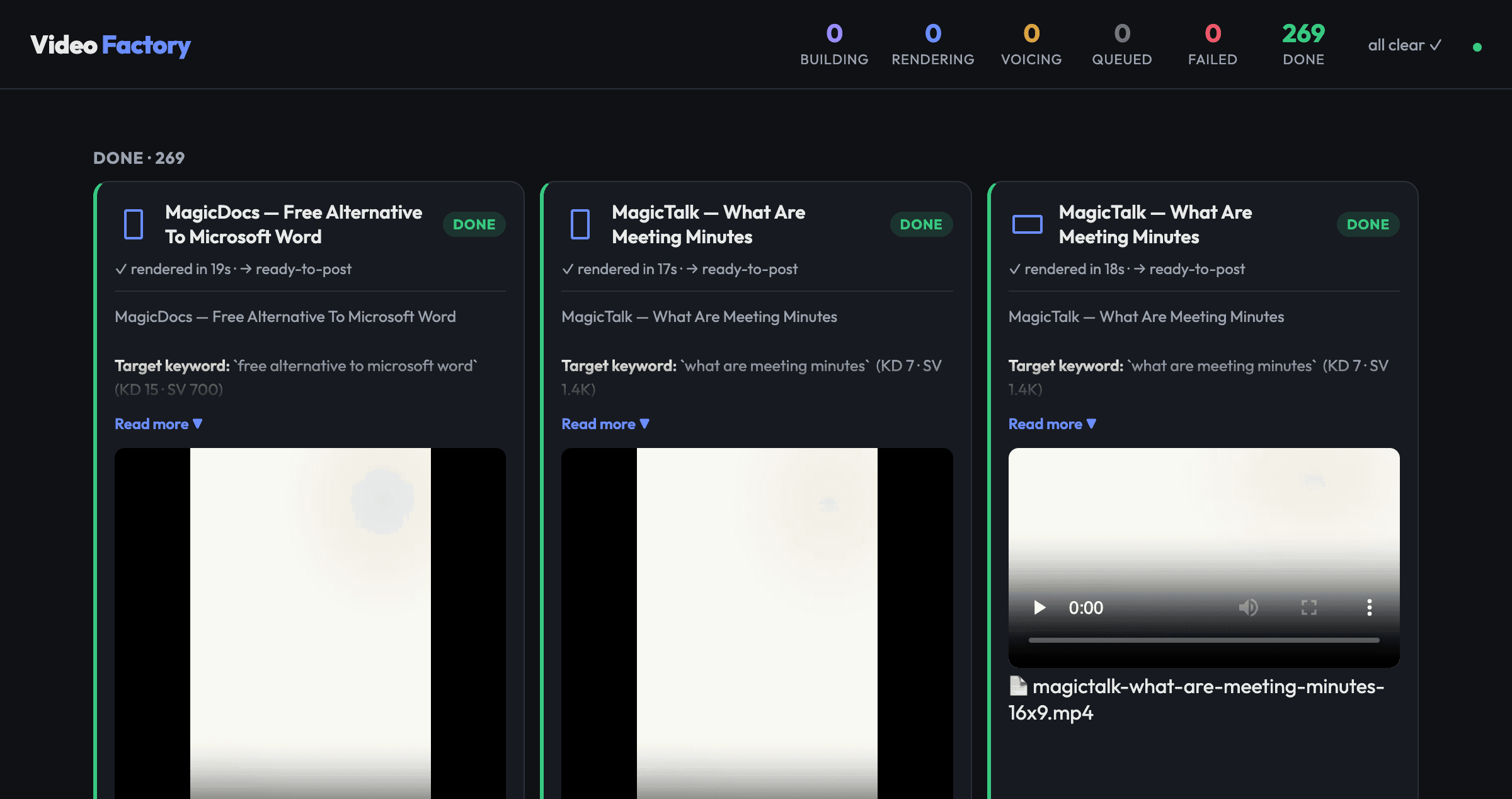
Queue voices + renders 3 at a time. Dashboard shows Done. I go do other work.
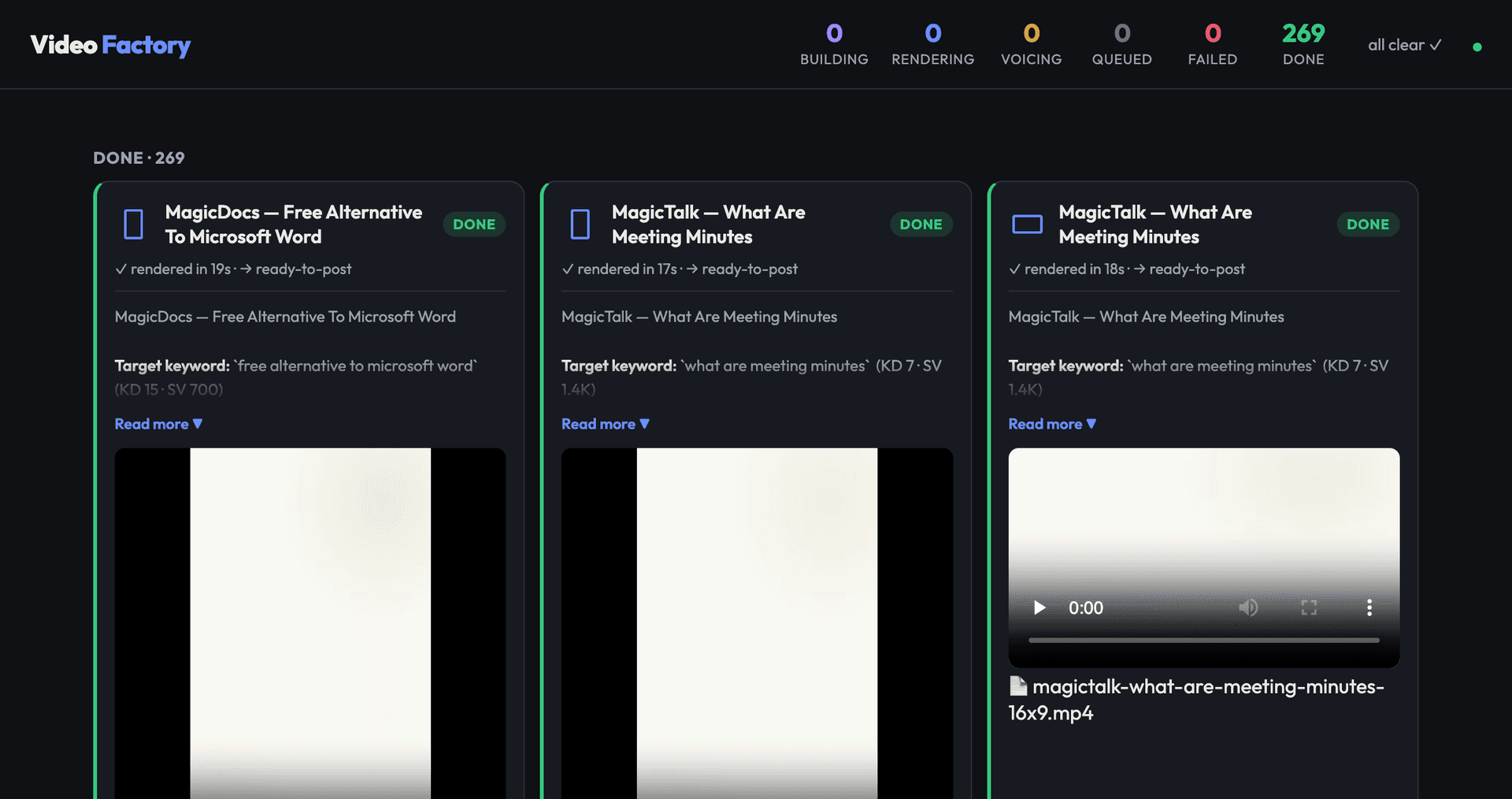
MP4s land in ready-to-post. Same loop that filled this board — 269 finished.
The real dashboard — not a mock
localhost:4300 · same system you get in the library with Book + Factory
Sample of videos made with this method
Real 9:16 factory renders — product angles after keyword research. Tap any one — sound on, that voice is the cloned one. Same class of jobs as the 269 on the board above.
BuildCheap · app builder
CueEdit · captions
MagicDocs · legal docs
MagicSheets · formulas
MagicSlides · charts
MagicTalk · notes
SheetAI · ABS
BuildCheap · websites
CueEdit · music
MagicDocs vs Docs
MagicSheets · create
MagicSlides · pitch
MagicTalk · minutes
SheetAI · spreadsheet
BuildCheap vs Bolt
CueEdit · subtitles
MagicDocs alternative
MagicSheets vs Excel
MagicSlides · quiz
MagicTalk · in-person
Them every month. You once.
HeyGen
$29–99/mo
credits · cloud
Synthesia
$29–89/mo
minutes cap
InVideo
$25–85/mo
watermarks
This
₹199–699
once · yours
Typical public list prices · your files stay on your machine
Same pipeline. Live channels.
Only the clips called out below were made with this stack — not every video on the channel.


Buyer reviews · sound on
Real buyers. Their own machines. Their own videos.
On camera
“Each video would take twenty-five to thirty minutes. I am now able to create so many videos by only typing a one-line prompt.”
Screen recording
“I purchased it today and today itself I completed the course. Not a single Claude token was utilised.”
Live setup call
“I did not want it to be just that person doing it. I wanted animation in between. It came out well, very nice.”
My Instagram · 61k followers
One sample post in. A month of content out.
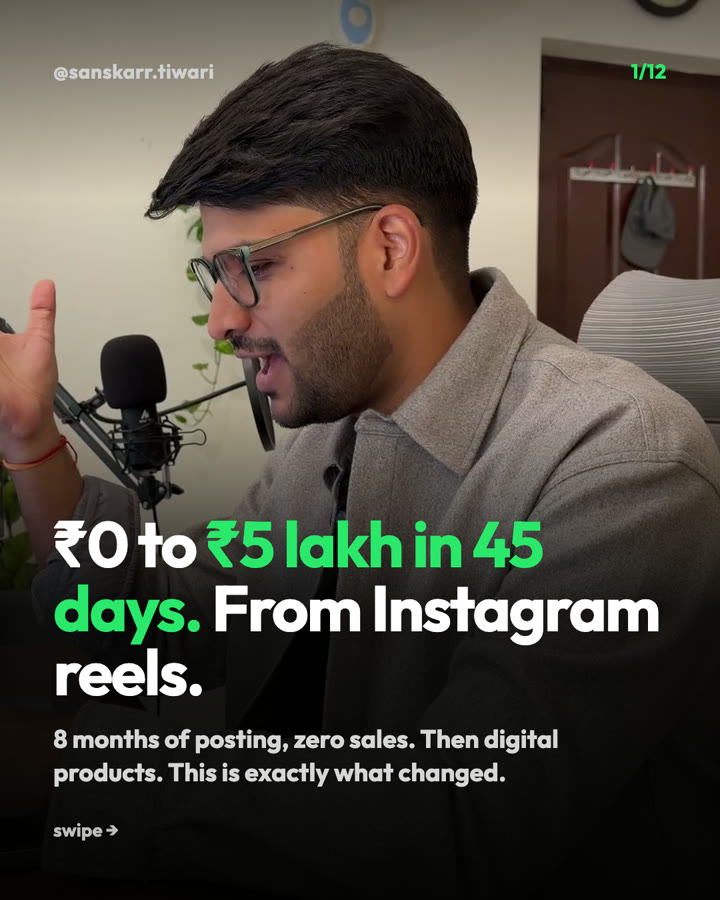
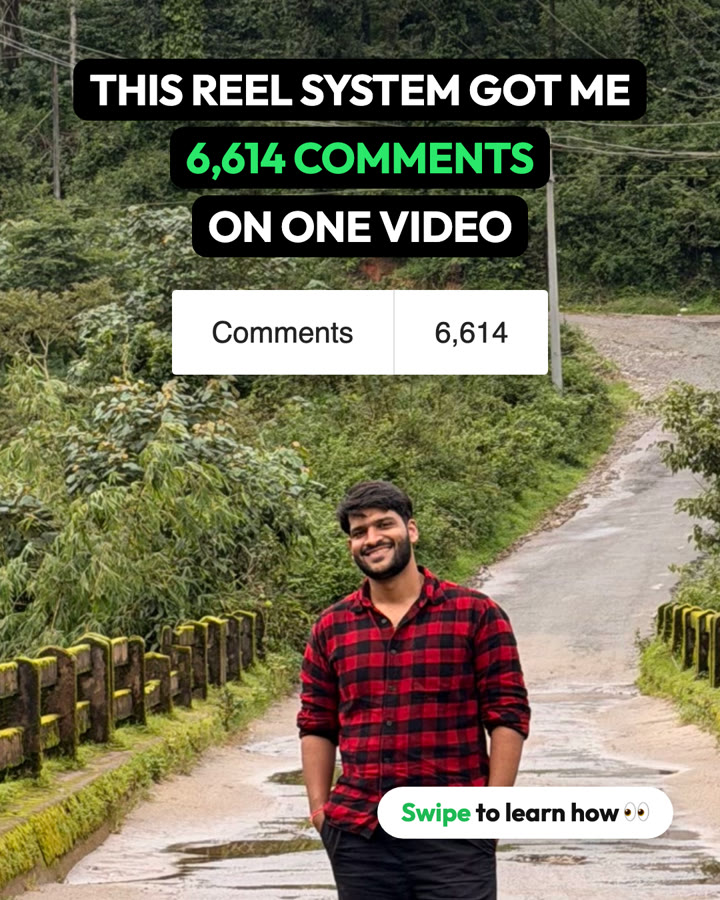
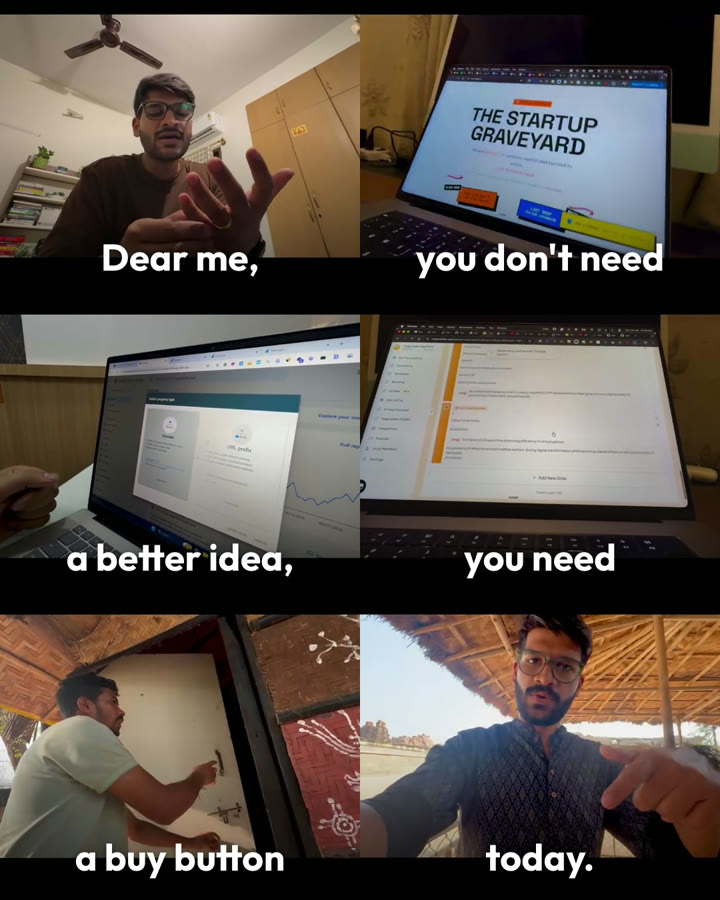
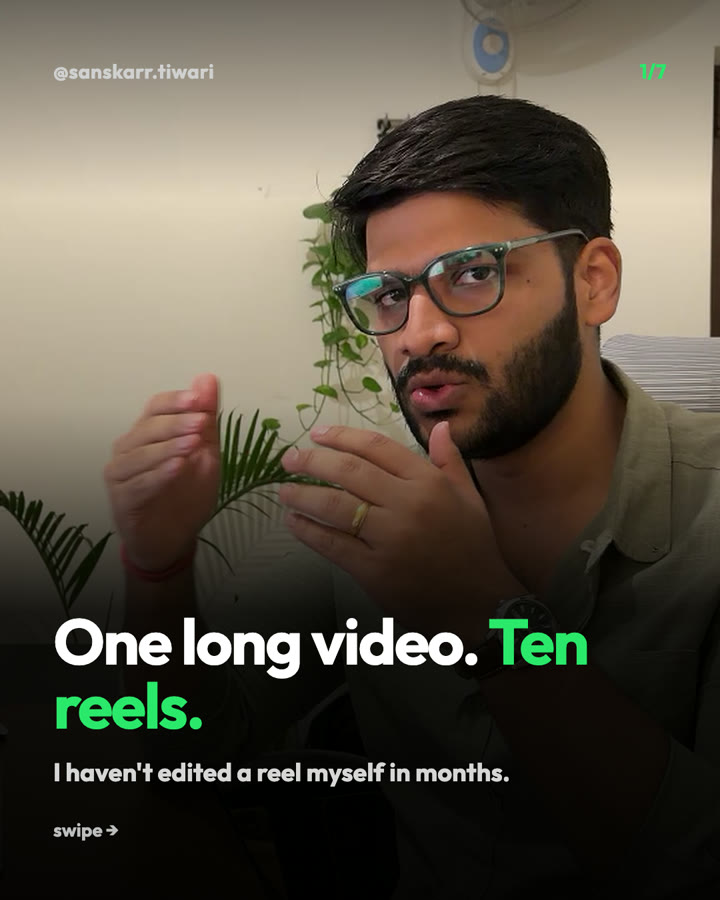
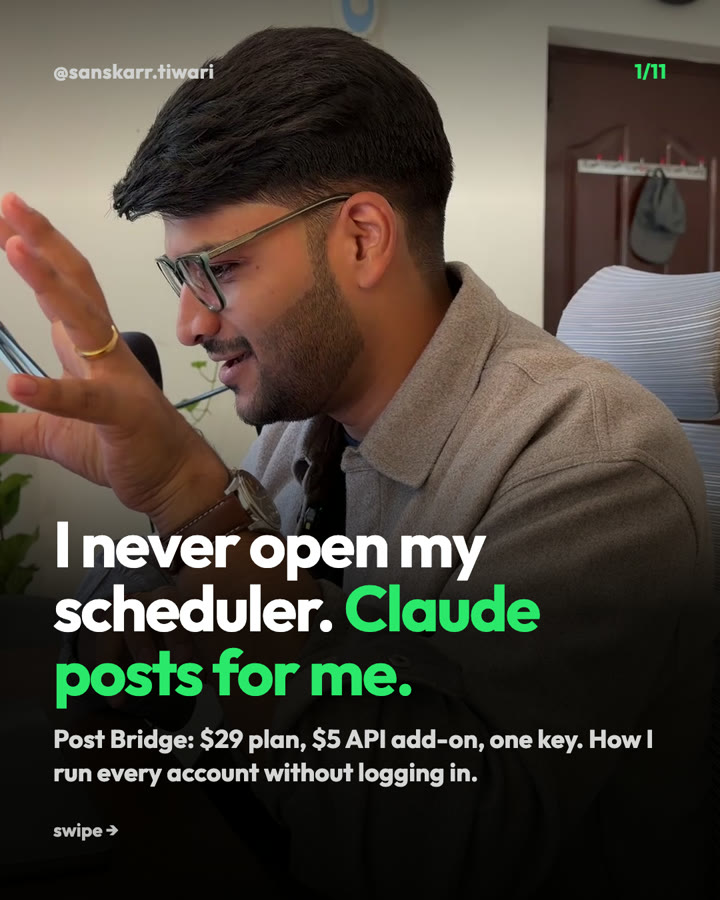
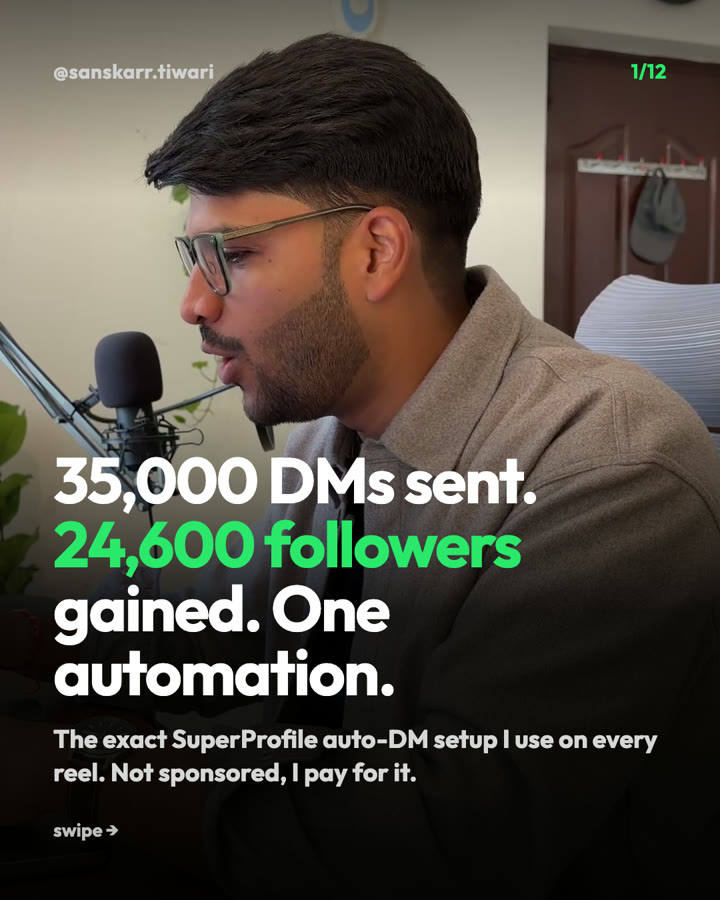
Every reel, carousel and post below is live on my feed. I showed Claude one post I liked and gave it my raw videos. It made the rest, in my face and my voice.
Run a business?
Your month of posts, scheduled. Every comment turns into a lead.
You learn to schedule the whole month in one sitting and set up auto-DMs, so people who comment get your link and become leads and sales while you work.
Freelancer or creator?
Sell done-for-you content. Claude does the work.
Take on clients for reels, carousels and posts. Give Claude their raw videos and one post they like, and deliver a month of content without an editor or designer.
1:1 · Done with you · ₹9,999
Rather not do it alone? I'll do it with you, live.
One call, you and me. You share your screen and I stay on until it's running on your laptop. This is Vaarshik, right after his session. He had never opened a terminal before.
What we usually cover
- 1Your first reels, carousels and posts get made on the call, in your face and your voice.
- 2You show Claude one post you like. It makes the rest in that style.
- 3Your month goes on the schedule, with auto-DMs that turn comments into leads.
No fixed script. We follow what your business needs.
“I come from a management background. I have absolutely zero sense of computers. So even for me, it was pretty easy.”
One-time. We book your slot over WhatsApp after you pay.
Not sure yet? Message me on WhatsApp first →Another 1:1 · Maxima Watches
“It didn't feel like we are using a service. It felt like we are talking to someone from our own family.”

Creative Marketing Designer & Advisor to the MD, Maxima Watches
Their ads got impressions but no clicks, and every ad took 30 to 60 minutes to publish. Now, in the same time, they get 10 ads out.
Inside a real session · 12 min
This is how every call starts.
Before we install anything, I show you how I run my own ads. I type “how are my Facebook ads doing?” and Claude pulls the numbers, tells me what to scale and what to pause, and does it. No Ads Manager, no code, just chat.
What you get
Stack the tiers. Book alone, or book + factory + course.

Views on Autopilot (PDF)
16 chapters · instant download
- Start here
- The stack & the model
- The voice
- The writing that gets views
- Captions & the render
- The factory
Included in both tiers
Video Factory (.zip)
Queue · dashboard · 269 done on this machine
- →One command, walk away
- →Ahrefs ideas → Building → Done
- →Setup guide in your library
Ready now in library
Screen-recorded lessons
Me building the pipeline on screen
- →Same library as the factory
- →Email when chapters go live
- →Included in ₹699 (not ₹199)
- →Coming soon: one podcast → hundreds of shorts
Lands in ~10 days
₹199 = book only · ₹699 = book + factory + course
Not another “be a creator” course
Book for the method. Factory to churn without losing track. Course to watch it built.
What buyers say
★★★★★ Every review is 5 stars · 4 reviews on Trustpilot

Harshit tiwari
★★★★★ · 29 Oct 2026 · Trustpilot
Incredible work 👏
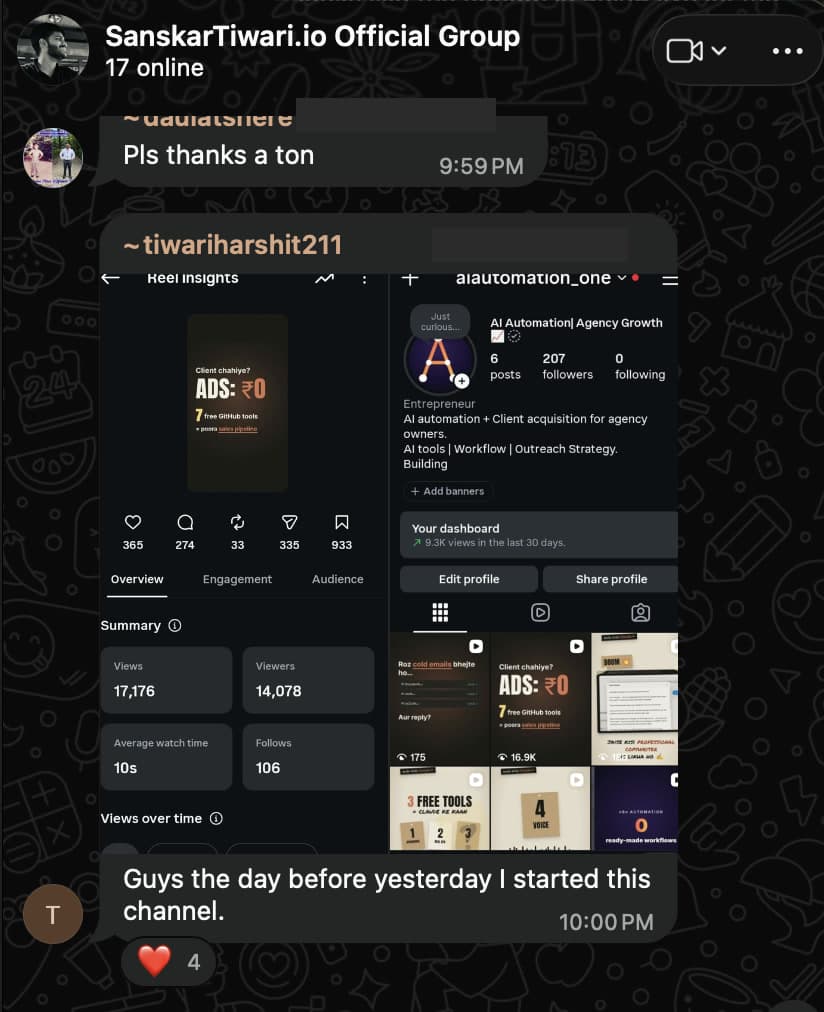
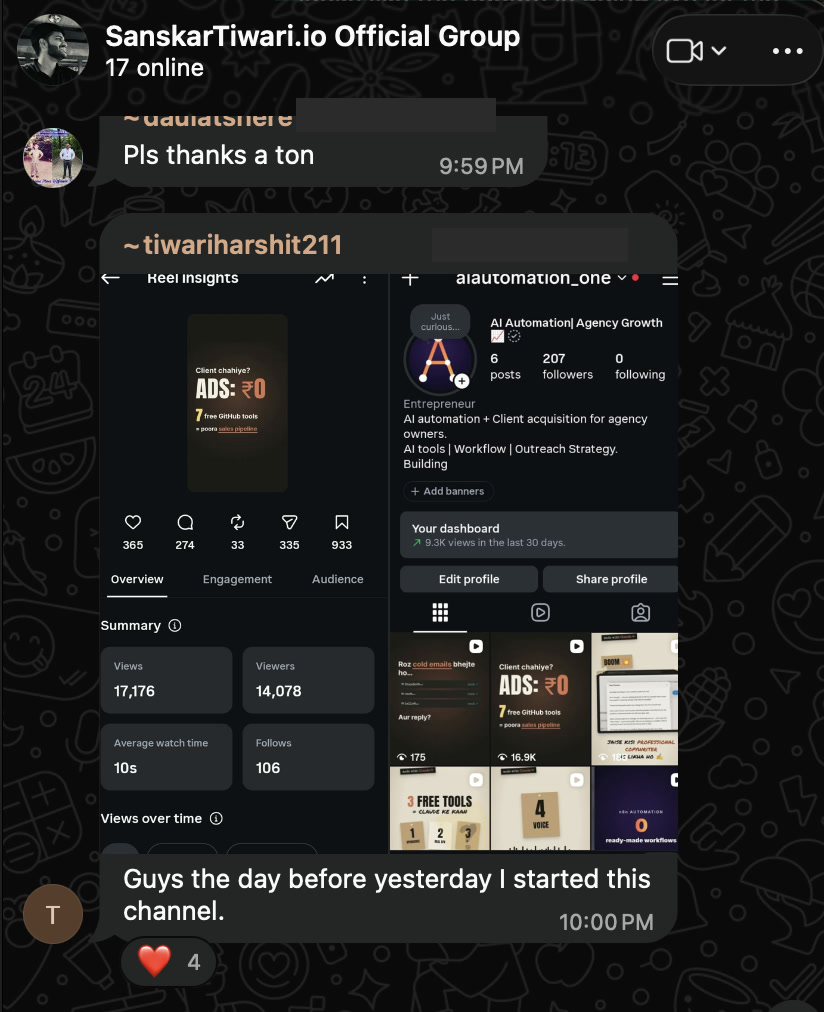
Incredible work 👏. I’ve purchased the claude video editing course and implement it with and create new profile and got 19k within less than 12hrs. Account age just 48hrs only.
- P
Puneet A
★★★★★ · 26 Oct 2026 · Trustpilot
The best part about Sanskar’s courses…
The best part about Sanskar’s courses is his bite sized videos. It gives you this feeling of making progress every 2-3 minutes and you keep consuming and come to a great tipping point. I like how simple and easy they are.

shakeer meeran
★★★★★ · 26 Oct 2026 · Trustpilot
Simple but so effective
Simple but so effective, love the way Sanskar Tiwari explains, so focused and just what’s needed among all this Ai video generation we forget what we need, his process is super effective and worth a million$$

Raj, Corem Consulting
★★★★★ · 24 Oct 2026 · Trustpilot
Highly recommended
First thing, tremendouns value for the investment. Second, the assumption the learner has minimum understanding of the subject (which was my case), so starting from basics was important. Third, setting up the right expectations and the work required. Fourth and the most important is that it comes from a practitioner and not a preacher, who is teaching what he is doing in his own business and sharing without holding. Overall, great shift not only acquiring skills but the mindset. Thank you, Sanskar
Questions
Mac or Windows?
Both. The PDF and library include setup guides for Mac and Windows. Follow the path for your machine.
What's the difference between ₹199 and ₹699?
₹199 is the full PDF (Mac + Windows setup inside). ₹699 adds the Video Factory zip + setup in your library, plus screen lessons in ~10 days.
What is the Video Factory?
A local render queue + dashboard. Fire ideas from Claude — they queue, voice, and render unattended. Start steps for Mac and Windows are in the library guide. Included with the ₹699 tier.
Do I need a camera or an editor?
No. Type five lines, generate voice, render locally. No camera, no CapCut, no monthly AI-video subscription.
Does it work offline?
The core pipeline is built to run on your laptop. Some optional voice options need the network — the book says which.
Is this a subscription?
No. Pay once. Optional third-party voice tools are separate if you choose them.
I just need to post content — is this overkill?
Method only → ₹199. Volume / queue → ₹699. Guides for Mac and Windows either way.
Type. Post. Done.
₹199 book · ₹699 + factory · docs for Mac and Windows