Learn to build with  AI
AI
Build real apps with AI, put them online, and land your first paying customers — no code.A hands-on course for non-coders who want to build real apps and software with AI, put them online, and land their first paying customers — start your own software business, all without writing a single line of code.
The course trailer — 125 lessons, 9h 43m
Lifetime access · secure payment via Razorpay
All 5 products · community of 360+ builders · breakdown below ↓
What you get
All 125 lessons are live right now
No drip, no waiting. 9h 43m of video is in your library the moment you buy — and every lesson I add later is free.
A WhatsApp community of 360+ builders
People using Claude to build software and market it. Share wins, ask questions, stay accountable.
Help when you get stuck
Post your question — on building or marketing — and get answers from people doing the same thing.
Lifetime access + every update
Pay once. Rewatch anytime, and every future lesson and update is included.
The BOB Bundle
87% of buyers pick thisBuild Online Business — learn how to build it and how to sell it. One purchase, lifetime access.
- Vibe Coding course (this one) — build real apps with AI and launch to paying users₹14,000
- Run Meta Ads with Claude — 12-chapter video course, Claude runs your ads₹2,999
- The SaaS Backlink Vault — 500 verified backlink sites, sorted by real DR₹4,999
- The Launch Directory — 100+ places to launch and get your first users₹8,999
- Put More Buy Buttons — my full journey shipping products that sell₹1,999
- WhatsApp community — 360+ builders, always someone onlineincluded
Worth
₹32,996
You pay, once
₹7,999
The Vibe Coding Series
Learn to build on 4 platforms that reach 5 billion+ people
Chrome Extension and Mobile App are live — real products built, published and monetised end to end, from idea to first customers. Web App and Workspace Add-on land later as free bonus modules.
Mobile App
Build a real mobile app, publish on the App Store or Google Play, and take payments.

Web App
Build a SaaS dashboard, set up auth & payments, and launch to your first users.

Bonus module — added free for everyone who owns the course
Chrome Extension
Build a browser extension, publish to the Chrome Web Store, and monetize it.
Google Workspace Add-on
Build a Sheets/Docs add-on, list on the Marketplace, and sell to businesses.
Bonus module — added free for everyone who owns the course
Your instructor
Not a teacher who read about building apps. Someone who actually builds, launches, and sells them for a living.

Sanskar Tiwari
Founder, Builder, @indianappguy
I've built 25+ apps and scaled MagicSlides to 2M+ users — all bootstrapped, no funding, all by building fast and shipping faster. I document the entire journey online and teach what actually works.
2M+
Product Users
25+
Apps Built
2L+
Students Taught
24.2k
YT Subscribers
63.8k
IG Followers


VibeCode30 winner, TechSparks 2026 ↗
Top 30 products built with AI in India
Opening our office, Oct 2025
1,569 paid orders from 149 cities
Every dot is a real order someone paid for, plotted where they bought it from.
One dot per city · sized by paid orders · buyer IP at checkout
Top cities
- Bengaluru291
- Hyderabad156
- Mumbai130
- Chennai118
- Pune101
- New Delhi86
- Ahmedabad54
- Kolkata41
149 cities across India (1,569 orders), plus buyers in Canada, Saudi Arabia, UAE, Switzerland, Australia, UK, USA, Germany, Japan, Romania, Kuwait.
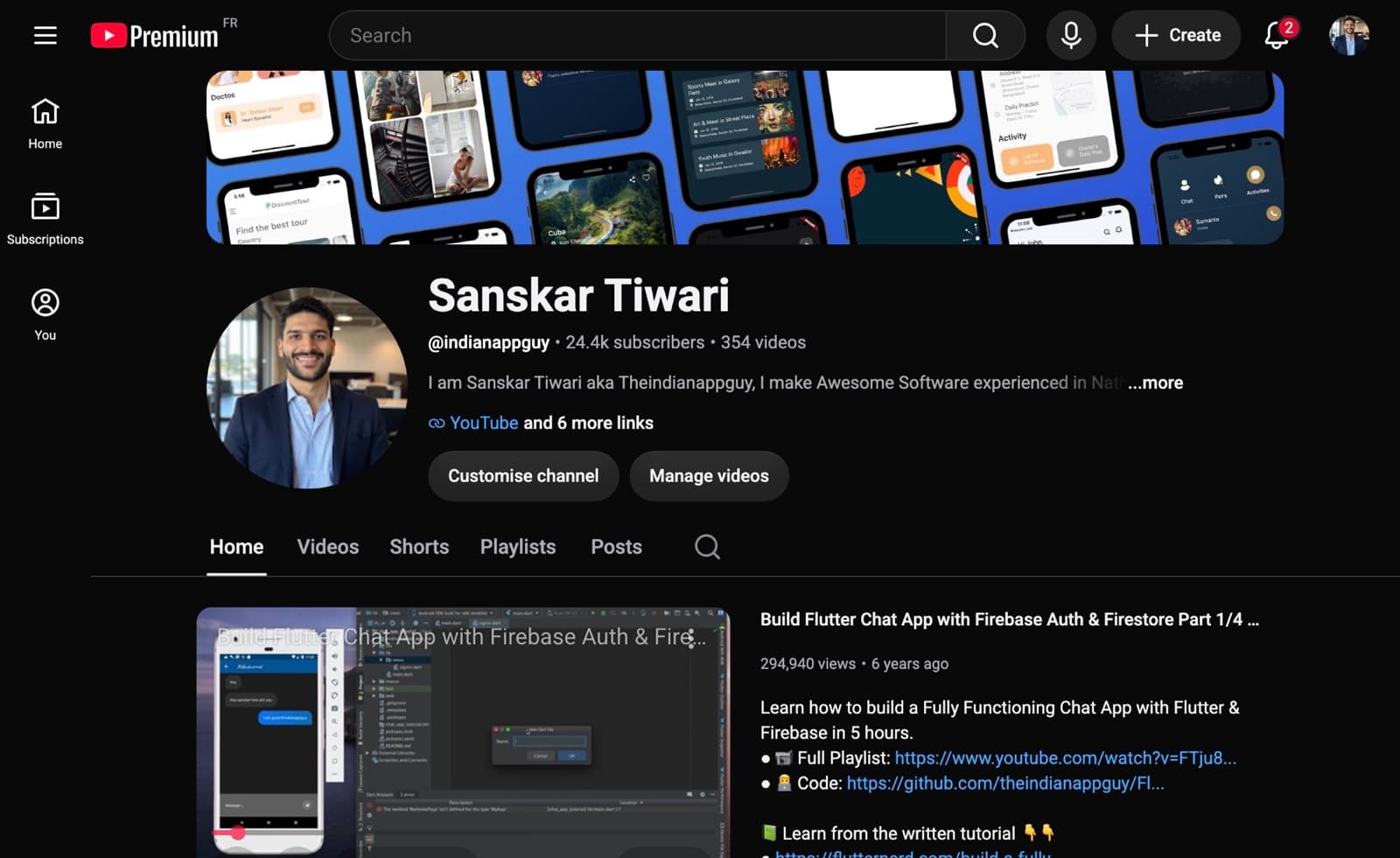
Teaching on YouTube for the last 6 years

63.8k followers on Instagram
Shipped on camera
These aren't demo apps
Everything below was made during the recordings — the App Store screenshots, the Chrome Web Store listing, the app running on a real iPhone. You watch it happen, then do it for your own product.

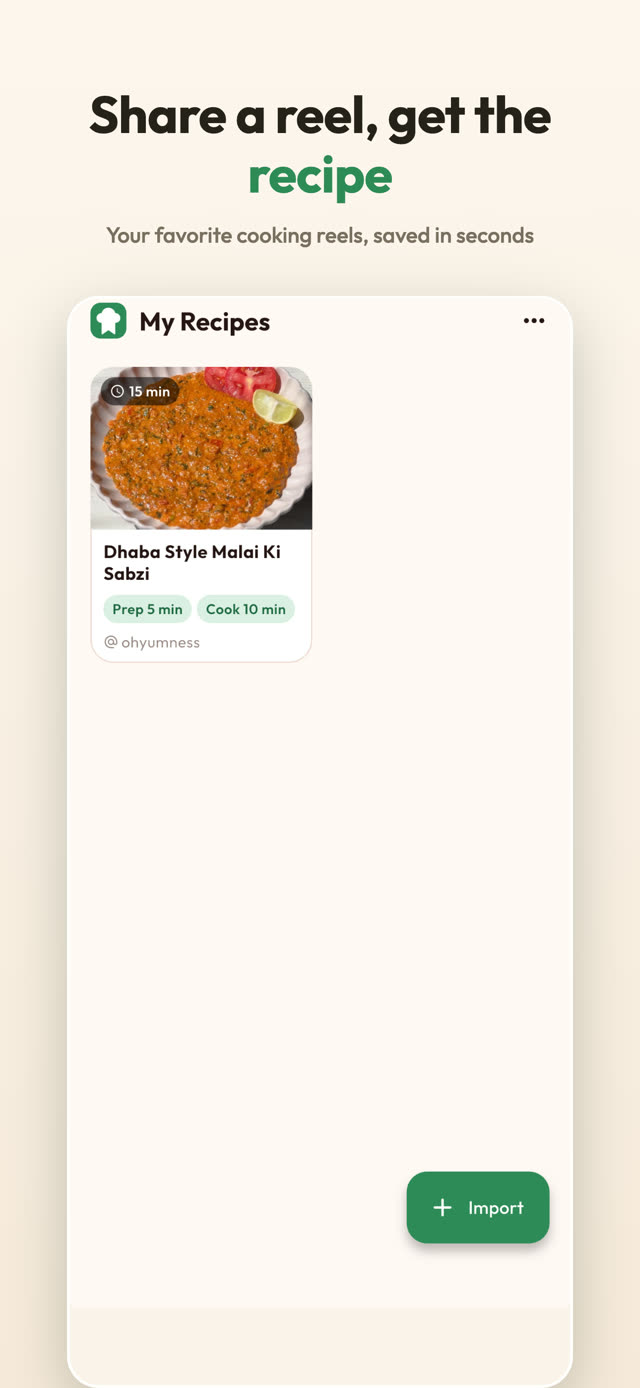
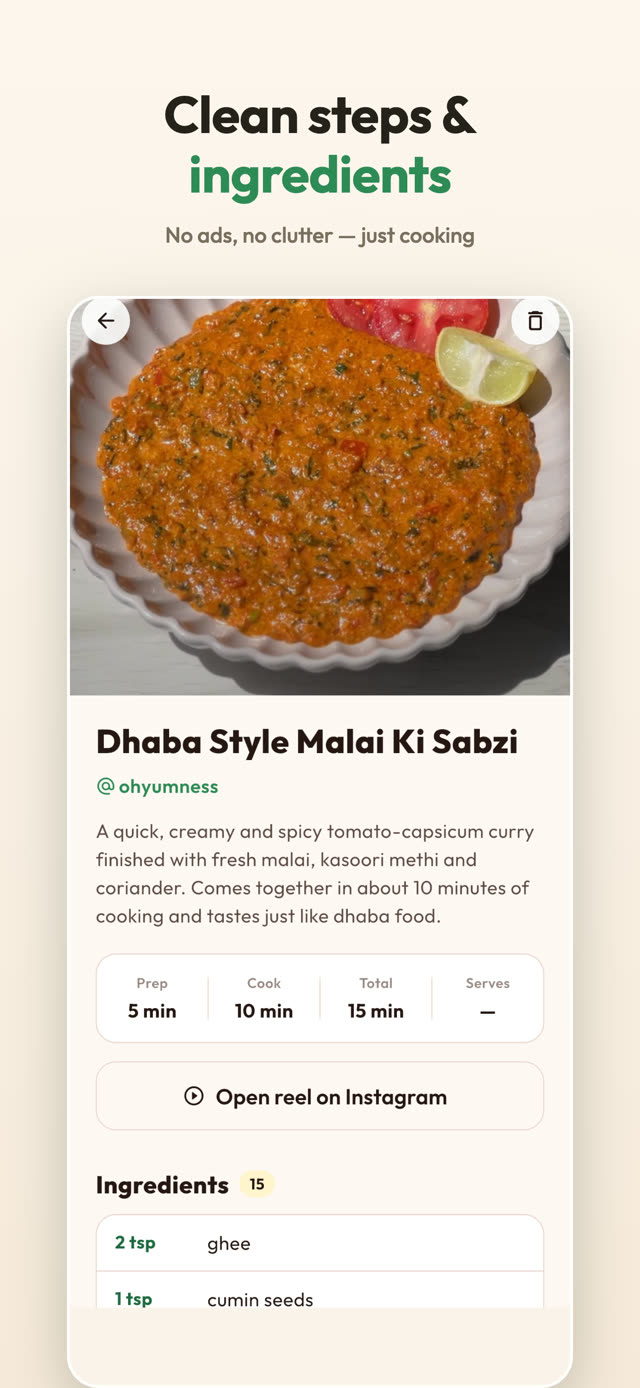
EasyyRecipes
Built in Module 4 · submitted to the App Store at 2:18 AM, on camera
The actual App Store listing screenshots — designed by Claude from two raw phone captures (lesson 4.23)

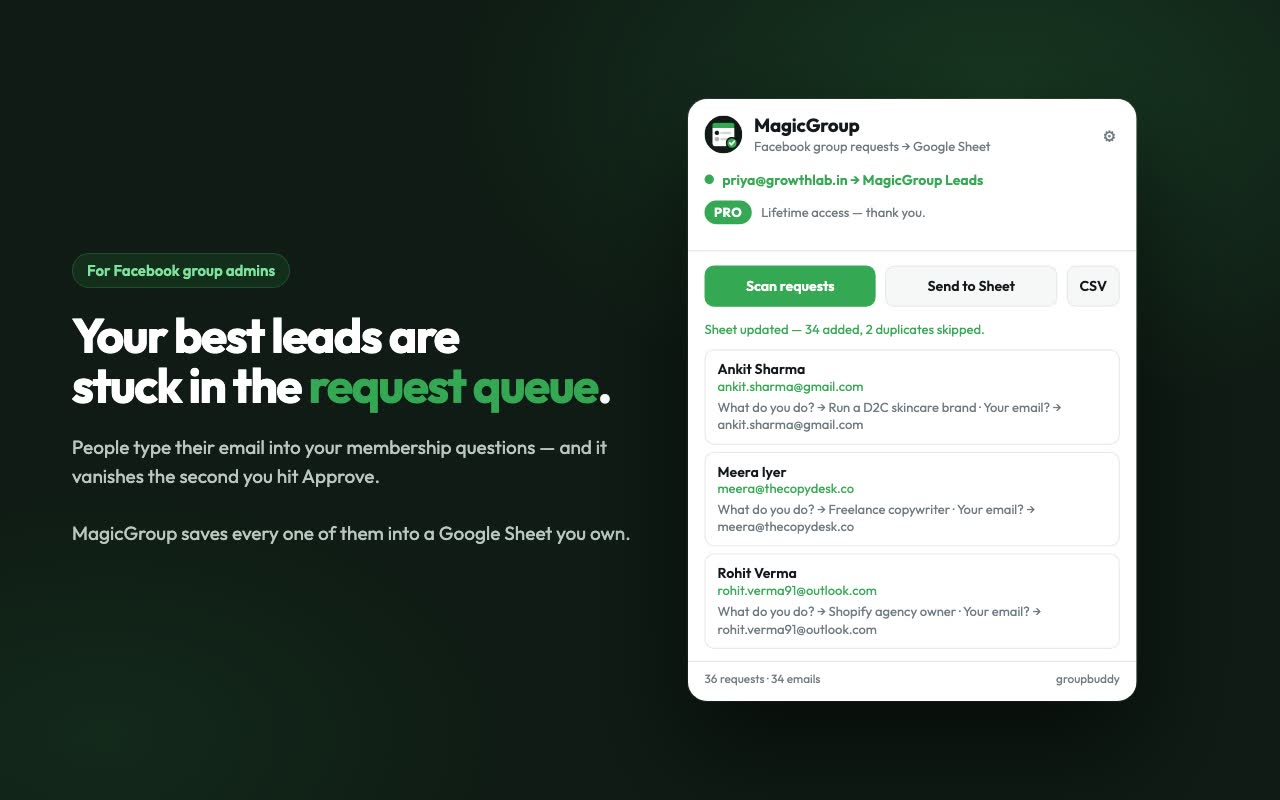
MagicGroup
Built in Module 3 · listed on the Chrome Web Store
The Web Store listing image — logo, copy and screenshots all made inside the course
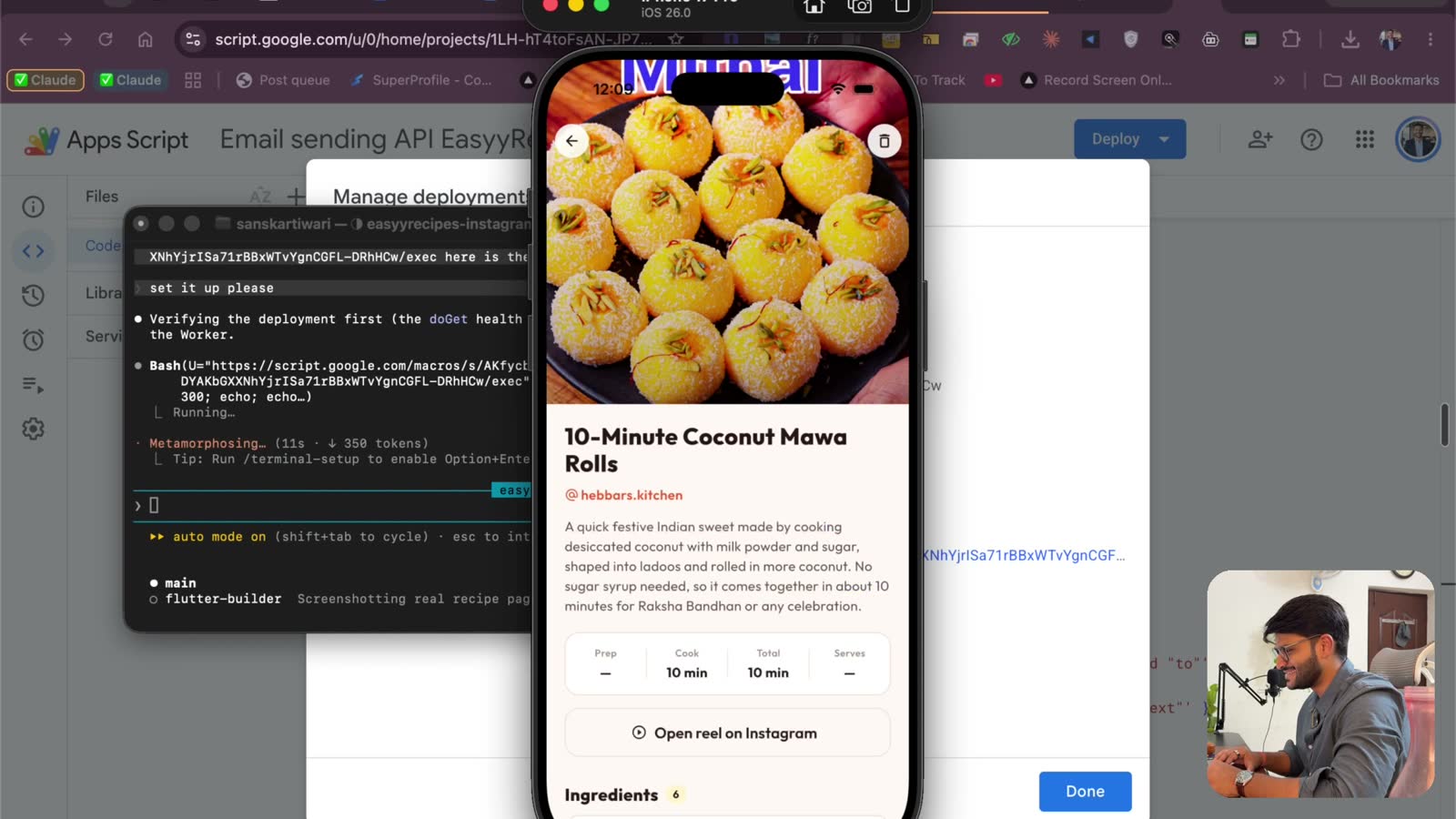
Straight out of lesson 4.15 — the app running on a real iPhone while Claude builds the backend in parallel terminals
This course is for you if…
- You're a college student who wants to build and sell a real product
- You have an app idea but zero coding experience
- You want to go from 0 to 1 — idea to paying customers
- You've tried learning to code before and gave up
- You want something you can put on your resume or sell online
- You want to use AI to build, not just chat
It's not for you if…
- ✕You want to get rich overnight without doing the work
- ✕You want someone to build it for you (that's the Done-For-You option)
- ✕You're not willing to put in a few focused hours a week
- ✕You'd rather collect tutorials than actually ship something
- ✕You want deep computer-science theory, not a launched product
Three ways to learn this
Figure it out alone
Years of trial & error
- ✕Piecing it together from scattered tutorials
- ✕No one to ask when you're stuck
- ✕Most people quit before they ever ship
- ✕This is the slow, hard way I did it
A generic course
Taught by a non-builder
- ✕By someone who's never shipped a product
- ✕Theory and slides, not real launches
- ✕No shipped products to back any of it up
- ✕Can't answer "what do I do when this breaks?"
Learn from me
Someone who's actually done it
- ✓Built & sold 25+ products across every platform
- ✓The exact process I use — nothing held back
- ✓Real products, real launches, documented publicly
- ✓A community of 360+ builders to ask when you get stuck
What you'll learn
Every lesson that's inside.
125 lessons, 9h 43m of video. Recorded live — real builds, real mistakes, nothing edited out to look clean.
1. Start here — and get set up
12 lessons · 1h 1m
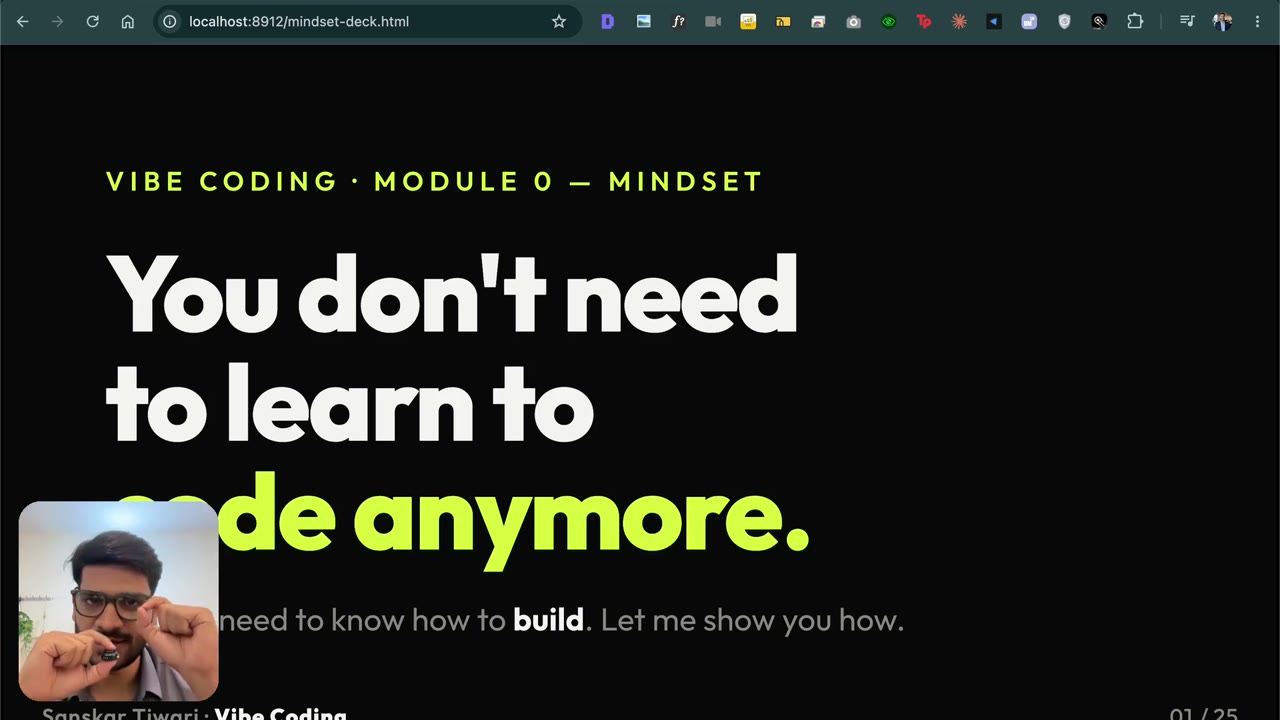
1.1 Welcome — who I am & why this course
4:00Who’s teaching you this. 25+ products, ~$330k ARR, zero funding raised — all public on TrustMRR. Why I stopped spending months learning to code, and why I’m finally documenting the new way of building.
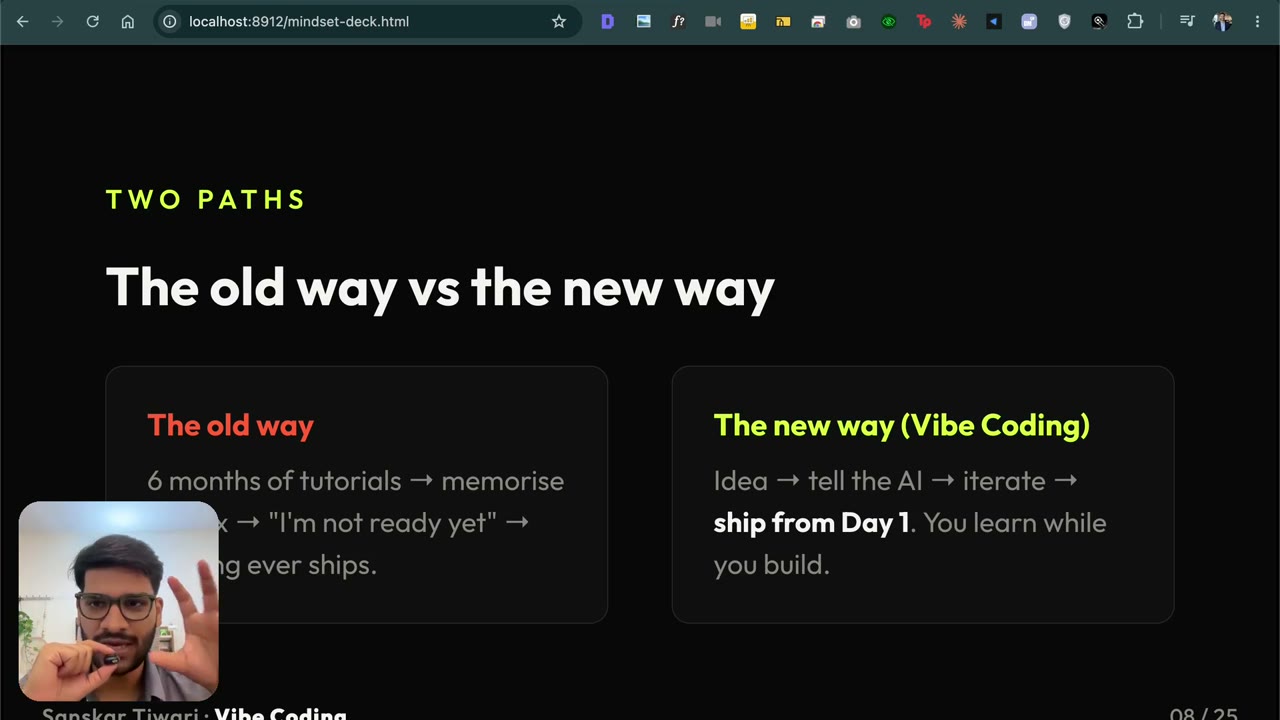
1.2 The new way & what vibe coding is
4:51The old way was six months learning to code. The new way ships from day one. What vibe coding actually is — you own how the app should work, AI handles the code — and why we build real revenue products, not toy projects or portfolios.
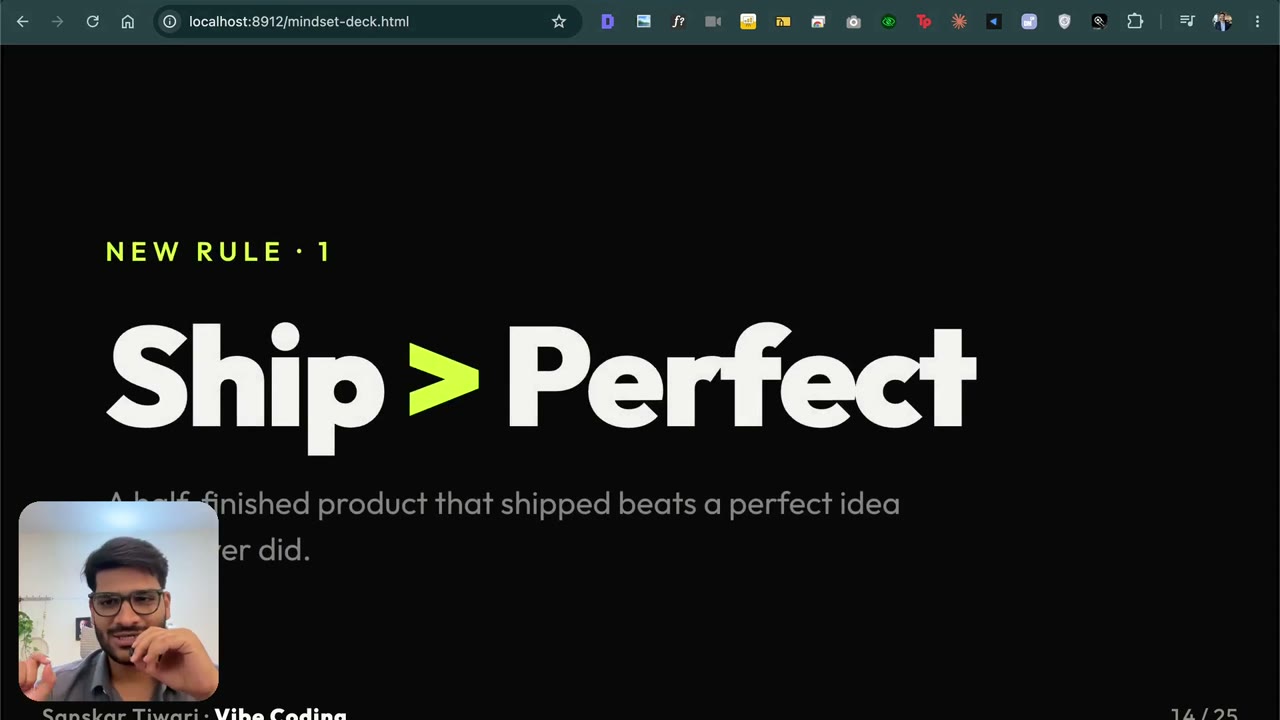
1.3 The mindset: ship, taste, momentum▶ Free preview
6:41The three rules I build by: ship over perfect, taste over syntax, momentum over mastery. Why money isn’t a dirty word when you add value, and why the person who enjoys the game is the one who survives it.
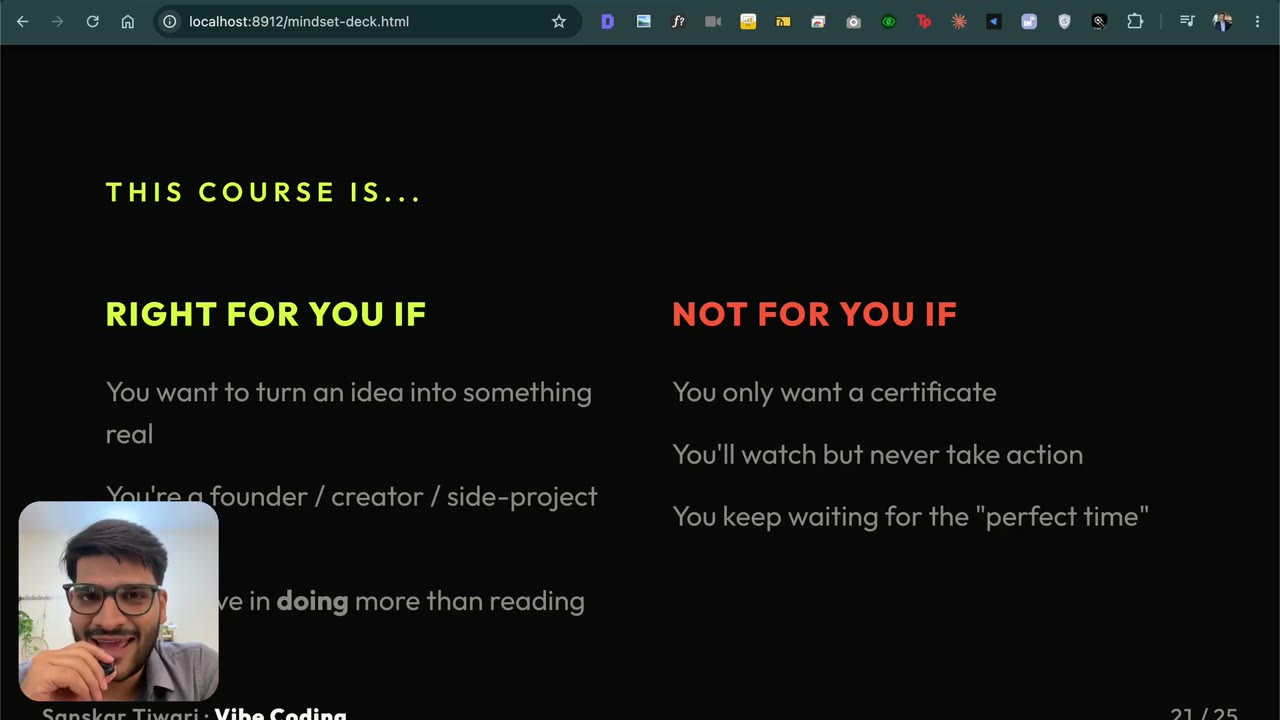
1.4 What’s inside & who it’s for
4:10What you get: recorded modules from idea to shipped product, my Claude Code setup + prompt library, payments & deployment, a private community, lifetime updates, and walkthroughs of my own products. Who this is for — and who should skip it.
1.5 Installing Claude Code from scratch
2:06Total beginner? Perfect. Zero to a working Claude Code setup — subscription, installing Node.js the next-next-next way, CLI running in your terminal. I promise you won’t learn a single word of code. You need this before Module 3.
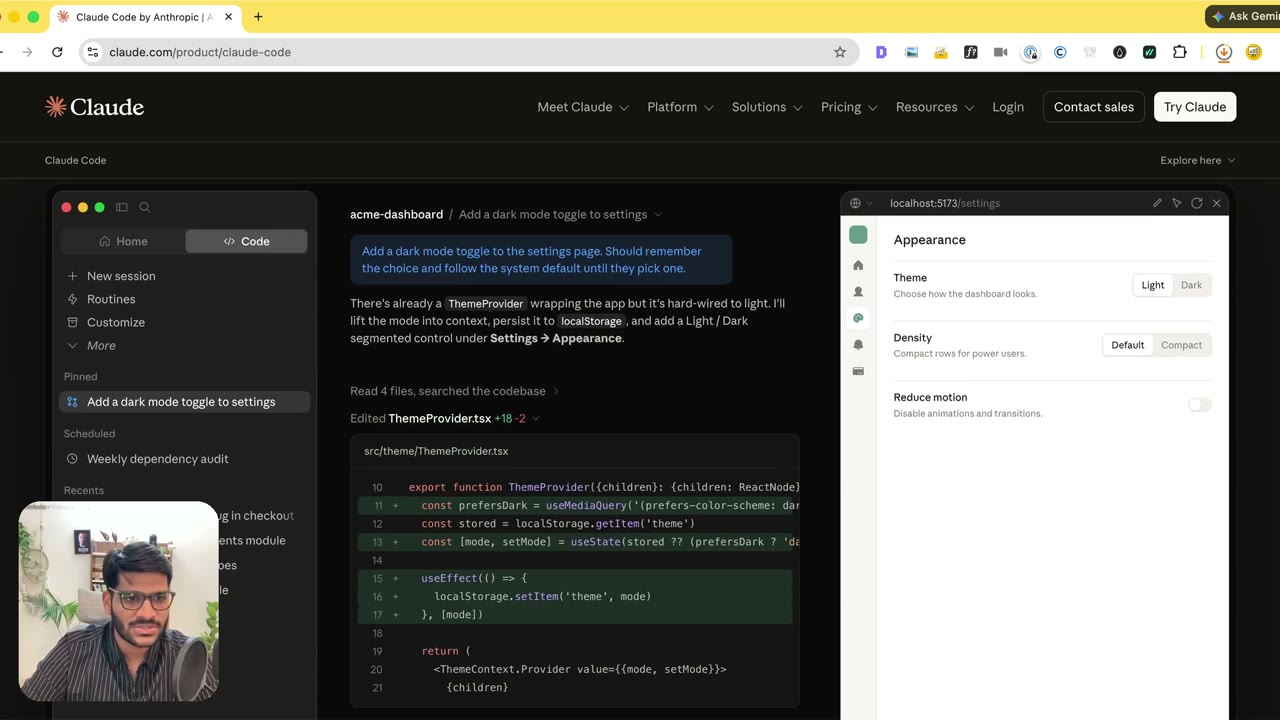
1.6 Setting up Claude Code on Mac
3:29My own full walkthrough on a Mac. Google “Claude Code”, grab the one-line CLI command, paste it into Terminal, then run “claude” and sign in with /login. Why I still prefer the terminal over the desktop app, and why I pick a Claude subscription (Pro/Max) over the pay-as-you-go API. Start to finish, no code.
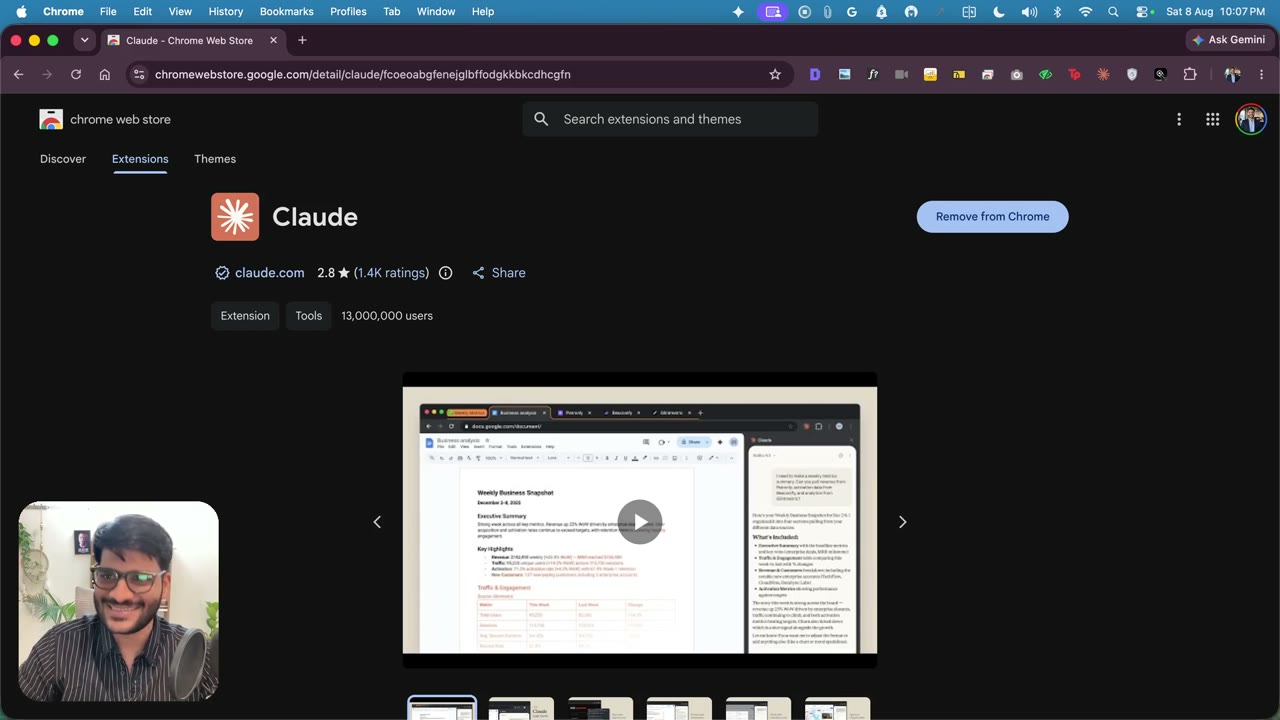
1.7 Connecting Claude to Chrome
3:09This is the piece that lets Claude actually click inside your browser for you. Open Chrome, add the Claude extension from the Chrome Web Store and pin it, then run “claude” and “/chrome” to reconnect it. I show it live, plus the allow/deny prompts and how to stop them. (Recorded for the Meta Ads course, so the live demo happens in Ads Manager — the setup is identical for everything we build here.)

1.1 Intro: 8 products, built solo with AI▶ Free preview
3:50Who I am, the 8 products, and why this session is a hands-on build, not a talk.

1.2 Why you don't need to learn coding any more
2:26Why you can ship software today without spending months on the basics of coding.

1.3 12 startups in 12 months, and why to start with an MVP
6:11Pieter Levels shipped 12 startups in 12 months. What to copy from that, and why the smallest useful version wins.

1.4 The plan: Ideas, Build, Market
2:27The three steps the rest of the session follows: find the idea, build it, market it.

1.5 My story: 12th pass to call centre to my first product
17:3212th pass, a call centre job, rejections, Policy Bazaar, and the first product that paid.
2. Your first build — a portfolio site
5 lessons · 27m
2.1 Start & clone your portfolio site
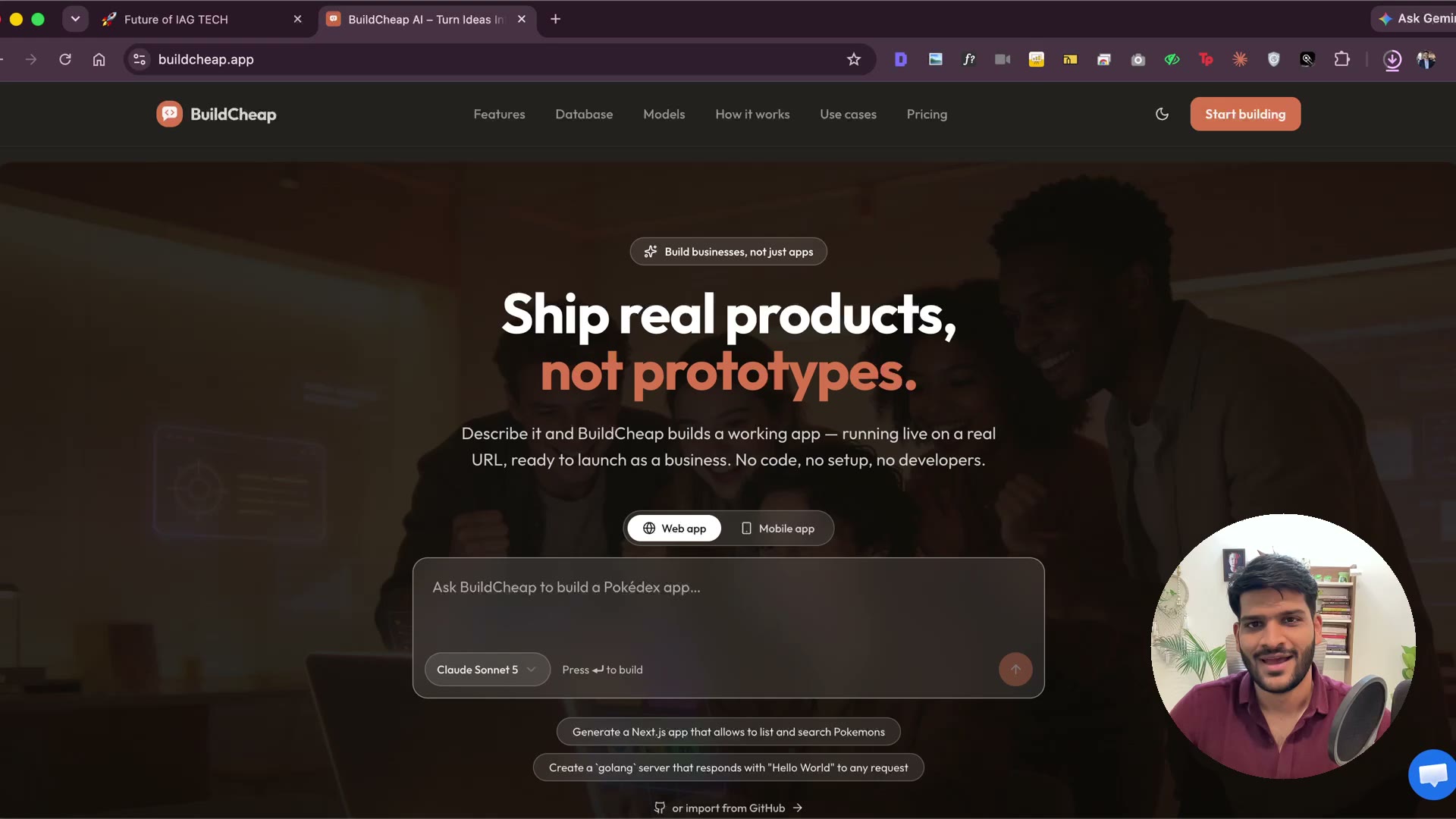
4:22Get started the cheap way. Why I use BuildCheap — you add money and see the exact ₹ each generation costs, instead of shaky “credits.” Then we build a real portfolio: search a GitHub portfolio site, import & clone it for ~₹0, and start making it yours. No VS Code, no setup, no code.
2.2 Personalize, add your photo & deploy
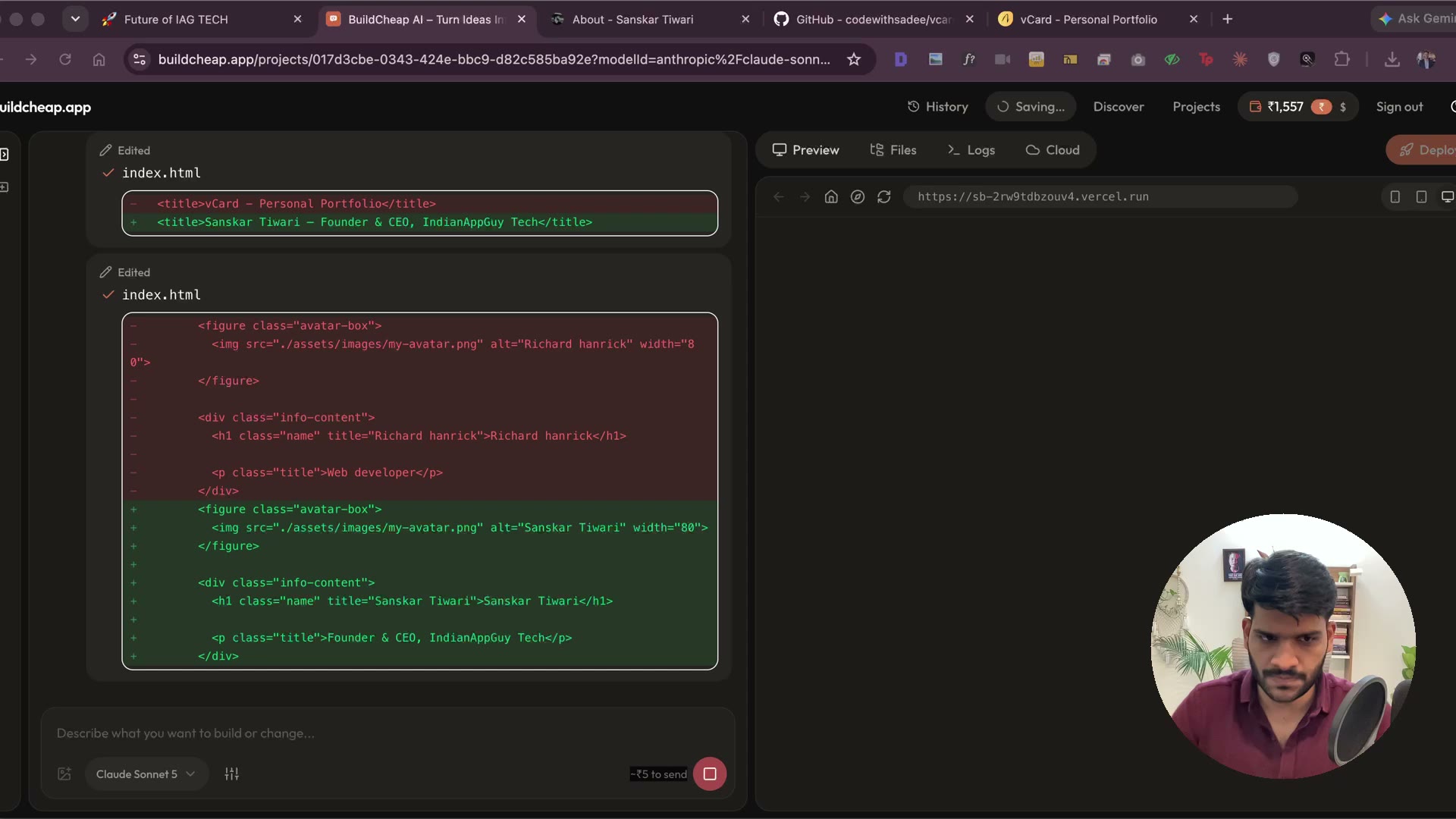
3:47Make it yours and ship it. Drop in your LinkedIn info, swap in your photo — and watch the per-message cost fall to ₹0 by picking the right model (Kimi vs Claude). Then deploy to a free buildcheap.host domain and rename your URL. Post your live link in the course community when it’s up.

2.1 Finding app ideas that already make money
5:00Where to find app ideas that already have paying users, and how to grab the exact prompt to build one.

2.2 Which AI builder to use: Lovable, Emergent, Claude Code
2:26Lovable, Emergent, Claude Code — what each is good for and which one I use.
2.3 Pricing: lifetime deals and selling to people who already bought
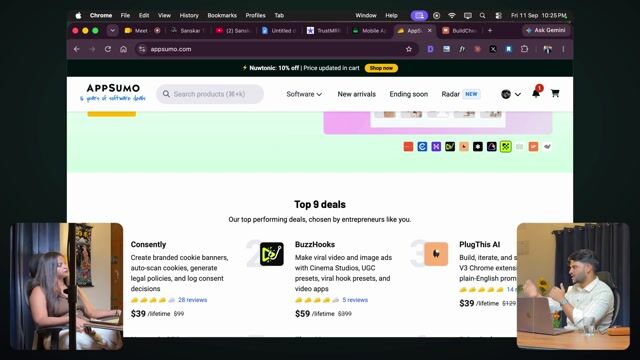
11:18Lifetime deals, selling more to people who already bought, and pricing that lets you say yes.
3. Build & launch a Chrome extension
45 lessons · 2h 43m
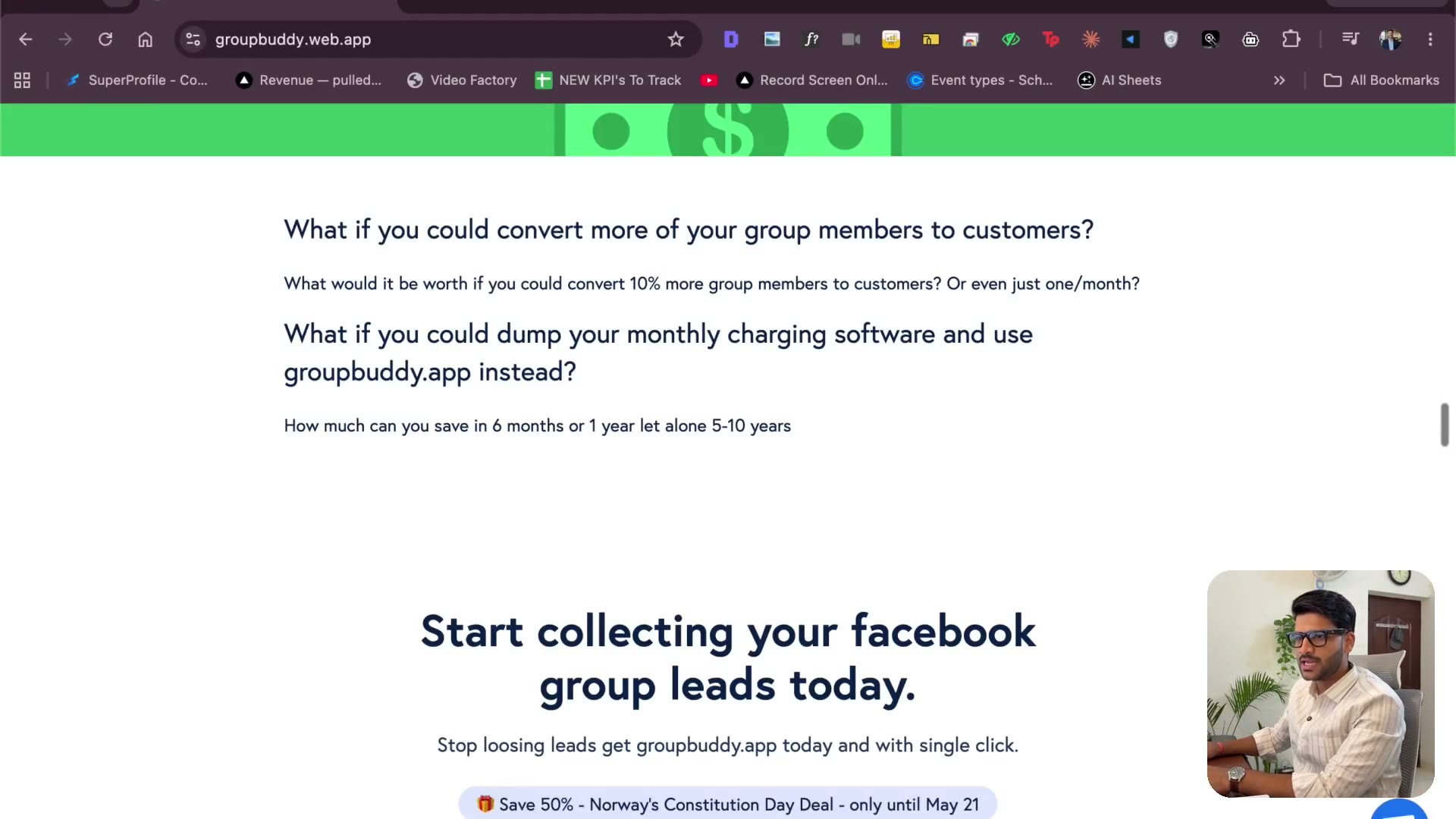
3.1 Why a Chrome extension — the 2021 story
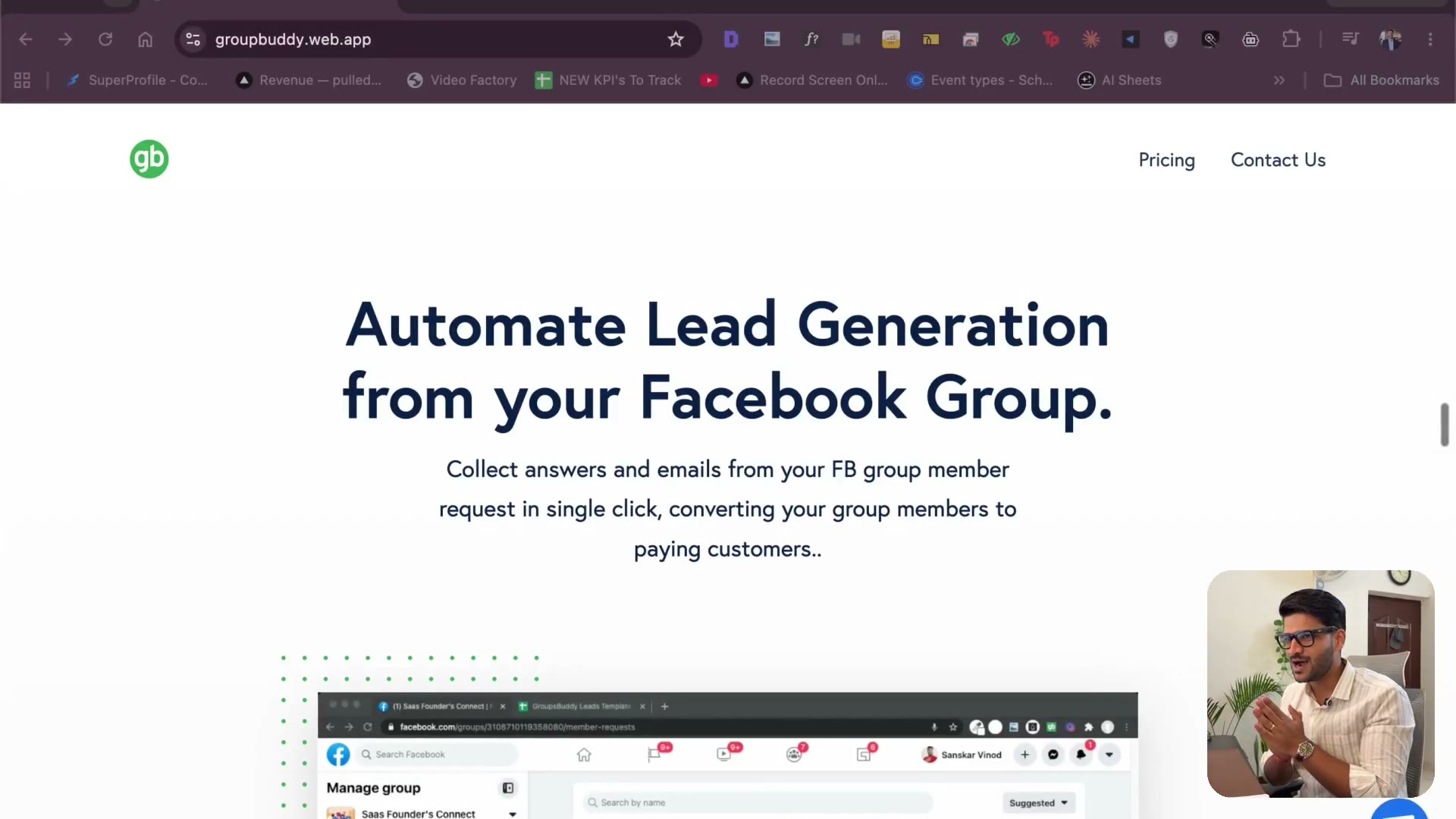
3:17Before we build anything, how this actually started. In 2021 I made a Chrome extension that pulled the question-answers out of Facebook group member requests — and apps are still charging monthly for that exact thing today. The console hacking I used to test it, and why I'm happily handing you the product that made me thousands of dollars.
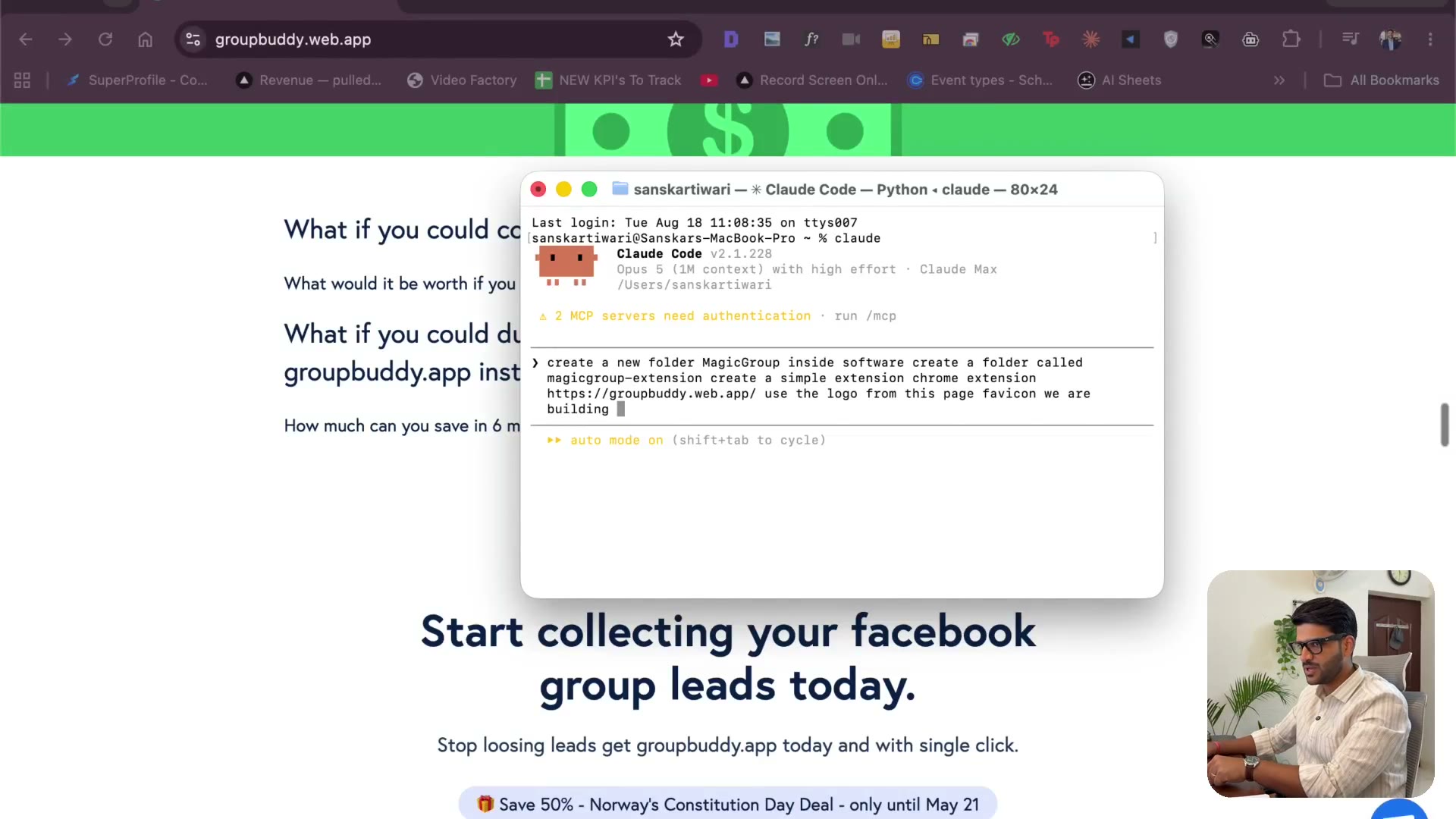
3.2 Naming it & letting Claude create the folder
2:29Open the terminal — that's where everything starts. I name the app MagicGroup, have Claude create the folder inside software/, and let it scaffold a Chrome extension from a plain-English description. Also: install Whisper Flow. I talk to Claude instead of typing, and it changes how fast you move.
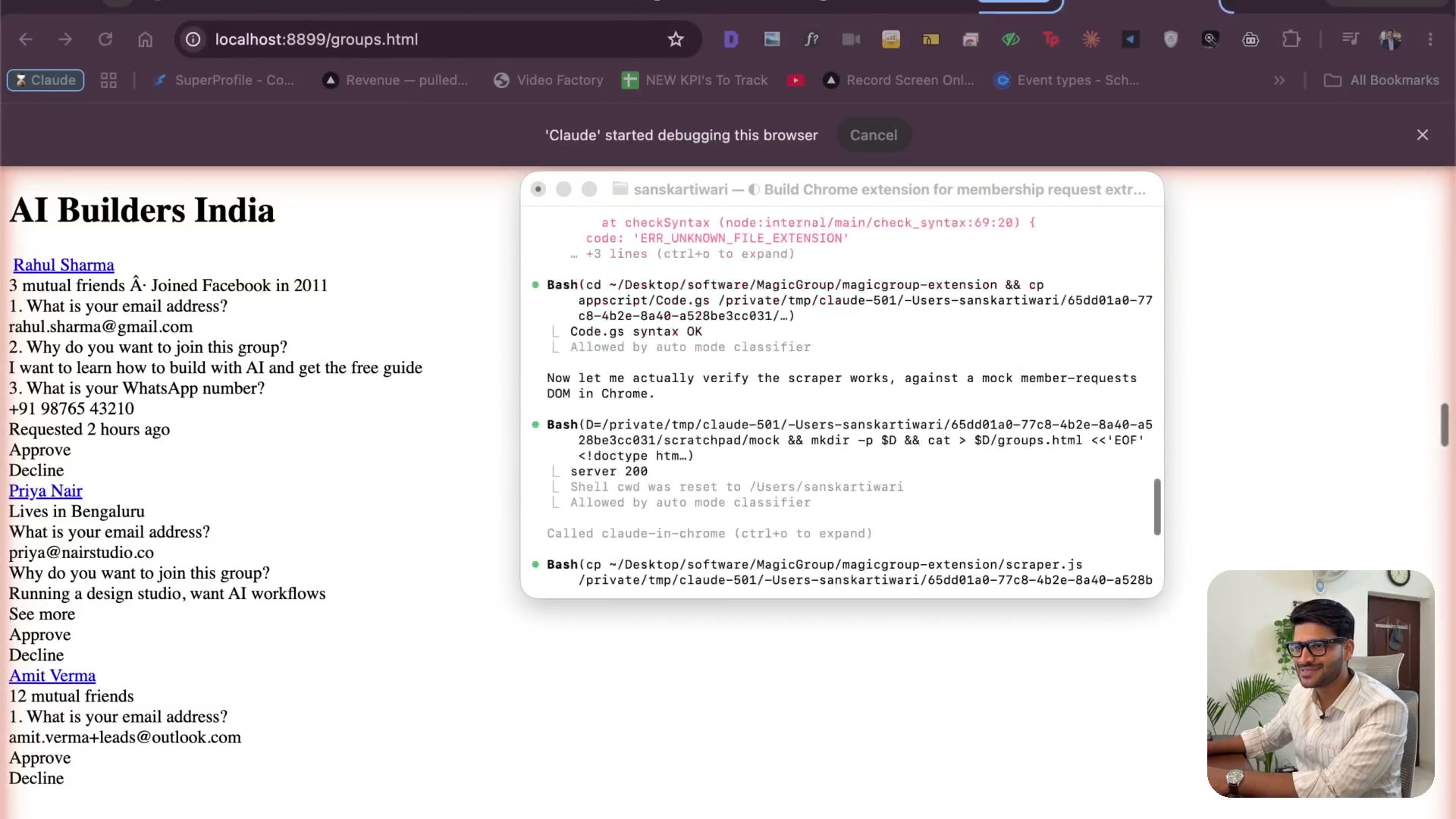
3.3 What we're building — MVP scope & what an API is
4:08The scope: pull membership-request questions, push them into a Google Sheet through an Apps Script call. Why I cut every extra feature people asked me for — an MVP is not a smaller version of everything. Then a plain-English explanation of what an API and JSON actually are. No code.
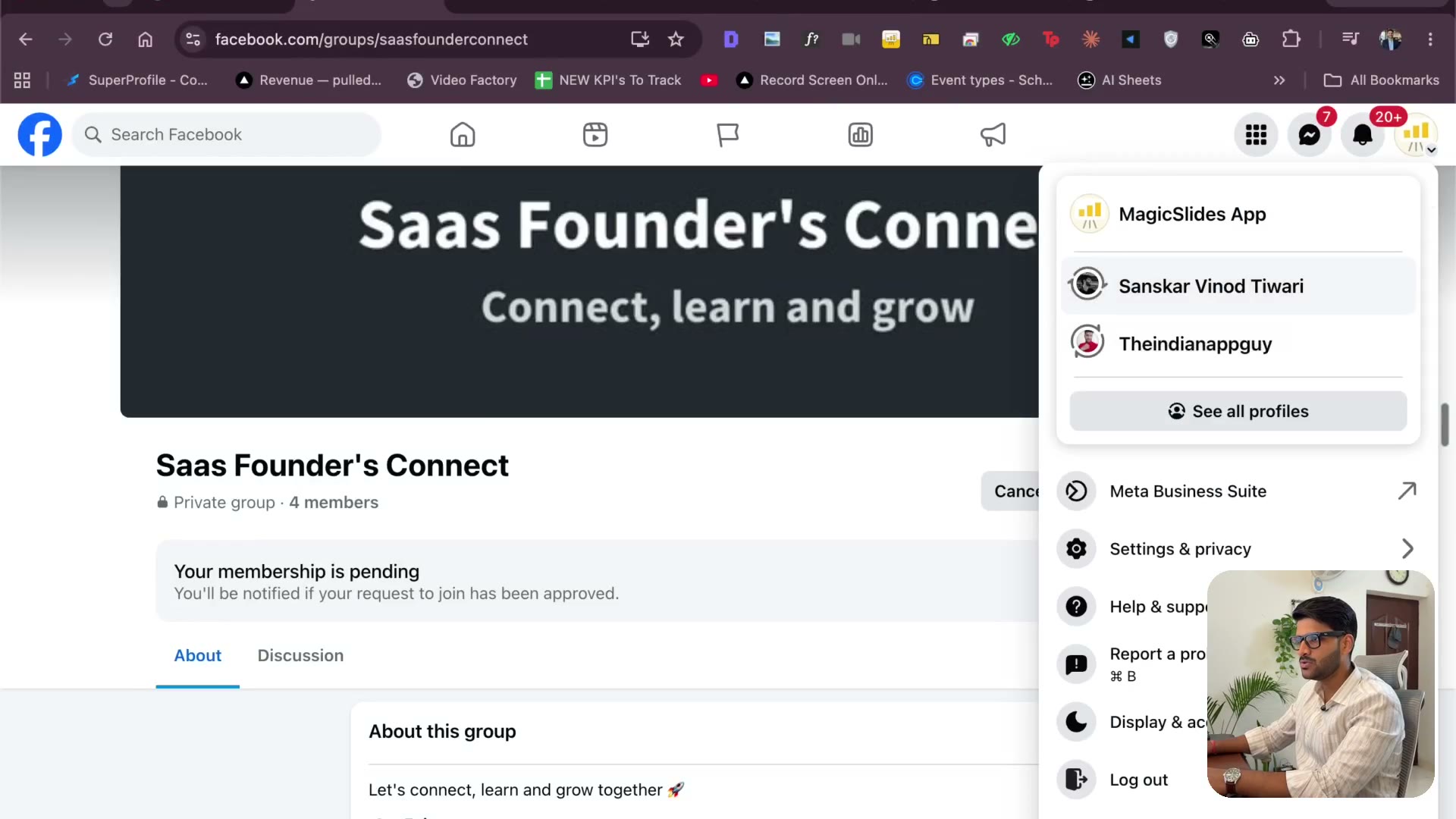
3.4 Testing it on a real Facebook group
3:50The extension exists. Now we point it at a real group with real pending requests — fixing the group settings so questions actually get asked, sending a join request from another account, and watching what the code does and doesn't see.
3.5 Asking Claude for the Apps Script & the Sheet
4:29Getting the backend: the Apps Script code I paste into script.new, the API URL, and the sheet it writes to. Also why I let AI pick Cursor vs VS Code for me — AI should reduce the number of things you have to think about, so you can spend that on the right thing.
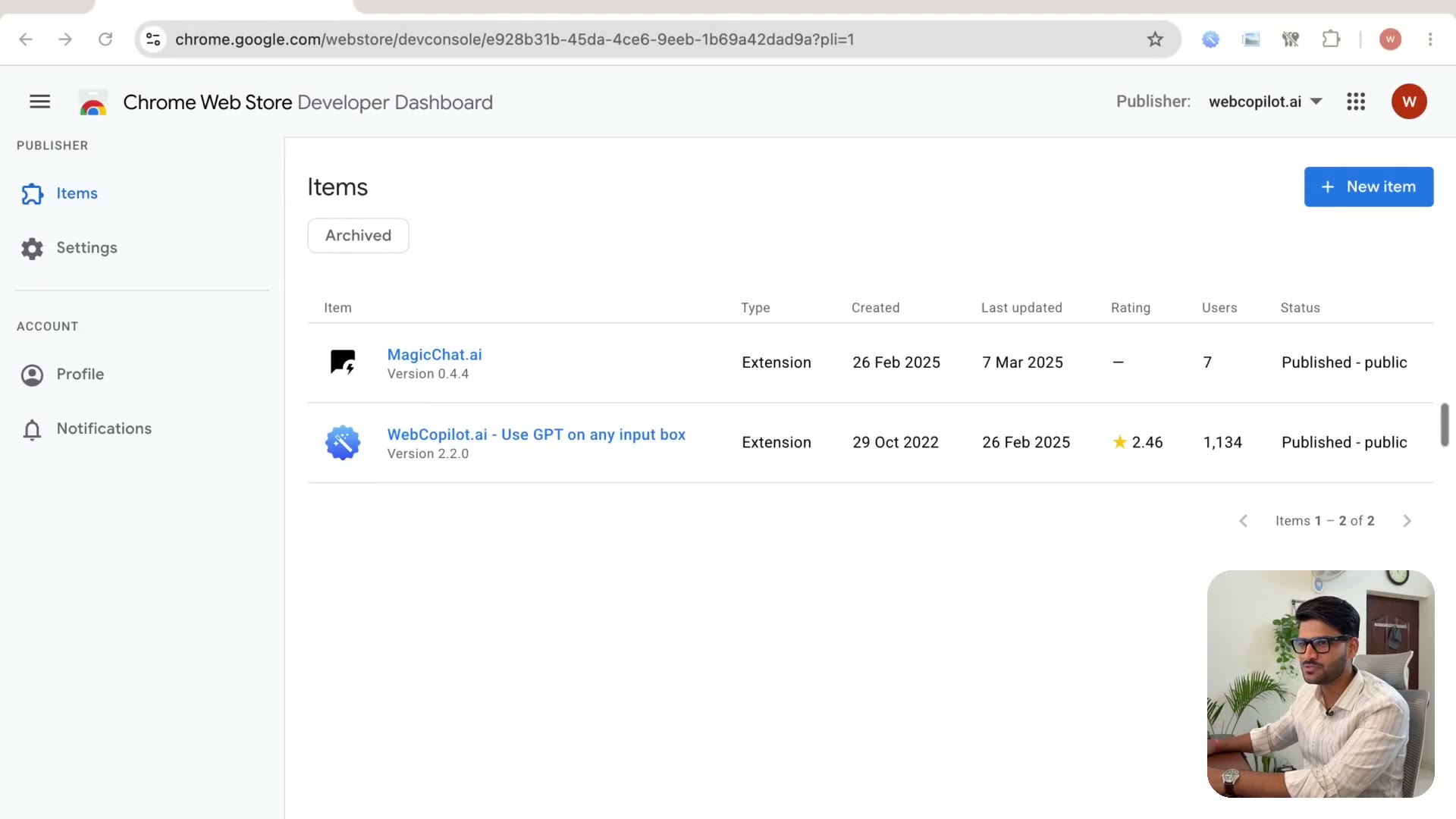
3.6 Paying the $5 & wiring Apps Script to your Sheet
3:49The Chrome Web Store developer fee is $5, one time, unlimited extensions. Then the Apps Script side: paste the spreadsheet ID, name the sheet, deploy as a web app, execute as me, access to anyone — and what that last setting actually means.
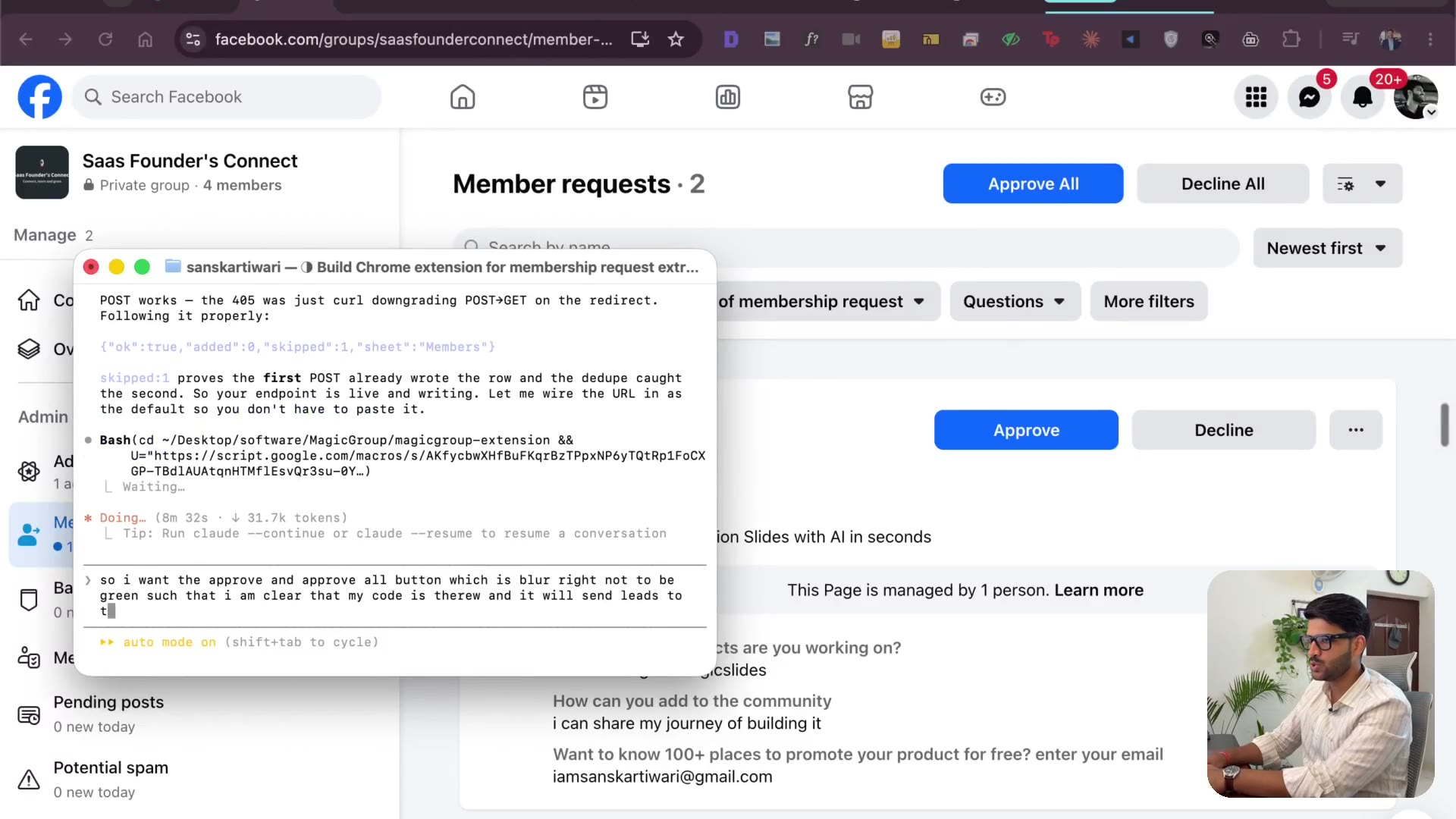
3.7 Load unpacked — the extension running in Chrome
3:48chrome://extensions, developer mode, load unpacked, pin it. It's live in my browser. I change the button colours so a user can tell it's working, and switch to asking for the Google Sheet URL instead of the ID — because nobody knows what an ID is.
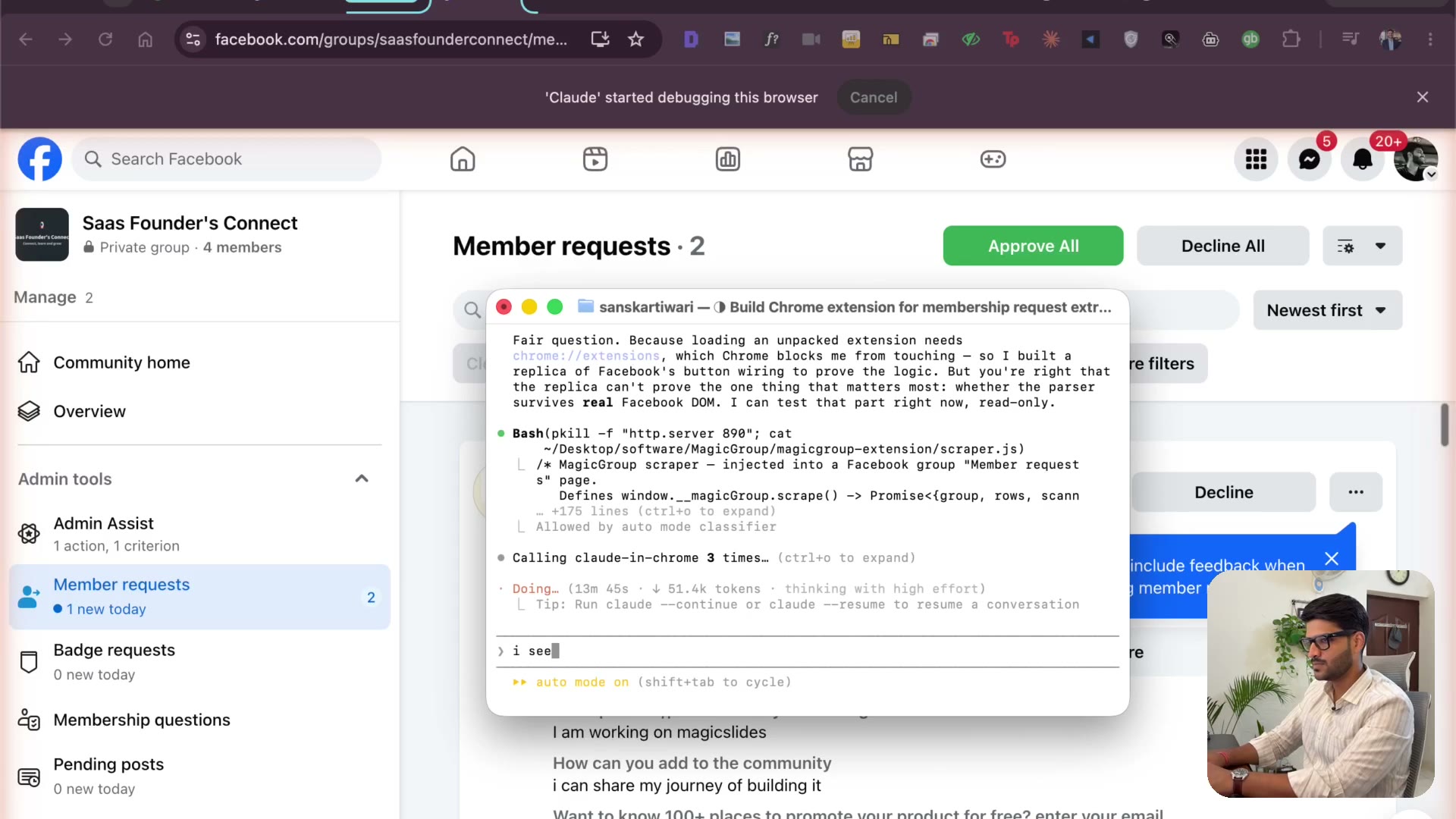
3.8 The bug AI missed — never assume it figured it out
3:50It assumed every question ends with a question mark. They don't. This is the most important lesson in the module: when you vibe code, go and check. I send it back to look at the real page, it finds its own flaw and fixes it. Plus replicating Facebook's own UI so the extension doesn't look bolted on.
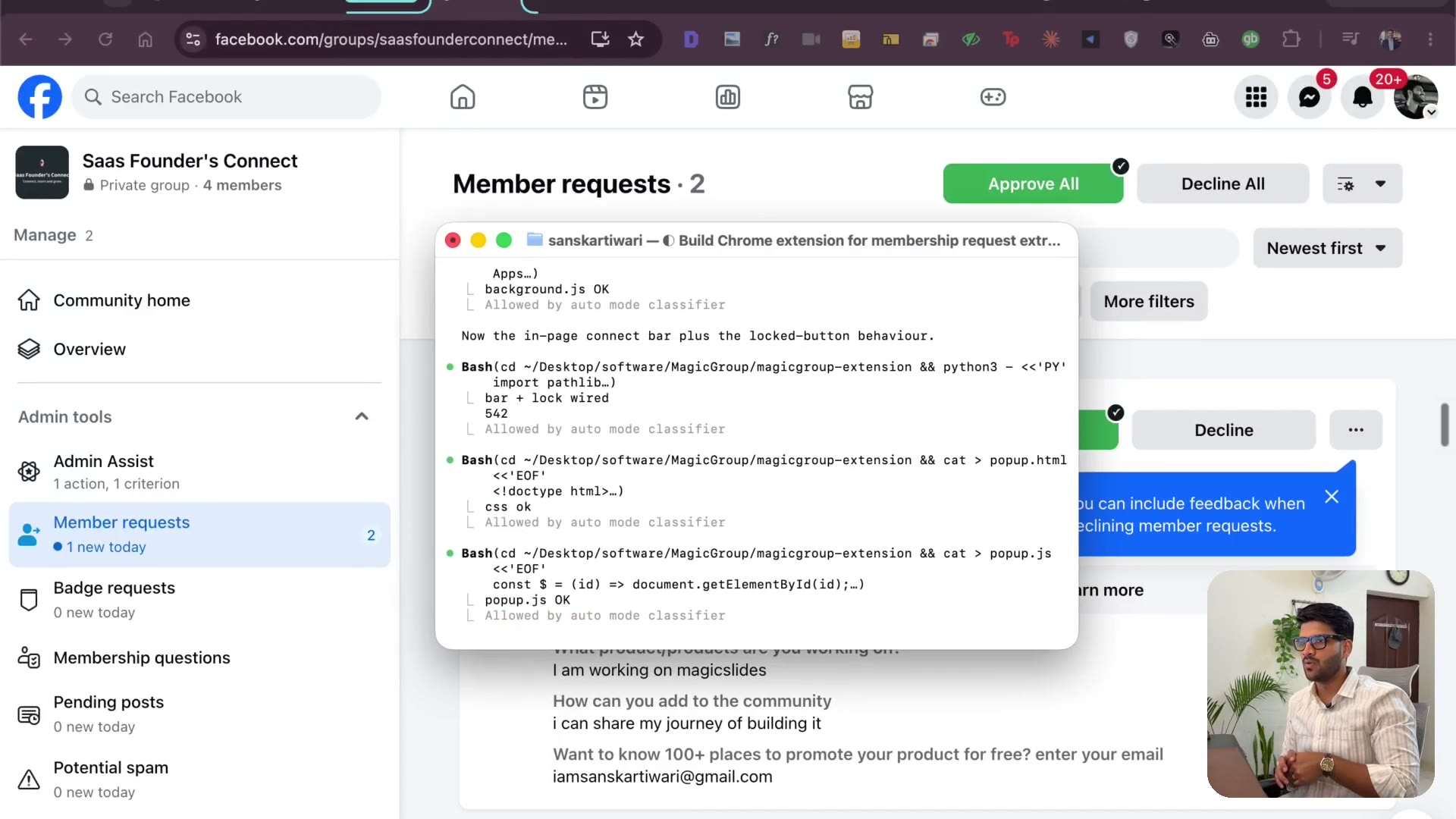
3.9 Why Claude — and what else I've tried
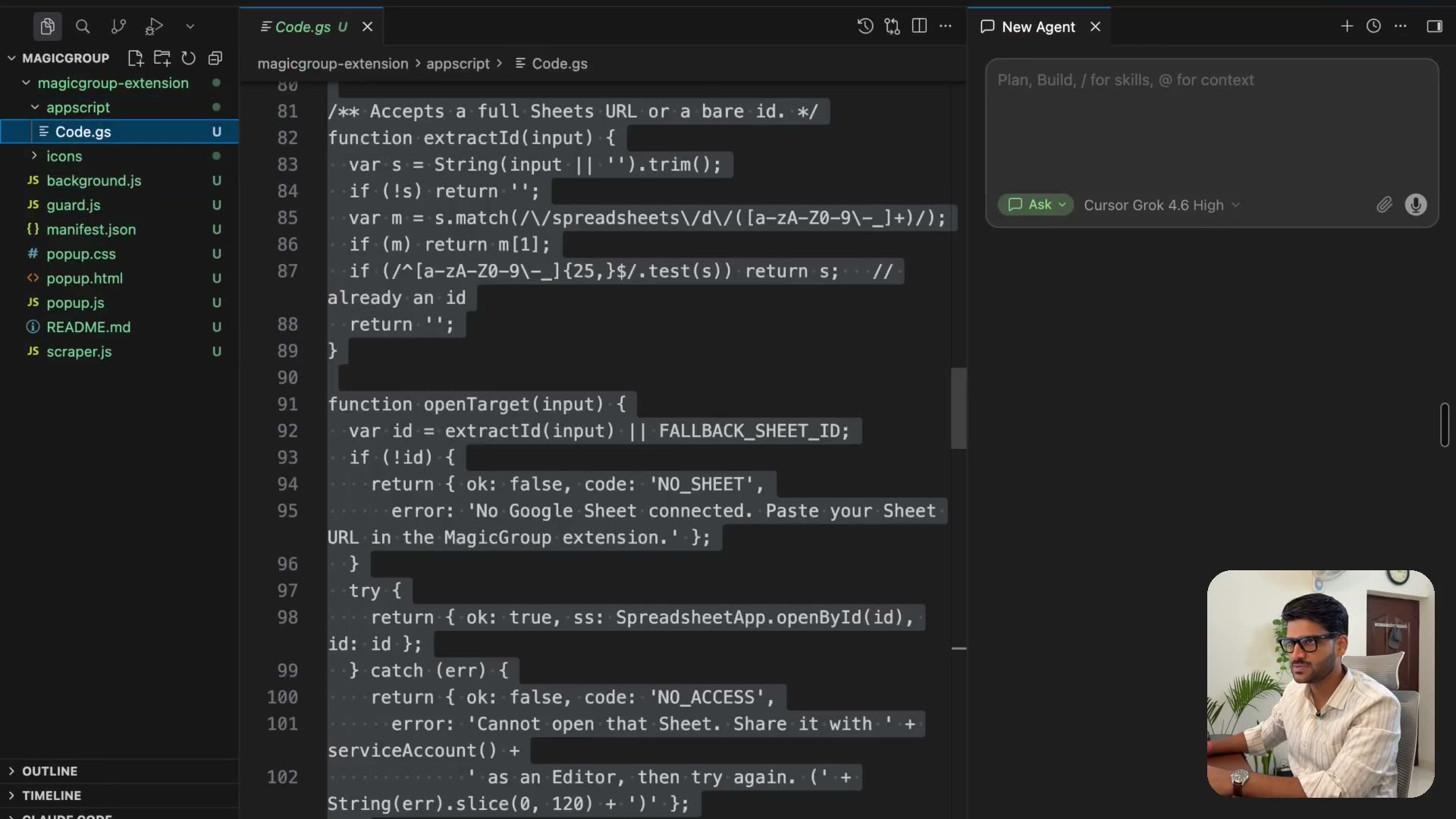
1:39Grok, Cursor's agent, the desktop apps. What I actually use and why: the terminal is a direct line to the operating system, everything else puts a layer between you and the machine. Try them all — this is why I stay.
3.10 Don't make your user learn your app
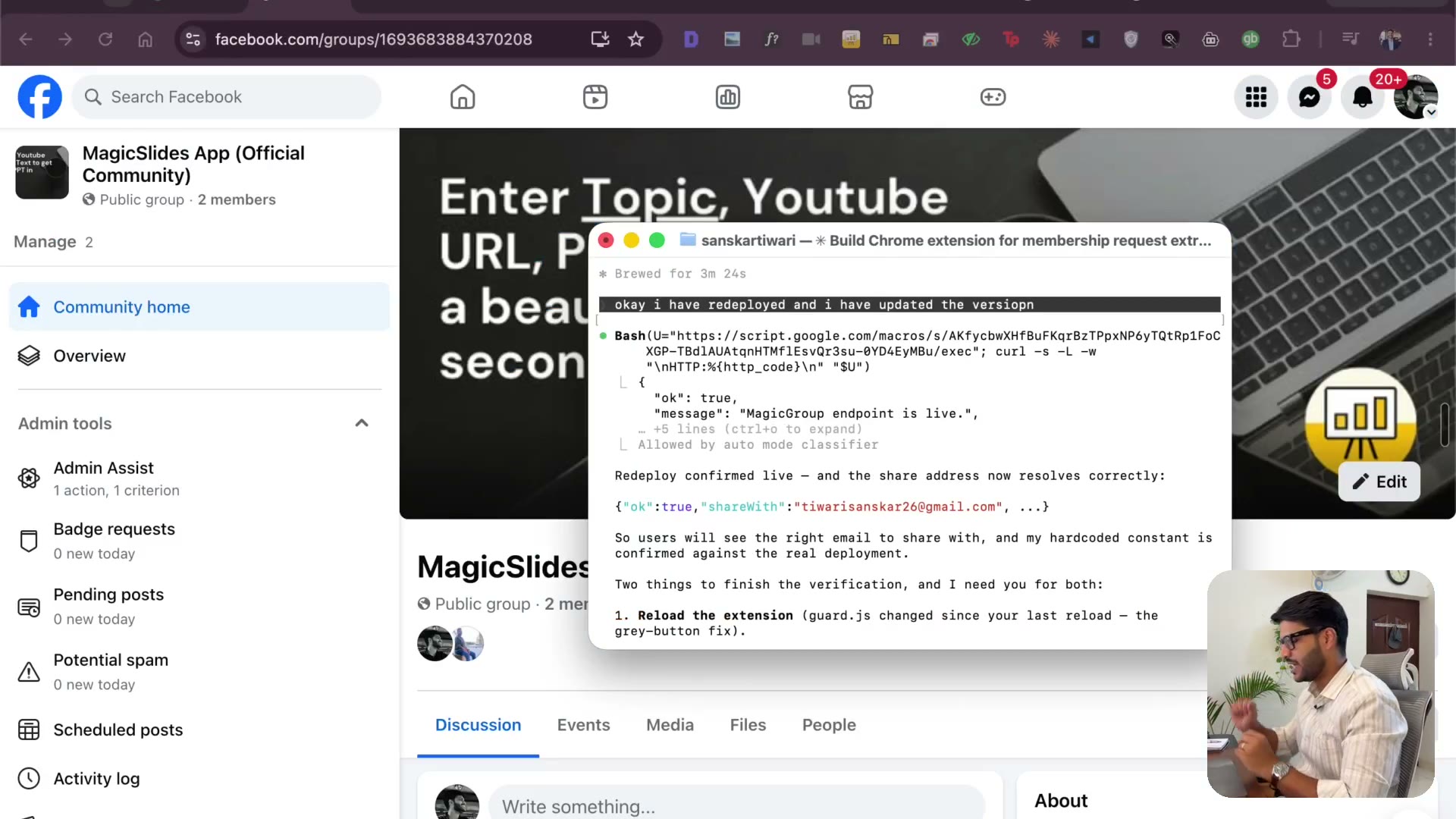
3:12Default the sheet name to Sheet1 instead of teaching people to rename it. Take a URL, not an ID. Every time you're about to educate your user, ask whether you could just handle it instead. Then redeploy — and how versioning works in Apps Script.
3.11 One Sheet per group — and the real test
3:12People run multiple groups and don't want the leads mixed together. Adding a Google Sheet URL per group, then running the whole thing for real: request comes in, I approve, and the lead is in the sheet before Facebook even finishes.
3.12 Email OTP login — the simplest auth that works
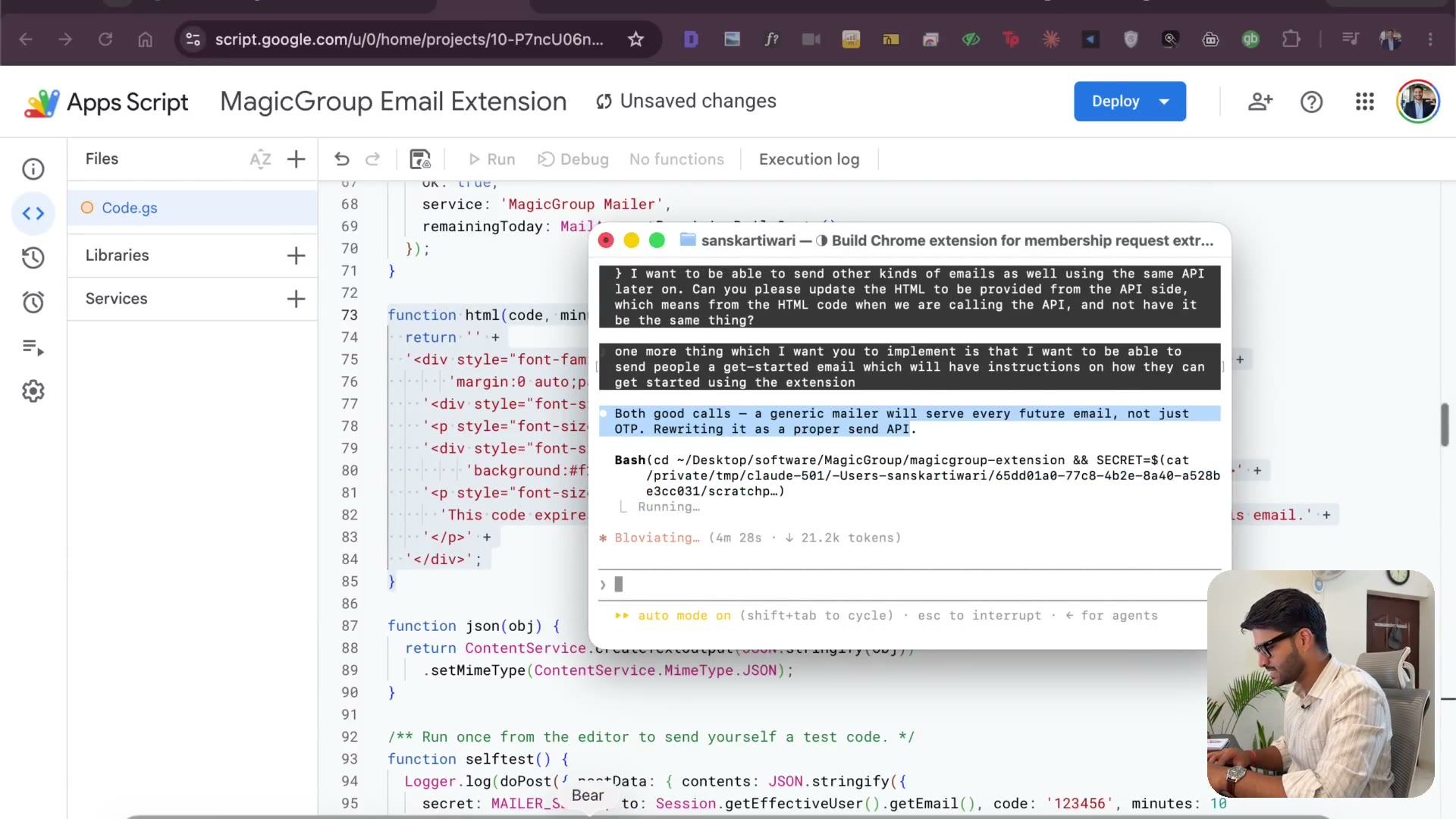
4:04I've built Google, Apple and Microsoft login. Email OTP is still the simplest thing that works. A second Apps Script for sending mail, the 100-emails-a-day Gmail limit, and why a Workspace account lifts that to thousands.
3.13 The landing page, the logo & how I take payments
3:26Starting the landing page while the code runs. Five logo options, pick one. Then payments: Gumroad to start, PayPal if you're selling internationally. And personalize everything — my font, my name, my face in the footer.
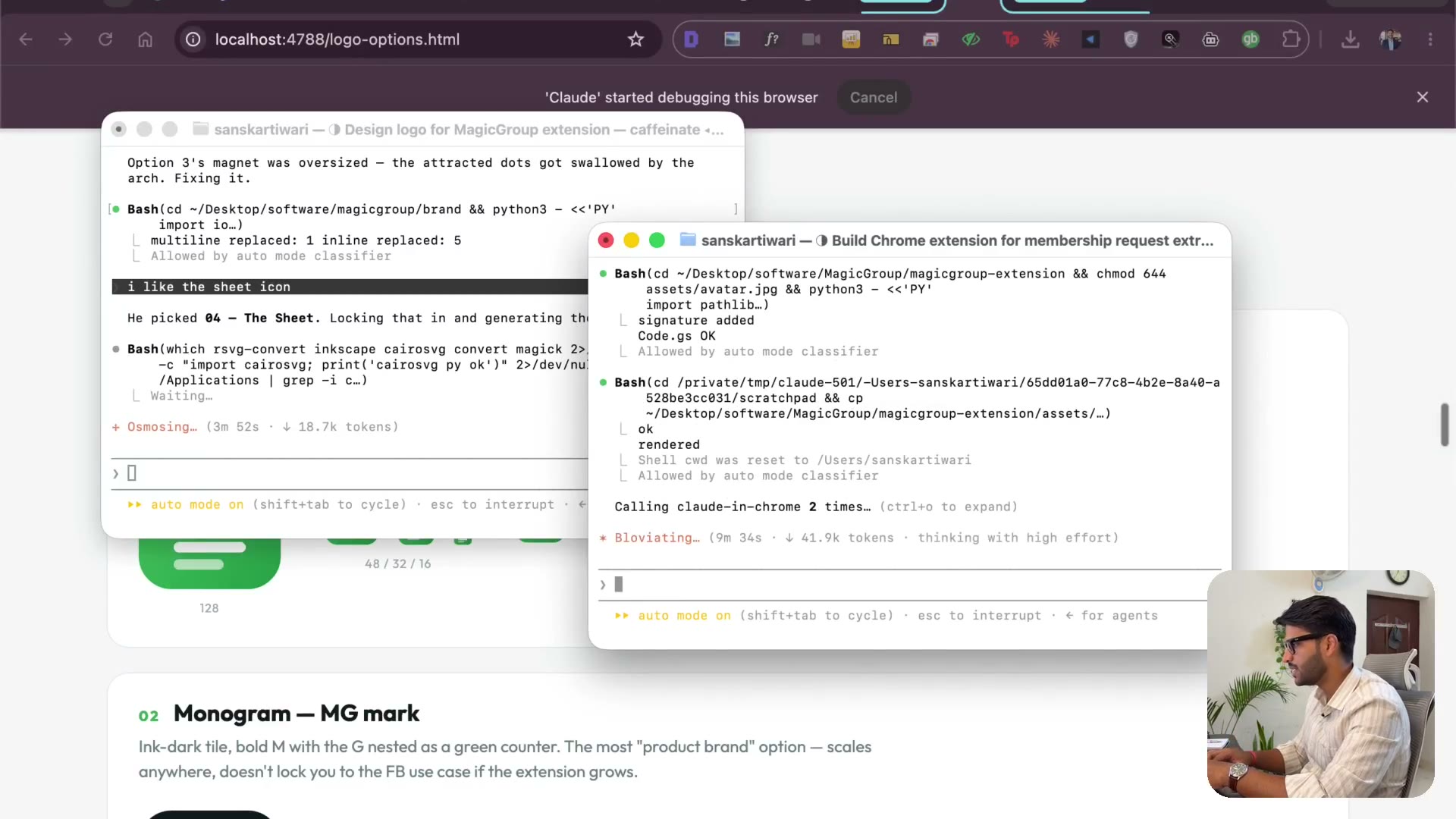
3.14 Emails that don't land in spam
2:47Ask people to reply — a reply is the strongest signal there is. Offer a free month for feedback shared on social. Say plainly that this isn't a recurring email so nobody reaches for the spam button. Small things, but this is the difference between reaching your customers and not.
3.15 Which database — and wiring the users Sheet
3:56Supabase, Cloudflare, or the thing I actually used for years: Google Sheets. Every Chrome extension I've built used a sheet as the database. I create the users sheet, paste the ID, redeploy, and login has somewhere to store people.
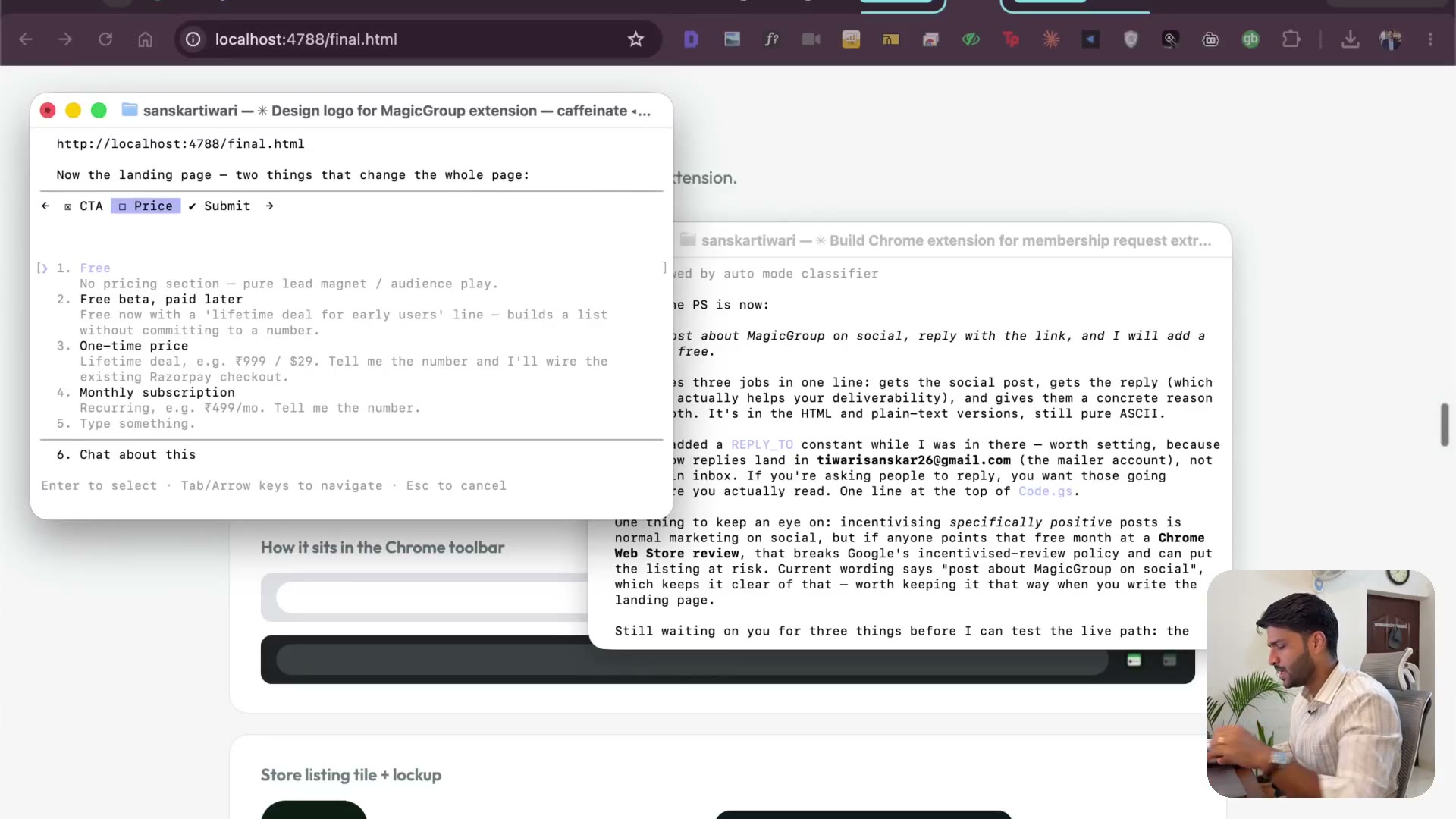
3.16 Where we are — what's done, what's left
2:31A checkpoint. Extension works, login works, user profiles work. What's left is the landing page — I build it in Next.js inside a project I already had. Also why a free plan makes selling easier than going paid-only.
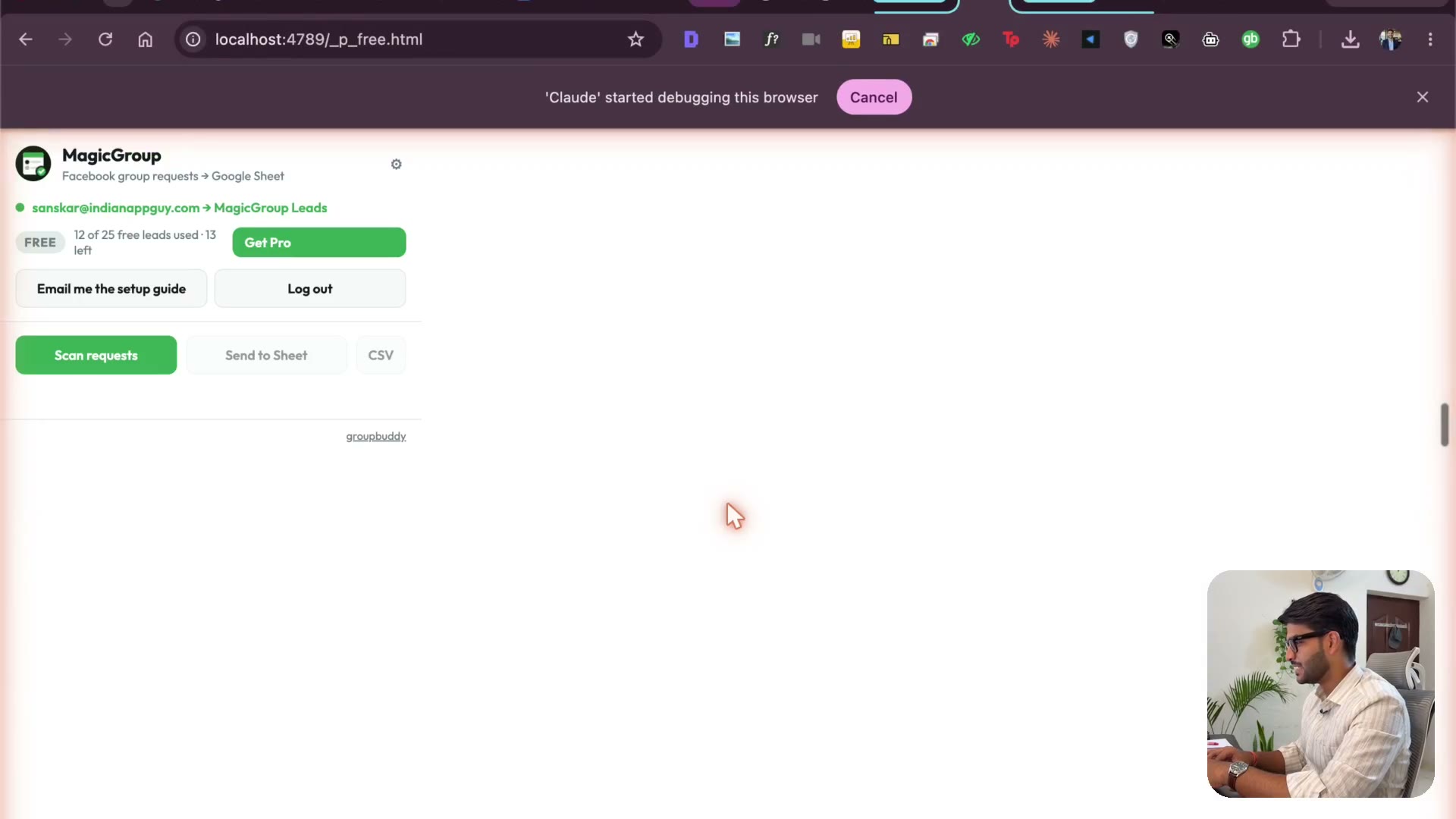
3.17 Testing the loop & the Chrome Web Store listing
3:13Remove a member, send a fresh join request, answer the questions, approve — and watch the lead land. Then the store listing: the tabs you fill in, and the privacy policy and terms of service you can't skip.
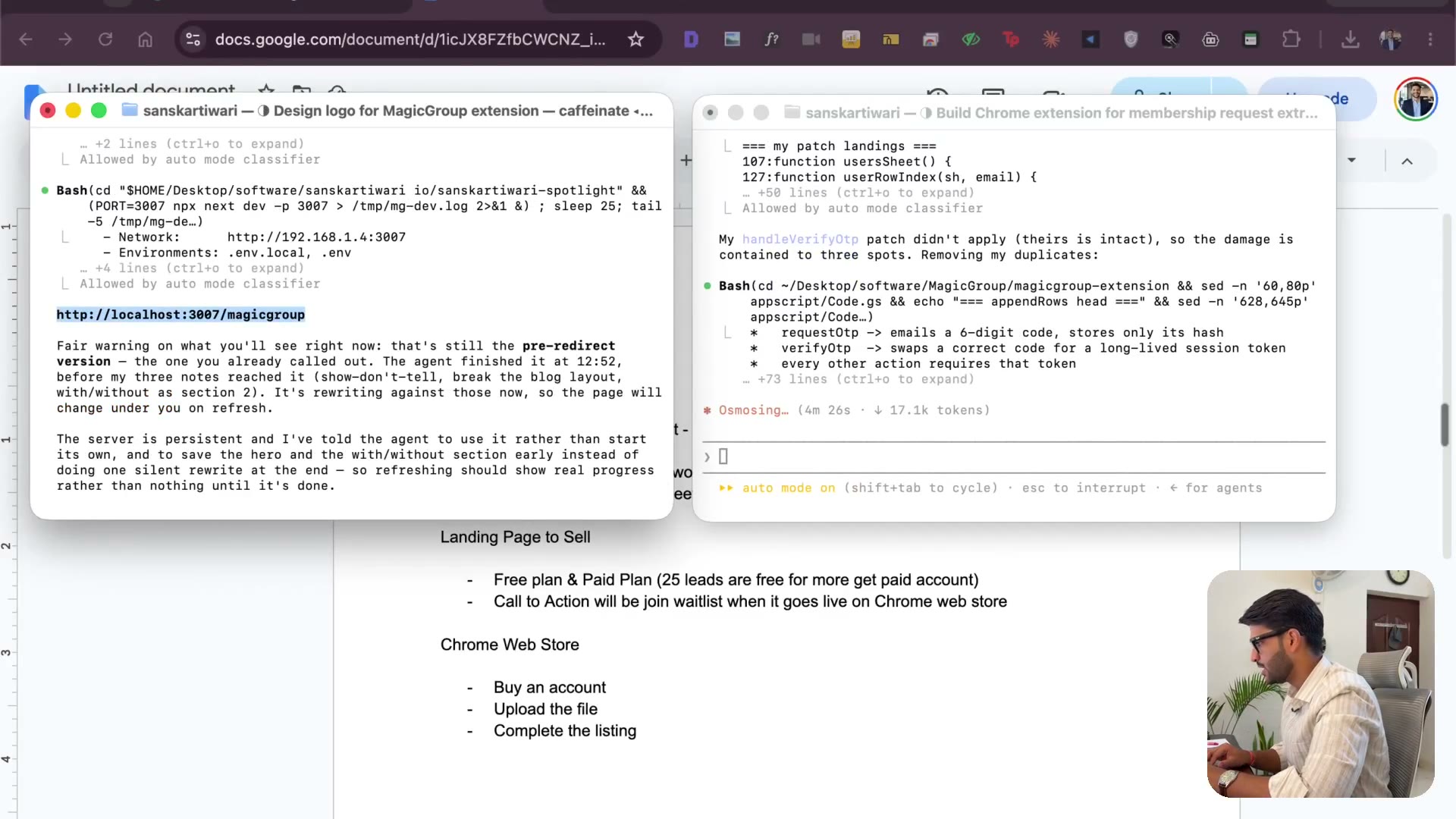
3.18 Mockup above the fold & the with/without comparison
2:44The page needs a centered title, a short line under it, and a visual mockup immediately — nobody should scroll to find out what it does. Then the comparison section: the copy-pasting they do today, next to the one click they'd do instead.
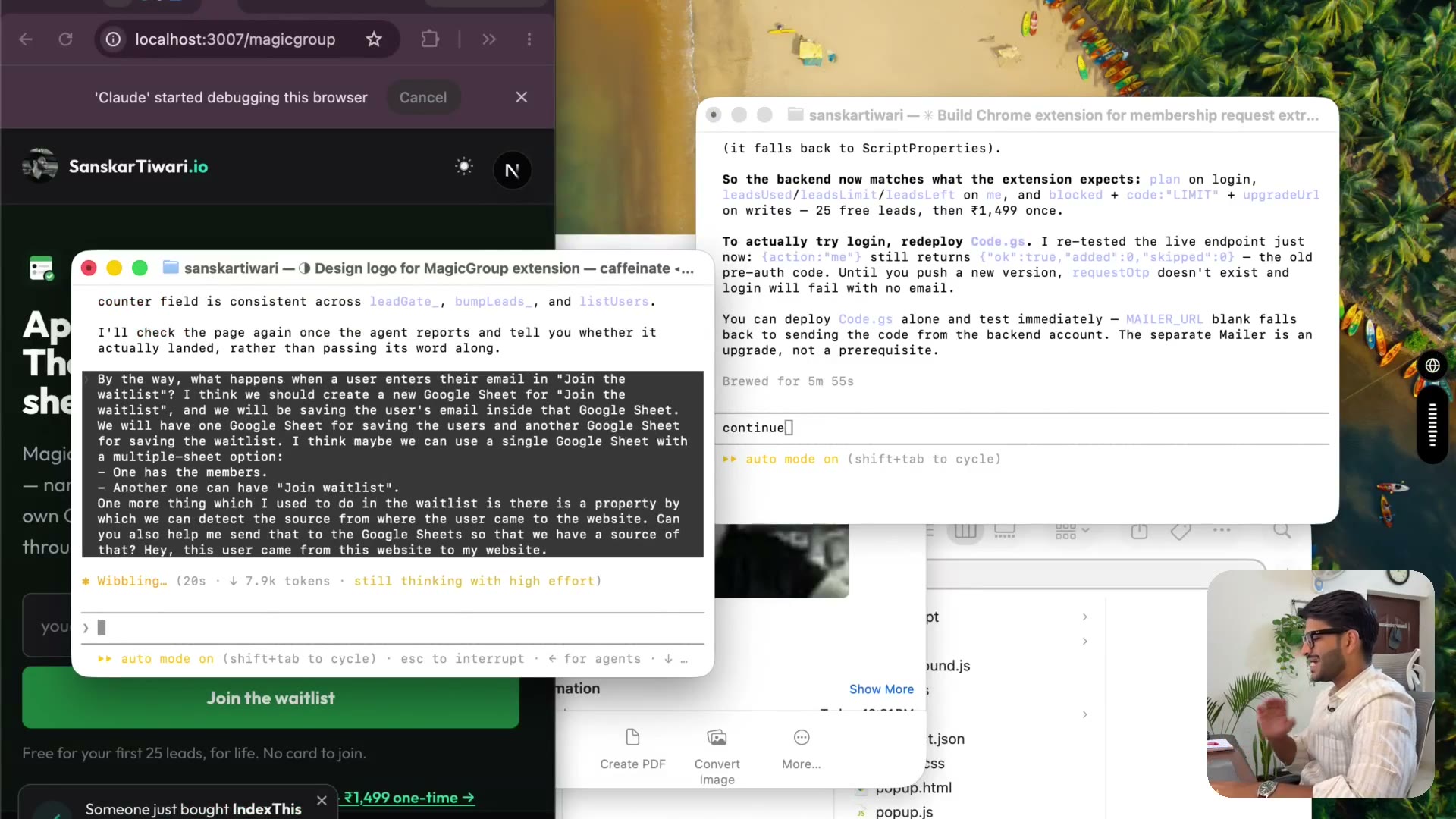
3.19 Your title is what it DOES, not its features▶ Free preview
3:27The title I got back was bullshit and I say so. Nobody cares about your features. "MagicGroup automates membership requests so you can reach those leads and sell to them" — that's a benefit. Talk about how it simplifies their life and how it prints them money.
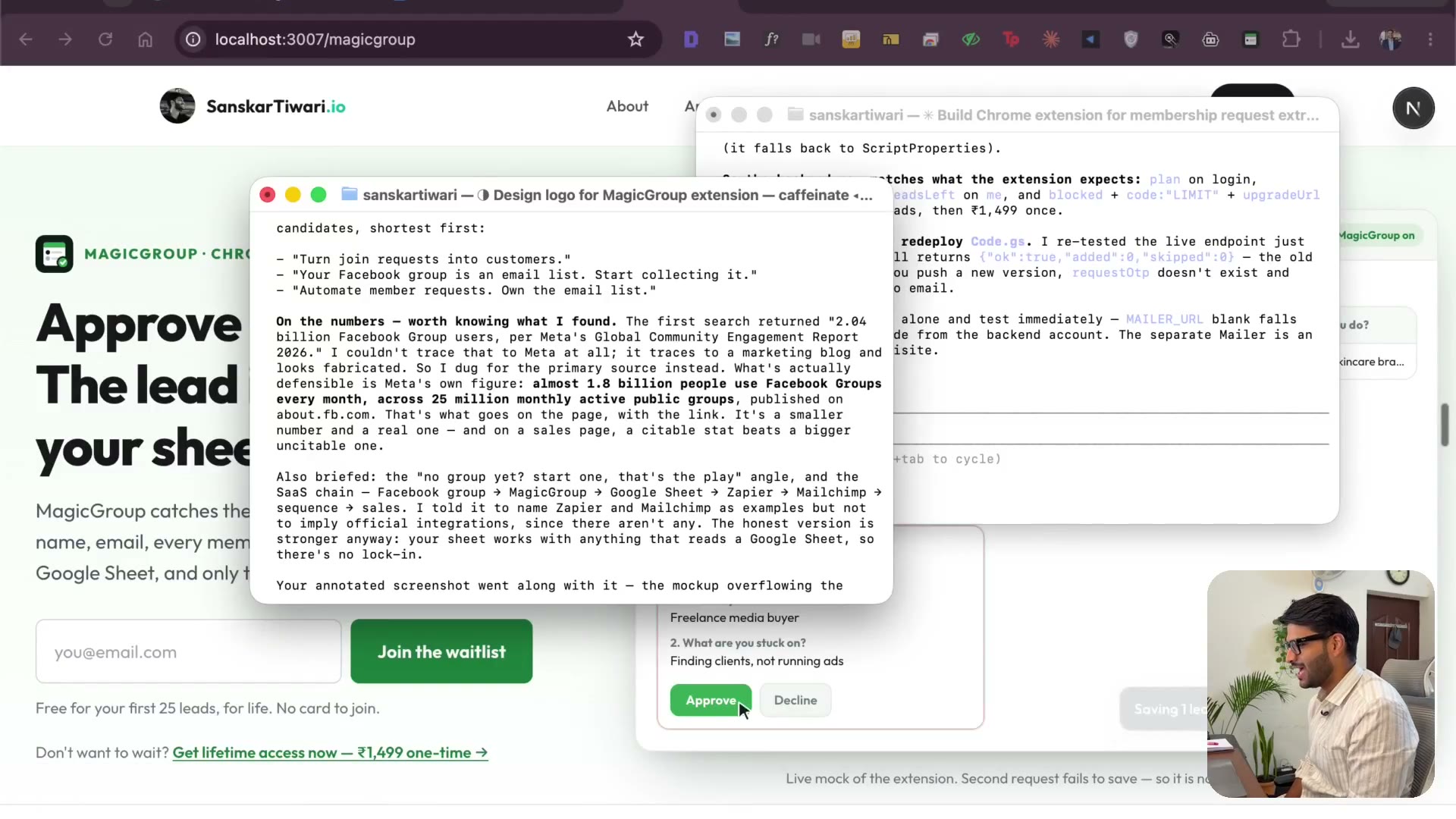
3.20 How to actually decide the title
3:51The title has to land for a cold lead who will never watch your video. What I've taken from Alex Becker, Russell Brunson's DotCom Secrets and Hormozi on offers — and why targeting only the people already doing this shrinks your market to almost nothing.
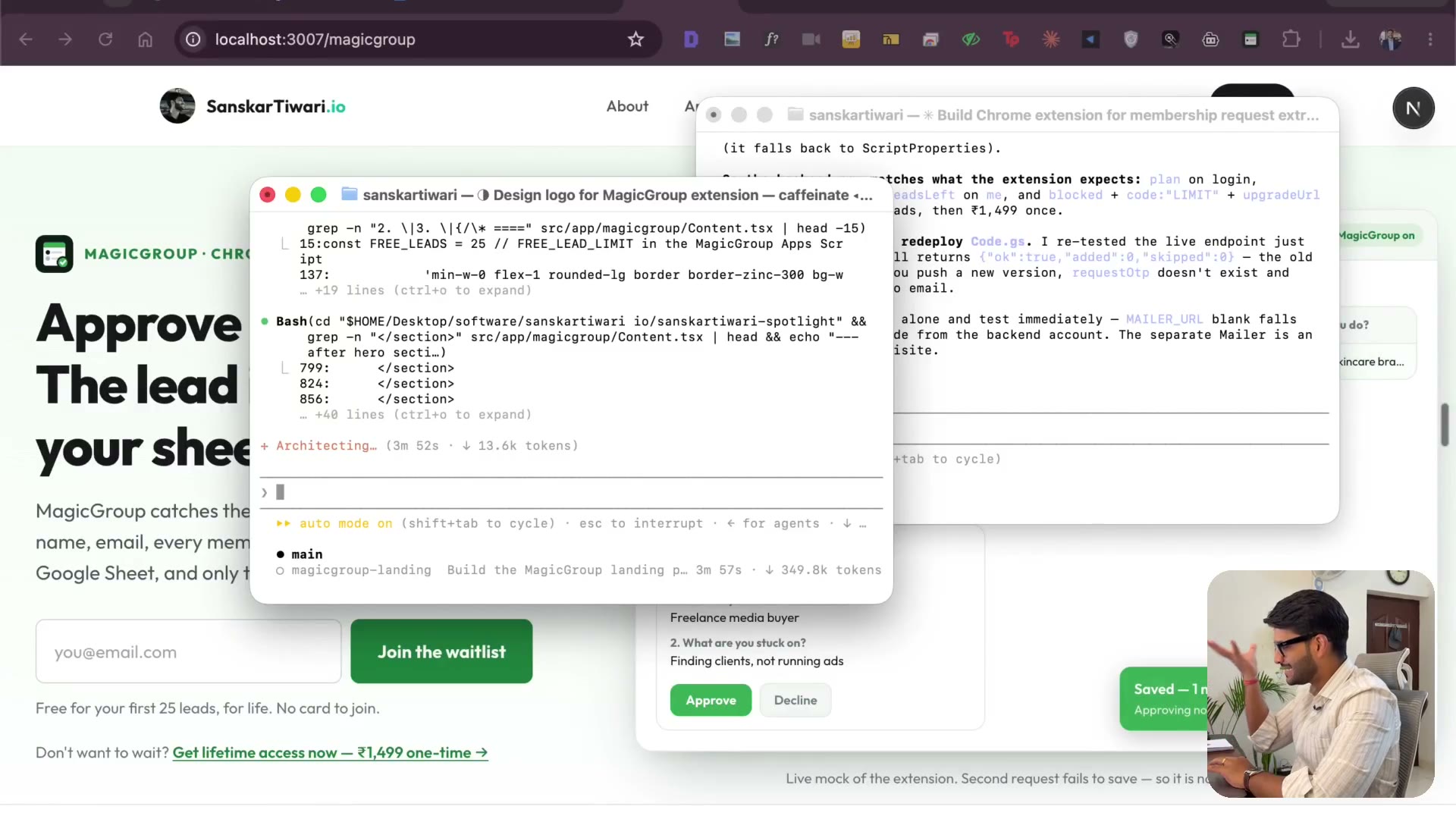
3.21 When context gets long, start a new terminal
2:17It stopped doing a good job — that's the context filling up, not the model getting dumber. I copy the state into a fresh terminal and carry on. Don't grind one session forever; it eats your limits and your output quality with them.
3.22 One call to action & getting the mockup right
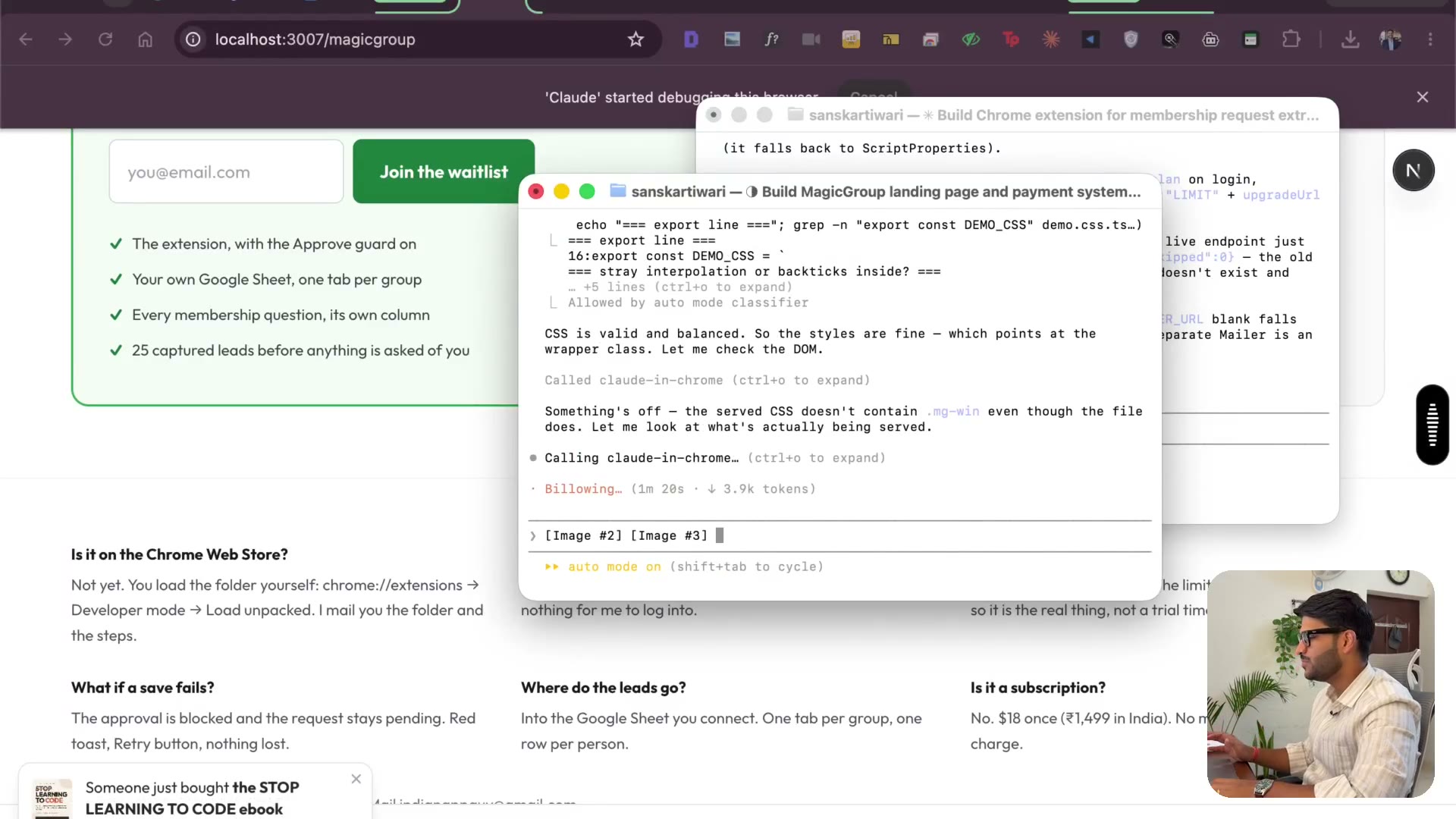
3:48One primary CTA, one secondary link under it. Paste screenshots into Claude with Ctrl+V, not Cmd+V. I draw a rectangle straight onto the screenshot to show exactly where the mockup goes — same shape sizes, arrows, a glow moving through the flow. Understandable without reading.
3.23 Selling time — the "hours vs two minutes" line
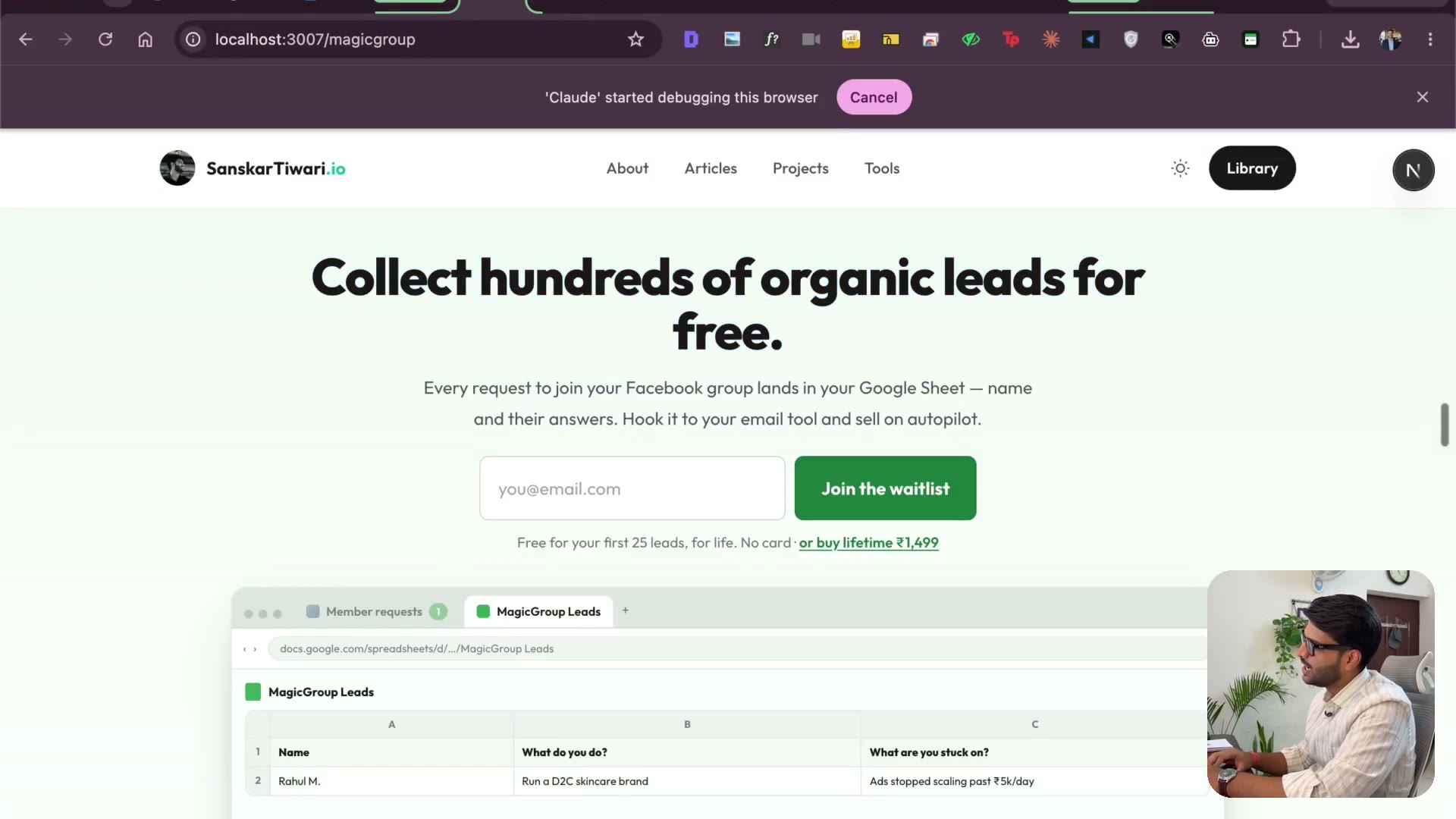
2:14We're not selling a scraper. We're selling time, reliability and consistency. The moment the page put "hours" next to "two minutes", it started selling. People shouldn't have to read the whole thing to get it.
3.24 Custom navbar & the about section
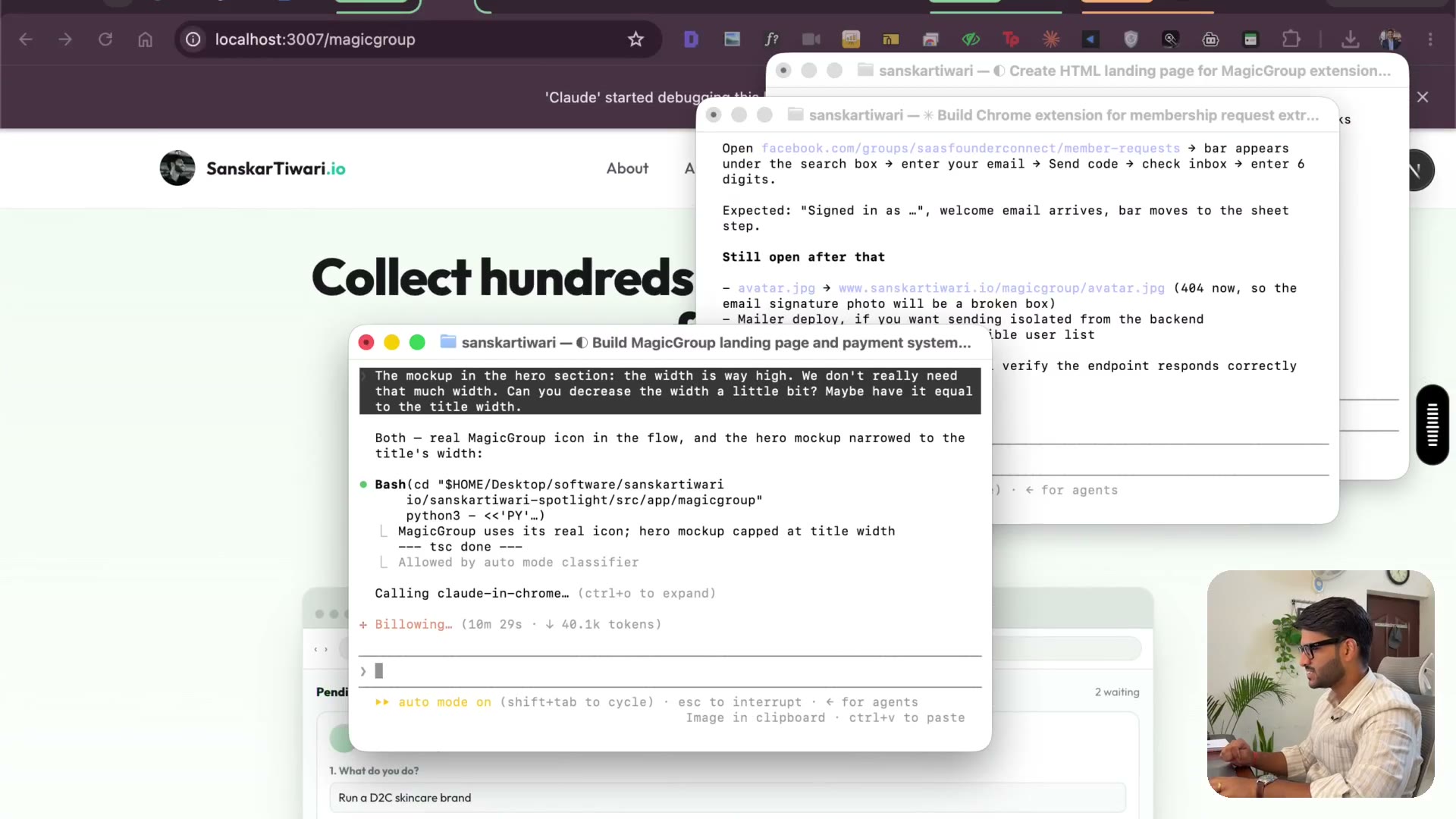
2:46A navbar just for this page, with its sections on it — when you're selling, help people jump to what they care about. Then an about section with my picture and why I built it: I grew groups to thousands of members, and doing this by hand was slow and unreliable.
3.25 Host it free on Netlify
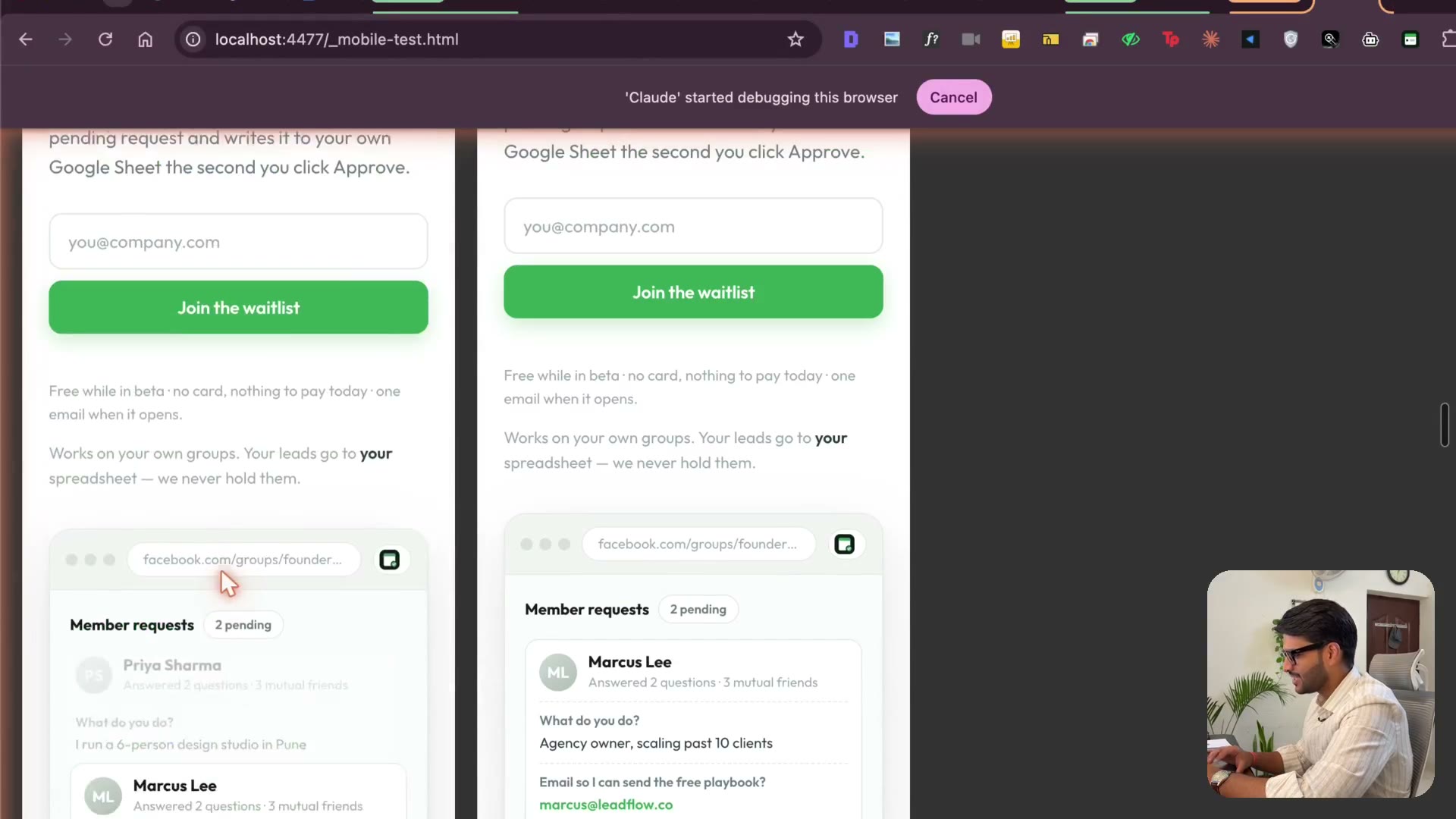
3:30The standalone HTML landing page came out better than the one inside my existing project — build your landing page separately so it doesn't inherit another page's style. Then getting it live on Netlify for free, start to finish, sign-in detour included.
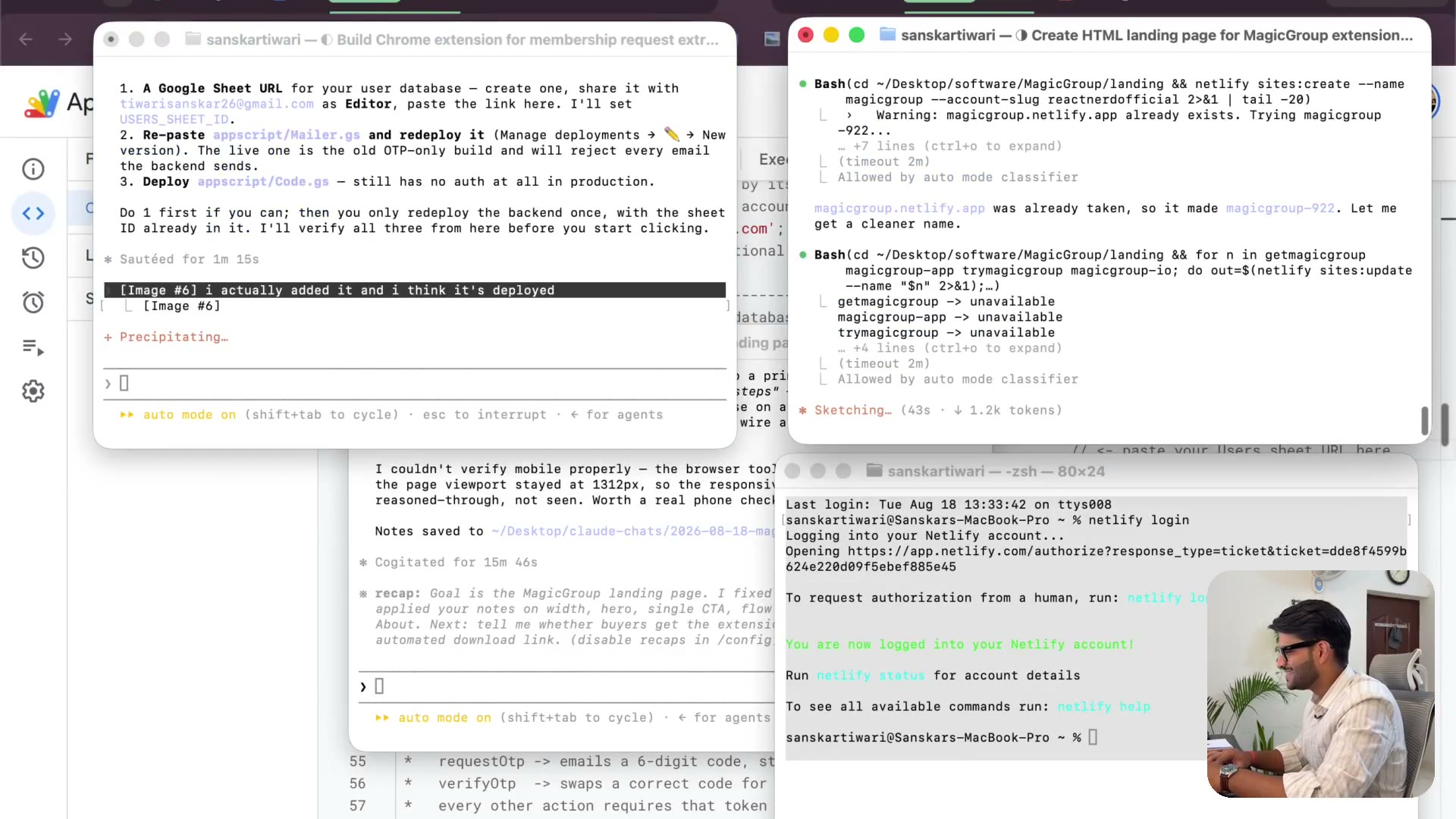
3.26 Wiring the users Sheet & going live
2:11The user sheet ID was blank in one place. Fixing it, saving the Apps Script files, and watching the site go live. Also my domain-buying addiction, 50+ domains in, and why you shouldn't copy that one.
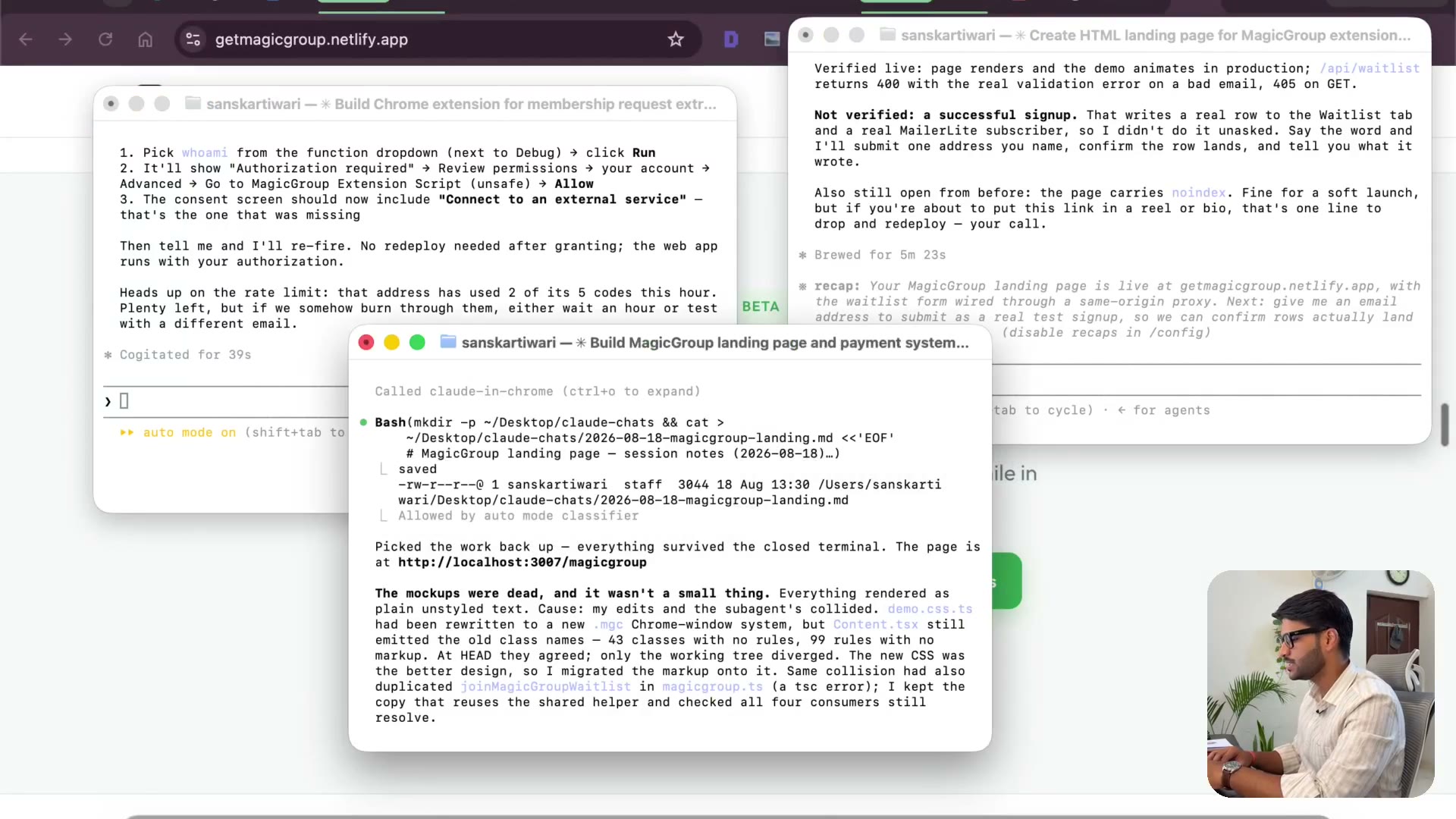
3.27 Fixing deployment access & testing the login
2:09The deployment said authentication required when it should have been anyone. Checking doPost, running the function once to clear the permission prompt, then logging in for real — and reading the console when Facebook starts throwing errors at you.
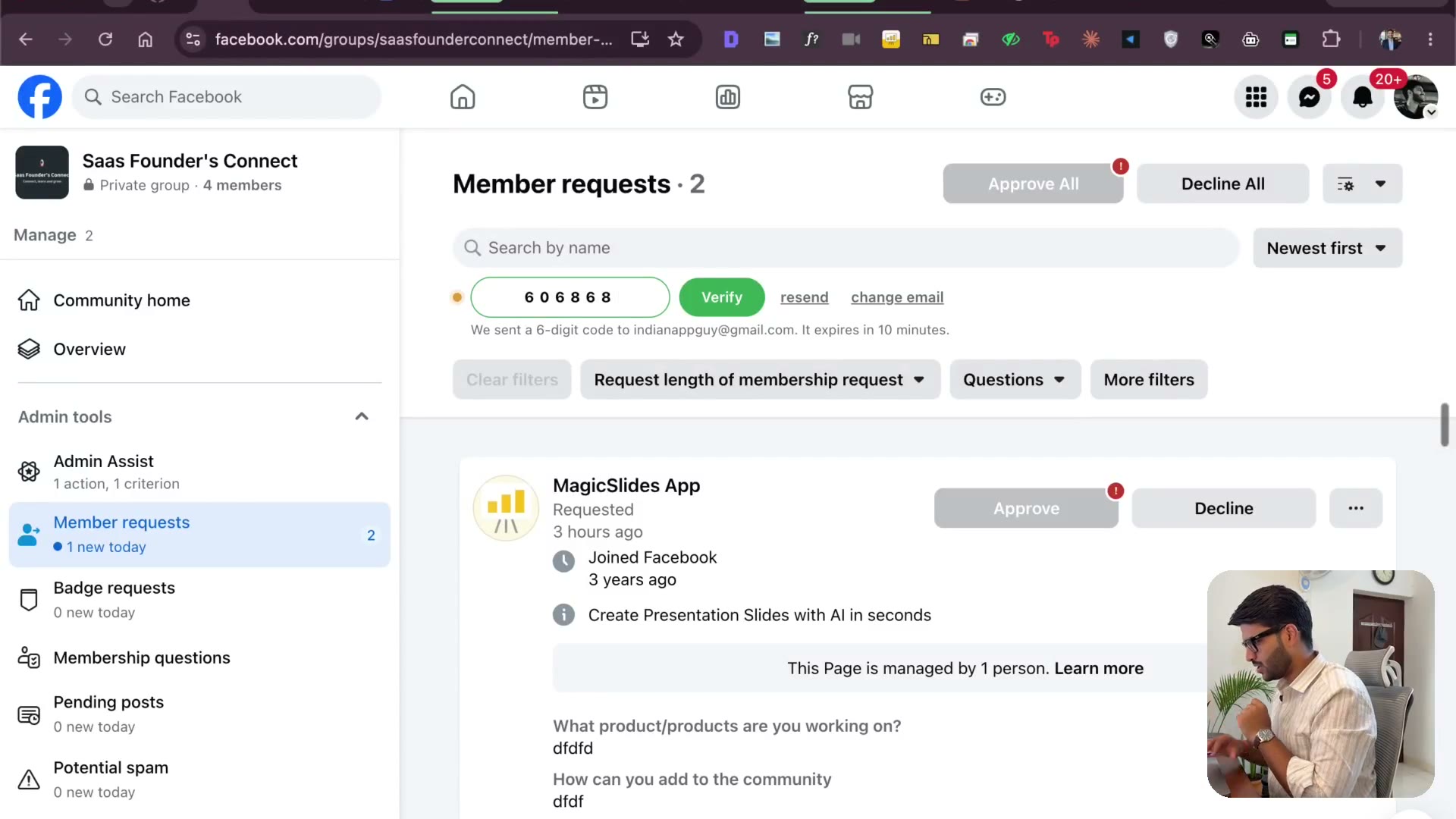
3.28 Login works — and keeping upgrades painless
2:56Paste the code, verify, and the login is done. Then testing the popup properly: free plan, 25 leads, the user landing in the sheet. The plan didn't sync — and why the upgrade path is the one thing in an extension you can't afford to make people wait for.
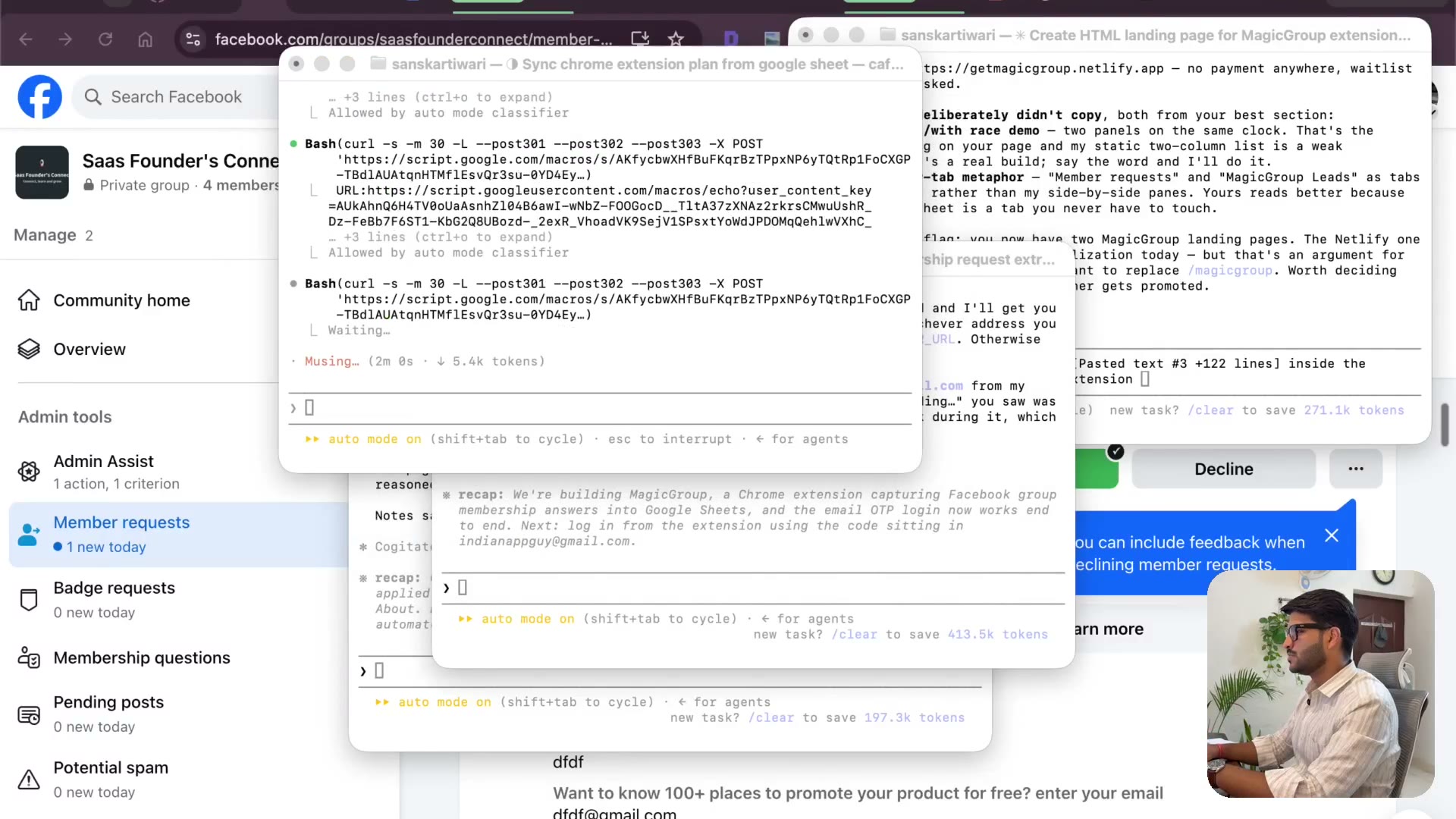
3.29 Staying focused while Claude works
2:05The unglamorous part nobody films: waiting. What I do while it's thinking, why watching the output matters even though you can't read code, and the honest cost of opening a new terminal instead of staying in the one you've got.
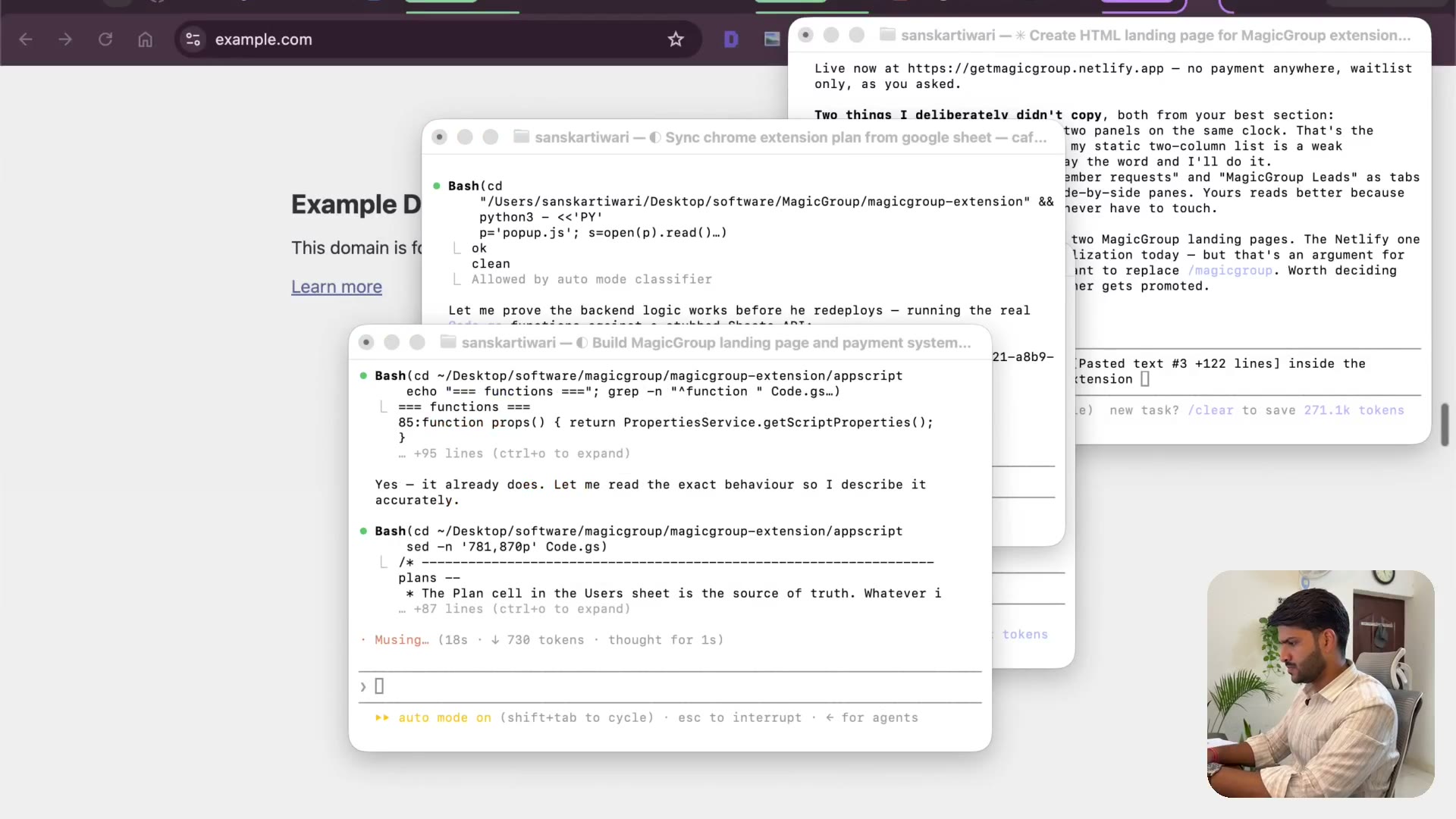
3.30 Free plan or not — why I simplified
2:54A free tier complicates everything downstream. You pay, you use; you don't, you don't. I change my mind on camera, simplify it, push the new Apps Script version, and redeploy.
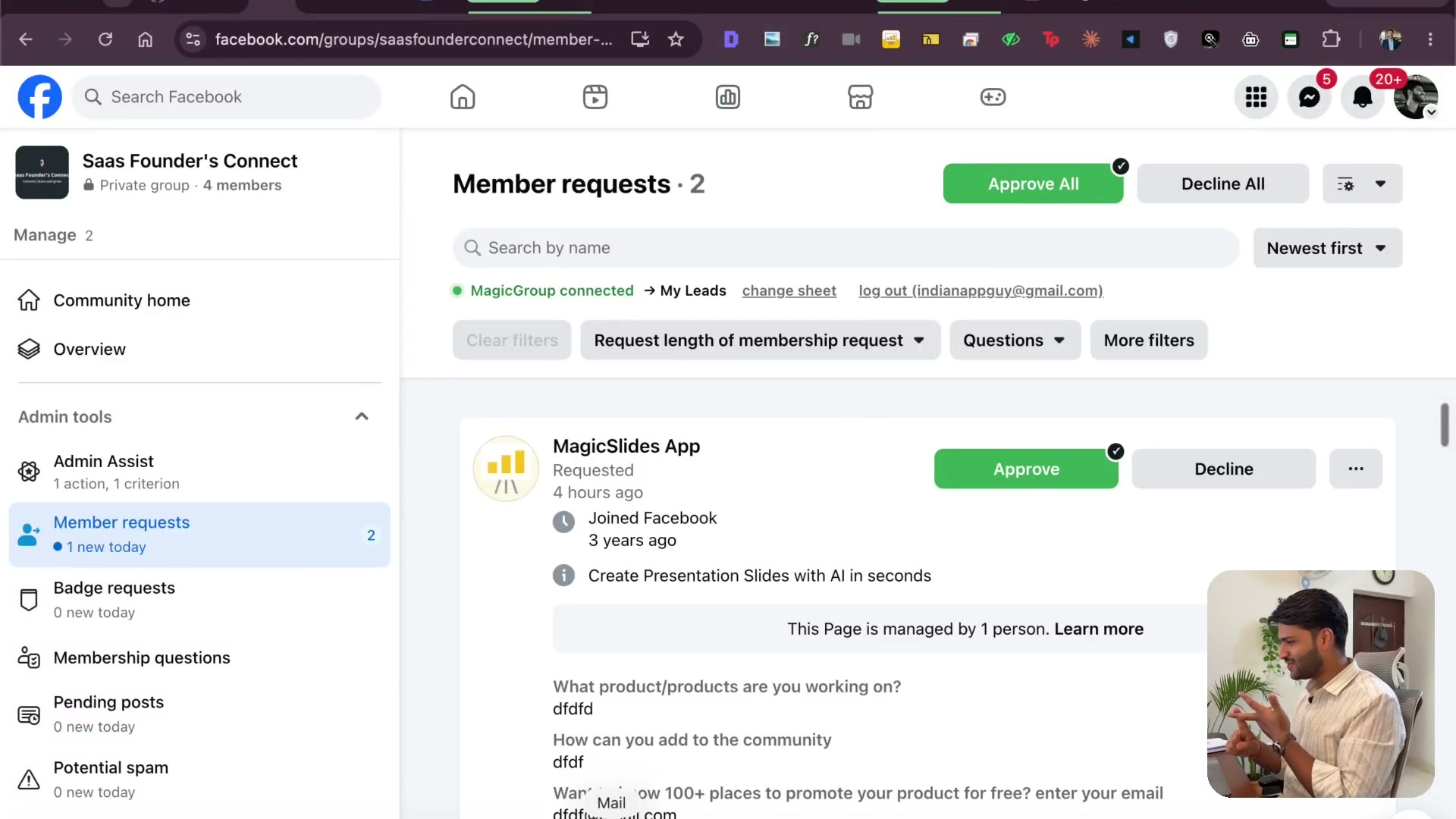
3.31 Minify the code, then the privacy policy
2:32Auth works, payment works, the pro plan works. Now getting it store-ready: minifying (47% smaller — I used to do this by hand on uglifyjs), and the privacy policy page the Web Store won't let you skip.
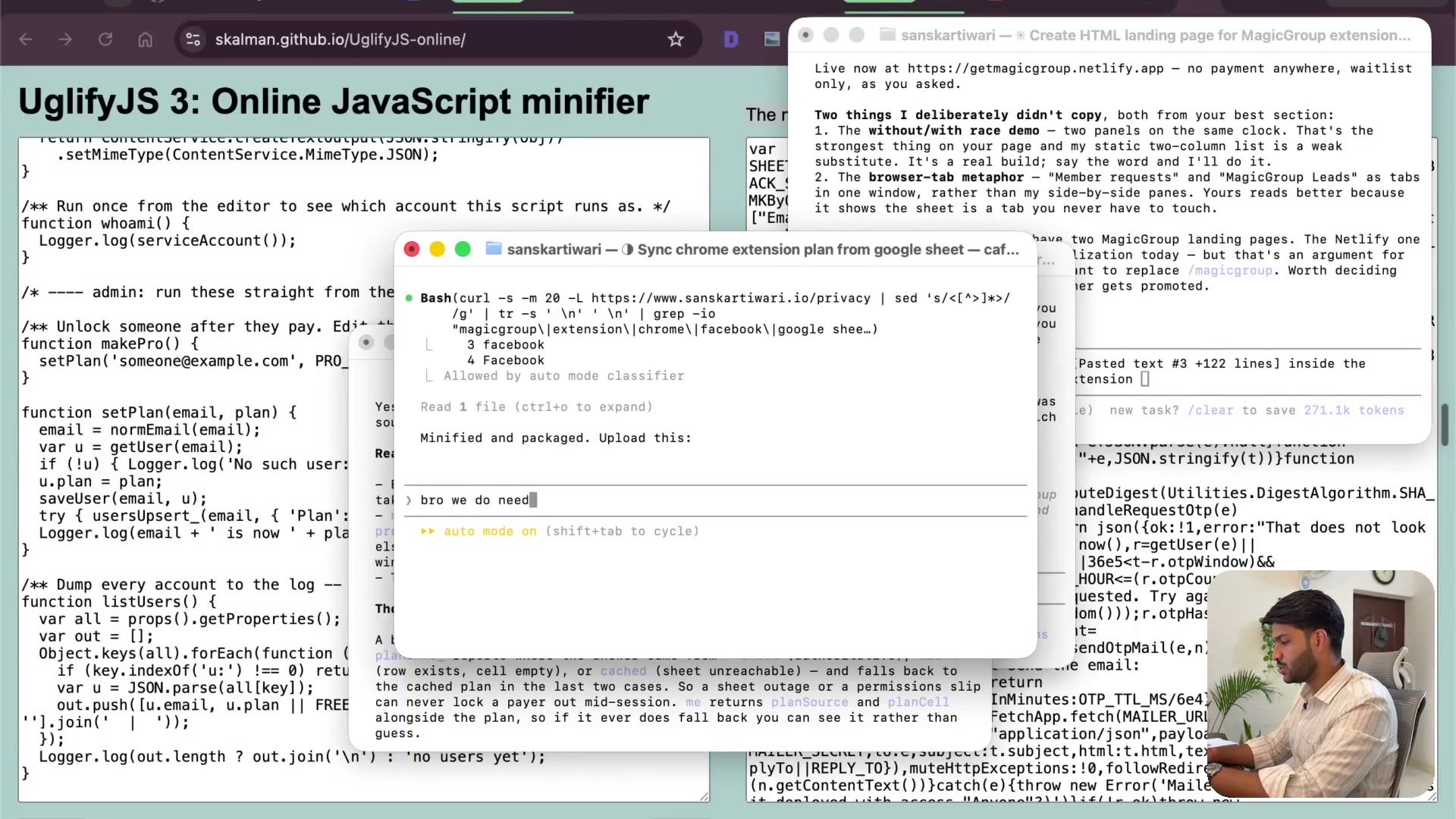
3.32 Taking payment with a PayPal button
2:18My site has too many payment options, which makes it a bad example. So here's the simple version: a PayPal button. Why it's the fastest way to take money internationally, and the doc trick I used for years to publish policy pages without building any.
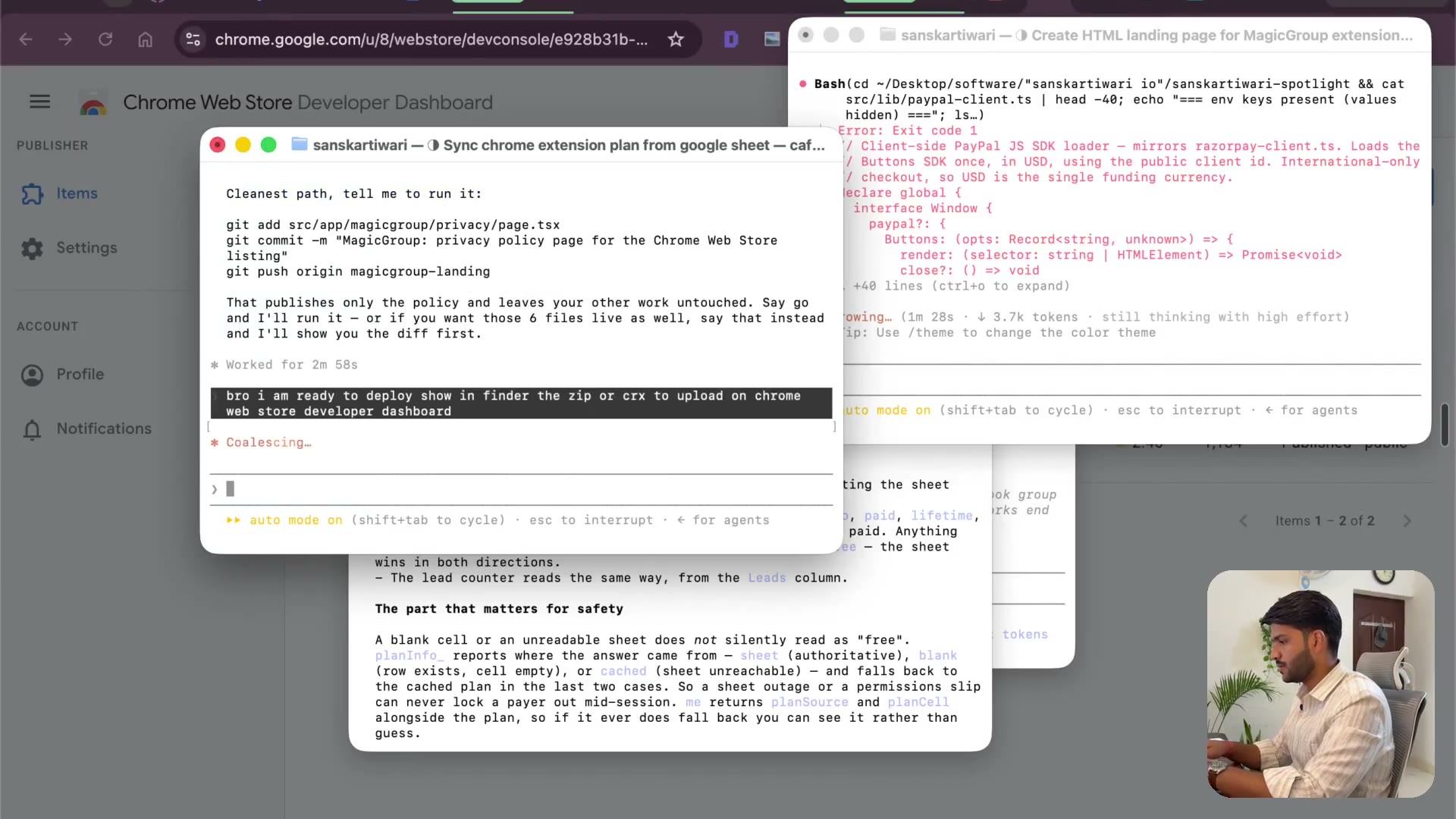
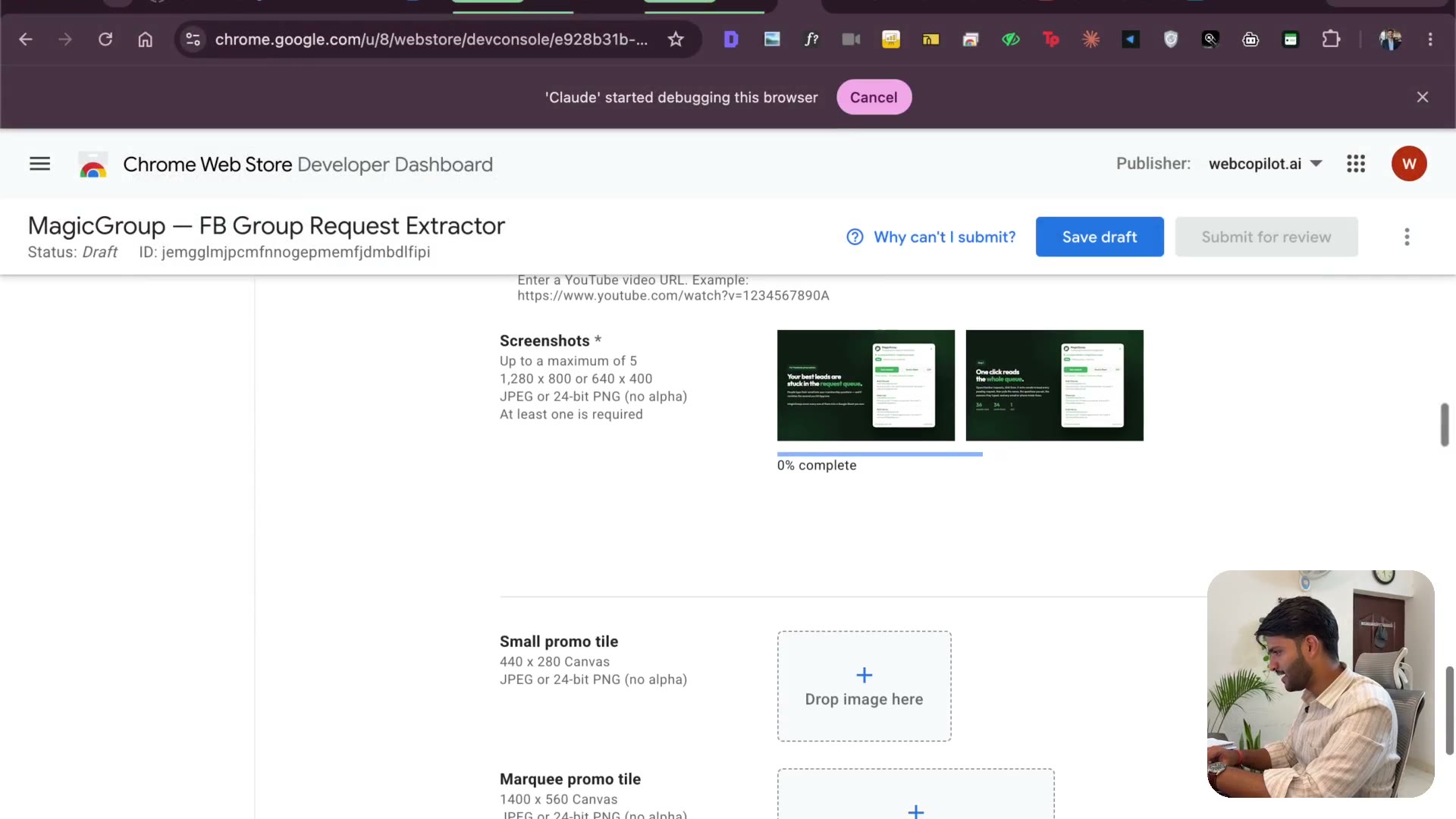
3.33 Uploading the extension — zip, icons, screenshots
2:40The developer dashboard, version 1.0.0, and the assets it demands: 512×512 icon, screenshots, the lot. This is the stage I used to get stuck on for hours, missing one requirement at a time.
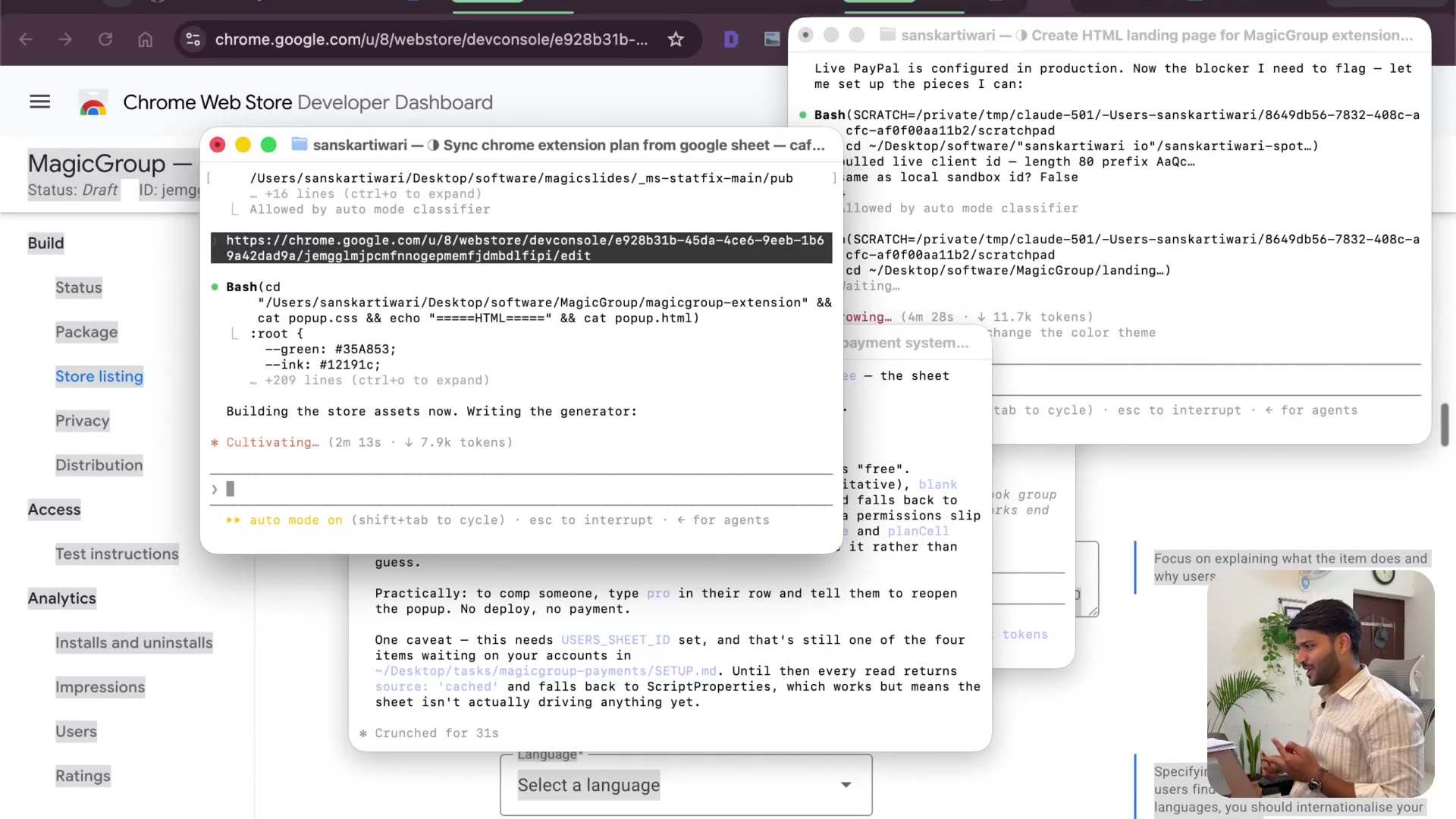
3.34 Making the waitlist actually collect emails
2:40A waitlist that doesn't save is worse than no waitlist. I check whether the emails are really landing in the sheet, then test it live with a real address and watch the row appear.
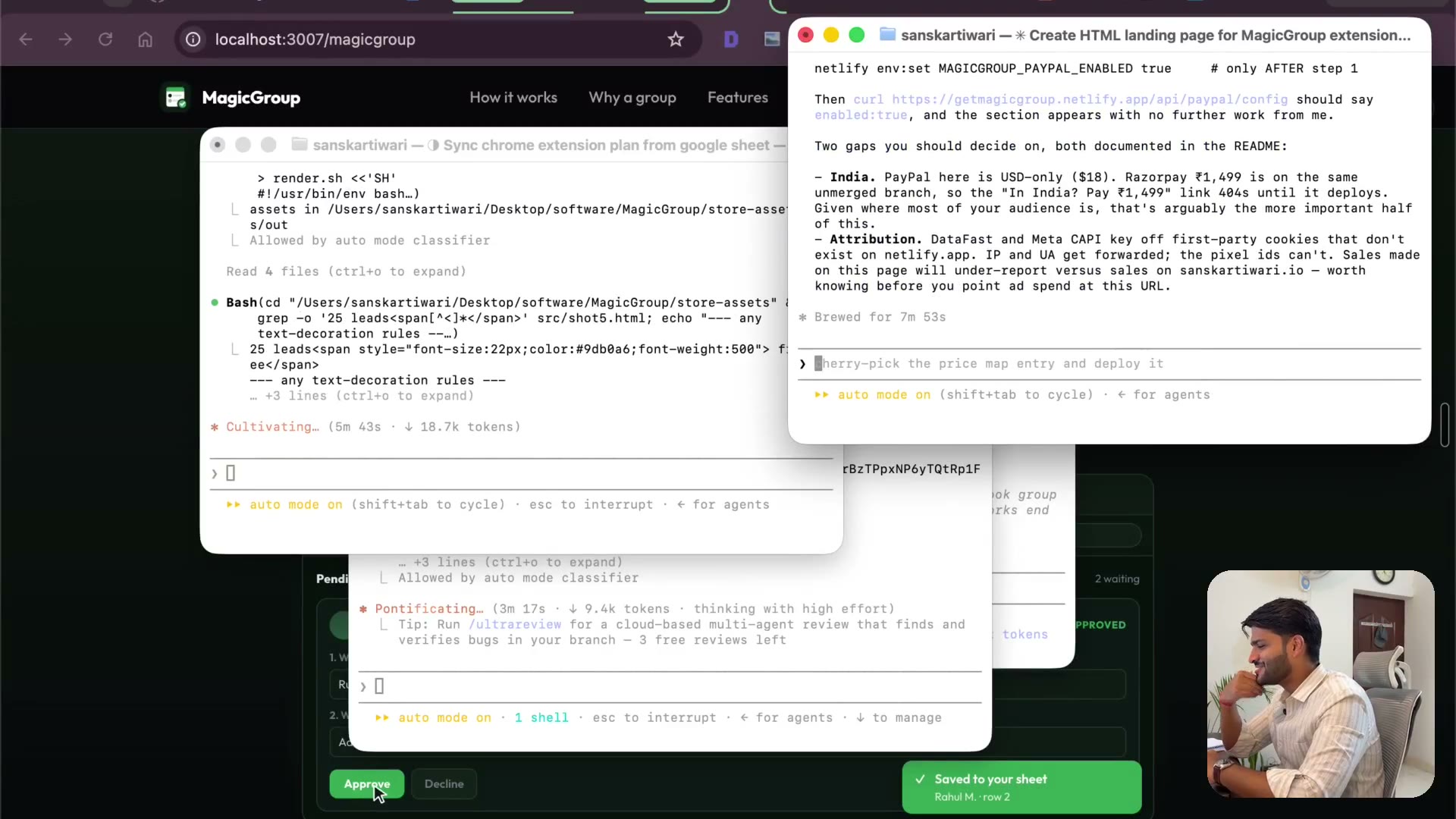
3.35 Script properties and the store images
2:10Wiring PayPal IDs in as script properties instead of pasting them into code. Then generating the store images — I genuinely didn't expect what came back.
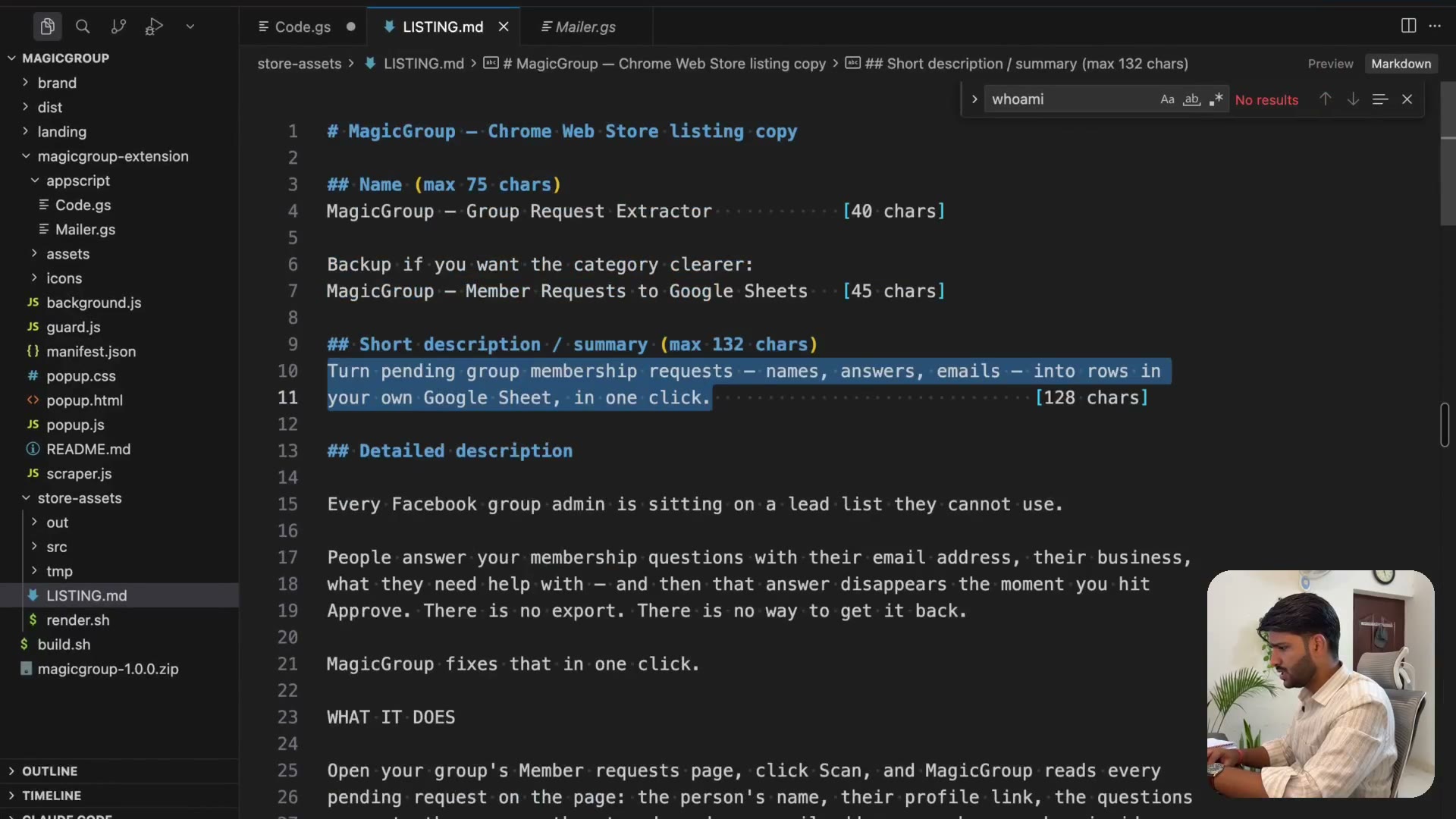
3.36 Filling the store listing (the part nobody records)
2:16Short description, long description, category, single-purpose statement, and a justification for every permission you request. Reviewers read these literally. This is where submissions die, and it's the part every tutorial skips.
3.37 Promo tile and pointing your domain
2:07The promo tile I've never bothered with on extensions that made thousands — and why that's changing. Then adding your own domain: the DNS records on Namecheap, and confirming it resolves.
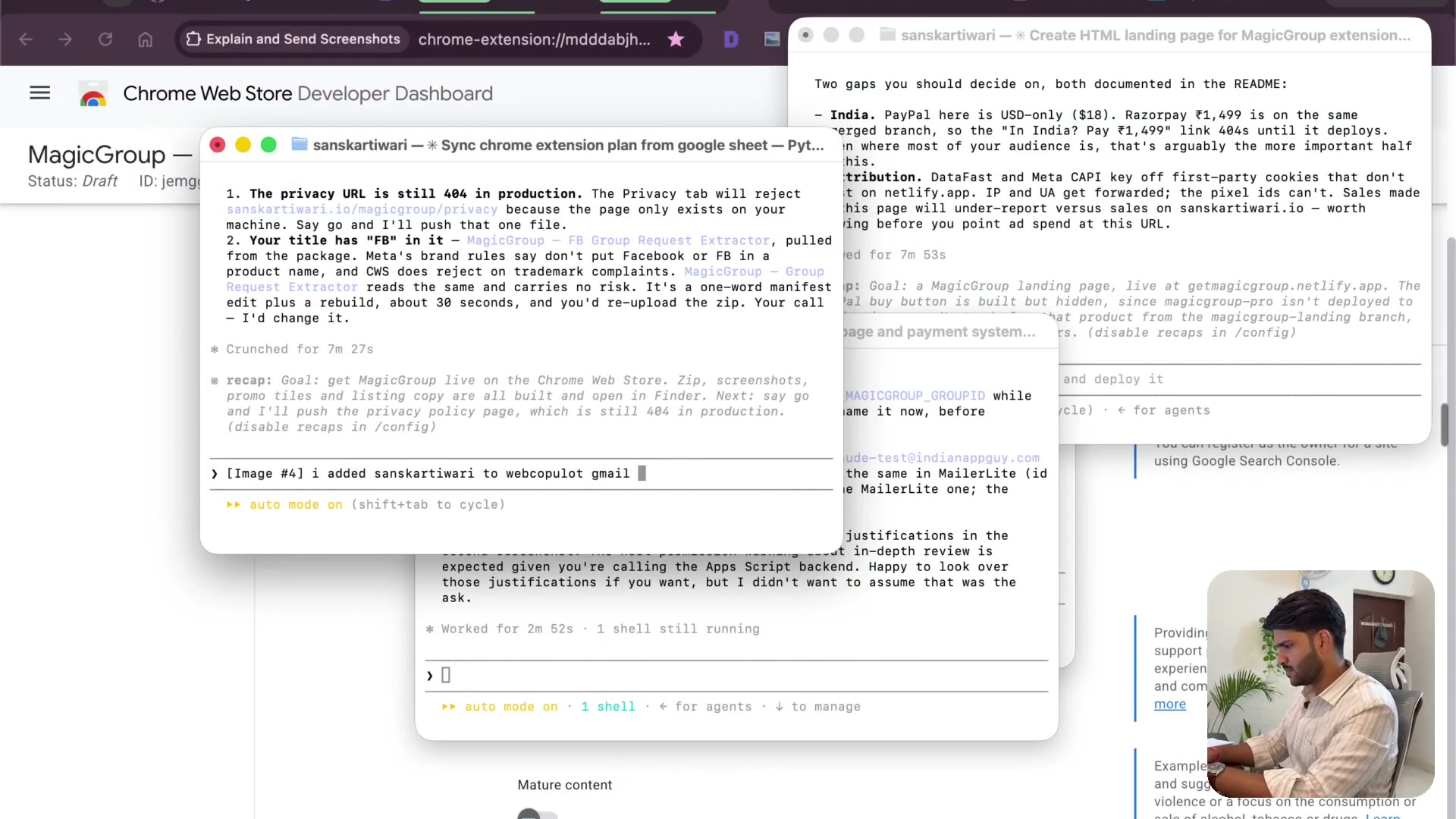
3.38 The 404 before launch — getting the site live
2:05The privacy policy URL 404s, which means the site isn't actually deployed. Fixing it, and how Netlify redeploys off a connected GitHub repo on every change.
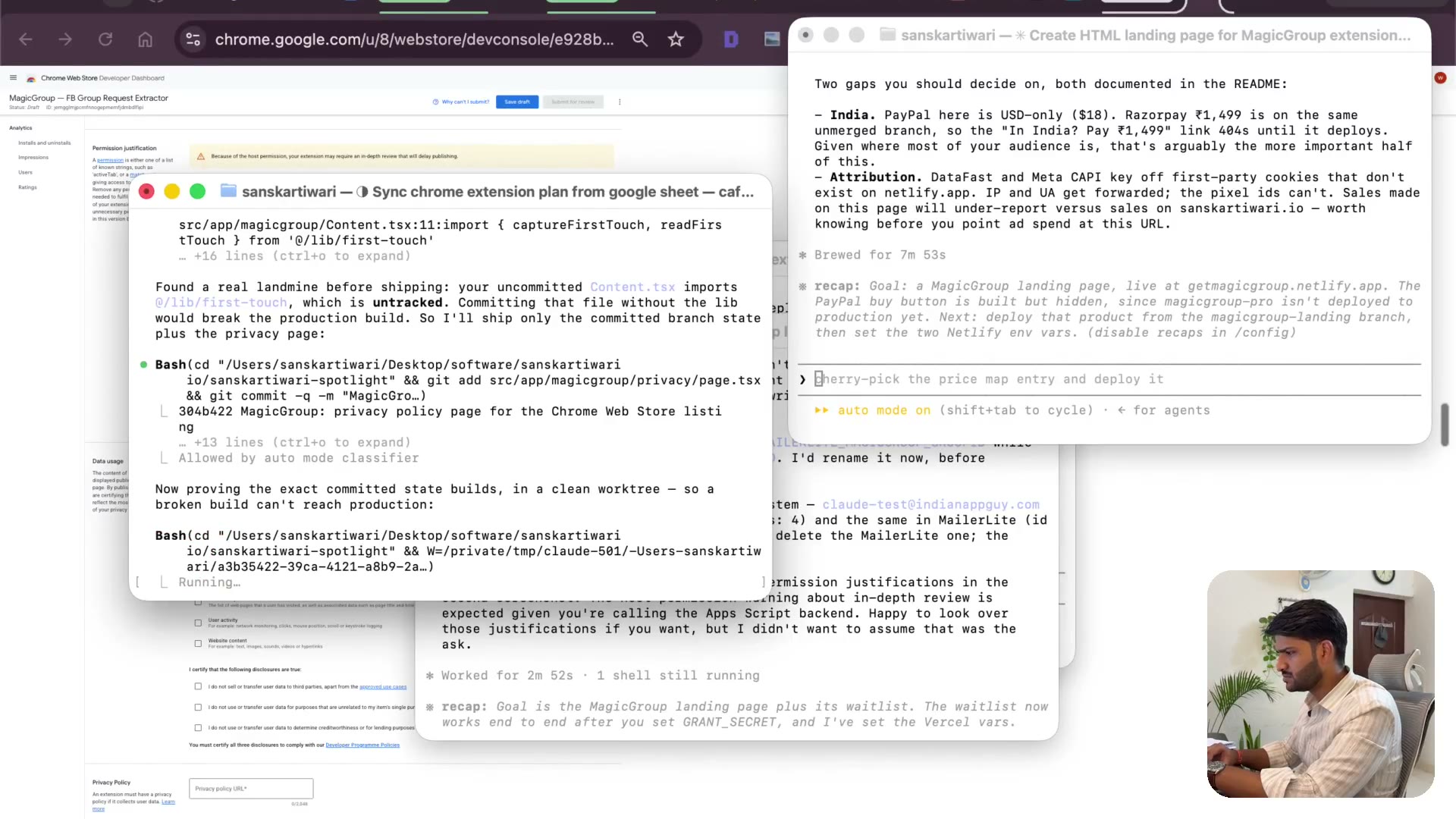
3.39 Git and merges, without the jargon
2:38What git actually is, explained the way I understand it: I used to copy my code somewhere before changing it so I could get back. Then merging, a green build, and the landing page live.
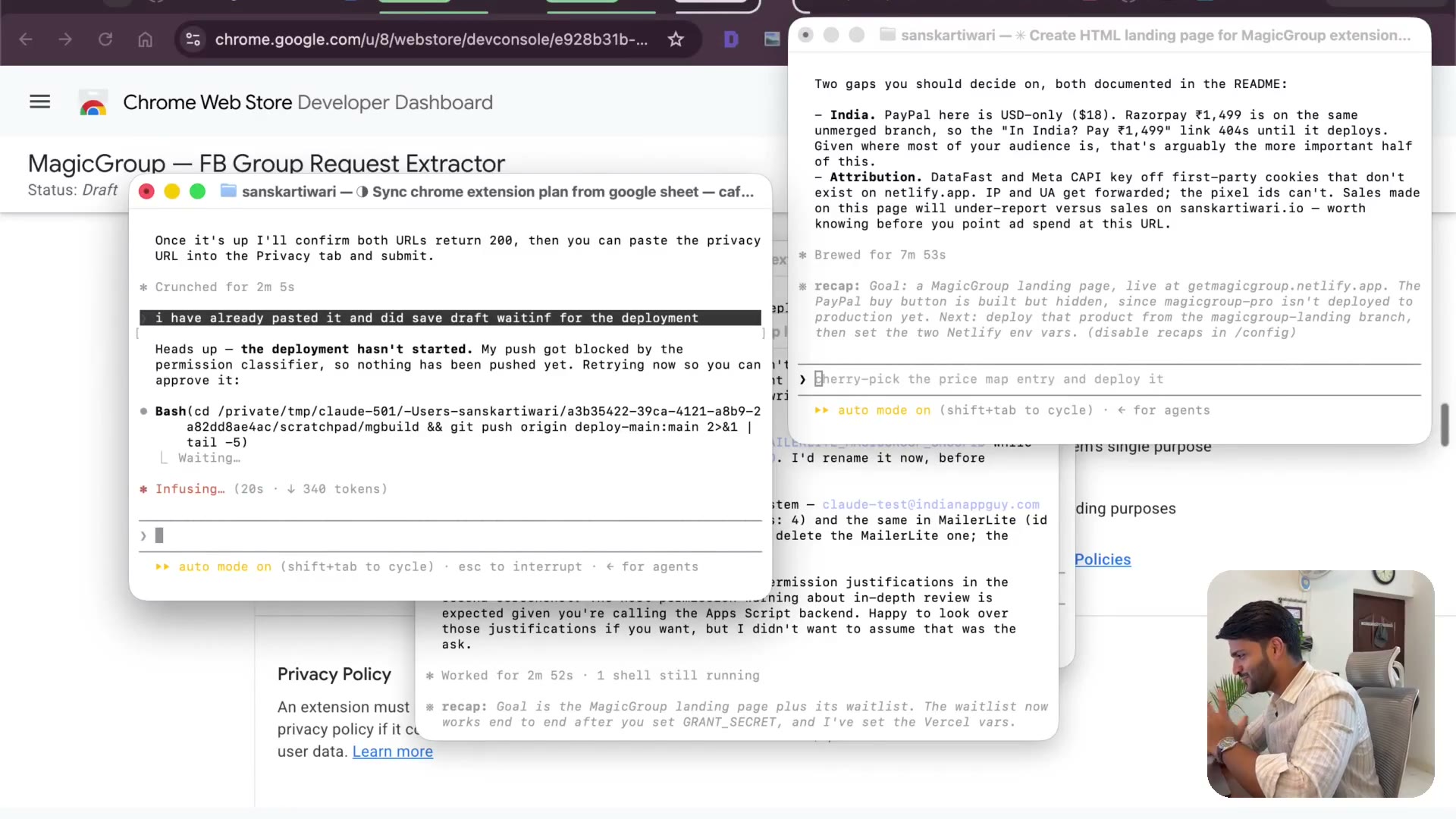
3.40 Hitting submit — and what if you're rejected
2:08Everything's in: auth, payment, landing page, listing. Now the submit button, and the fear around it. Worst case is a rejection and you try again — after three to four hours, the extension is out the door.
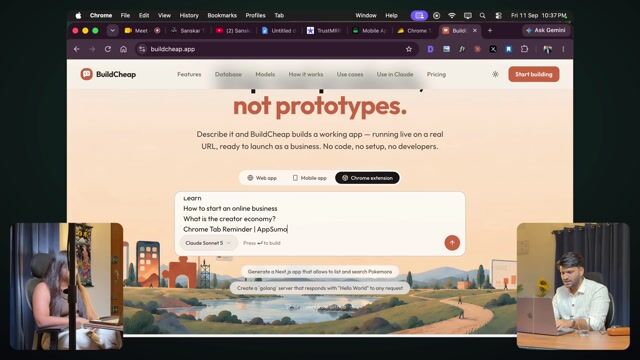
3.1 Building a Chrome extension live: Tab Reminder
10:30Tab Reminder, built live from one prompt. Loading it into Chrome and trying it.
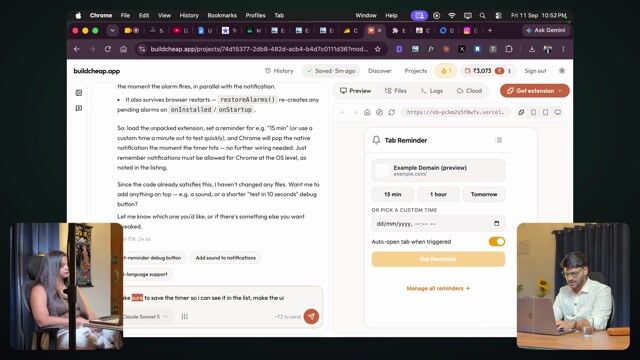
3.2 Testing it, and two extensions from one prompt
9:27Fixing what the first version missed, and how two extensions went live from one prompt.
3.3 Publishing to the Chrome Web Store
10:10Zip, store listing, description, category, permissions and the privacy policy — the whole Chrome Web Store form.
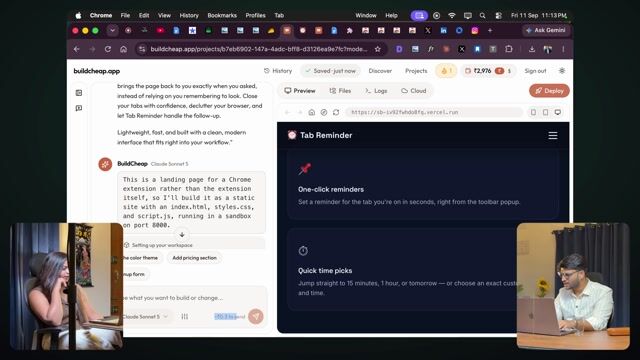
3.4 Building the landing page with AI
12:53A landing page for the extension, built and deployed with AI, colours and all.

3.5 Claude in Chrome: let AI do the clicking
2:23Claude in Chrome: let AI click through the setup screens for you.
4. Build a mobile app
34 lessons · 2h 43m
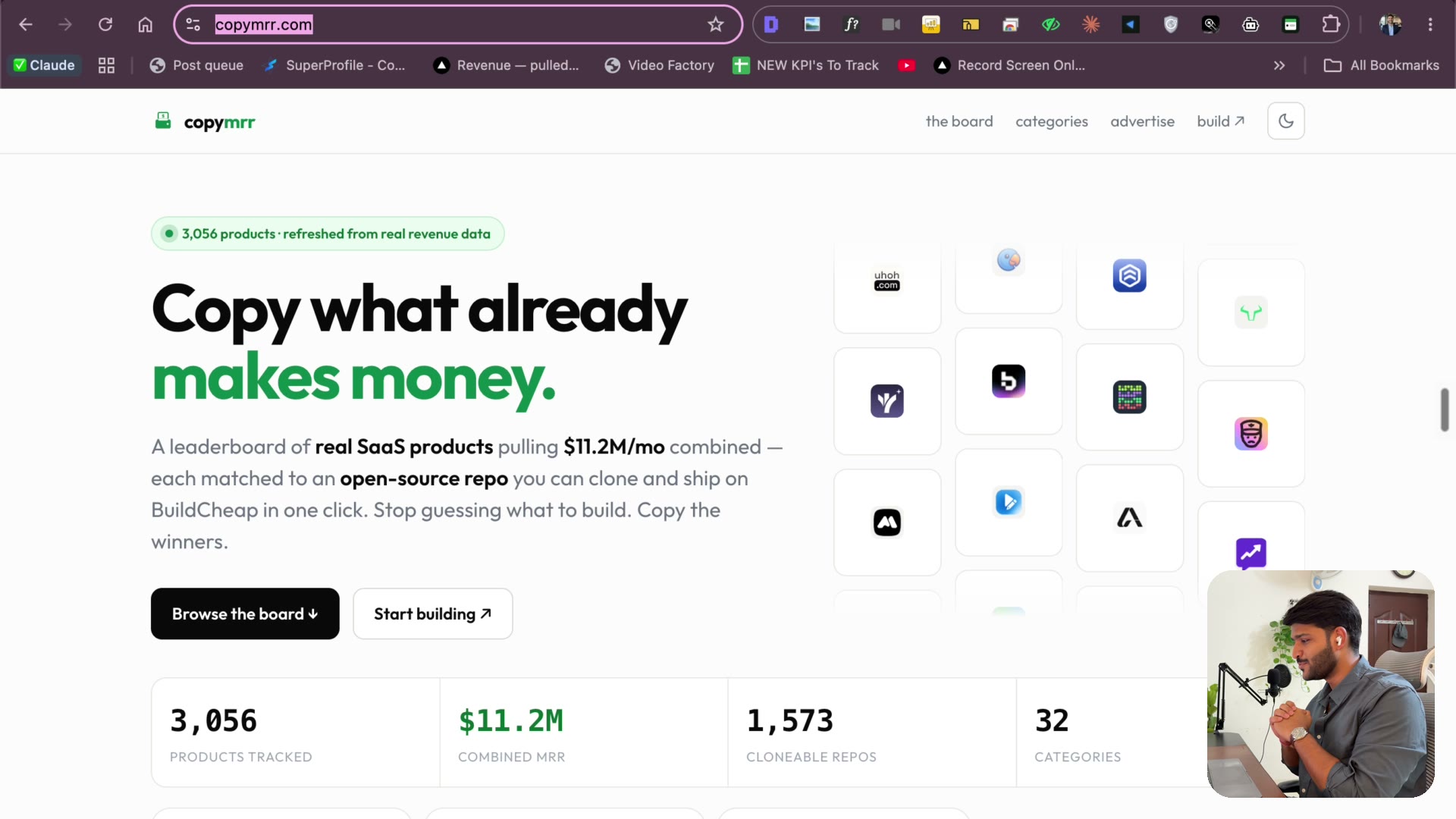
4.0 The full build session — one sitting, uncut
3:05:20The whole build as it actually happened, 11 PM to 2:18 AM: idea research to a real iPhone app submitted to the App Store — "Waiting for Review" on camera. Watch this when you want the honest, unedited rhythm of a build night; the numbered lessons below are the same footage cut by topic.
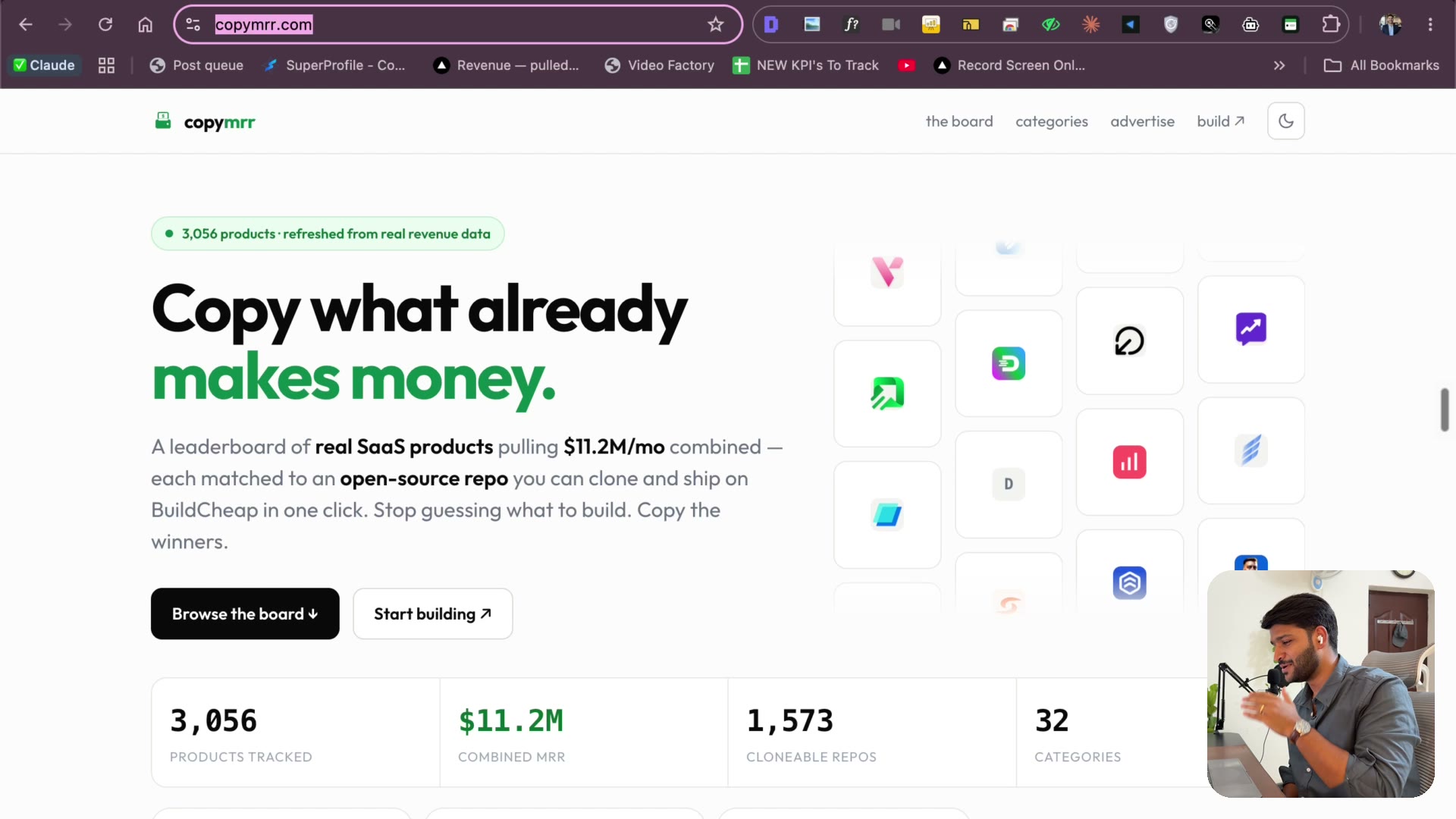
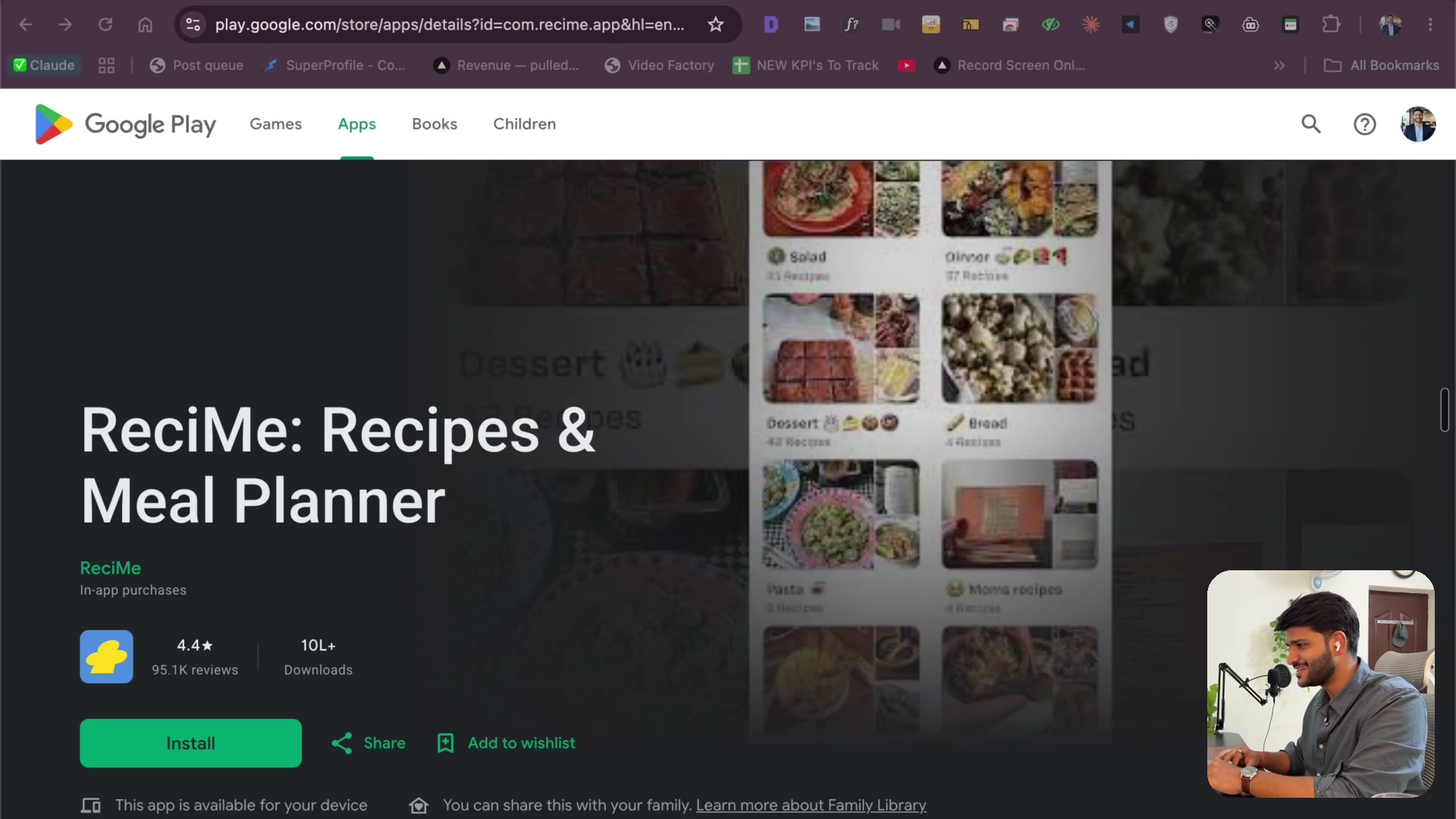
4.1 Finding an idea that already makes money▶ Free preview
3:19Stop guessing what to build. CopyMRR to find mobile apps with real demand, TrustMRR to verify the traction is real — and how a reel-to-recipe app (and a much bigger player in the same niche) became the pick.
4.2 Keyword research — name it so people search for it
5:33Name the app so people find it. Ahrefs Keyword Explorer, keyword difficulty vs search volume, spotting branded vs unbranded terms — and the programmatic-SEO idea (recipe categories in your sitemap) that falls out of the research.
4.3 Domain check & two projects: Next.js + Flutter
2:39Check the domain the smart way (and when NOT to buy one). Then one prompt creates both projects — a Next.js landing page and a Flutter app — with zero code written.
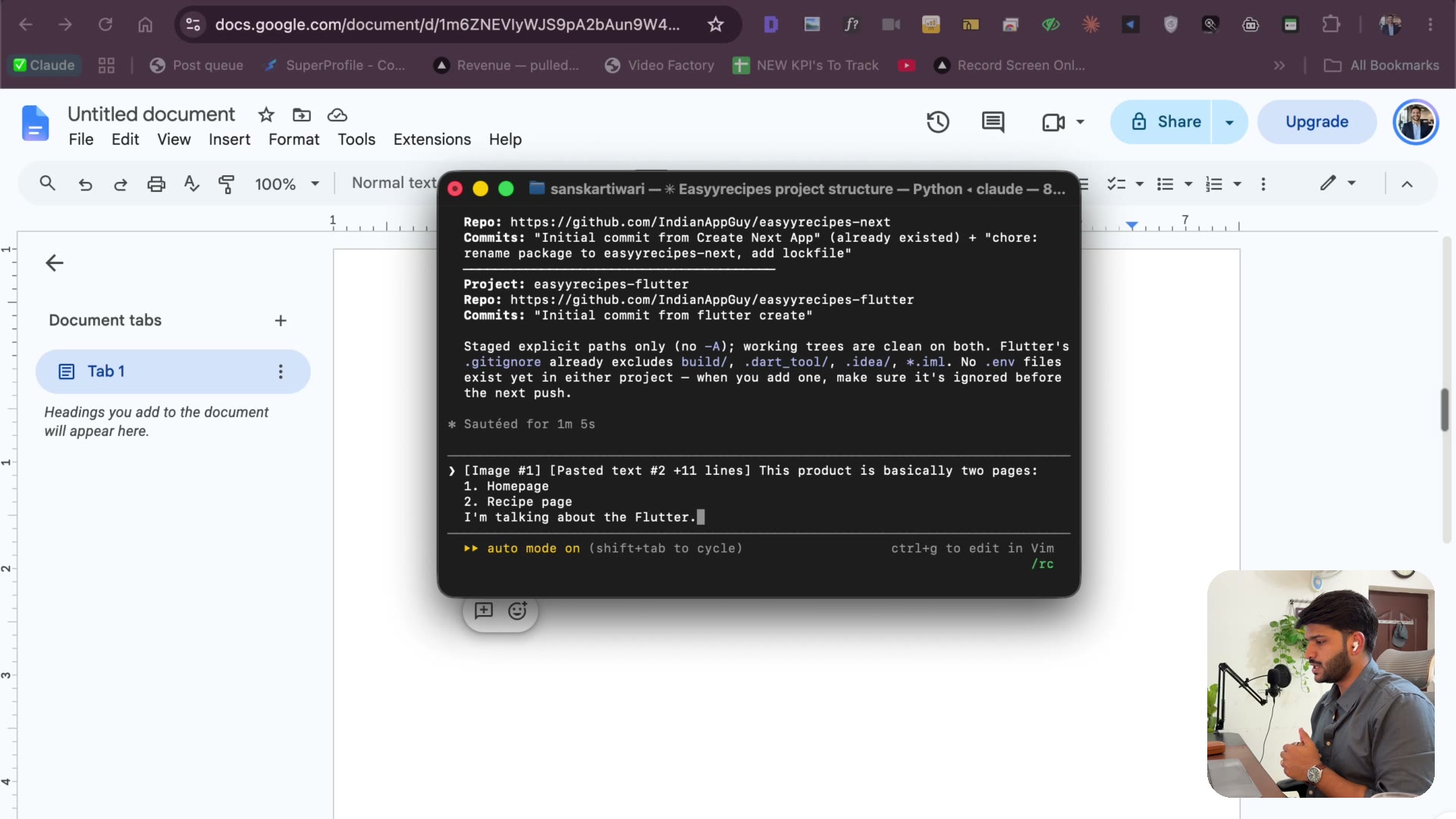
4.4 Spec the app like a PM + Apify for transcription
2:15Describe the product like a PM: two pages, what each shows, how the Instagram share flow works — and why Apify handles the reel transcription so you never touch a scraper.
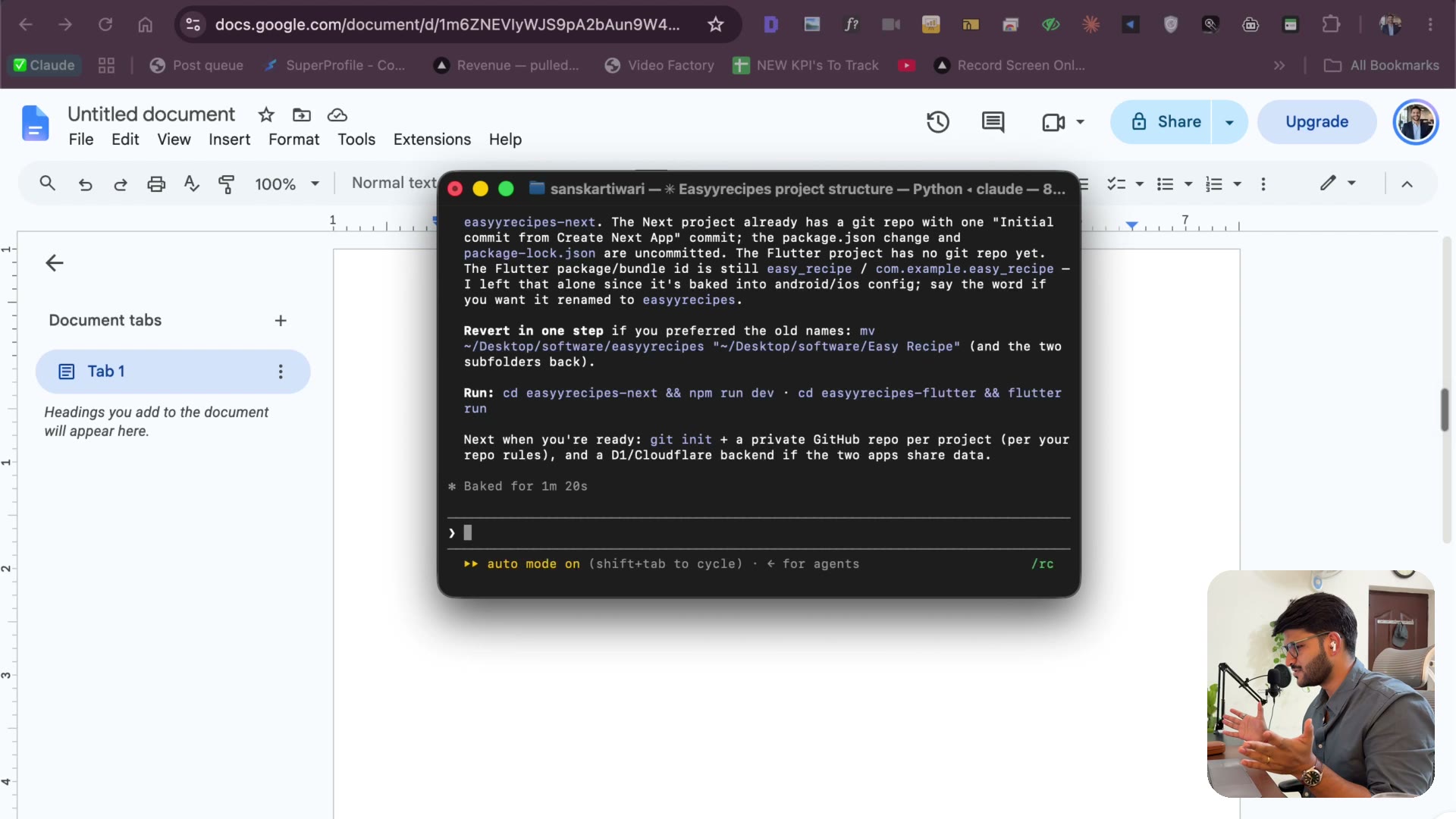
4.5 Cursor, Git and starting from a clean page
2:08Why both projects open in Cursor, why Git matters even if you never code (my CA friend uses it), and starting Claude from a clean page.
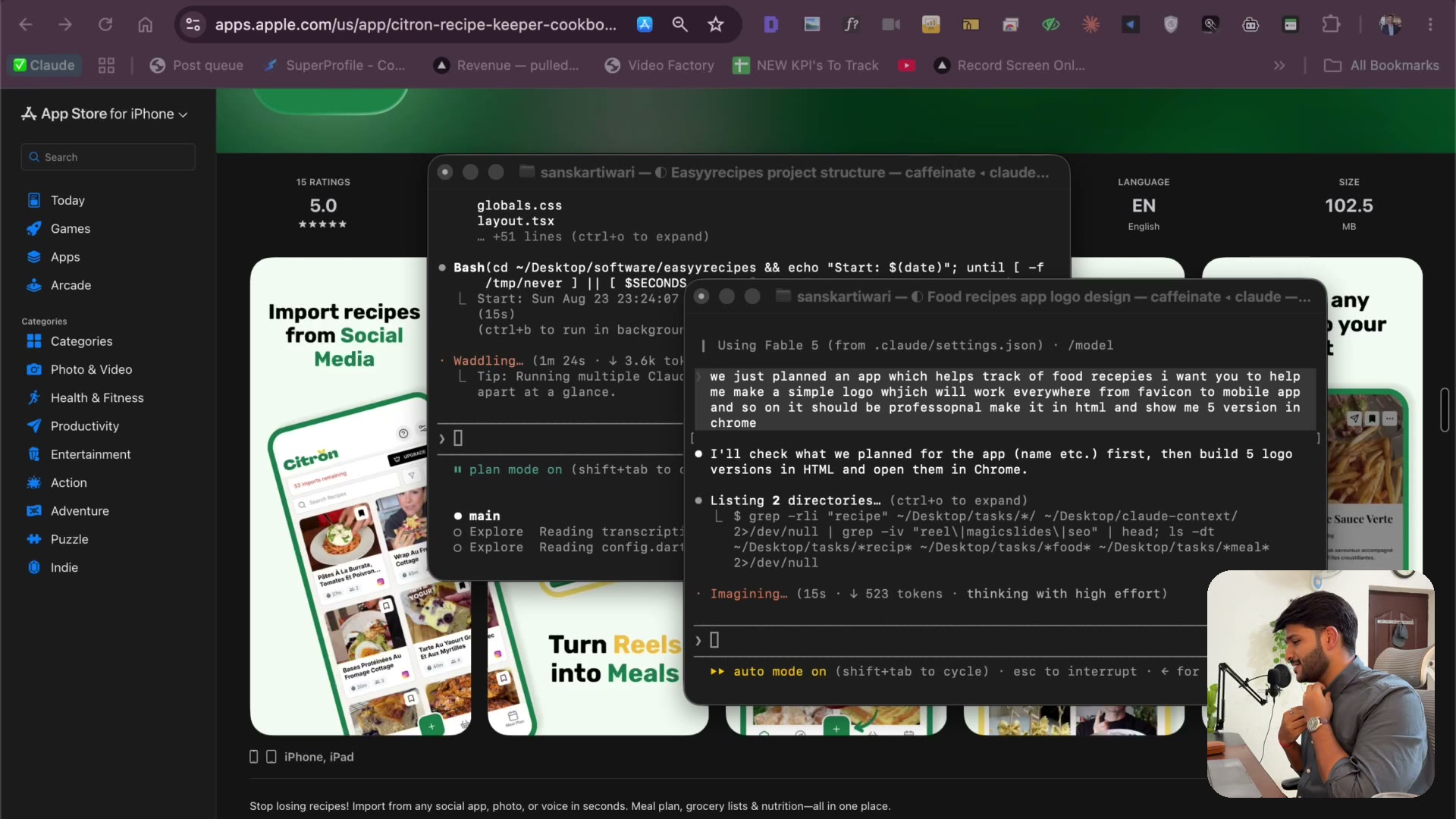
4.6 Xcode, plan mode and the logo prompt
3:15Install Xcode from the App Store, let Claude set up the emulator, hit shift+tab for plan mode — and the exact logo prompt that returns five options rendered in Chrome.
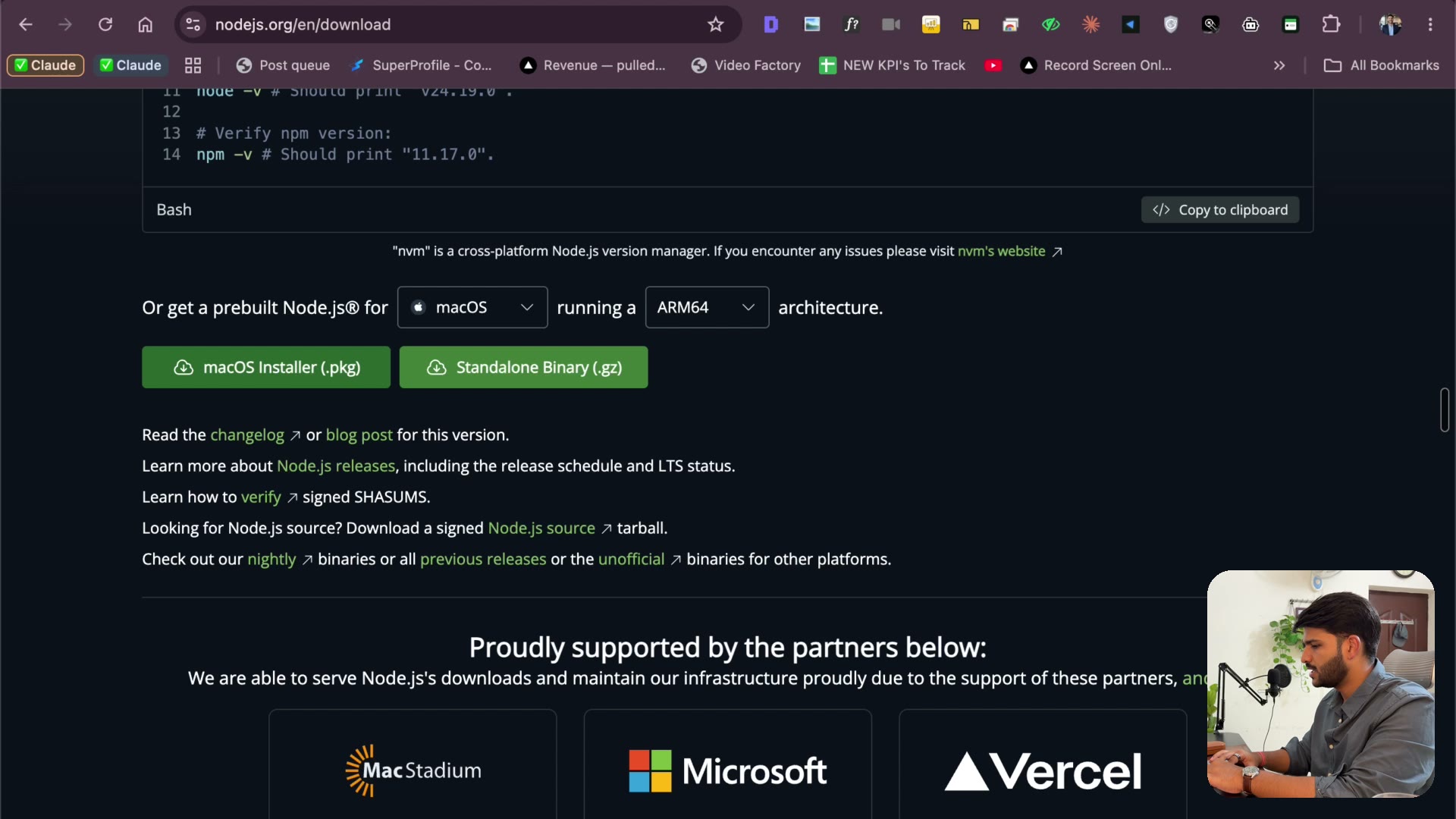
4.7 Why Cloudflare — and Wrangler + Node setup
3:16Firebase vs Supabase vs Cloudflare, honestly — from someone with millions of users through Supabase. Why Cloudflare wins for agents, plus the Wrangler CLI and Node install.
4.8 The four choices: database, login, backend, email
3:47The four decisions that shape the app: cloud storage over on-device (the programmatic-SEO reason), OTP login over Google/Apple sign-in, Apps Script over a paid email service, and where the backend lives.
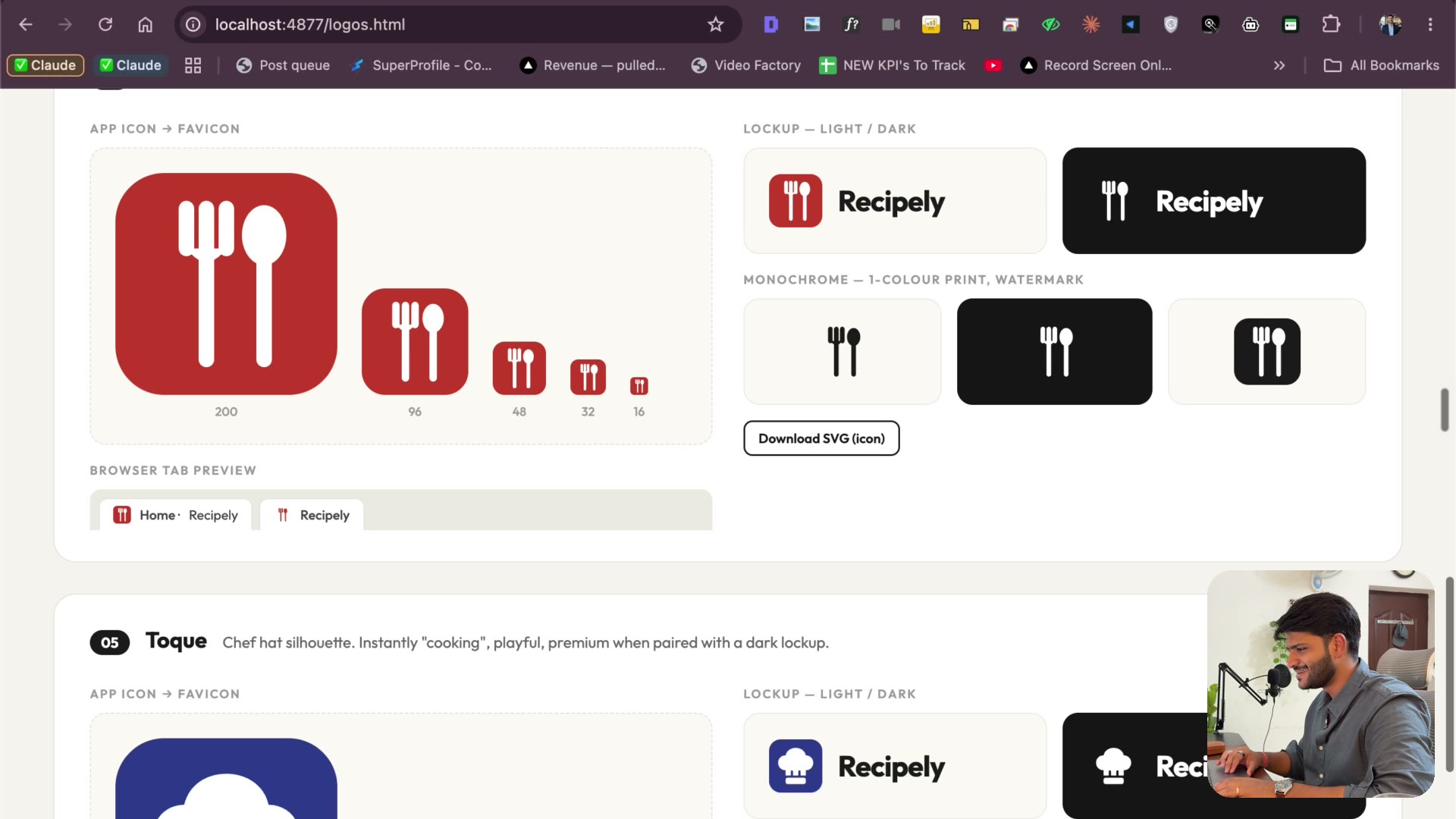
4.9 Picking the logo from five versions
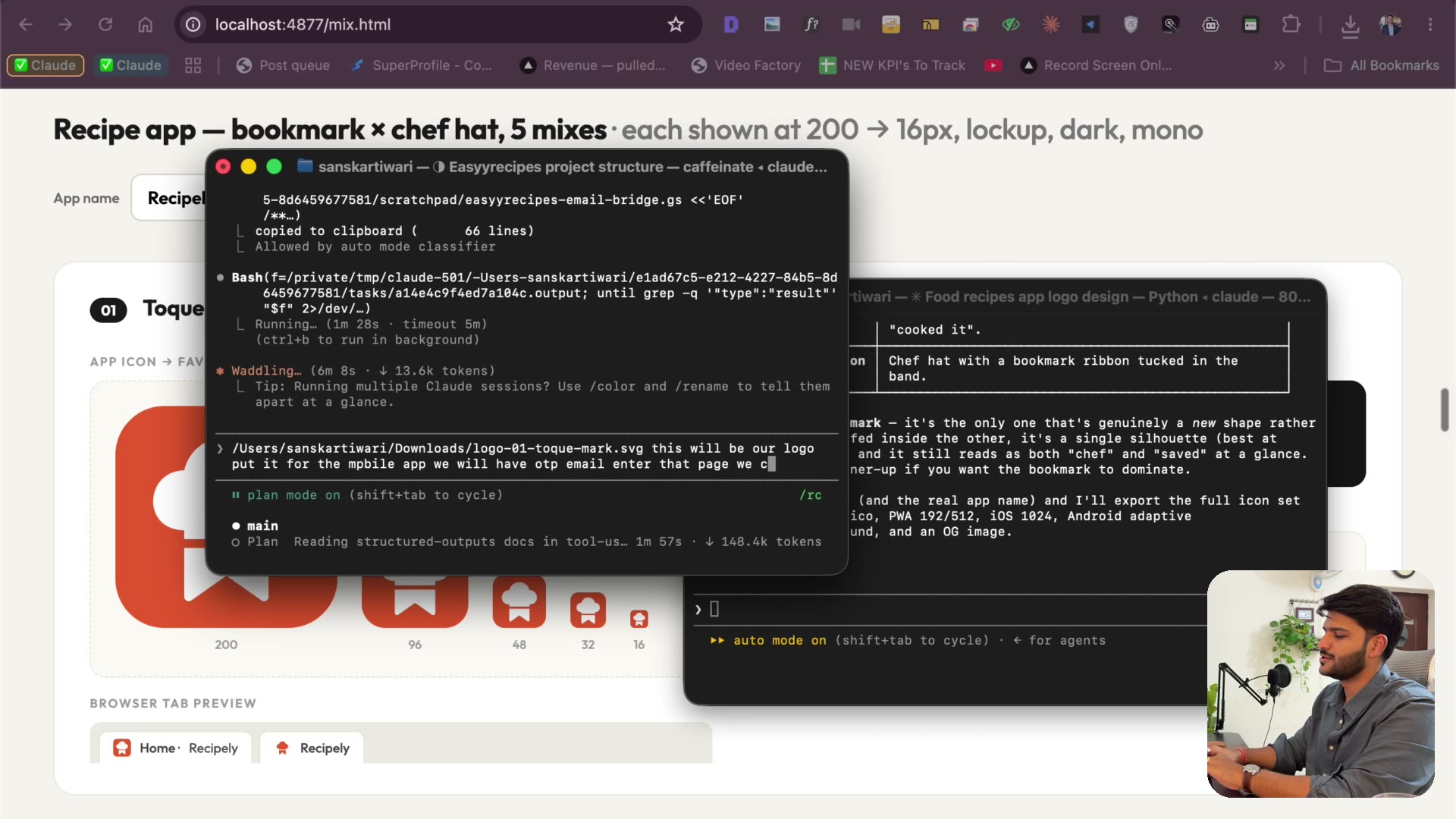
2:40Five logo versions rendered in Chrome, one mixture request, and a decision. Favicon to app icon from a single prompt — work people used to pay lakhs for.
4.10 Landing page + waitlist into Google Sheets
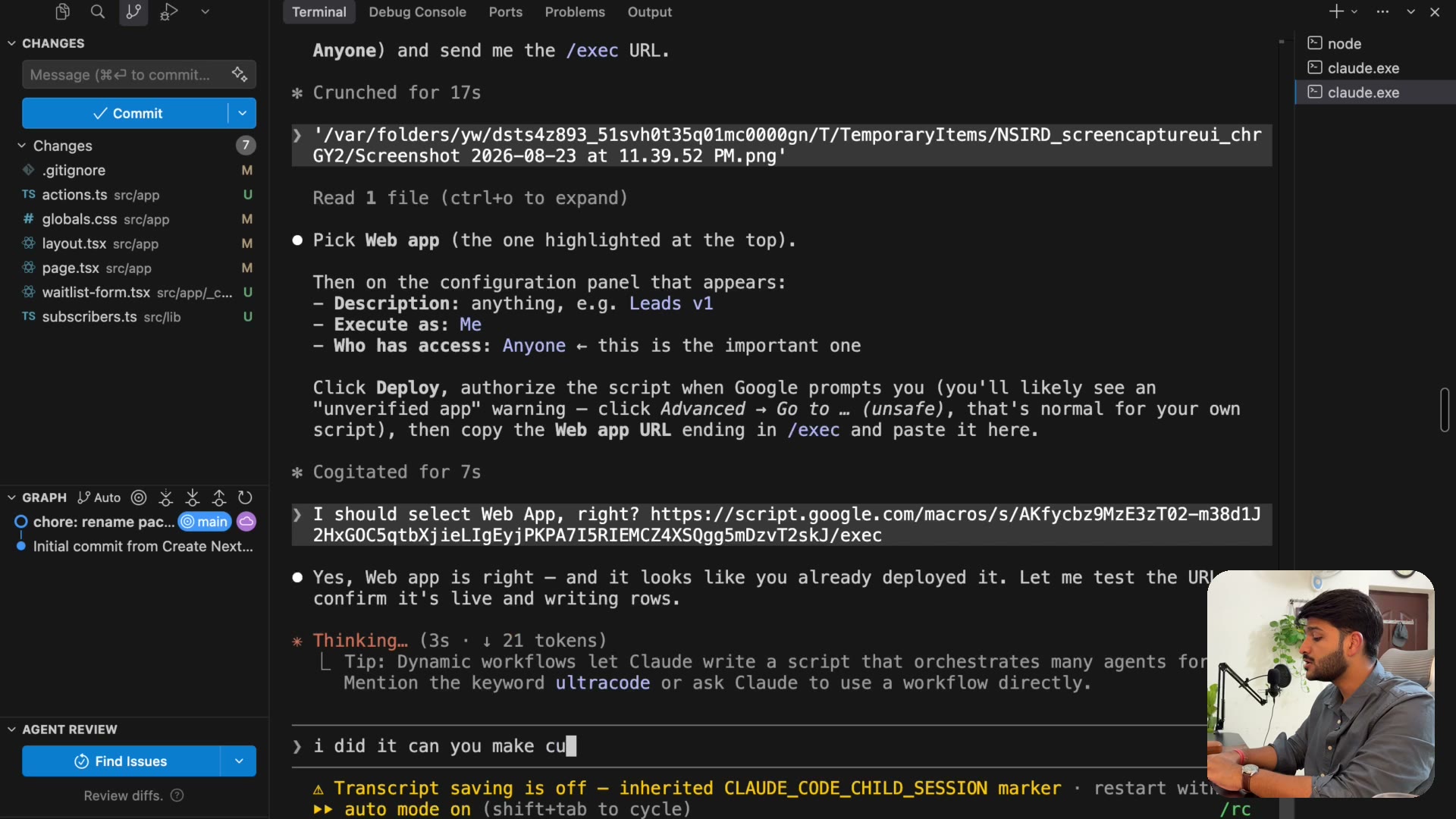
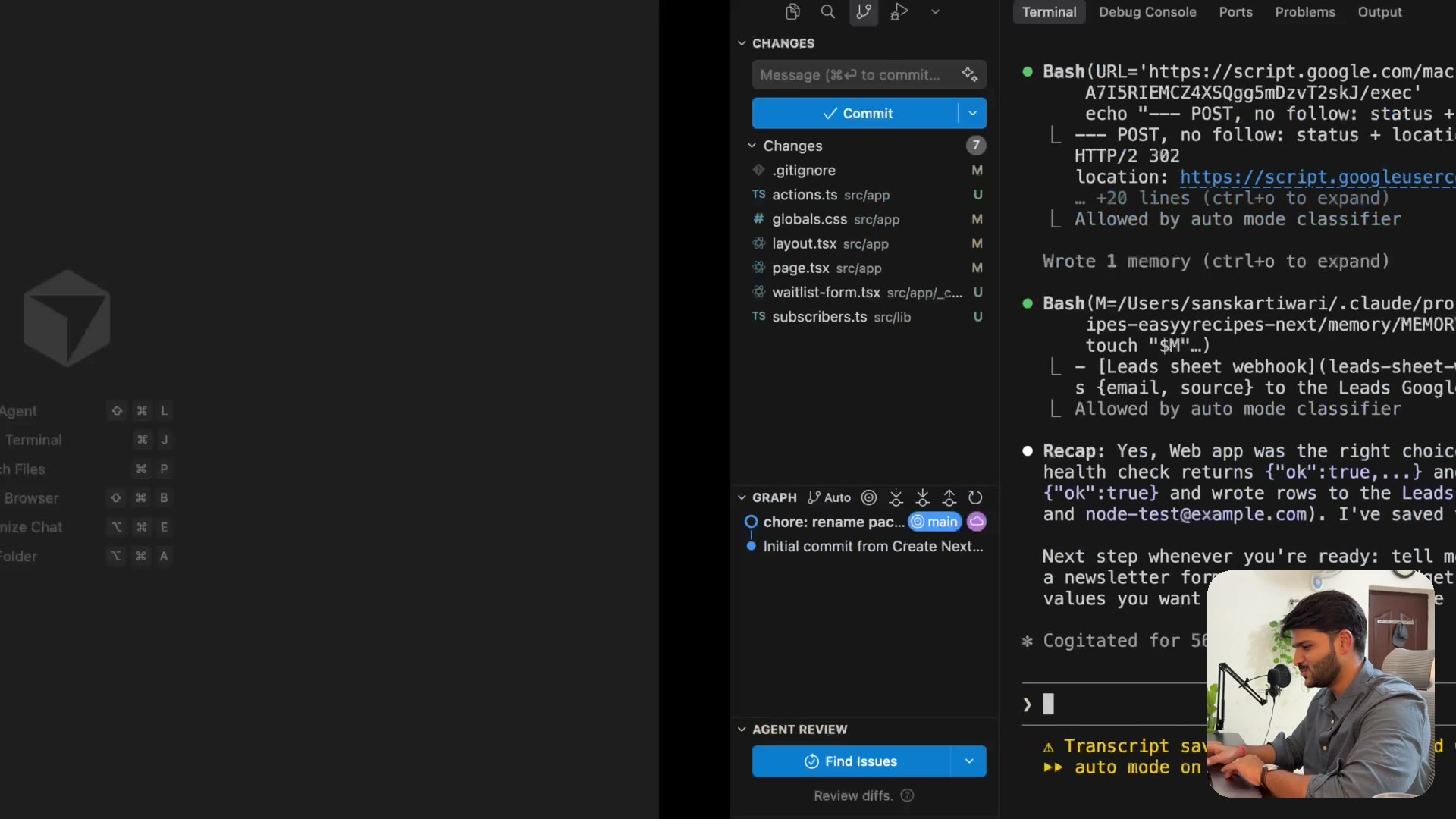
5:34A waitlist landing page while the app builds: Apps Script API into a Google Sheet with email, source and date — so you can start collecting leads today.
4.11 APIs, JSON and curl — explained for non-coders
2:10The 2-minute foundation: what an API actually is, what JSON looks like, and what a curl command does. Explained for someone who has never coded.
4.12 Fonts, no gradients, green — make it not look vibe-coded
5:21The anti-vibe-code design pass: Outfit font, no gradients, no orange — a shade of green for a food brand. Watch the same page go from AI-made to real.
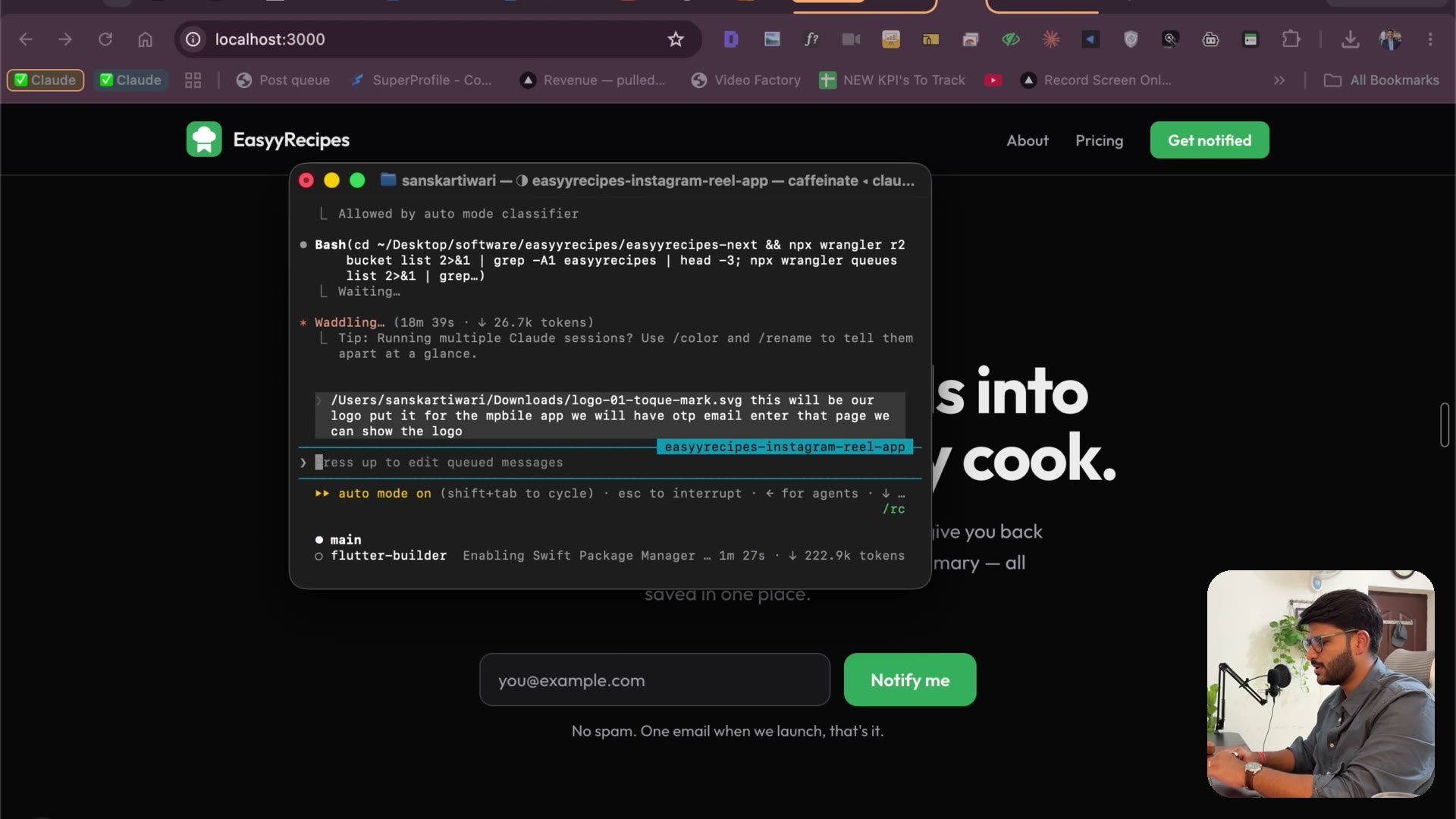
4.13 The database plan, queues, and deploying with Wrangler
5:41Reading Claude’s plan like a founder: the database as a Google Sheet, why it added a request queue I never built for apps with 1M installs — then the site deploys live with Wrangler.
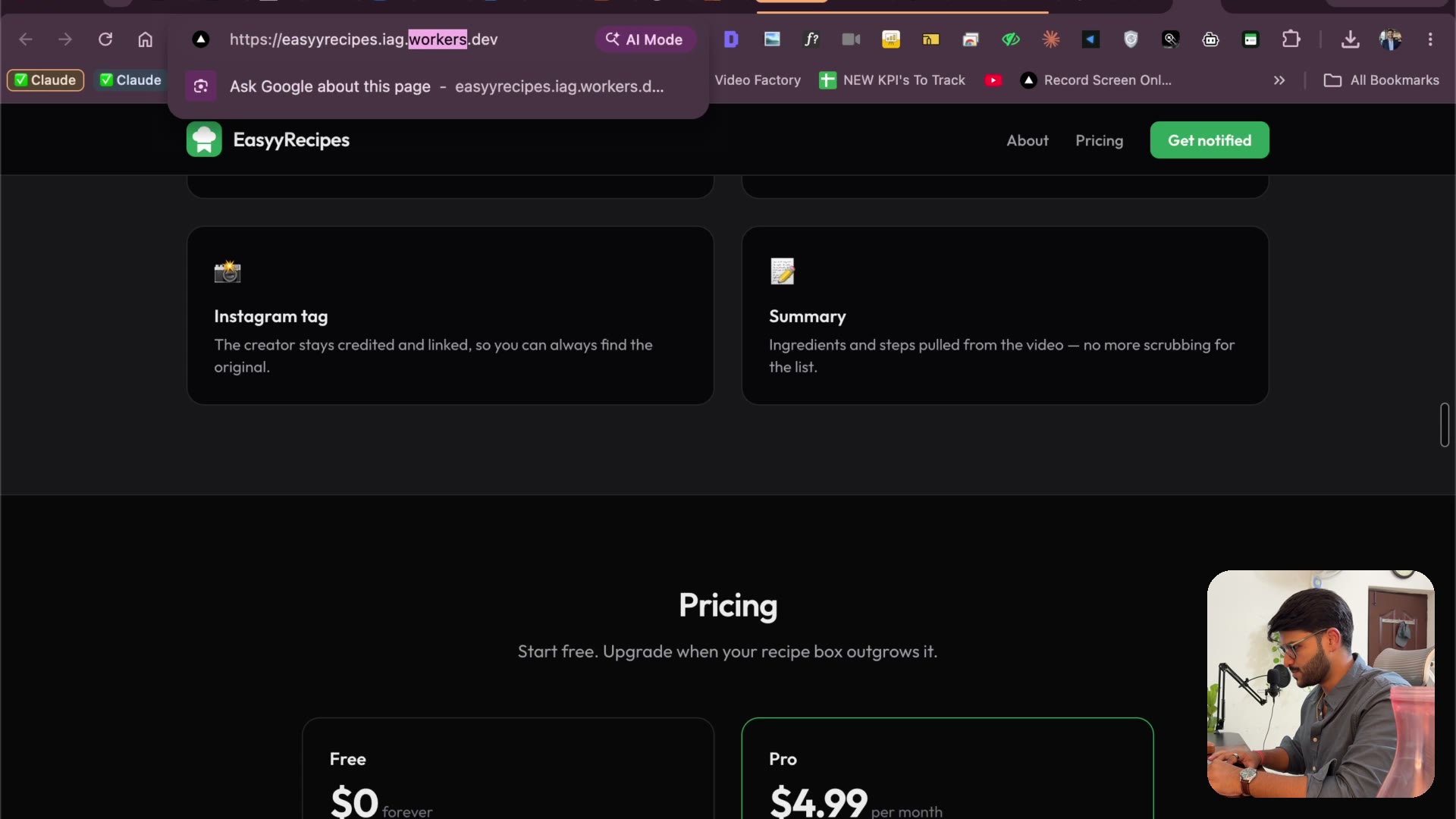
4.14 Claude tests the whole backend itself (Apify + API keys)
5:28Before showing anything, Claude tests its own backend: health APIs, a real creator’s reel through Apify, screenshots to verify. Plus the two keys you need — Anthropic and Apify.
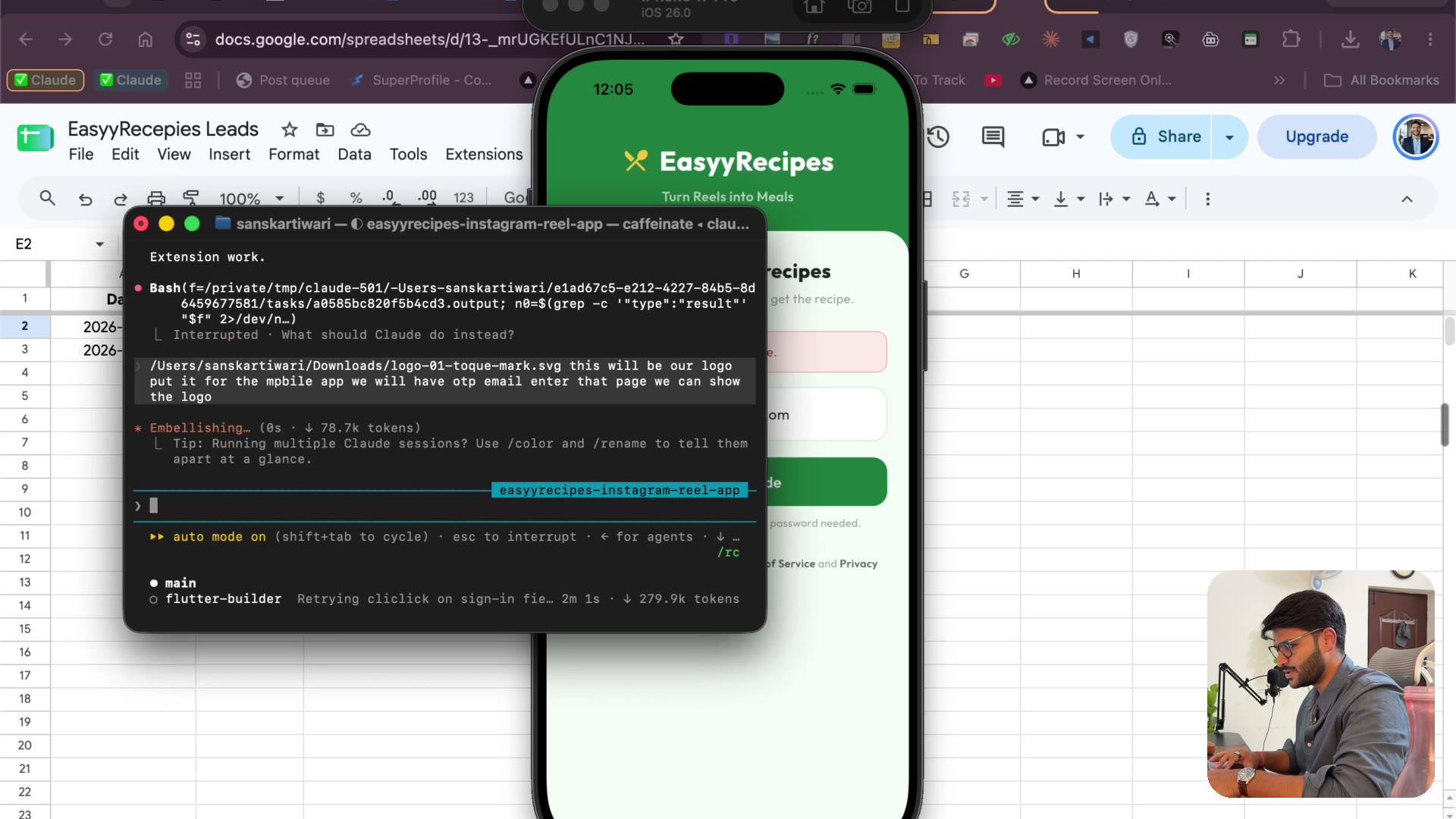
4.15 OTP email API + running on a real iPhone
7:45Deploy the OTP email API from your own Gmail, connect an iPhone by cable, and watch the app run on real hardware — plus the $99 Apple developer account.
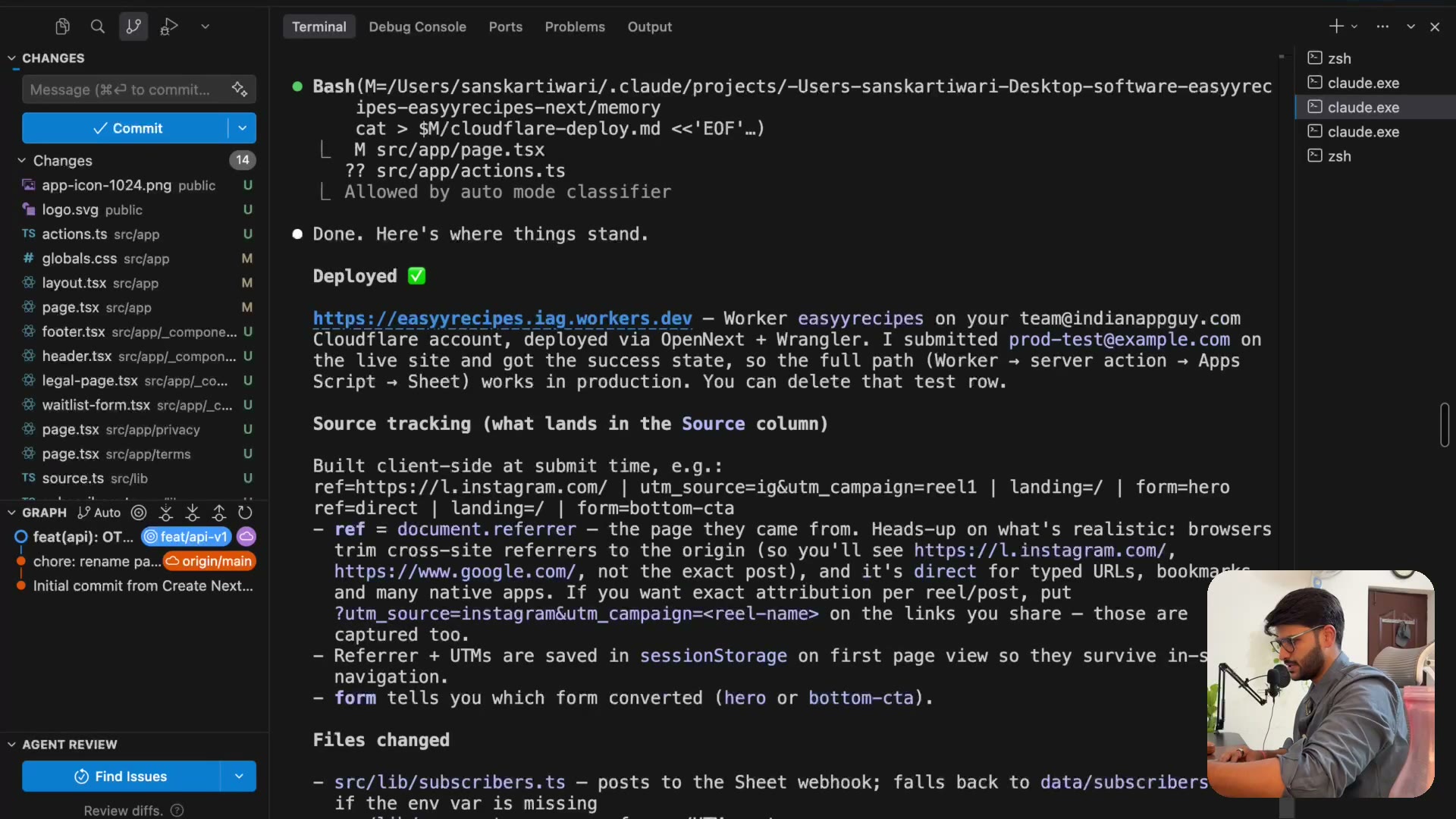
4.16 When builds fail — patience, parallel terminals, cost control
7:38The honest part: builds fail, Xcode stalls, two builds collide. How to rename terminals, when to close them to save cost, and why an hour still beats the months this used to take.
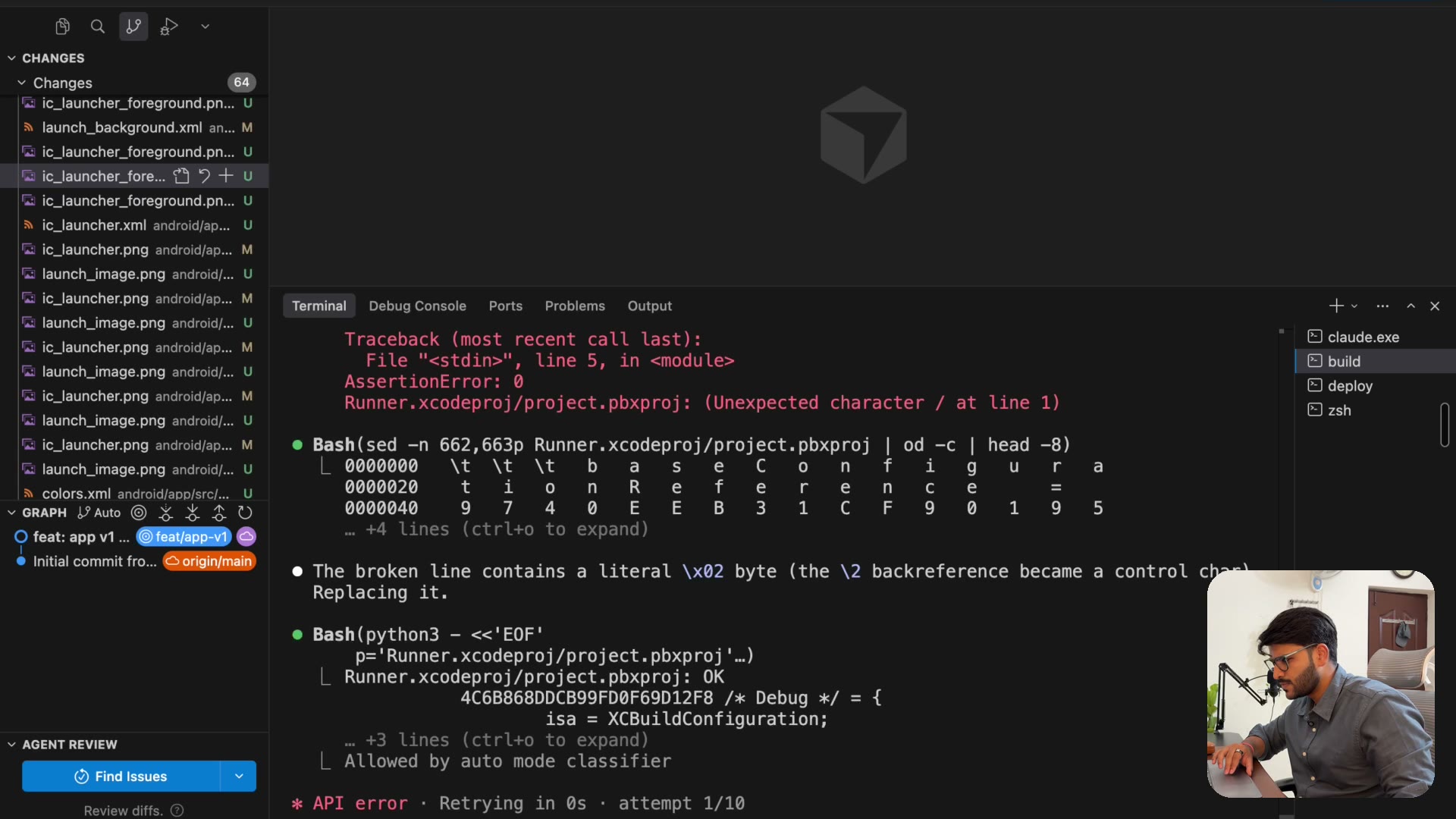
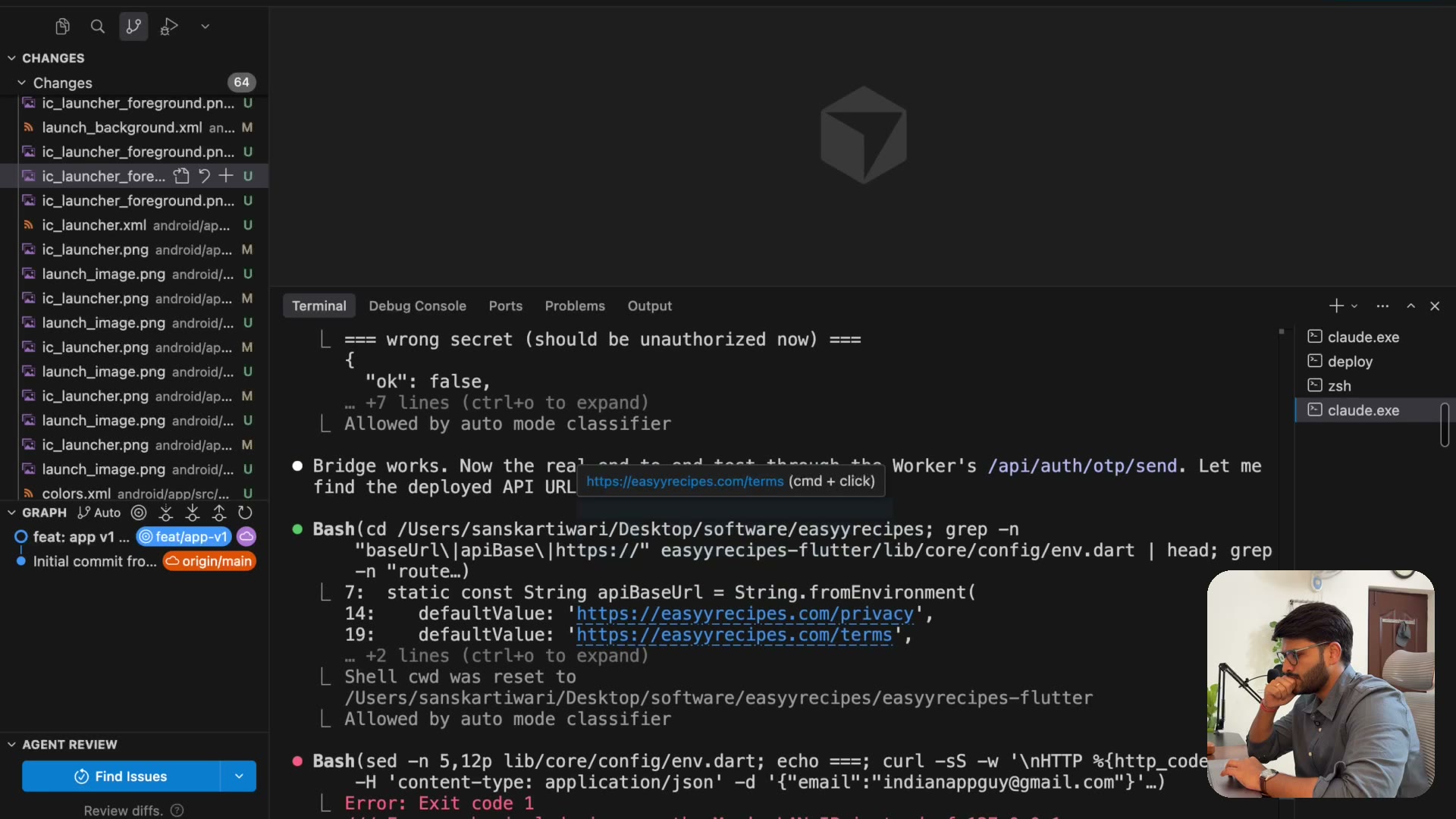
4.17 First login bug: “can't reach servers”
5:34“Can’t reach servers” on login — debugged across two terminals. Why a fresh terminal with fresh context finds the misconfigured secret the long-context one misses.
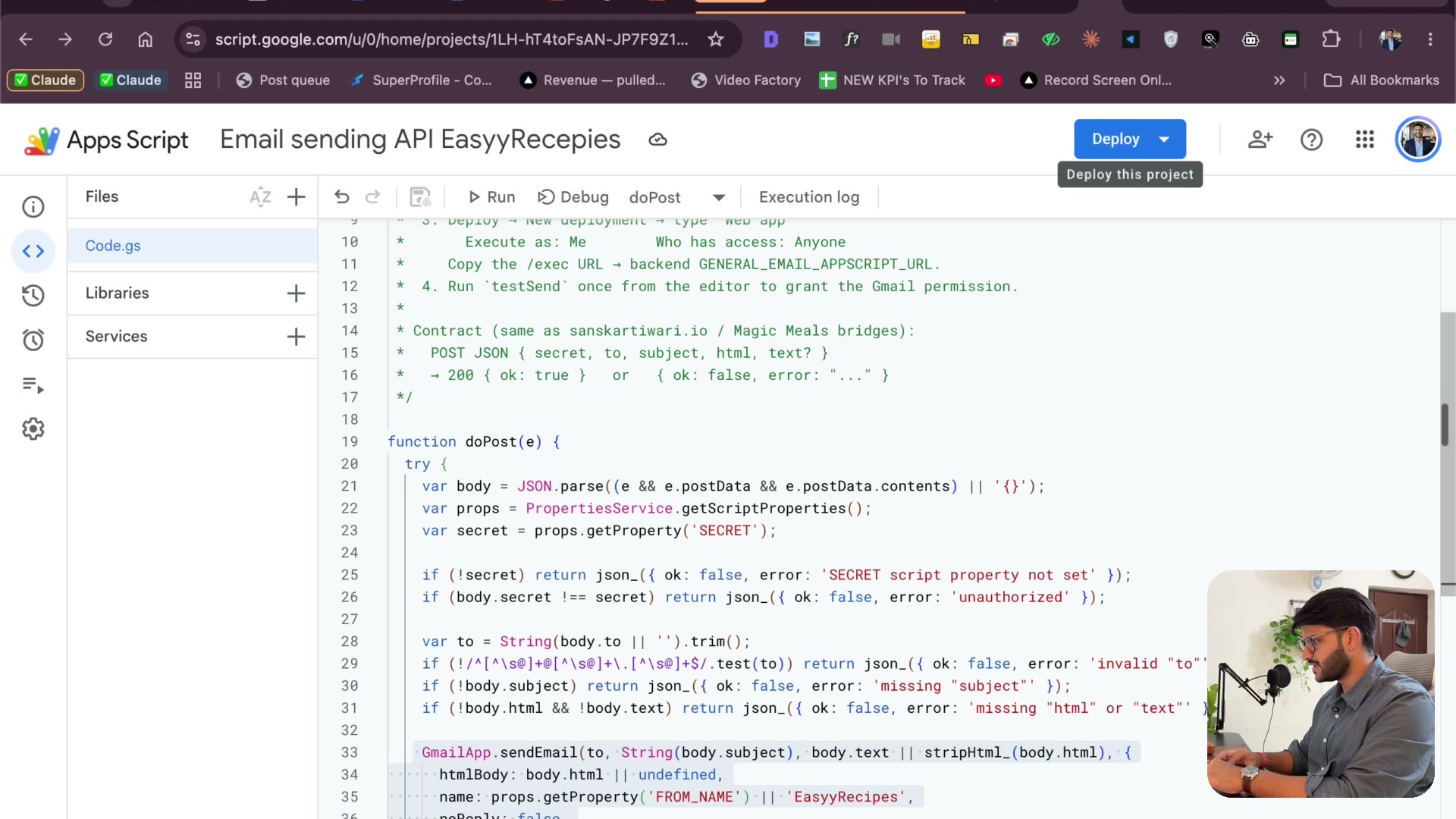
4.18 Securing the email API with a secret
3:43Claude flags the security hole itself: anyone with the URL could send email as you. Script properties, a shared secret, and Wrangler-managed secrets — without writing code.
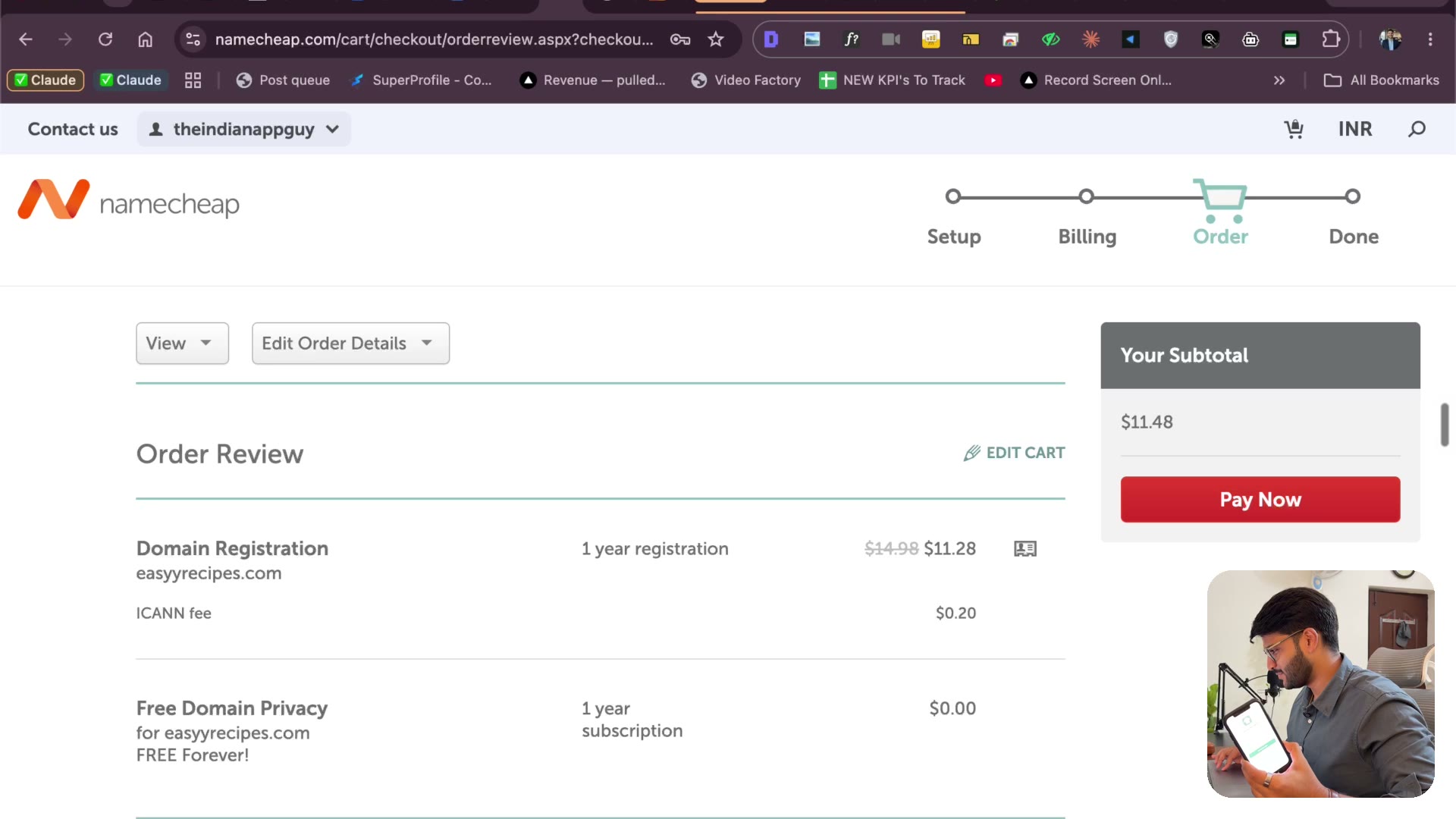
4.19 Buying the domain (and Claude checks Gmail)
4:23Buying easyyrecipes.com on Namecheap (with GST), pasting the whole checkout as a screenshot for a sanity check, and Claude reading the confirmation from Gmail.
4.20 Claude connects the domain to Cloudflare via Chrome
5:11It’s 1 AM — so Claude logs into Namecheap in Chrome and moves the domain to Cloudflare itself, while the login bug gets fixed in parallel.
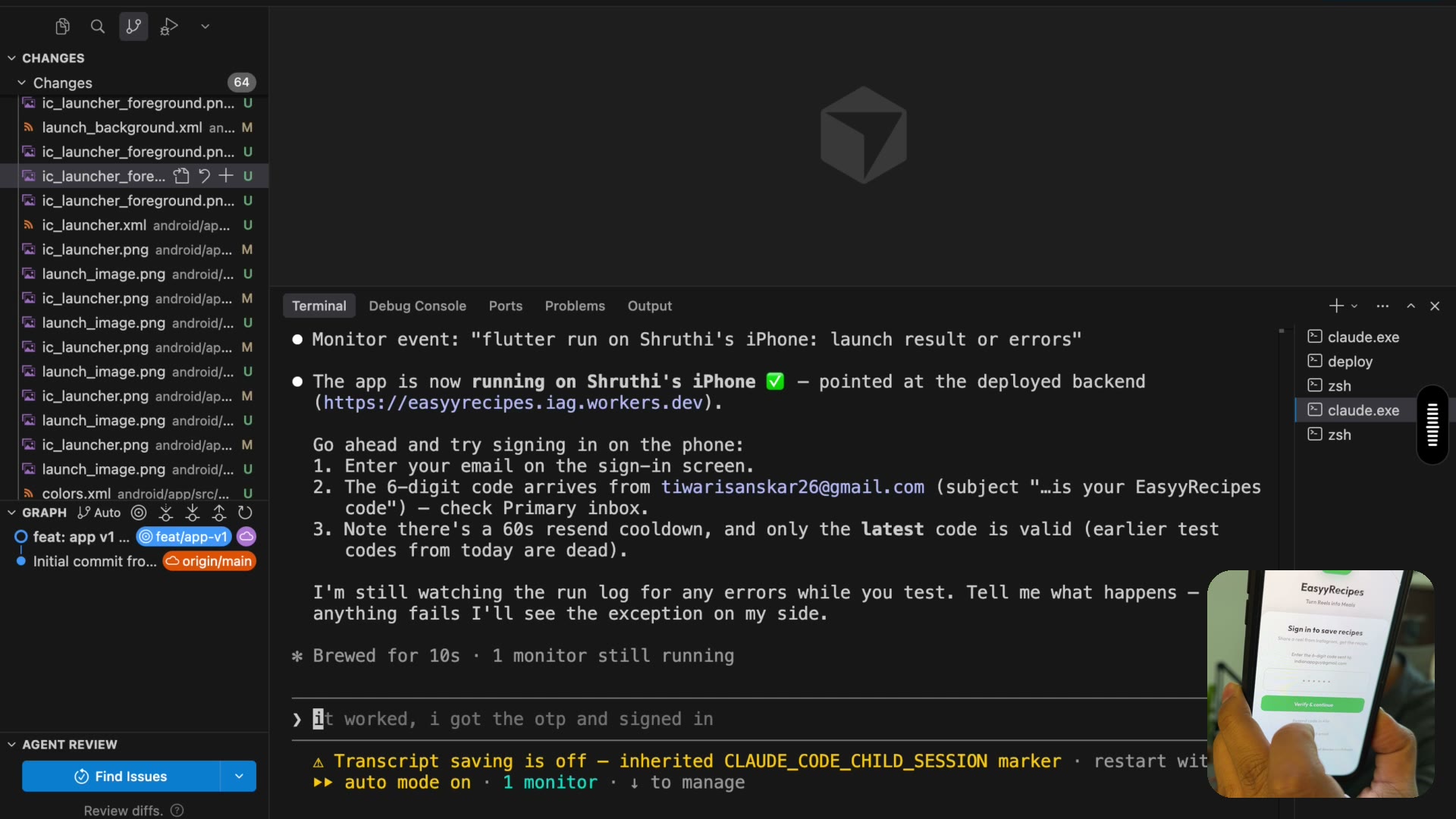
4.21 The magic moment — share a reel, get a recipe▶ Free preview
3:46The payoff: search a recipe reel on Instagram, hit Share → EasyyRecipes, and watch a full recipe appear — prep time, ingredients, everything. App works, site live, waitlist on.
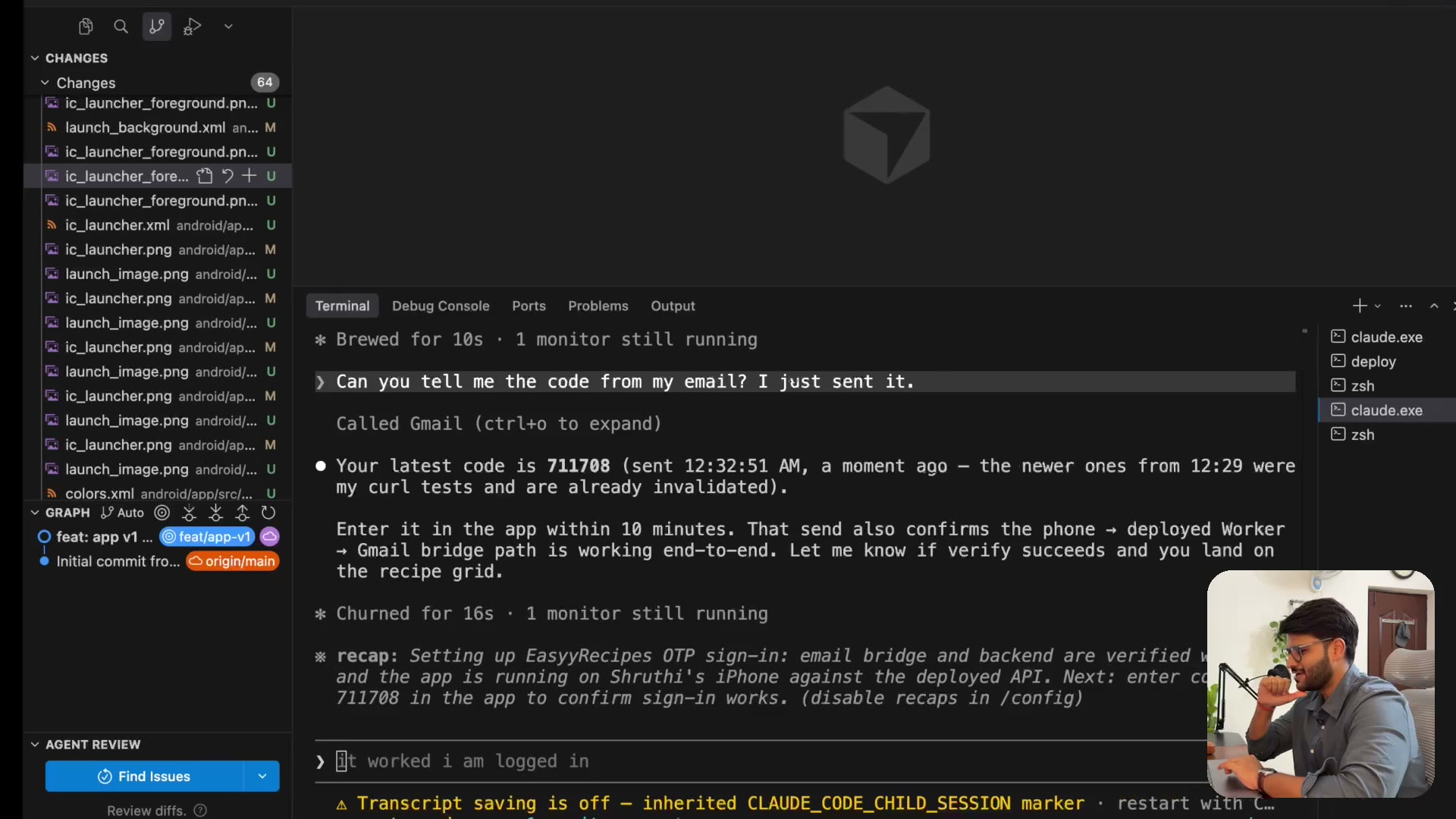
4.22 Add payments (3-day trial) & push to GitHub
3:39Pricing thinking out loud (margin vs cost, import limits), a 3-day free trial — and why you push to GitHub the moment something works.
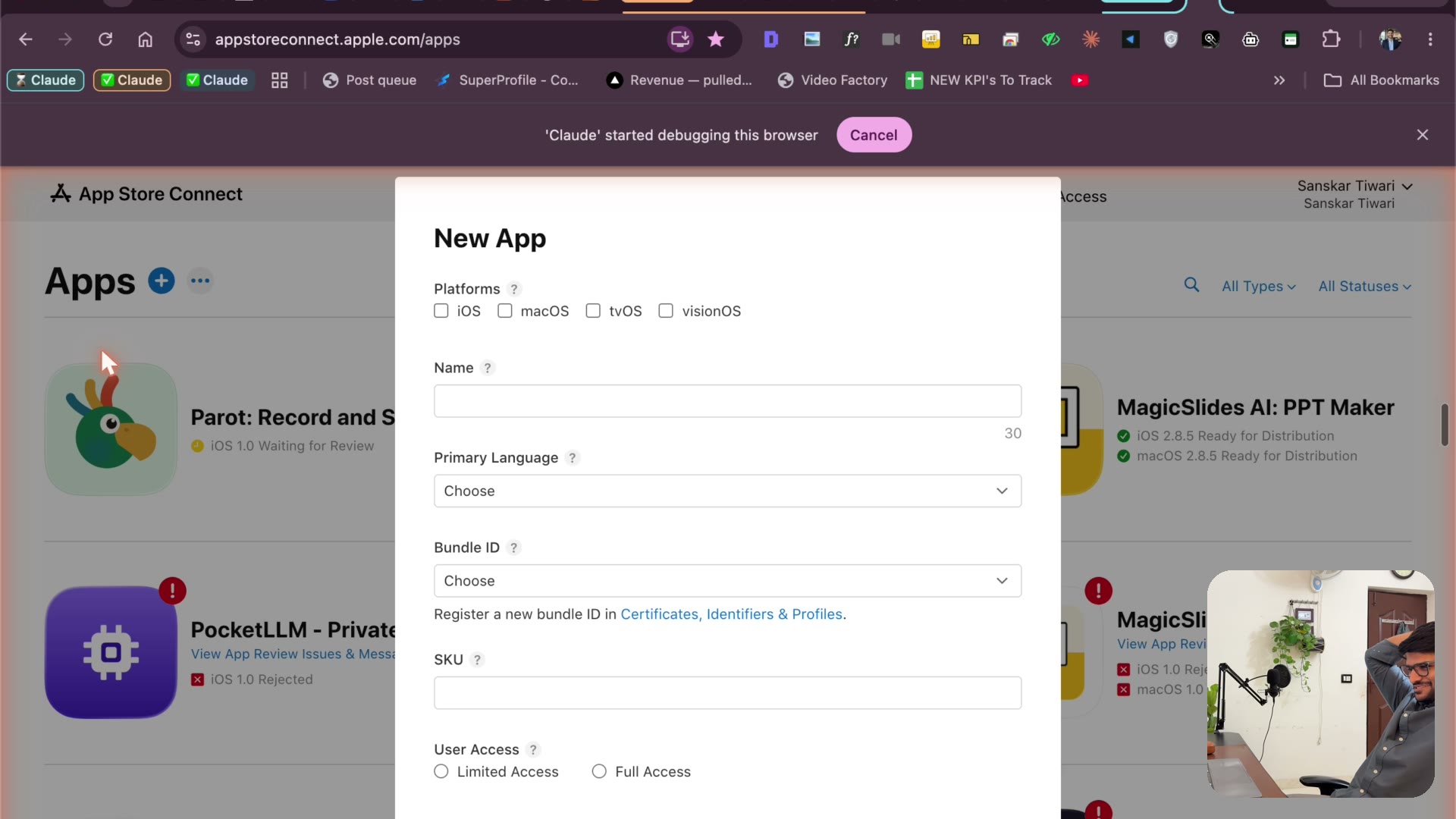
4.23 Claude fills the App Store listing itself
4:14Claude creates the App Store listing: bundle ID, name, keywords, description, copyright — and turns two raw phone screenshots into store-ready marketing images.
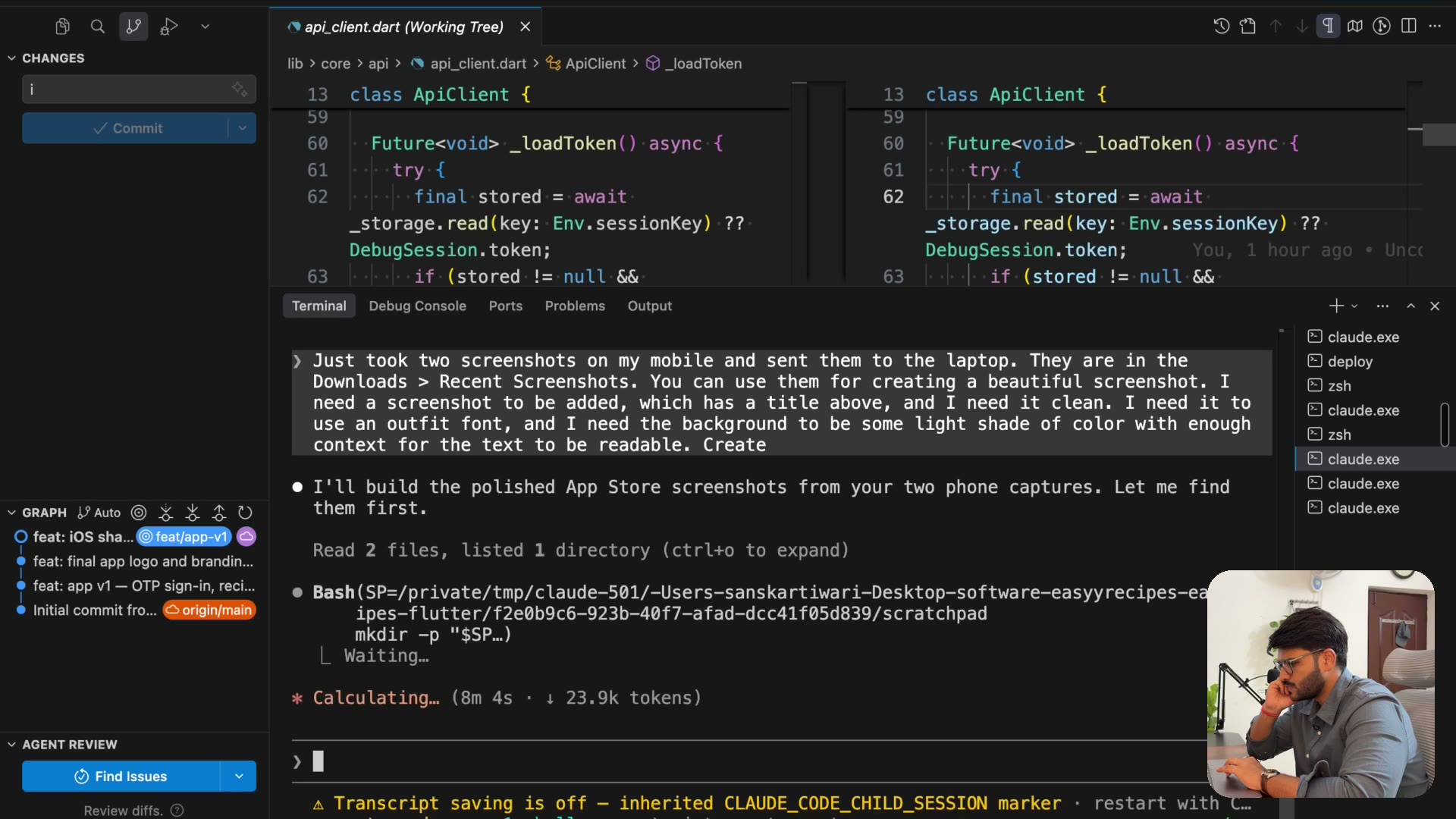
4.24 Three parallel agents: screenshots, ASC, pricing
5:57One prompt, three parallel agents: screenshot design, the rest of App Store Connect, and a pricing/cost audit of the codebase. Toggling between sub-agents like a team lead.
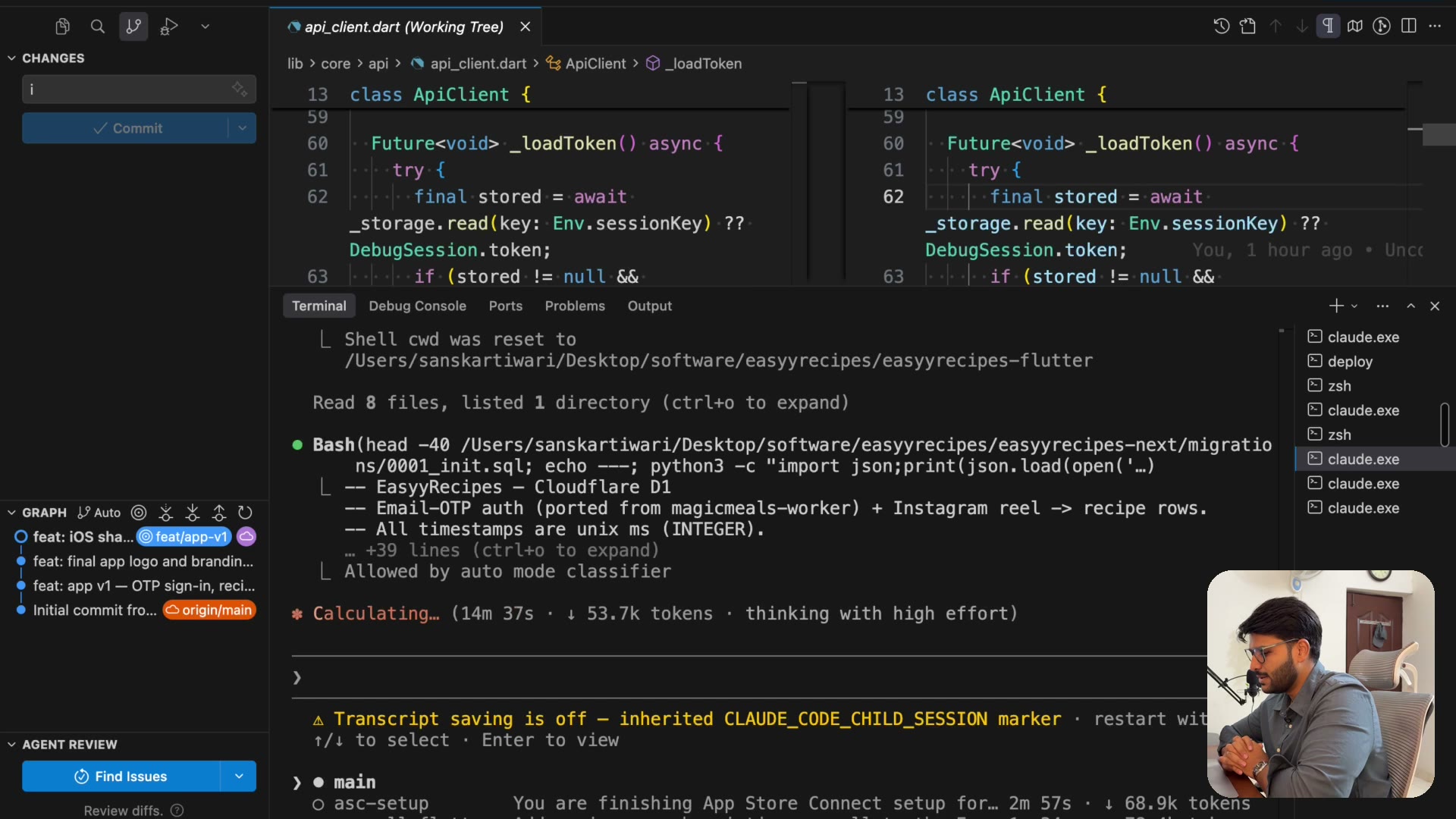
4.25 Hands off — age ratings, privacy, and the marketing plan
8:27Hands literally off the keyboard while Claude answers Apple’s entire age-rating and privacy questionnaire — then the marketing plan: daily reels, and free subs for influencers who post.
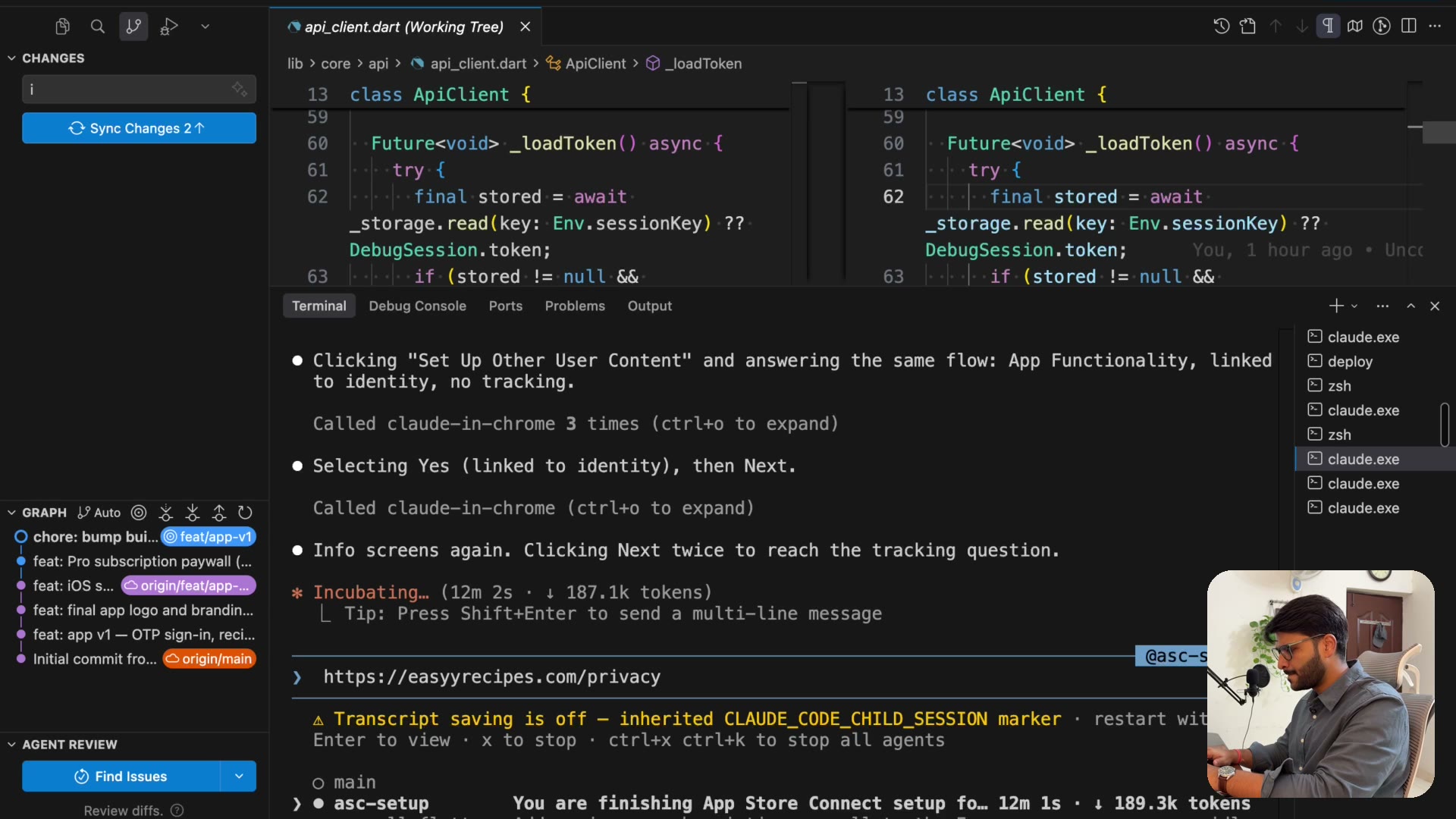
4.26 Review account, subscriptions & the pricing decision
10:27A secret full-access account for Apple’s reviewers (Claude’s idea), Pro Monthly and Pro Yearly — and why yearly gets a real discount: churn.
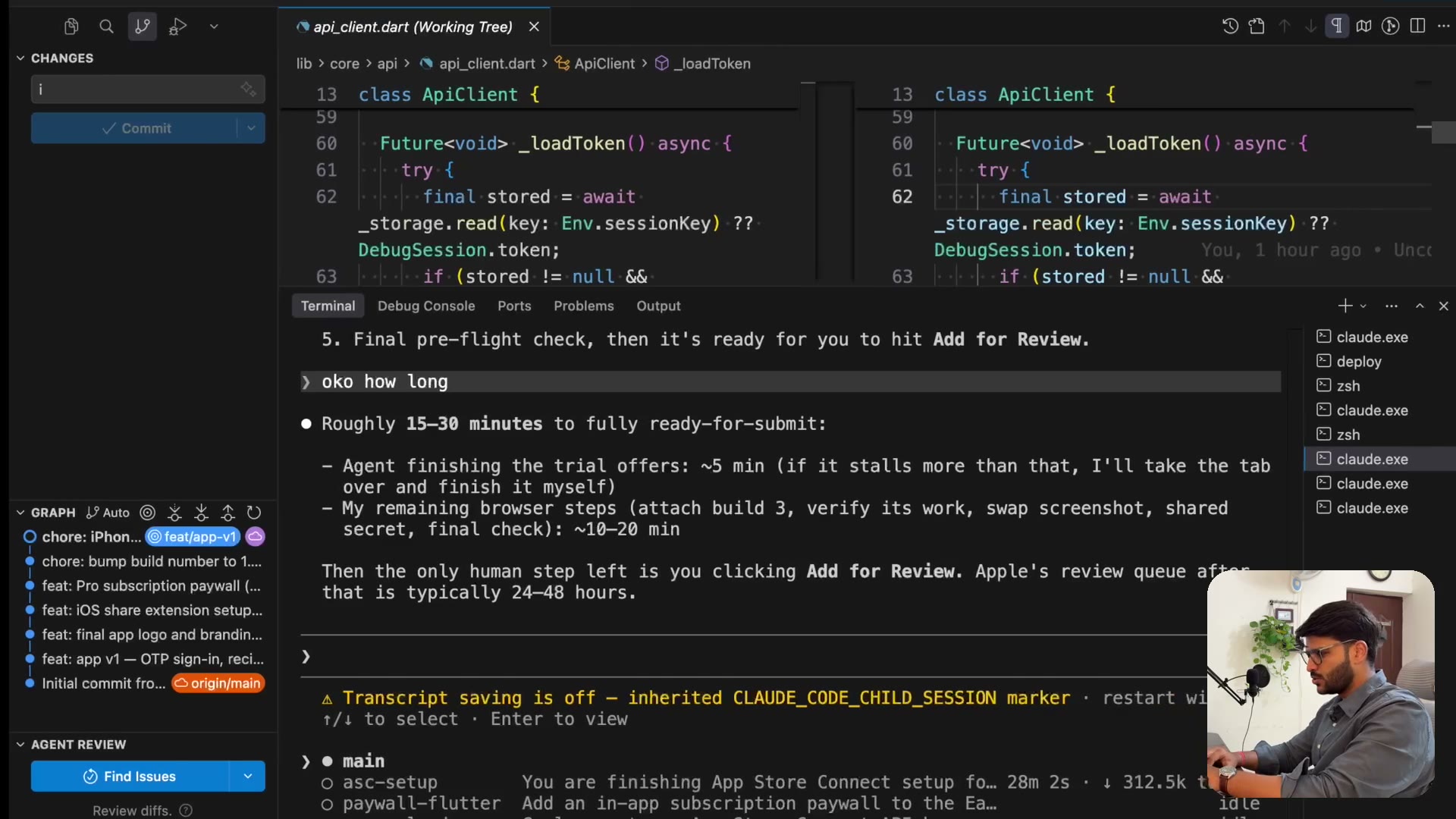
4.27 The final stretch — build processing & typing into ASC
6:41The unglamorous last mile: builds processing on Apple’s side, JavaScript form-fills failing, and Claude switching to typing into App Store Connect key by key.
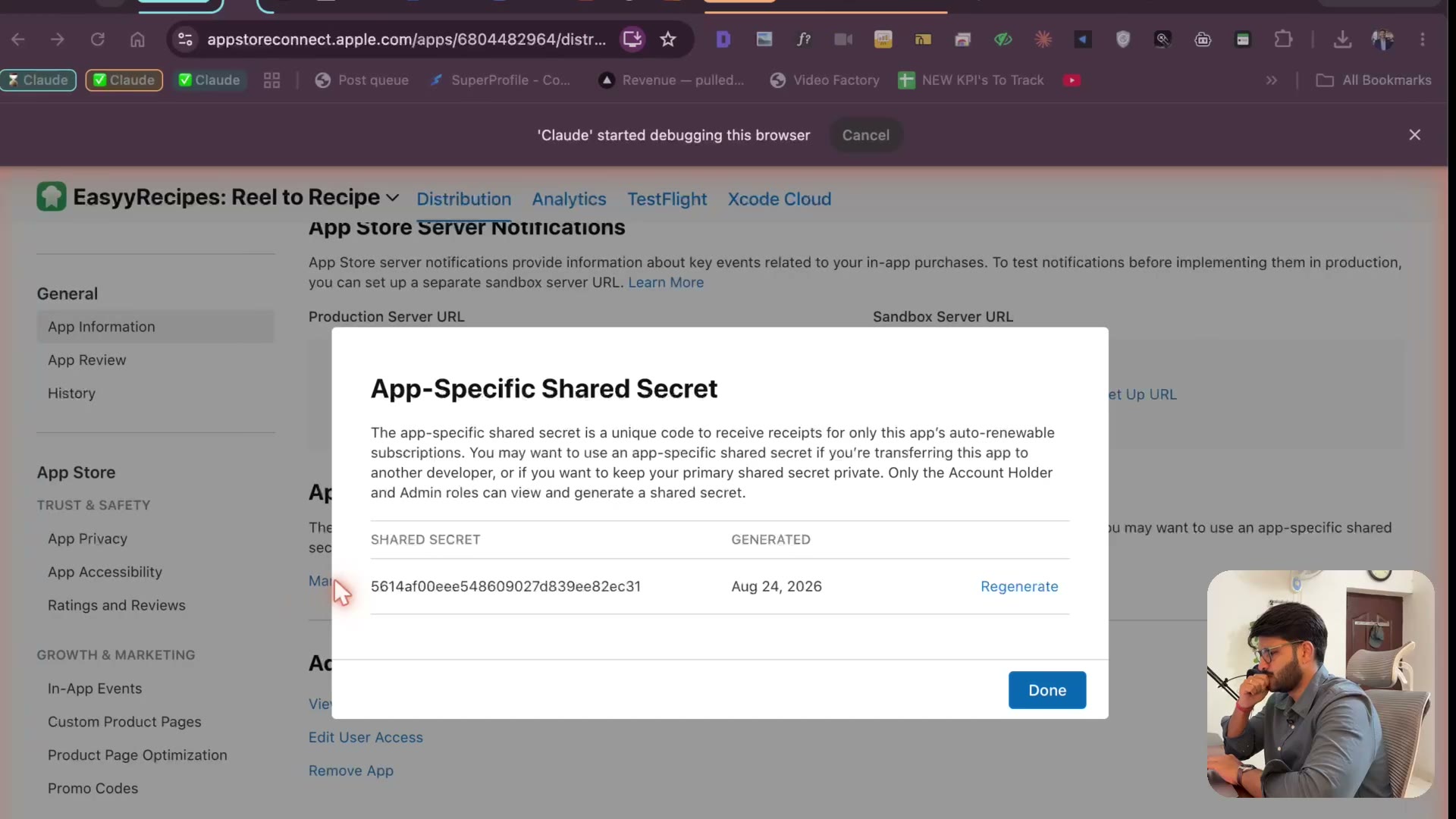
4.28 Paywall reveal, Waiting for Review & the recap
5:21The paywall reveal, “Waiting for Review” at 2:18 AM — and the full recap: idea → research → app → landing page → waitlist → domain → paid plans → submitted.
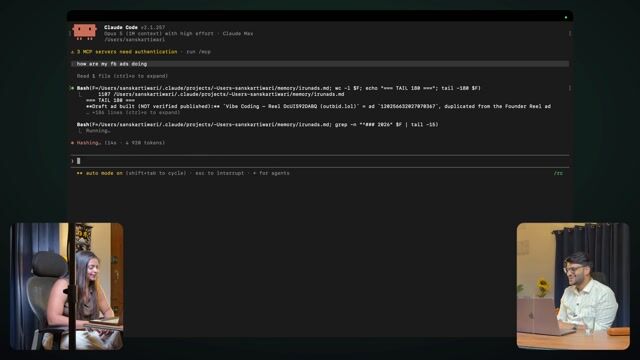
4.1 Running Facebook ads by chatting with Claude
7:59Asking Claude how my ads are doing — and running them — without opening Ads Manager.
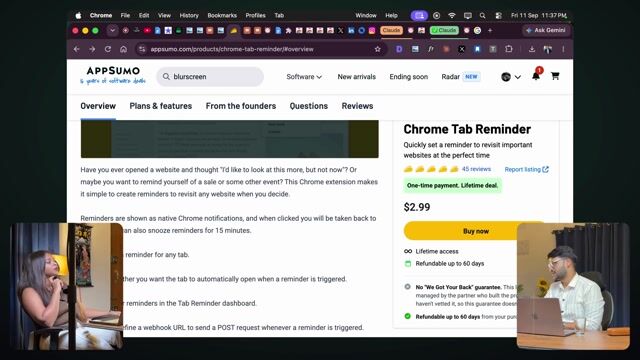
4.2 Marketing: content, mindset, when reach drops
6:31Content, mindset, and what to do when your reach drops after a milestone.

4.3 Recap: ideas, build, launch
2:35Ideas, build, launch — the whole process in two minutes.

4.4 Put more buy buttons: the Rs 9,000 done-for-you offer
4:02Put more buy buttons on the internet: the ₹9,000 done-for-you offer that sold without a plan.

4.5 Views don't matter, sales do
6:28Views don't matter, sales do. Why a 100-view channel can out-earn a million-view one.
5. Bonus — Build a Google Workspace add-on
1 lesson
5.1 Build a Google Workspace Marketplace appComing soon
6. Bonus — Build a web app
1 lesson
6.1 Build a web appComing soon
Watch over my shoulder as I build
and launch a real product
Not slides. The actual screen — the plan, the prompts, the bugs, the landing page rewritten four times, the payment, the launch. Including the parts that didn't work the first time.
Frequently asked questions
Do I need any coding experience?
Zero. This course is built from the ground up for people who have never written a line of code. If you can describe what you want in plain English, you can build it.
What will I actually build?
A real mobile app — designed, built, published to the app store, and ready for customers. Not a tutorial project that sits on your laptop.
What tools do I need?
A laptop and an internet connection. I'll walk you through every tool and setup step inside the course.
Will there be more courses after this?
Yes! This is the first in a series. Future courses will cover Web Apps, Chrome Extensions, Google Workspace Add-ons, and more — each teaching you to build and launch a different type of product.
How long do I have access?
Lifetime access. Watch at your own pace, revisit whenever you want, and get all future updates included.
Ready to build your first app?
125 lessons, 9h 43m of video — all of it recorded and live in your library today. Get it at ₹6,999 while the launch price lasts; it goes to ₹14,000.
Lifetime access · secure payment via Razorpay
All 5 products · community of 360+ builders · breakdown below ↓