바이브코딩 강의: 클로드 코드로 첫 제품 만들고 출시하기
코드를 한 줄도 몰라도 괜찮습니다. 클로드 코드에게 원하는 것을 설명하고, 테스트하고, 고치면서 실제 제품을 만들고 출시하는 과정을 처음부터 끝까지 보여드립니다. 장난감 프로젝트가 아니라, 첫 매출을 목표로 하는 강의입니다.
무료 한국어 레슨 4개
한국어 더빙 영상과 전체 원고를 무료로 볼 수 있습니다.
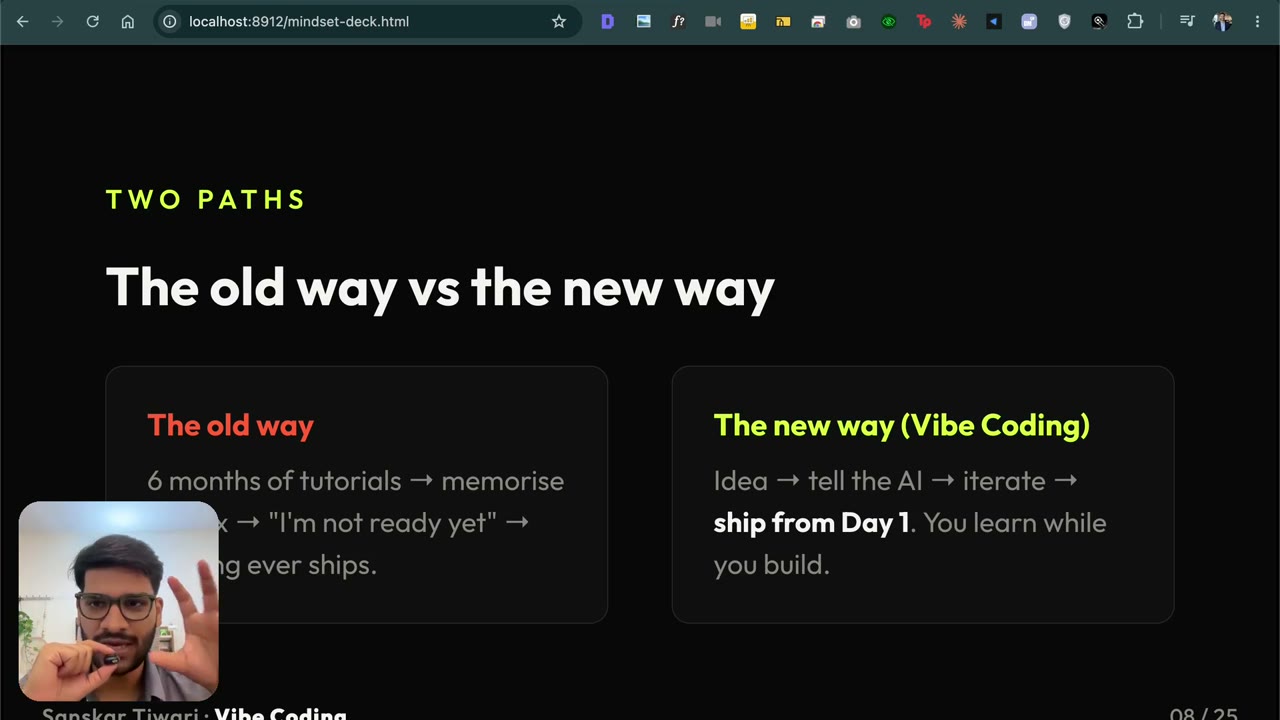 레슨 1 · 4:51
바이브 코딩이란? 코딩 없이 AI로 앱 만드는 새로운 방법
바이브 코딩이란 코드를 직접 짜는 대신 AI에게 원하는 것을 설명하고, 결과를 테스트하며 제품을 만드는 방식입니다. 코딩을 한 줄도 몰라도 첫 제품과 첫 매출까지 가는 방법을 한국어 영상으로 설명합니다.
 레슨 2 · 2:06
클로드 코드 설치 방법 — 처음부터 따라하기
클로드 코드(Claude Code) 설치를 완전 초보 기준으로 처음부터 따라합니다. 클로드 구독, Node.js 설치, 맥 터미널·윈도우 CMD에서 명령어 한 줄로 설치까지. 코딩 지식은 필요 없습니다.
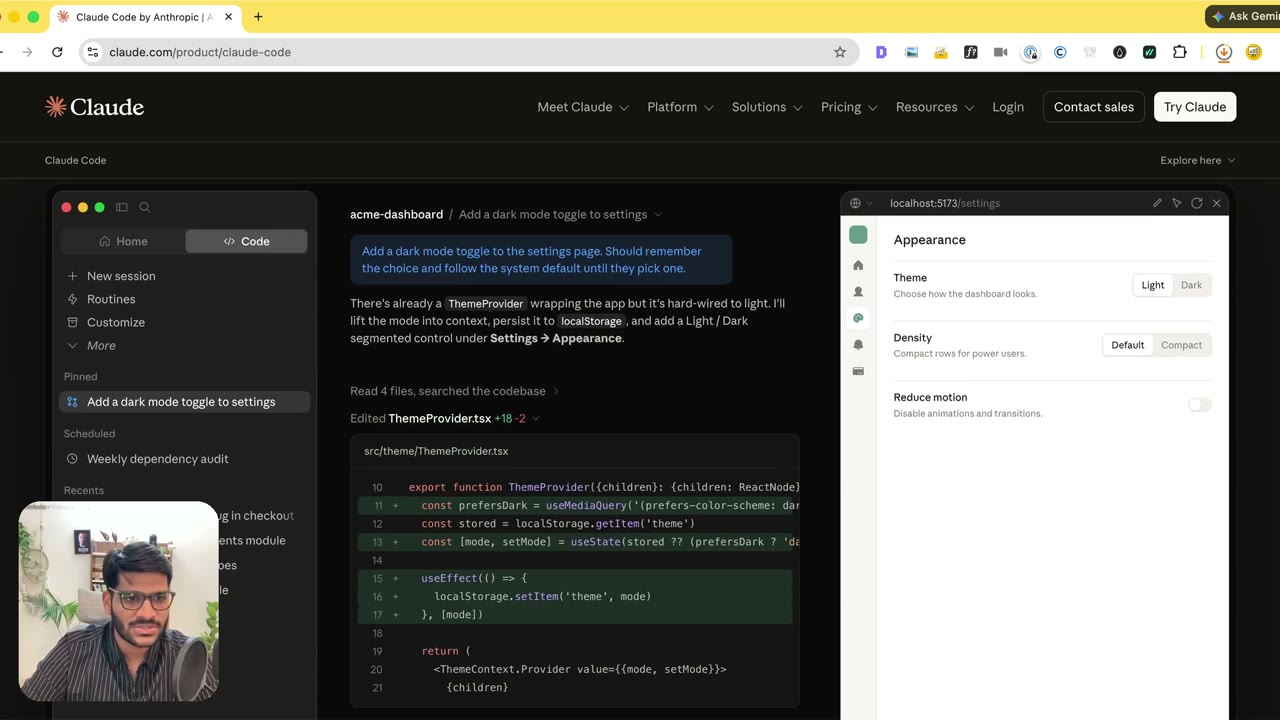 레슨 3 · 3:29
맥(Mac)에서 클로드 코드 설정하기 — 설치부터 로그인까지
맥에서 클로드 코드를 설정하는 전체 과정. 설치 명령어 한 줄을 터미널에 붙여넣고, claude를 실행한 뒤 /login으로 로그인합니다. 데스크톱 앱보다 터미널(CLI)을 추천하는 이유와 Pro/Max 구독을 고르는 이유도 설명합니다.
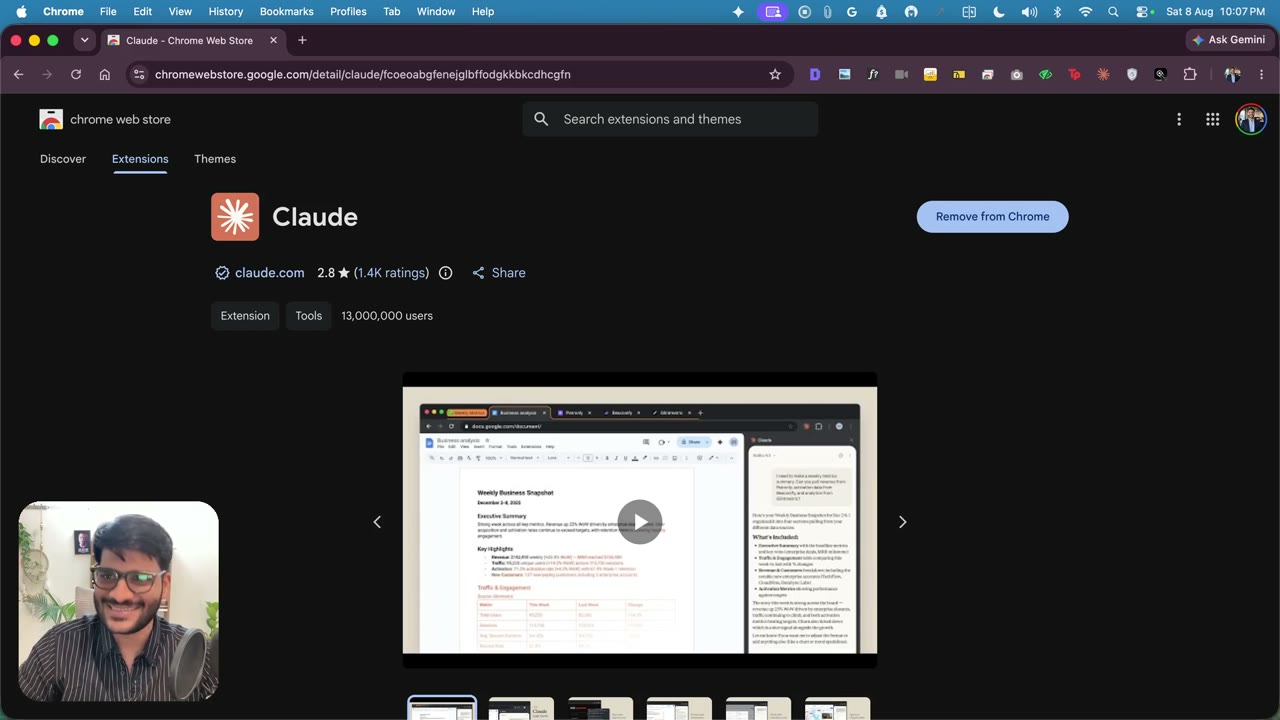 레슨 4 · 3:09
클로드를 크롬에 연결하는 방법 (Claude in Chrome)
클로드 크롬 확장 프로그램을 설치하고 클로드 코드와 연결하는 방법. 크롬 웹 스토어에서 확장 프로그램 추가·고정, 터미널에서 claude와 /chrome으로 연결까지. 클로드가 브라우저에서 직접 클릭하고 작업하게 만드는 설정입니다.
전체 커리큘럼
아래 모듈의 레슨은 영어로 진행됩니다 (위의 4개 레슨만 한국어 더빙).
모듈 1. 시작하기 — 바이브 코딩과 클로드 코드 설정레슨 7개 · 28m
- 1.1 Welcome — who I am & why this course
- 1.2 The new way & what vibe coding is
- 1.3 The mindset: ship, taste, momentum
- 1.4 What’s inside & who it’s for
- 1.5 Installing Claude Code from scratch
- 1.6 Setting up Claude Code on Mac
- 1.7 Connecting Claude to Chrome
모듈 2. 첫 번째 결과물 — 포트폴리오 사이트 만들고 배포하기레슨 2개 · 8m
- 2.1 Start & clone your portfolio site
- 2.2 Personalize, add your photo & deploy
모듈 3. 크롬 확장 프로그램 만들고 출시하기레슨 40개 · 1h 58m
- 3.1 Why a Chrome extension — the 2021 story
- 3.2 Naming it & letting Claude create the folder
- 3.3 What we're building — MVP scope & what an API is
- 3.4 Testing it on a real Facebook group
- 3.5 Asking Claude for the Apps Script & the Sheet
- 3.6 Paying the $5 & wiring Apps Script to your Sheet
- 3.7 Load unpacked — the extension running in Chrome
- 3.8 The bug AI missed — never assume it figured it out
- 3.9 Why Claude — and what else I've tried
- 3.10 Don't make your user learn your app
- 3.11 One Sheet per group — and the real test
- 3.12 Email OTP login — the simplest auth that works
- 3.13 The landing page, the logo & how I take payments
- 3.14 Emails that don't land in spam
- 3.15 Which database — and wiring the users Sheet
- 3.16 Where we are — what's done, what's left
- 3.17 Testing the loop & the Chrome Web Store listing
- 3.18 Mockup above the fold & the with/without comparison
- 3.19 Your title is what it DOES, not its features
- 3.20 How to actually decide the title
- 3.21 When context gets long, start a new terminal
- 3.22 One call to action & getting the mockup right
- 3.23 Selling time — the "hours vs two minutes" line
- 3.24 Custom navbar & the about section
- 3.25 Host it free on Netlify
- 3.26 Wiring the users Sheet & going live
- 3.27 Fixing deployment access & testing the login
- 3.28 Login works — and keeping upgrades painless
- 3.29 Staying focused while Claude works
- 3.30 Free plan or not — why I simplified
- 3.31 Minify the code, then the privacy policy
- 3.32 Taking payment with a PayPal button
- 3.33 Uploading the extension — zip, icons, screenshots
- 3.34 Making the waitlist actually collect emails
- 3.35 Script properties and the store images
- 3.36 Filling the store listing (the part nobody records)
- 3.37 Promo tile and pointing your domain
- 3.38 The 404 before launch — getting the site live
- 3.39 Git and merges, without the jargon
- 3.40 Hitting submit — and what if you're rejected
모듈 4. 모바일(아이폰) 앱 만들기레슨 28개 · 2h 16m
- 4.1 Finding an idea that already makes money
- 4.2 Keyword research — name it so people search for it
- 4.3 Domain check & two projects: Next.js + Flutter
- 4.4 Spec the app like a PM + Apify for transcription
- 4.5 Cursor, Git and starting from a clean page
- 4.6 Xcode, plan mode and the logo prompt
- 4.7 Why Cloudflare — and Wrangler + Node setup
- 4.8 The four choices: database, login, backend, email
- 4.9 Picking the logo from five versions
- 4.10 Landing page + waitlist into Google Sheets
- 4.11 APIs, JSON and curl — explained for non-coders
- 4.12 Fonts, no gradients, green — make it not look vibe-coded
- 4.13 The database plan, queues, and deploying with Wrangler
- 4.14 Claude tests the whole backend itself (Apify + API keys)
- 4.15 OTP email API + running on a real iPhone
- 4.16 When builds fail — patience, parallel terminals, cost control
- 4.17 First login bug: “can't reach servers”
- 4.18 Securing the email API with a secret
- 4.19 Buying the domain (and Claude checks Gmail)
- 4.20 Claude connects the domain to Cloudflare via Chrome
- 4.21 The magic moment — share a reel, get a recipe
- 4.22 Add payments (3-day trial) & push to GitHub
- 4.23 Claude fills the App Store listing itself
- 4.24 Three parallel agents: screenshots, ASC, pricing
- 4.25 Hands off — age ratings, privacy, and the marketing plan
- 4.26 Review account, subscriptions & the pricing decision
- 4.27 The final stretch — build processing & typing into ASC
- 4.28 Paywall reveal, Waiting for Review & the recap
모듈 5. 보너스 — 구글 워크스페이스 애드온 만들기레슨 1개
- 5.1 Build a Google Workspace Marketplace app
모듈 6. 보너스 — 웹 앱 만들기레슨 1개
- 6.1 Build a web app
강사 소개
산스카르 티와리(Sanskar Tiwari)는 MagicSlides를 비롯한 여러 AI 제품을 직접 만들어 운영하는 인도의 1인 창업가입니다. 콜센터 상담원으로 시작해 코딩을 독학했고, 지금은 클로드 코드로 제품을 만들고 출시합니다. 이 강의에서는 그 과정을 처음부터 그대로 보여드립니다.
이 레슨은 바이브코딩 강의의 일부입니다
전체 강의에서는 포트폴리오 사이트, 크롬 확장 프로그램, 아이폰 앱을 처음부터 만들고 출시하는 과정을 모두 보여드립니다. 현재 한국어 더빙은 무료 레슨 4개에만 제공되며, 나머지 강의는 영어로 진행됩니다. 결제는 PayPal(USD)로 진행되고 원화 금액이 함께 표시됩니다.
바이브코딩 강의 전체 보기 →