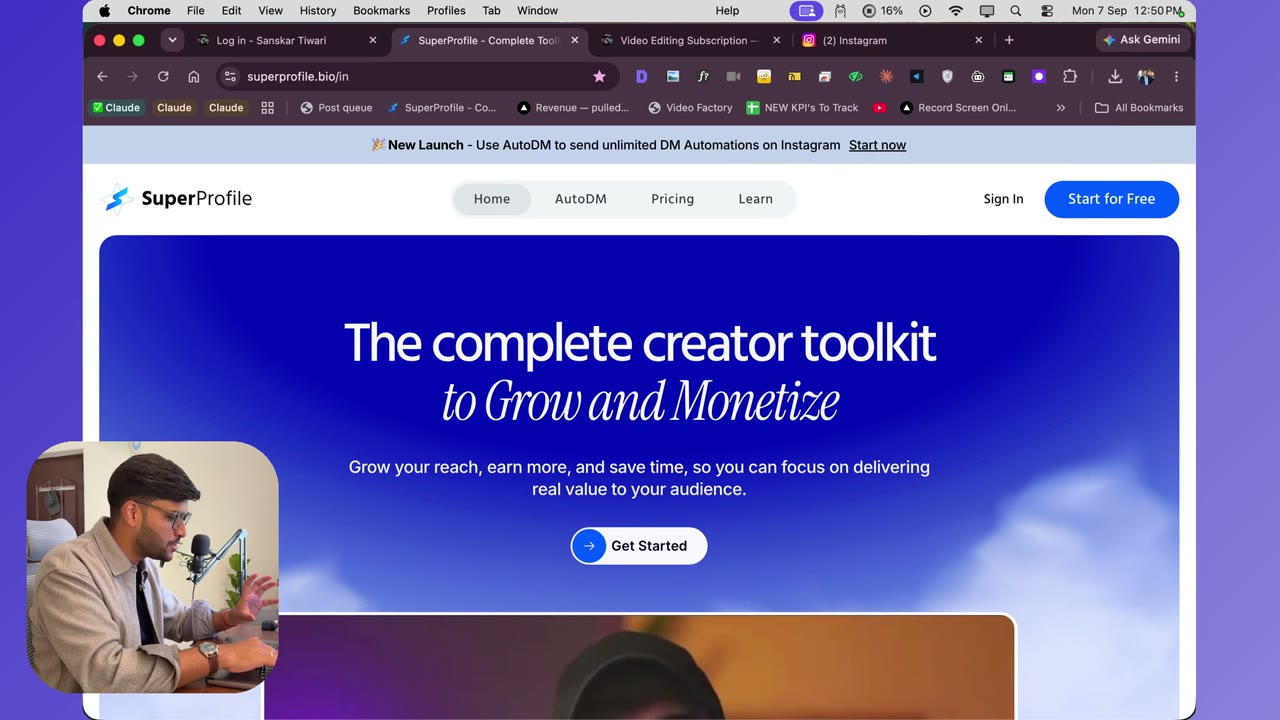
Set up SuperProfile auto-DM
4:20Step one of onboarding: the comment → DM automation. I show my own numbers (~35,000 DMs sent, ~24,600 followers gained), then set one up: Create automation → Instagram → comments on any post/reel → any comment → auto reply. Put every guide link in one published Google Doc so a single automation covers all posts, and turn on the “please follow to receive this” step — that is the paid feature worth upgrading for.
Transcript preview
so the first step in the process of setting up your account is to set up auto DM now this is basically where you come in and you set up what needs to be sent so this is the platform which I use I don't own anything of this I have no connection at all I have personally been using this platform and I'll show you the results which you can get when you do the auto DM thing right do you see this I have sent around 35,000 DMs through the platform and I have gained around 24,600 I am NOT getting any money to say this so just be aware I'm actually suggesting this because I have been personally using okay so what's up you can see these videos of mine so one video generated I sent 2,000 DMs and generated 1,300 followers I send 538 comment DMs and I was able to gain 300 followers how does this all happen well all you need to do is you go into there and click on create automation you click on Instagram they also have Facebook I still have to figure that out once I'll do I'll make a video for you so the comments on posts so this is what I select and if I go back you can see there is an option to send you a DM replies to your story comments on your live DM your post or read so this is also something which I have tested because a lot of people have started doing that so you can set these up as well but main thing which I have done is the comment part okay so I'll actually choose this I asked Claude for this one this is my reel carousel actually which I want what I'll suggest you is there are two ways for you to do this right if you want some specific guides to be sent you can maybe set it up for each real but I have struggled doing that so what I'm thinking is maybe I can choose any so I'll just go here but the problem with my account is I already have the other option going on which is per reel so I'll suggest you if you don't want too much struggle over here just select the any post reel and what my clients are doing is they create a docs.new file and over there they can add all…
The full lesson — video and transcript — is part of Video Editing Subscription.
Get Video Editing Subscription →