Create a new Facebook ad account with Claude
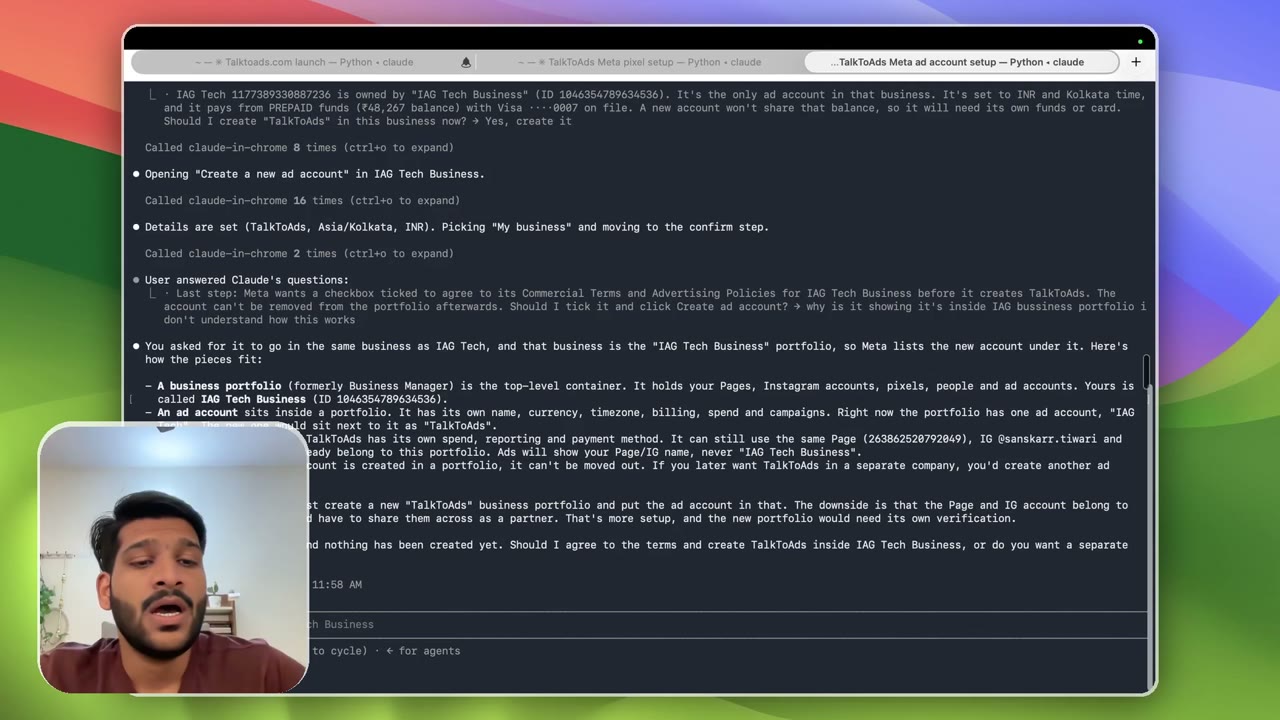
9:43Live, start to finish: I ask Claude to create a brand-new ad account (TalkToAds), and it does it inside Business Settings while I watch. Why I keep a second ad account so one ban can’t take the pixel down, what a business portfolio actually is (ask Claude whenever something confuses you, like I do here), connecting the right Page + Instagram, and adding funds by UPI. Silent stretches where Claude is working are fast-forwarded (marked ▶▶). The prompt I used (change the [brackets]): Task: create a NEW Meta ad account for [Brand] ([yoursite.com]) in Business Manager, using Chrome (I’m logged in on Chrome). - Business: same business that owns my ad account [current ad account name] (check Business Settings → Ad accounts first; tell me the business name/ID before creating). - Ad account name: "[New account name]", currency [INR], timezone [Asia/Kolkata] (same as [current ad account name], check it). Assign me as admin. - Payment method: copy whatever [current ad account name] uses; if it needs card entry, STOP and let me do it. - Assign Page [your Facebook Page] and IG [@your_instagram] to it. - Do NOT create campaigns. Report: new ad account ID, business ID, payment status. - Save the IDs to a memory file (append a line).
Transcript preview
Okay. So in this video, what we will do is we will be creating a new Facebook ads account, right? So since I already have one, it's kind of doing that. But basically what I have done is I have given it a name. So you can see, uh, I have given it a name, TalkToAds. I have given it a currency, time zone. This exact prompt will be available below. You can just copy that and update the insert thing. So I'll just basically make it like a bracket wherever you need to change things. And now I can just ask it to continue. I actually paused it to make sure, uh, I record everything. So, uh, yeah, I'm just gonna, uh, maximize this. And now what, uh, Claude is doing right now is it's gonna go into that. So if you see, this is the other one. I think this is the one. Claude in Chrome. Uh, date ranger picking, uh, this, this. Okay, so it's basically, uh, understanding the time zone and everything. Is owned by IAG Tech, which, uh, it's the only ad account in that business. I said to IAG Tech in Google Ads, should prepaid, prepaid fund with IAG Tech. Won't share that balance, so it will need its own fund. Should I create TalkToAds? So this is basically asking me, it will not happen for you because you might not have an ad account. But if you had an ad account, Claude is just clearing things up that, "Hey, dude, uh, the new account I'm cr- creating, you'll have to fund that separately. It will not be part of this, uh, existing same funds." So I'll say, "Okay, uh, create it." So... Okay, add an ad account. So it's gonna do that part. So again, um, at the end of the day, you won't be able, uh,…
The full lesson — video and transcript — is part of Run Meta Ads with Claude.
Get Run Meta Ads with Claude →