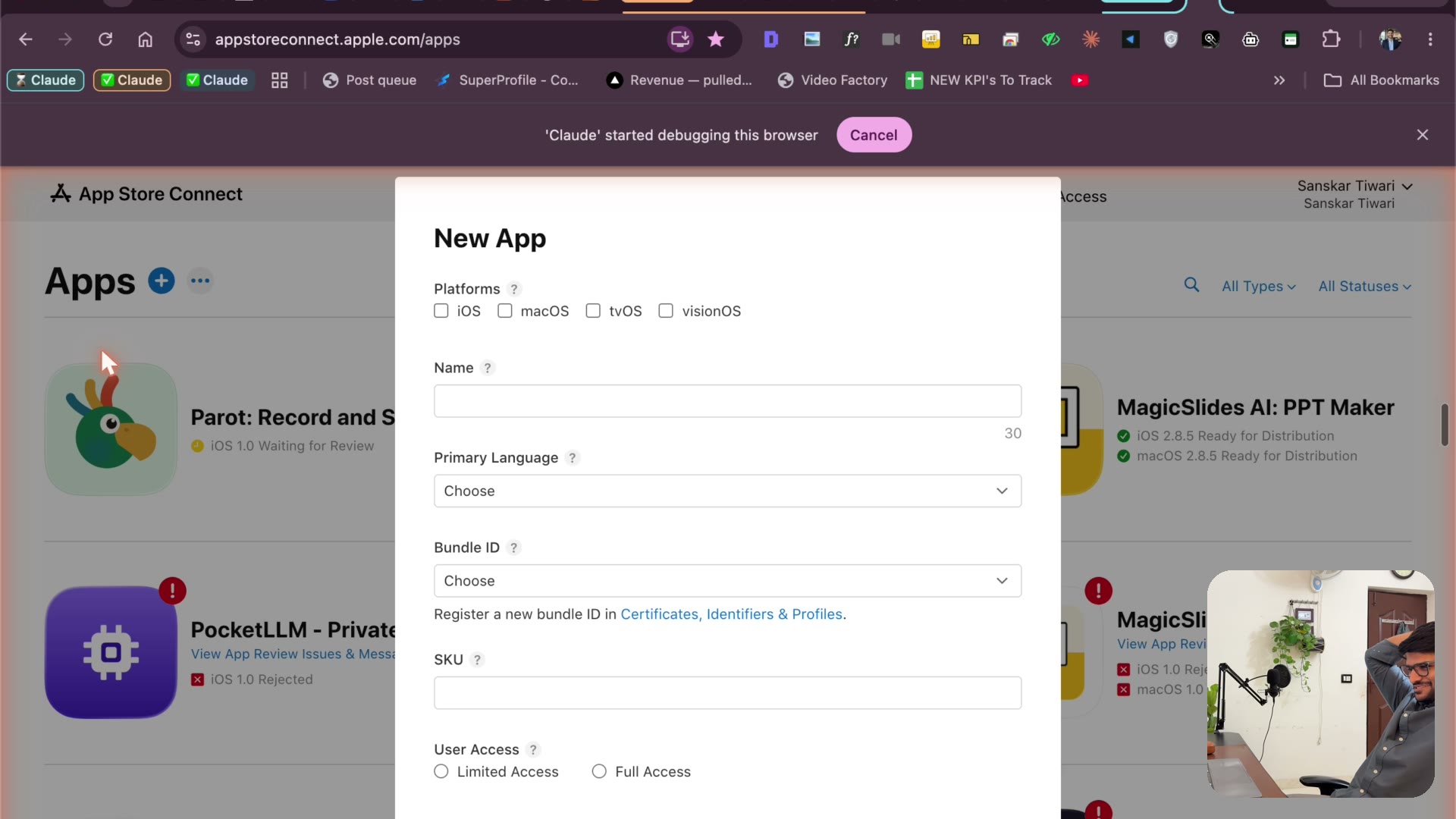
Claude fills the App Store listing itself
4:14Claude creates the App Store listing: bundle ID, name, keywords, description, copyright — and turns two raw phone screenshots into store-ready marketing images.
Transcript preview
it. It's doing things guys. Let me relax. So it's selecting the platform. It's gonna write up the name. It's gonna choose the primary language, bundle ID. I think we will be required to create a bundle ID. So I'm guessing how it will do that. Should be very interesting. Let's see. Let's see. So now it's gonna type up the name. I think an SQL is basically you need a unique name for your app. I can help but I like watching Claude do it again. So let's see. So this is the flutter side of things. It built an IPA because I was worried about that. How will it select? We are here. Okay. I will be giving it a screenshot so that it can create, I don't know why it's not showing airdrop. Airdrop. Everyone is this. Okay yes. Open safety downloads. So just send a screenshot for the home page. I'll be sending up another screenshot for the recipe page. It's filling up the keywords. It's writing the marketing URL. Copyright is writing my name. It's doing all. It wrote the description already man.…
The full lesson — video and transcript — is part of Vibe Coding.
Get Vibe Coding →