Don't make your user learn your app
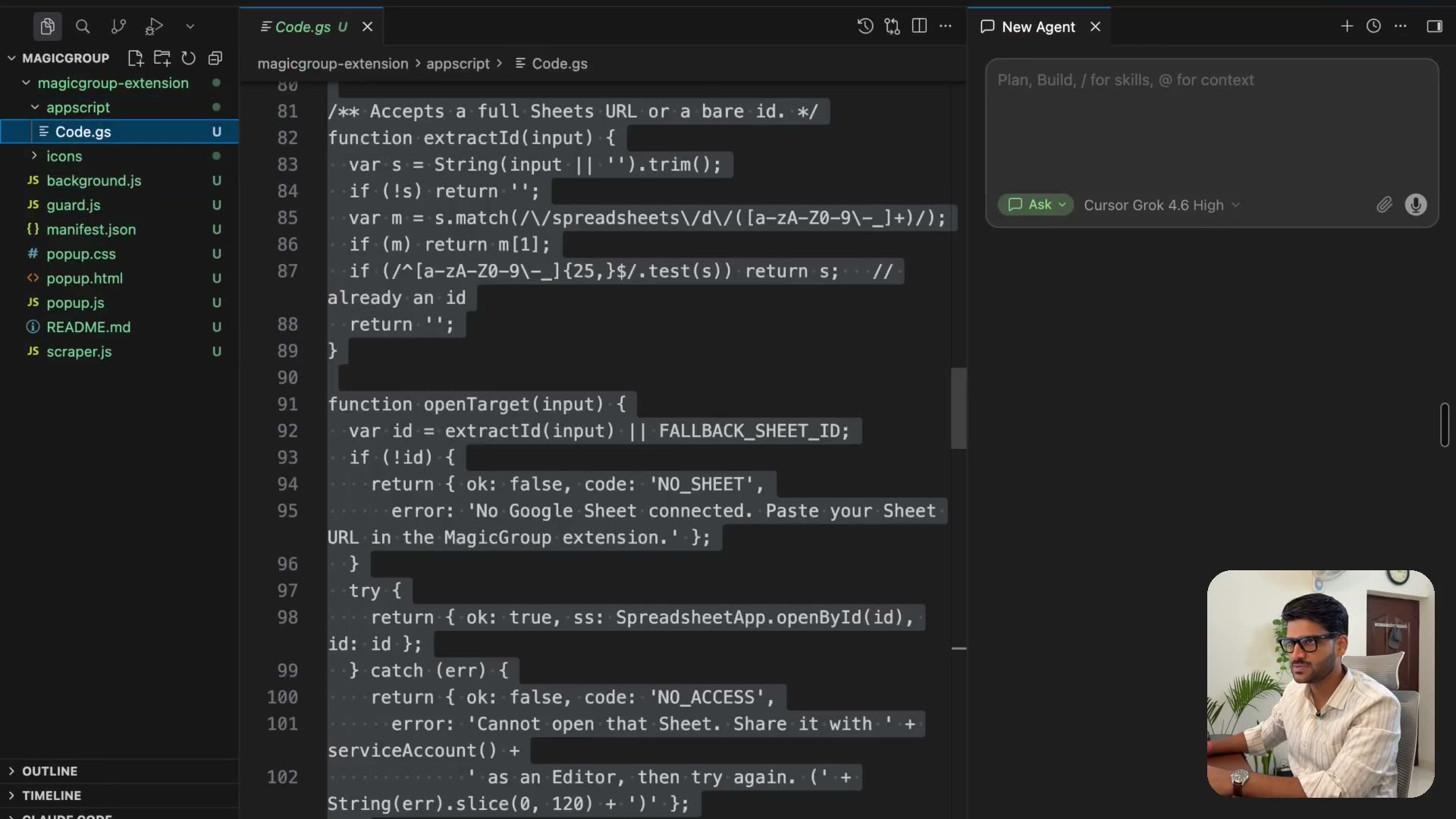
3:12Default the sheet name to Sheet1 instead of teaching people to rename it. Take a URL, not an ID. Every time you're about to educate your user, ask whether you could just handle it instead. Then redeploy — and how versioning works in Apps Script.
Transcript preview
So there is an update to the code which is specified so I'll just copy this code. I'll go back to the app script and I guess now it's no longer asking for the sheet ID. Now I do not want to educate people to rename the sheet name to members. By default name of sheet name is sheet1, I'm guessing why not have the same because people usually are going to create new sheet for this. So again you need to think about the user experience when you're creating a product. So what I'm doing here is I realized when you create a new sheet by default its name was sheet1. So rather than asking people and educating them we are going to by default keep it sheet1. This is a very important learning which I feel a lot of people get confused where they try to build things how they feel is the right approach. The right UX which is user experience is where things are how user expects them to be. So when a user comes in he'll be like where should I put my Google sheet URL. Rather than educating that user that you know you need to put a Google sheet ID I just asked for the Google sheet URL. I can figure it out, I can scrape the ID from it but it is much easier for a user to understand what a Google sheet URL is versus what a Google sheet ID is. One process simplified, number two I realized there was an option for sheet name. So I was like it's worth it that I don't want people to be confused with that so you see it's updated.…
The full lesson — video and transcript — is part of Vibe Coding.
Get Vibe Coding →