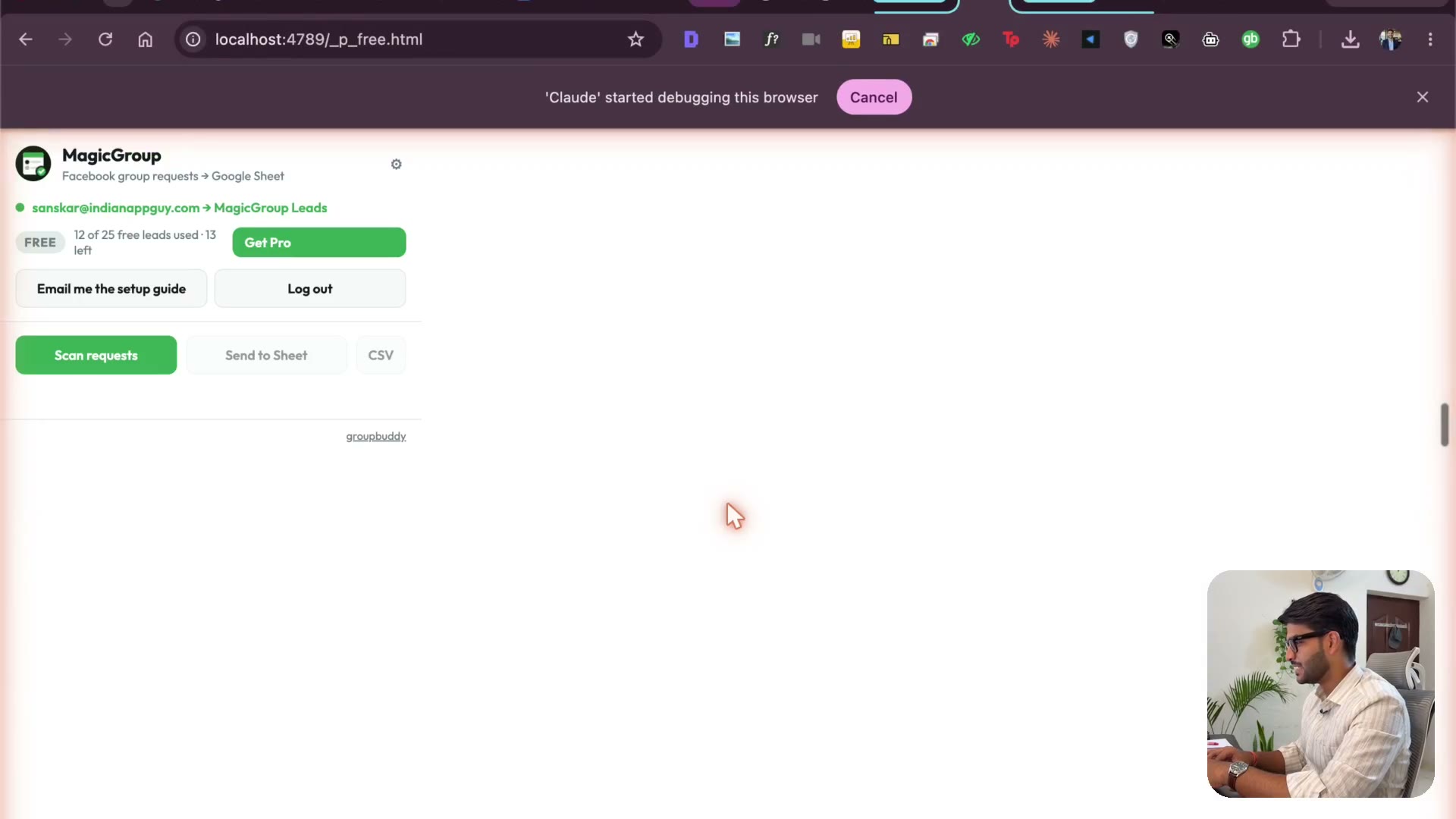
Testing the loop & the Chrome Web Store listing
3:13Remove a member, send a fresh join request, answer the questions, approve — and watch the lead land. Then the store listing: the tabs you fill in, and the privacy policy and terms of service you can't skip.
Transcript preview
this is beautiful though I'm guessing it's deployed I'm going to go to the extension so you just click on this go to manage extension you should be able to reload yes the extension read right so when you're creating a landing page always try to visualize what it does we want to visualize what it does and with and without it experience will be the second section the emails are just beautiful I I know I don't know but I have this beautiful feeling of the emails it's really looking nice clean very clean okay what a bigger problem okay now it's there the extension I'll go back it I have my users two of these I will reload this one and I'll go to the other group where is that now this time I'm gonna try to join it from another one I'll first remove that guy right back click on members members then you're going to go scroll down click on this click on remove okay it's removed if I go back over here click on magic slides I can send a new request I'll be able to answer these things and click submit then I'm going to click on this and new member request okay so we have the option sign in to switch the approve button really mail you a code let's see if everything is implemented I take these scripts only steps in Miller light Maynard or GS and stop touching guard the other terminals or the extension JS I…
The full lesson — video and transcript — is part of Vibe Coding.
Get Vibe Coding →