Deploying the email bridge
6:04Pasting the Apps Script, deploying it as a web app, and the edge cases Claude handled unasked.
Transcript preview
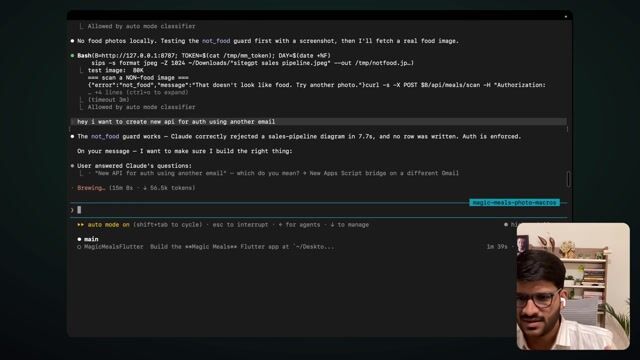
it's saying bridge, which got a little confusing, but bridge is basically that the API, right? That's the bridge between connecting. So it's gonna give us that code. So this is, you can see code.js. That's how the Apps Script code, looks like. Code.js it says, but this is JS only. Like, it's kind of JavaScript, but they kind of named it, Apps Script because they have changed a few function, of normal JavaScript so that people cannot do wrong stuff there. the API calls which you make from there are not exactly, similar in a way. One second. Huh, so that one's super base hook shape mine needs the general... So previously when I used to use Cursor, when I'm providing the next thing now, I have to press two, three times to, uh-- So it has that option, like if you just want to, disturb it or if you, uh-- Here I feel comparatively like, I mean, it's kind of similar, not big. But honestly, like I highly recommend g-people to try both to see what they feel comfortable with, because sometimes it's just preference, right? Like you are comfortable here. So maybe you are more comfortable using Cursor and stuff or maybe you are just preferring direct using Cloud Code here instead. because this, this UI, you know, this terminal thing, even though it's not too complicated, it just reminds people of the whole coding and they're like worried of how-- My friend who is literally CA, he never saw this and he was never doing it. He used to use desktop app. He was very active. I used-- told him about. Then I told him, "Hey bro, I'm using this for content also, like cutting all the content my pieces, getting a one-hour video and then converting ten different pieces from it." Literally the, the videos I posted now on Instagram, those are by Claude. I give it YouTube URL, it made them. So he w-he got very excited and he set up terminal. Now he have his own website live on his domain, and yesterday he made sales on that website. Just understand the speed of it. Two, three days, he was with me. He-- then I told him about the terminal. Then he went back, he did the setup. Within a day he had the website live with accept payment.…
The full lesson — video and transcript — is part of Vibe Coding.
Get Vibe Coding →