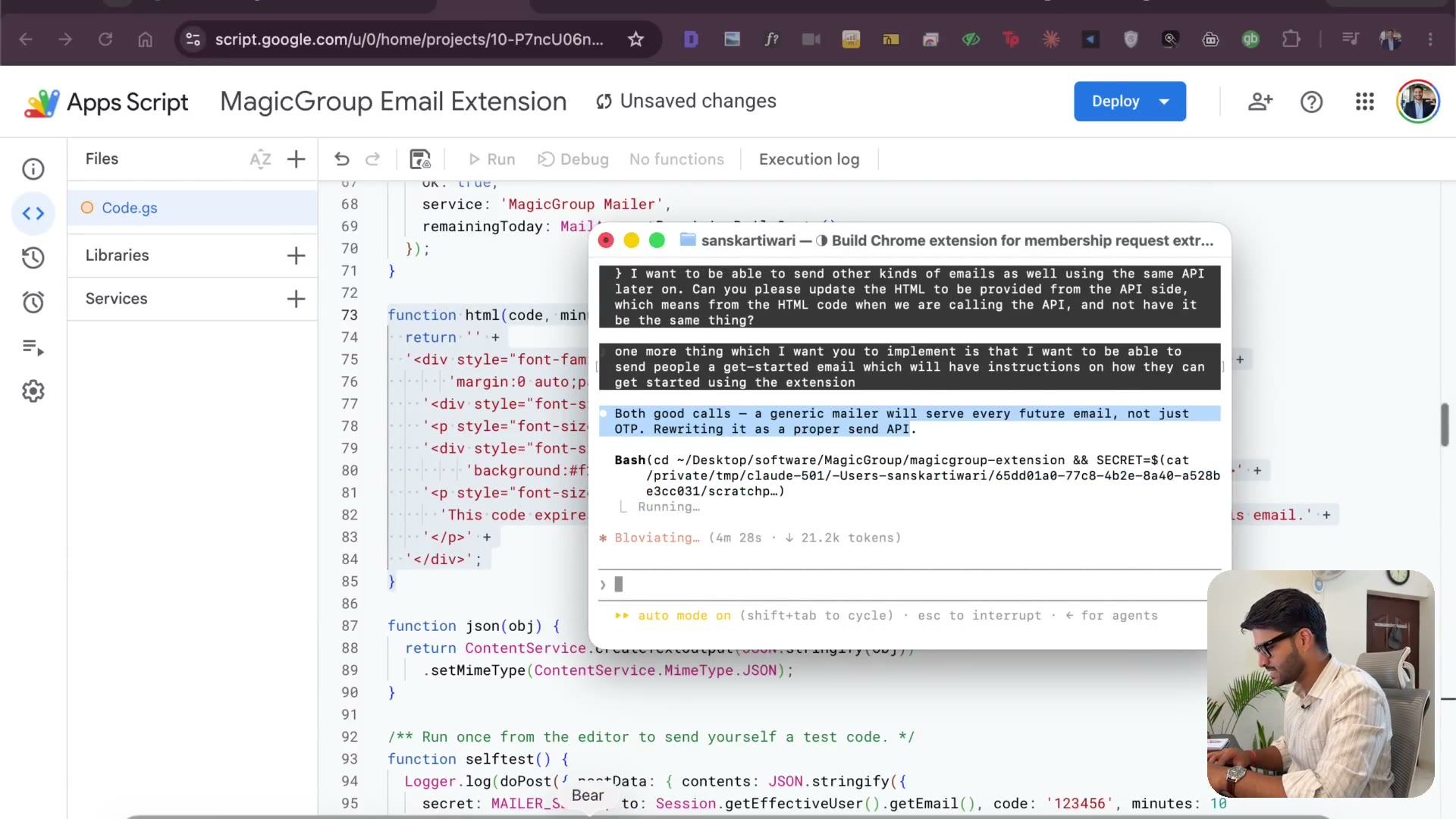
The landing page, the logo & how I take payments
3:26Starting the landing page while the code runs. Five logo options, pick one. Then payments: Gumroad to start, PayPal if you're selling internationally. And personalize everything — my font, my name, my face in the footer.
Transcript preview
While this is all happening guys, I am gonna start one more thing. I want to create a page on Sanskrit Kivari Spotlight which is going to be landing page for this new extension called Magic Group. It helps extract information. I know guys I can speak it out, I don't know, I just love writing and it helps me think as well. It helps extract information from Facebook group and code of it is inside the software/magic group I'm guessing, update the logo. Give me a few examples first, so two things. First let's start with logo, give me five options, open in Chrome, I will approve. So while that is happening, I'm gonna have the landing page get started creating and the way I accepted payments when I was new was this. So if you see, let's see, yeah, so Gumroad. So there are multiple platforms by which you can collect payment. If you're planning to collect payment internationally, I highly recommend you create a PayPal account right? PayPal is the way to go. I had a PayPal button and I feel I can do the same for this one and that will be the easiest way for it to go because with PayPal you will be able to collect payments from outside right? That's the goal anyways will be able to sell all over the world. Now this is just my personal preference. I like the outfit font. Can you please set that for email? So this is how the code will look like, this is how the get started will look like and I want the footer to have my name, Sanskar Tewari, founder and my profile picture, always…
The full lesson — video and transcript — is part of Vibe Coding.
Get Vibe Coding →