Telling Claude what to build: Magic Meals in plan mode
4:04The first prompt, why email OTP login, and why plan mode beats letting it start straight away.
Transcript preview
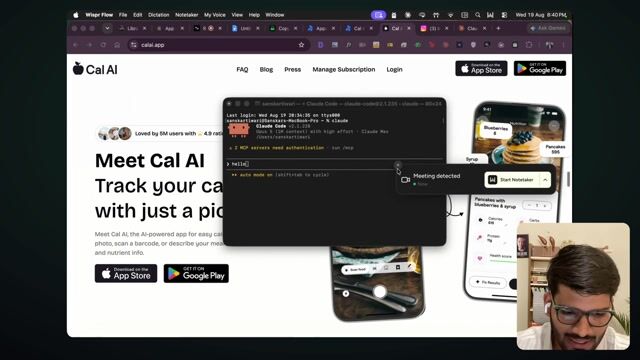
Yeah. So if you install tools like this, it will basically help you, doing these things faster. But, hey, Claude, I want to create an app called Magic Meals. We'll be creating a folder inside Software, and then we'll create a folder inside Magic Meals folder. We'll call that magicmeals-flutter. I want to create a mobile application where we'll have a very simple interface. I want to keep the login to be a email OTP login. So the reason for me choosing email OTP is because if you try to go with other login option, it get qui-- it gets quite complicated. And if you just try to add Google login into your application, Apple will force you to use Apple login as well, or else you cannot go live on App Store. So I highly recommend when you're trying to just create an MVP, be fine, just you can have an, email OTP set up. It's very easy to set up comparative to any other options, and you can at least go live. That's your first goal, right? You don't want to wait for a approval process as such. Okay, so we'll continue. I want you to create an interface where I can take a f-picture of a food. We'll send that API request, and then we'll get the macros. So I want to be able to know how much calories it have, how much carbs it have, how much protein it have, and the fats. Now, once we do that, I also want to be able to preview that for a user. So there should be some sort of a calendar view where we can kind of show them that how their performance has been. Help me plan this through. So when you are, coding this, y-there are two options, right? One is just you just start it and it just starts doing it thing. But that is not best if you have any knowledge. Why I'm saying if you have any knowledge, it's not best? Because when you have some knowledge of building and everything, or maybe some, something which you want to do differently, you don't want it to just get started, you want it to first make a plan. So there is an option for that. If you press Shift and Tab, you see there is a option changing, right? This manual mode, accept edit, and then there is this plan mode. It's highly recommended than when you're just starting, choose that.…
The full lesson — video and transcript — is part of Vibe Coding.
Get Vibe Coding →