Publishing to the Chrome Web Store
10:10Zip, store listing, description, category, permissions and the privacy policy — the whole Chrome Web Store form.
Transcript preview
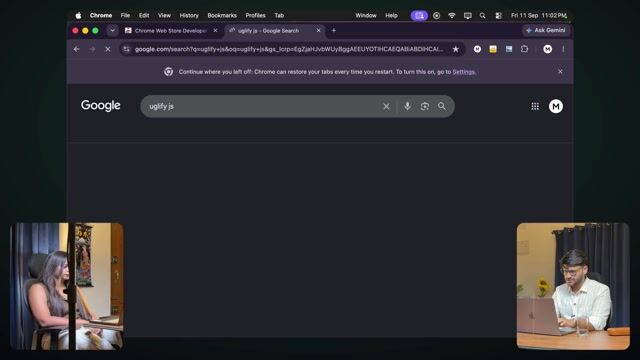
First of all, what do you need to do? You need to upload that zip file. So here I pick up its zip. The zip file we downloaded, right. This is the zip file that came out. I'll go here. There's one more thing we can do here. Which, again, I used to do additionally because I used to do it myself. I used to visit this website called UglifyJS. What is this? When you're uploading your Chrome extension's code, you want the Chrome extension's size to be as small as possible. So if you visit this website — specifically, I used to go to this one for scale. What happens here is, you put your JavaScript here and it will minify, uglify that. That saves something like 43% off it. So you can do it if you want. Not a required thing. So you'll go here. I'll pick this up and I'll... I think it just appeared in this one. There was a problem. It made the description long. Copy, paste. Again, there's nothing extra you need to download. Because the same thing kept happening to me again and again. I was like, first download VS Code, then set up Claude Code. Exactly. Then install Chrome's CLI. I was like, we're going this far already. Because if a person is doing coding and everything, they'll still come around to it eventually. They have that passion for it. Yeah, he's like, yeah, this is it. I want this too. Yeah, the non-coder just comments straight away. When I saw the terminal. So I was like, this is fine. So now, again, I haven't done anything. I've just copy-pasted so far. I saw some error. Even if you don't want to read it yourself. Again, I'm imagining that you're literally sitting there at 12:00. You have no energy left at all. You can just copy-paste. Even then you can build it. So now it fixed it again. Now I'll go to the extension. As soon as it's complete, then you can download it. Yeah, now it's complete. Done. I can download. Now again, if someone doesn't have it set up — like you need to install VS Code and all that. Again, I'm trying to keep it like, man, I don't want you to get stuck right there — — get involved in that. Because a lot of people will get stuck right there, and they'll be like, now building it is a later thing.…
The full lesson — video and transcript — is part of Vibe Coding.
Get Vibe Coding →