Login works — and keeping upgrades painless
2:56Paste the code, verify, and the login is done. Then testing the popup properly: free plan, 25 leads, the user landing in the sheet. The plan didn't sync — and why the upgrade path is the one thing in an extension you can't afford to make people wait for.
Transcript preview
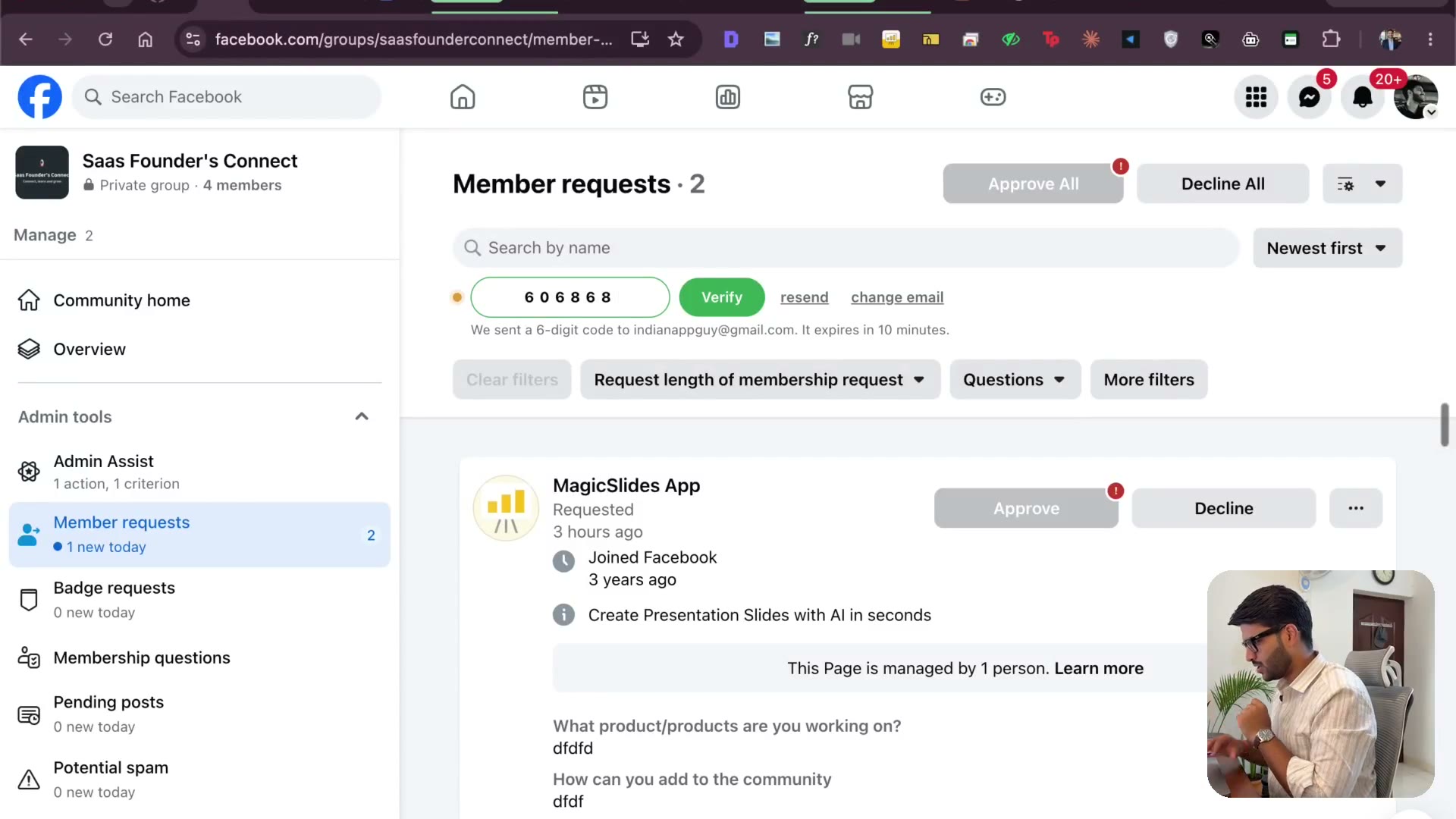
So I just copied the code and I'm going to click on verify. So the login is done guys, login works. Next step, now we are going to make test how the pop-ups looks like. So you see this, we have so many features now, it's loading very beautifully, we have email me the setup guide, so I'm going to click on that. This basically will send the setup guide which is the get starting guide anyhow. This send to sheet, CSV, these are like a coming soon feature, there's a skin request. Okay, so this is basically like if you want to make sure, oh that is interesting man, like you don't really have to approve them all, you have the approval, everything is working guys. I think we are ready, we just want to make sure this get pro, yes, we need to see our users over here. Now sign up happened, free plan, sign up, it works guys, the user database also works, but the plan is not in sync. So I'm going to open up that terminal and I'll be like, hello there, I need to open this up, I'll be like, by the way I think it's time we start a new terminal. Of course I highly recommend whenever you feel like there's a lot of things happened, open the code inside software slash, what is this? This is magic group and the Chrome extension. The thing is the authentic, the authentication for the Chrome extension works, but the plan is free in Google sheet, but showing paid, wait a second, is it actually showing paid guys? No, it's showing free plan, 25 leads than it now, 0 out of it now use, 25 left. So yeah, it's not showing me the pro, but let me see if I change it, will it change? So if I make it pro and then I reload this, okay, so but sheet.…
The full lesson — video and transcript — is part of Vibe Coding.
Get Vibe Coding →