Git and merges, without the jargon
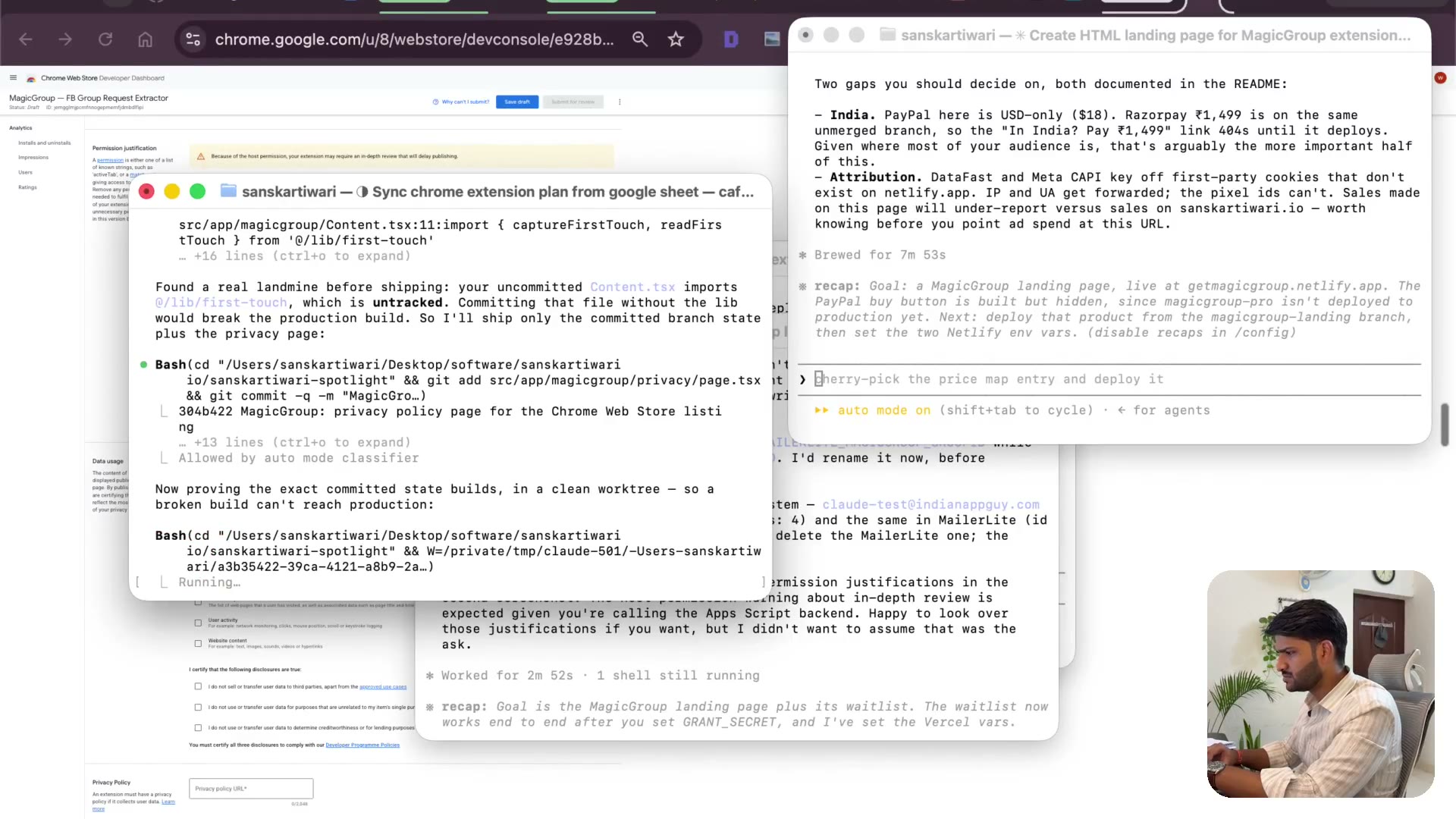
2:38What git actually is, explained the way I understand it: I used to copy my code somewhere before changing it so I could get back. Then merging, a green build, and the landing page live.
Transcript preview
First search, which is untracked committee, guys, I would just like to mention one thing. You'll face less troubles because you'll be working on a new site. I have an existing site, there were a few things which I was working on, that's what it was talking about. So when it says clean work tree, I'll just explain you what a work tree is. Git, I need to explain Git right. So Git is a way for you to keep track of your code changes. So what I used to do was whenever I make some code changes, I'll copy the code and keep it so that if I made some fault later on, I can at least come back to that code. And that is what Git helps with. You can have a versioning system, so every time you make some changes, it helps. I'm going to quickly take all three certification, everyone is true in your privacy policies, all three certification boxes, I don't see, I certify, I certify, I certify. Then he says, did he give you the URL changes, remote code change to know, remote code change to know. And take these three, personally identified authentication information, personally identified authentication information, and website content, website content, okay, I clicked on those. I need a privacy policy URL also, you're a bit of thin reviewers read them literally. So okay, let's see, single purpose, say, storage is this. This is the storage, one is stored, and scripting inject this, inject this scraper. Active tab, active tab is this, yeah, a little bit descriptive.…
The full lesson — video and transcript — is part of Vibe Coding.
Get Vibe Coding →