Taking payment with a PayPal button
2:18My site has too many payment options, which makes it a bad example. So here's the simple version: a PayPal button. Why it's the fastest way to take money internationally, and the doc trick I used for years to publish policy pages without building any.
Transcript preview
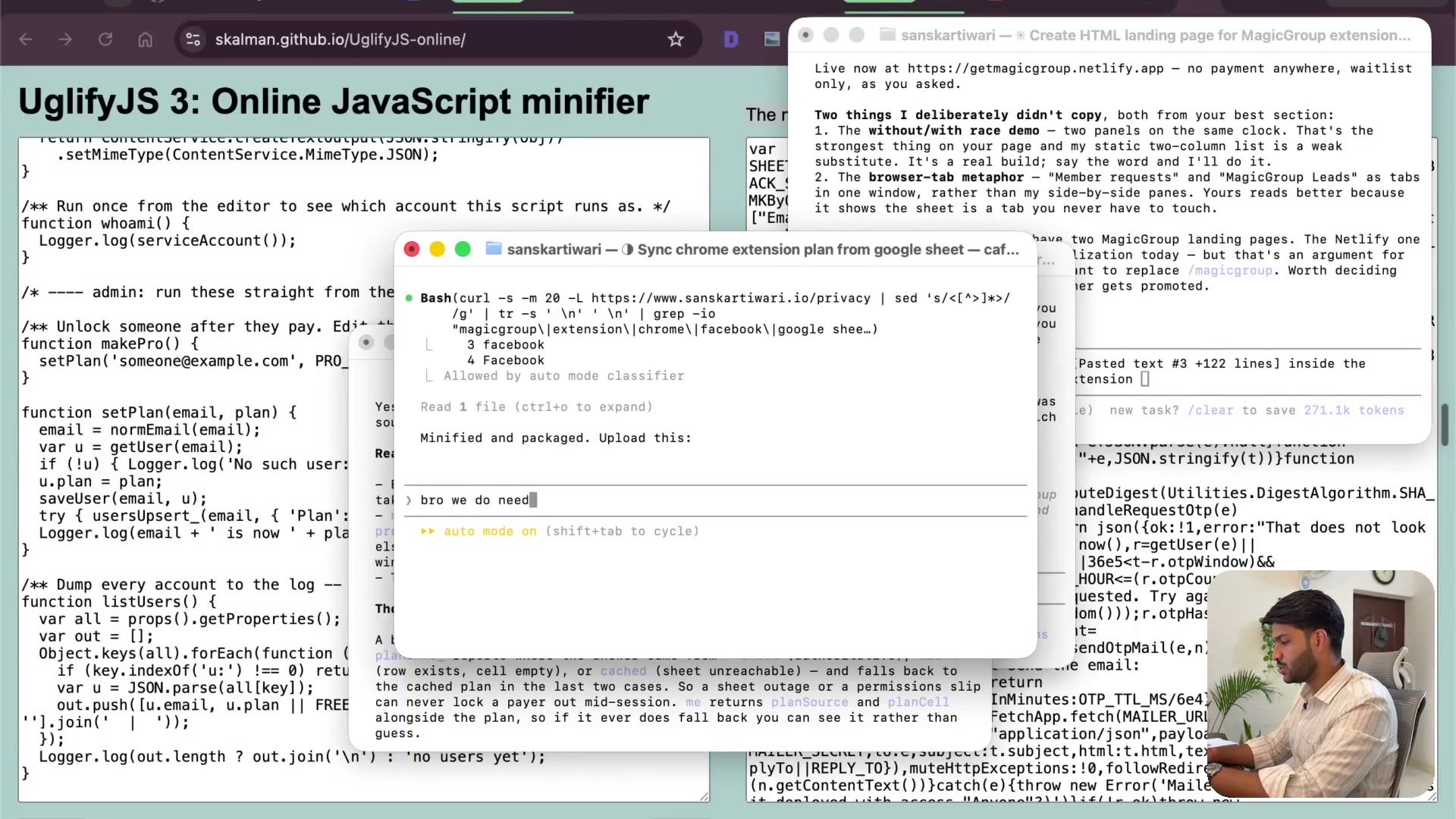
So I want to let him know, bro, we do need to add a privacy policy page, but we build this HTML site as well. We already worked on the Sanskar website, so I think that's fine. So Sanskar Divari website has too many payment options, so it might be a little bit complicated, but keep in mind guys, it's very easy. You can just use a PayPal button. I do want to show you, I don't want to miss that. But all you need to just ask it, you need to go to Razorpay, copy your API key, and paste that there. The whole code webhook will be handled. As I said, I highly recommend you use the PayPal button. So I'm going to ask it that, that inside the software with the Chrome extension. Now I just want to get rid of this. It's a bit complicated to open up PayPal and then show you that. So I'm going to just still ask, I want to add a PayPal payment buy now button for payment. You know, when I used to create a Chrome extension five years ago, I used to create a privacy policy using a template of something. There has been time where you are like literally trying to find some company and you'll be like, okay, we need this title. And again, the coding was not that easy to create ad pages and such. So what I used to do is I'll take the privacy policy, put that on Google Docs, and get a public shared URL. And I put that when I'm asked for a privacy policy. So yeah, times have changed a lot. But pages written, verified locally, here's where it stands. I have not deployed it. I think we are ready to deploy,…
The full lesson — video and transcript — is part of Vibe Coding.
Get Vibe Coding →