One call to action & getting the mockup right
3:48One primary CTA, one secondary link under it. Paste screenshots into Claude with Ctrl+V, not Cmd+V. I draw a rectangle straight onto the screenshot to show exactly where the mockup goes — same shape sizes, arrows, a glow moving through the flow. Understandable without reading.
Transcript preview
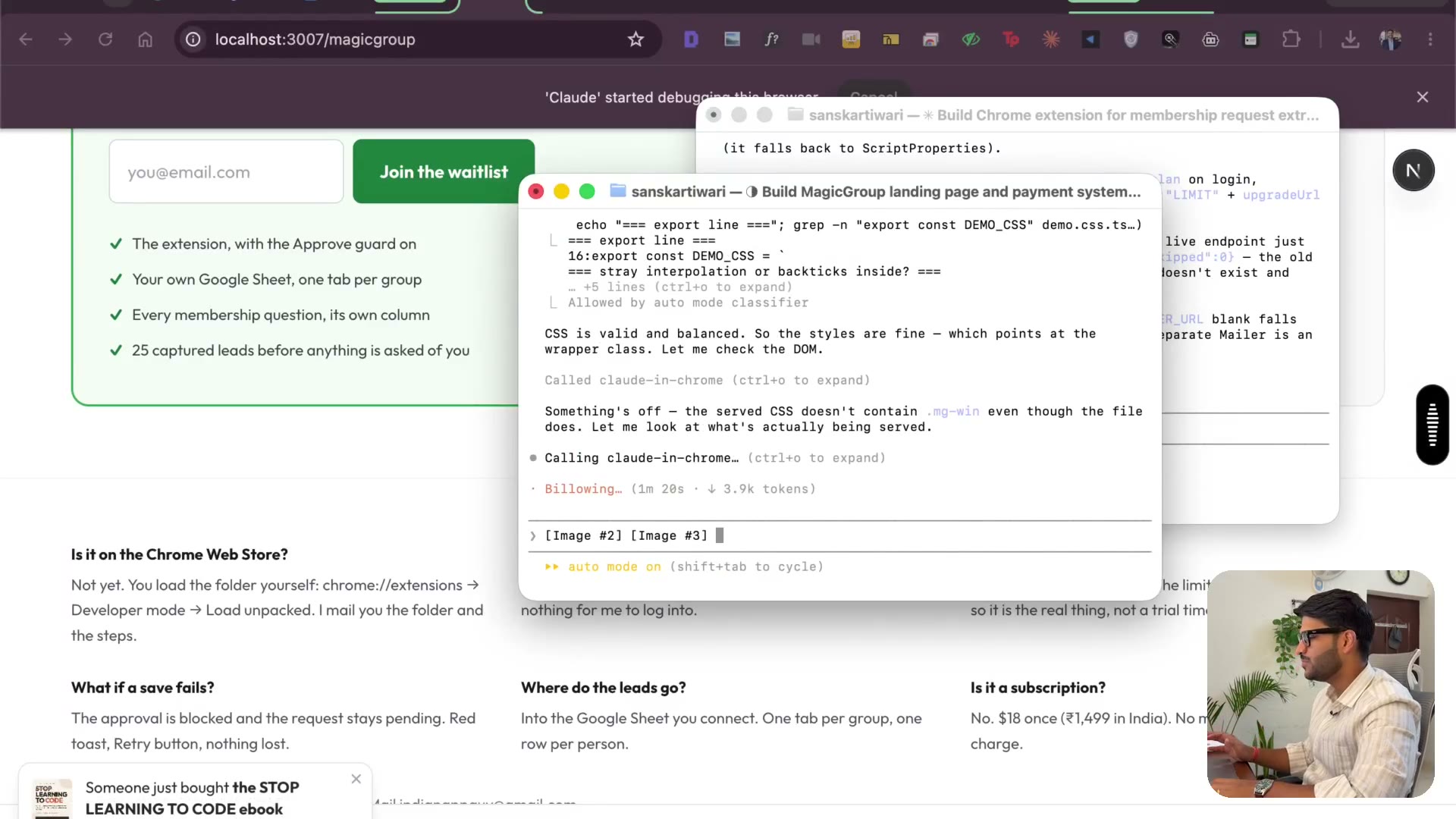
whole section and then another whole section for pay. Don't make it two things, right? Only have a single call to action, which will have a secondary call to action like a link just below that or by lifetime, right? Running. So later on, once our extension is live, maybe we can make the by lifetime, the primary call to action or something like that. But we need to make it right now to join the waitlist thing. The first focus I want you to do is to create beautiful mockups. Let's talk about number, less text and more mockups so that we can kind of show whatever product does less rather than telling. Oh, I'm really just to give you an idea. This is what Claude made me just a day before. Now it's kind of not doing a good job over here. I'm not happy. Let's give it a check. The sticky call to action is for mobile only not on next stop. It's useless knowing. We can remove this and we need the mockup here. So I'm just going to quickly draw. So remove the thing which is there in the above the title, make the font size of the subtext, which is below the title smaller. Then I have drawn a rectangle. I want the mockup to be there. I don't want people to have to scroll to see any mockup. This mockup should be directly visible there. You know what happens is sometimes it gets really confused about these kind of things. And that is kind of happening. I'm not getting a full good view about it. So I just will try Grog here as well. Now you might be thinking since I just bought Claude. Do you want me to buy Grog again? No, man. It can work out for you. It usually works out. Right now it's kind of causing a little bit trouble. You know, maybe let's just do one more thing. I'm just going to use Claude only. I'll close this. I don't want you to have to buy two…
The full lesson — video and transcript — is part of Vibe Coding.
Get Vibe Coding →