Xcode, plan mode and the logo prompt
3:15Install Xcode from the App Store, let Claude set up the emulator, hit shift+tab for plan mode — and the exact logo prompt that returns five options rendered in Chrome.
Transcript preview
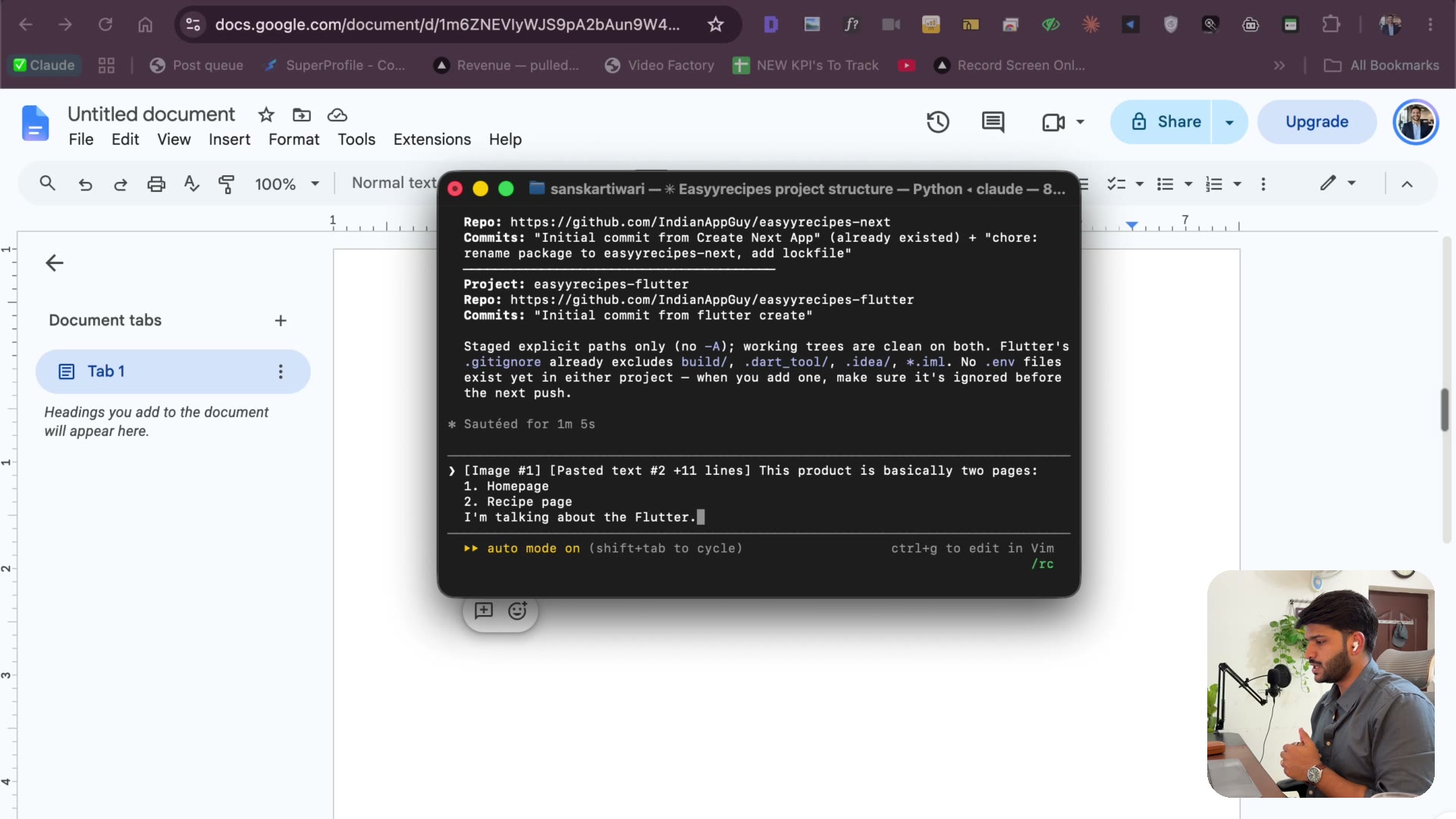
Now, when you're doing the Flutter development, if you're on Mac, make sure to install Xcode. It's this one, and it's something you can download from App Store, right? This apps, you just search for Xcode, and you'll be able to download actually from App Store. You can just download. And again, if there is anything, Claude will be able to help you download. Nothing is such complicated. emulator part that you'll need to set up again, setup will be very simple. You can just ask Claude that, hey, can you run it? It will be running a few commands, download the emulator and run it for you. Now, two pages, I'm talking about Flutter. So what will happen is we are trying to create an application which will be able to accept send request from Instagram. What will happen is people will be scrolling on Instagram, they'll hit the send button, they should be able. So as I said, they will hit the send button and they should be able to open that inside the app, app will find the Instagram real ID and stuff, give that to the platform, Appify, that Appify platform will give the transcription of that particular real. And from that transcription, we'll be able to get all the details which are in the screenshot, which is the title, we need to come up with the title using AI, we need to get the Instagram username, we need to get a description of that recipe prep time, cook time, total time in ingredients, right. And that will be all for that and they should be able to get the prep time and all the details which are mentioned inside the screenshot, we need the summary, we need the title, we need the Instagram name, we're trying to create a similar layout to the screenshot I have shared with you. Now, when you're giving that, make sure to hit shift and tab for the plan mode to occur…
The full lesson — video and transcript — is part of Vibe Coding.
Get Vibe Coding →