Uploading the extension — zip, icons, screenshots
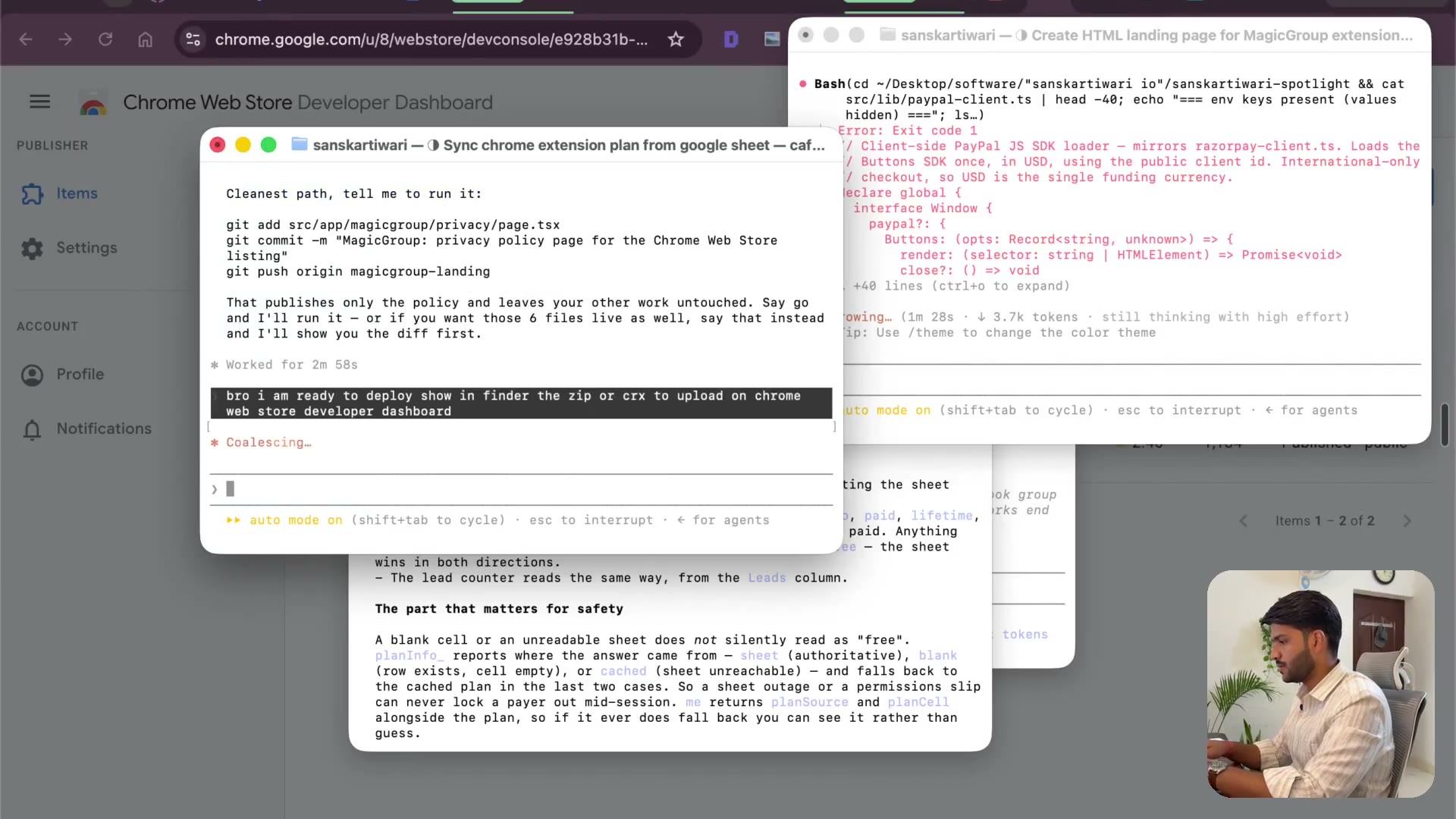
2:40The developer dashboard, version 1.0.0, and the assets it demands: 512×512 icon, screenshots, the lot. This is the stage I used to get stuck on for hours, missing one requirement at a time.
Transcript preview
developer - board So we have the zip I am going to click on this I am going to click on that and Are you ready guys? This is one point zero point zero. It's so easy for you guys I still remember having to kind of create multiple times, but I'll miss something this and that Guys you are living in a crazy times and even if you're not if you're not executing now Give me description brother By the way, it can literally handle it I guess let's let's try that right it'll be fun. Hey, man Can you just get help me get all this done generate? the screenshot and Help show in finder. I will upload do the other stuff. I want to publish this extension It's really really magical on what's possible to be do done by Claude I mean I am remember like I used to get stuck on these pages and I'll not be able to continue With the publishing part because I'll be like so much work. I need to make a video. I need to create an image I need to there is a privacy. There's a distribution There was a few more things, but now you I am excited to see how cloud is going to control my chrome And things are gonna happen. I think I can provide a URL as well to speed it up a little bit. Maybe It's making the image How do I know you see this SVG thing over here SVG? This is basically an image being created I also got it from the viewport I think this is I can because 512 by 512 512 by 512 is basically the size of when you create a logo It's going pop-up CSS it hasn't taken control yet, so let's let's wait for it…
The full lesson — video and transcript — is part of Vibe Coding.
Get Vibe Coding →