Setting up Claude Code on Mac
3:29My own full walkthrough on a Mac. Google “Claude Code”, grab the one-line CLI command, paste it into Terminal, then run “claude” and sign in with /login. Why I still prefer the terminal over the desktop app, and why I pick a Claude subscription (Pro/Max) over the pay-as-you-go API. Start to finish, no code. The command (Mac Terminal): curl -fsSL https://claude.ai/install.sh | bash Windows PowerShell: irm https://claude.ai/install.ps1 | iex Then run: claude
Transcript preview
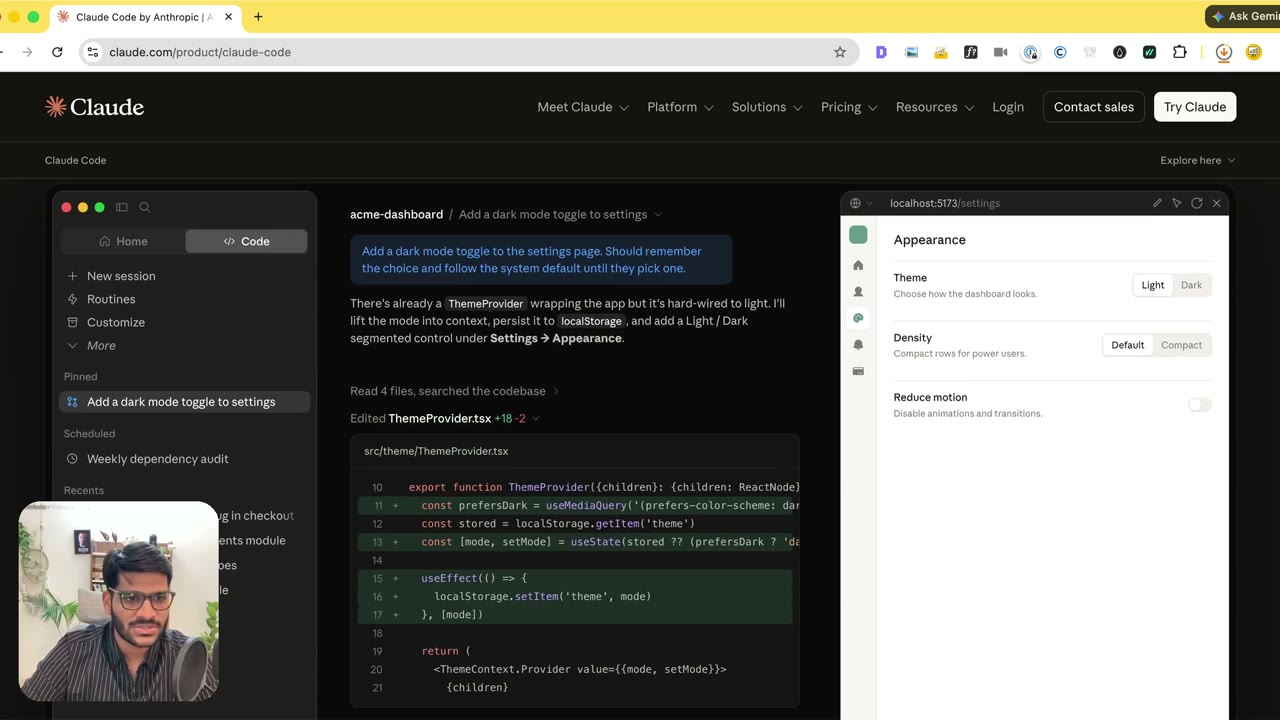
So hello everyone my name is Sanskar and in this video we will be going through how to set up Claude Code. Now if you use Mac this is the video for you I'll be making a separate video for Windows people. The process is quite simple all you need to do is you need to Google Claude Code. When you go over there they should probably give you a single line of code to copy. By the way it's available at so many places now. Wait a second I think they launched their own. Guys I'm shocked I have been using it through terminal and let's see let's see what they have launched. So looks like they have wait I think they're just asking me to download for the Claude app. No guys that's not what I recommend. I'll actually suggest you to find the CLI approach. So what is this is the CLI approach. Okay you see this command you just copy that command go to your terminal and paste that command. Once you paste that command the installation will happen. Now if you ask me that hey Sanskar what's the difference between using the Claude Code app versus using via the terminal. My experience has been very flawless if you use the terminal compared to using the app. The reason being this is what I think is that when you use the app there comes a kind of a middleman in the middle of you interacting with the device while the terminal is kind of directly connected. That's how ISC is associated because everything they do in the app they have to particularly think about it beforehand. On the other hand on terminal Claude Code have free hand to run sorts of different commands so I'm not sure why it's taking some time me it's quite confusing. Okay I'll try this again. Copy the command go over there click on…
The full lesson — video and transcript — is part of Vibe Coding.
Get Vibe Coding →