Script properties and the store images
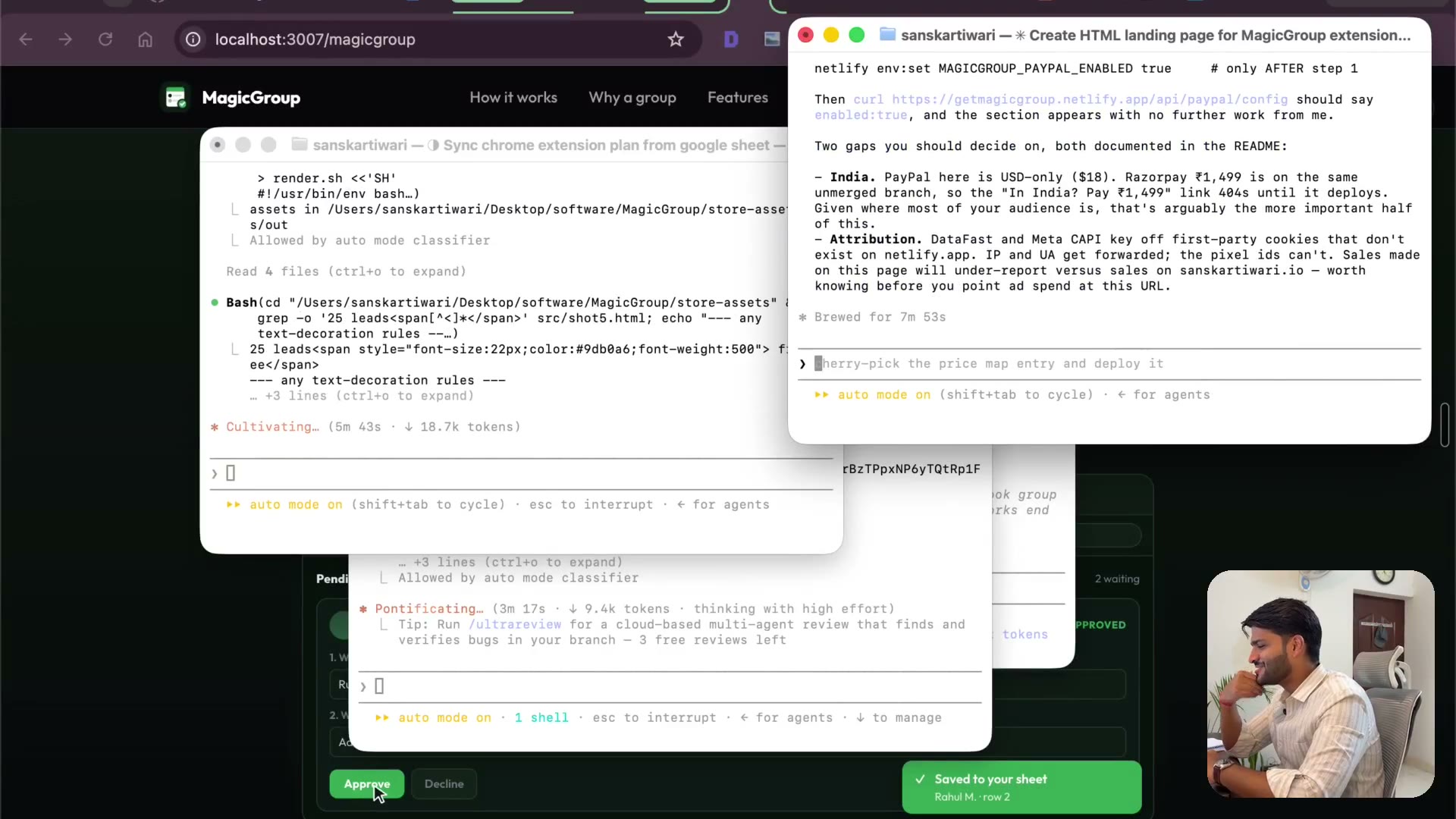
2:10Wiring PayPal IDs in as script properties instead of pasting them into code. Then generating the store images — I genuinely didn't expect what came back.
Transcript preview
It was able to fetch my existing PayPal ID's credentials from another app and put them here. Keep in mind, you don't really have to worry, it will really, you just need to copy your API keys from PayPal and give it to it. That's all. There is a developer dot, let me just open it up for you at least. You just log in here, now please don't let me have to reveal my credentials. It's not safe, right? So now it's saying to add a variable value. So I'm going to go here, I'm going to add one more, add script property. It's this one, I'm going to copy, save and I'm going to take a screenshot. So it's clear what this is. This one is not the mail one, this is the code dot gs. So I'm going to code dot gs, add it, but I'm excited. We have images, we have beautiful images, we have extremely beautiful images. I'm lost for words, seriously I'm lost for words. These are the images guys. Now literally when I'm creating software, I was working on a video editor, I was like, is it like creating everything, I mean like everything. So are you excited, let's get these added, right? So I'll firstly start by store icon. So we must have a store icon, this is the store icon, yes, done. Store icon done, screenshots, screenshots, yes, yes, yes. So I think I'm guessing, oh listing dot md, this one is the file, you can open it in karsat…
The full lesson — video and transcript — is part of Vibe Coding.
Get Vibe Coding →